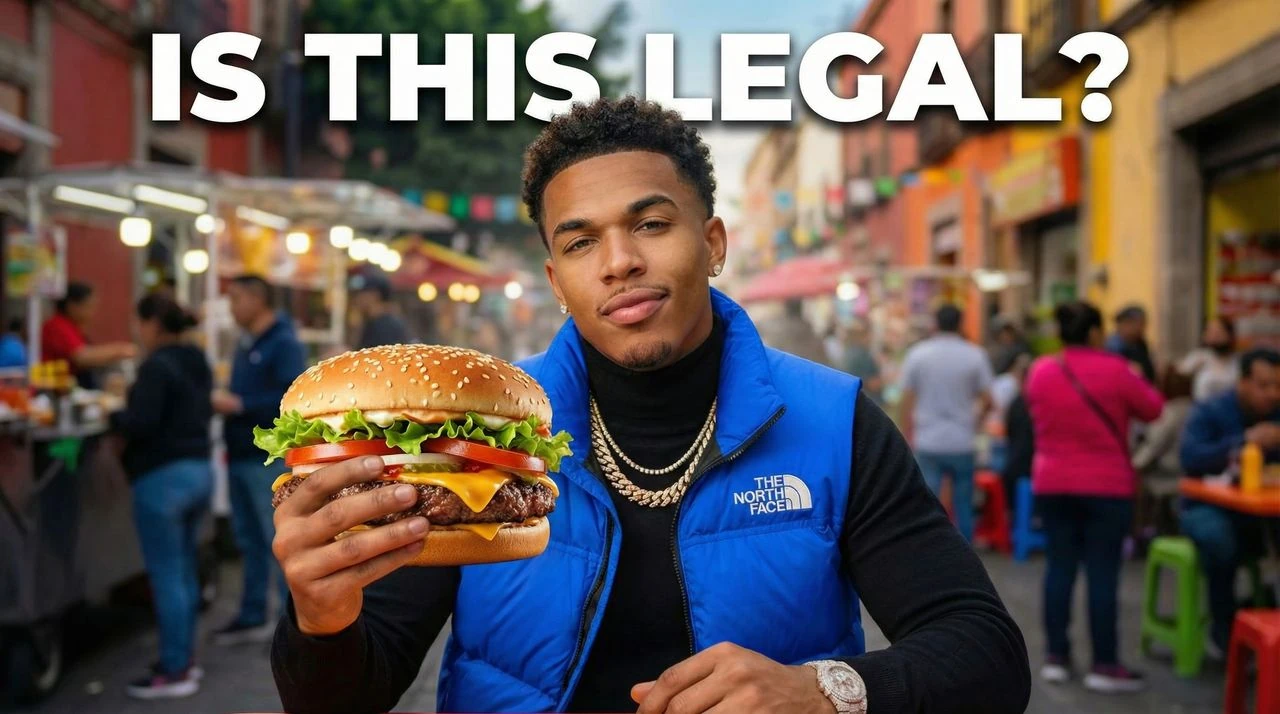
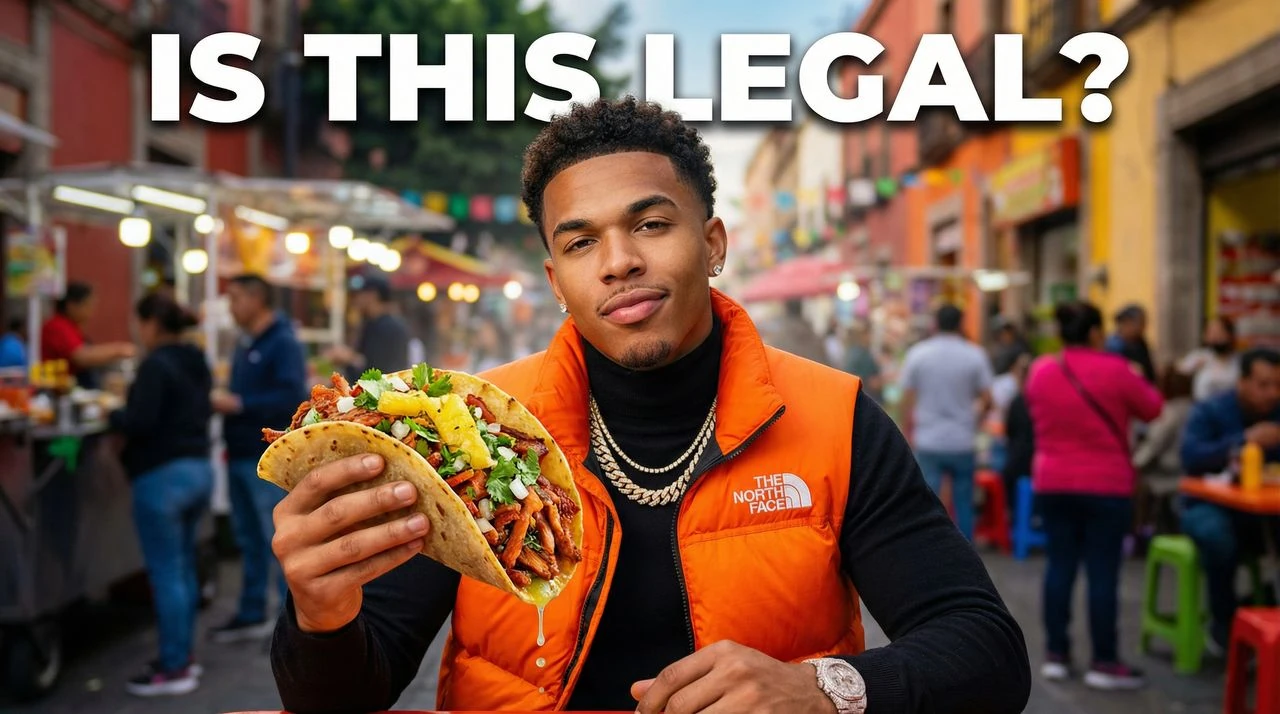
AI Educational Thumbnail Generator. Clickable Lessons.
Ditch boring software screenshots. Create professional educational thumbnails for YouTube tutorials built with clean typographic hierarchy, before-and-after grids, and high-authority layouts.
How to Make Educational YouTube Thumbnails
Convert deep course topics, code languages, and step-by-step tutorials into clean, high-performing thumbnail designs instantly.
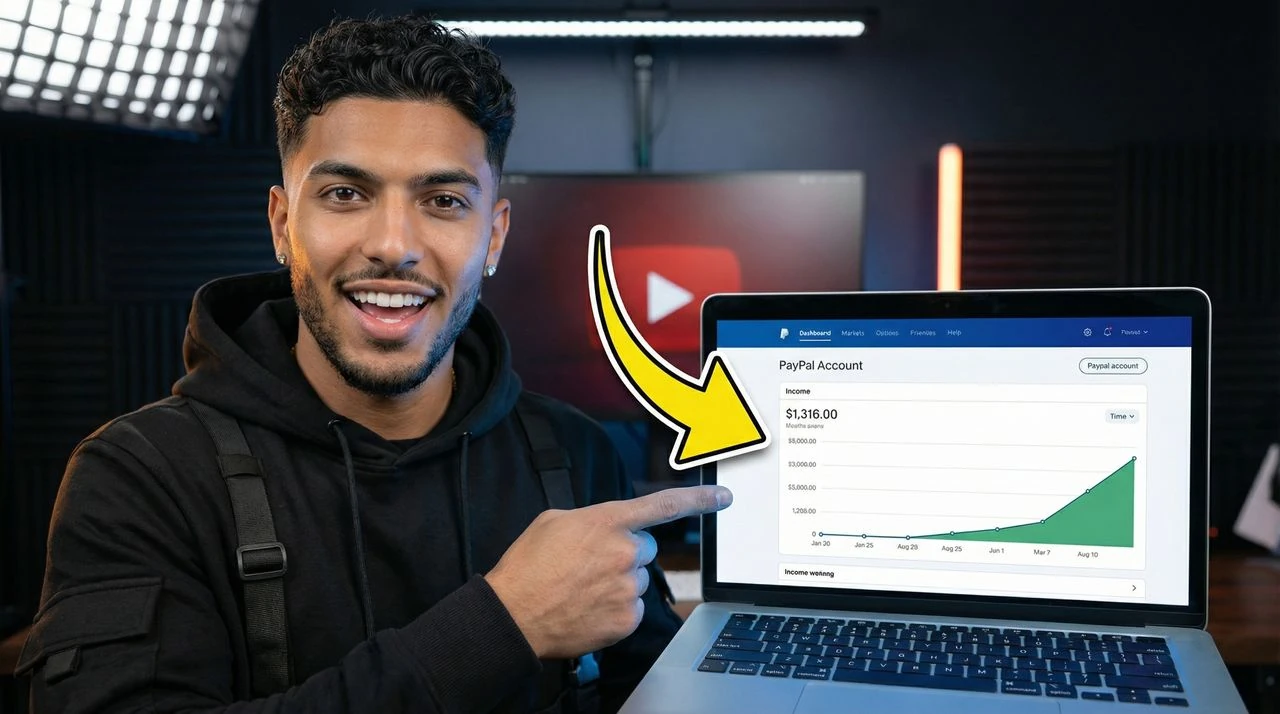
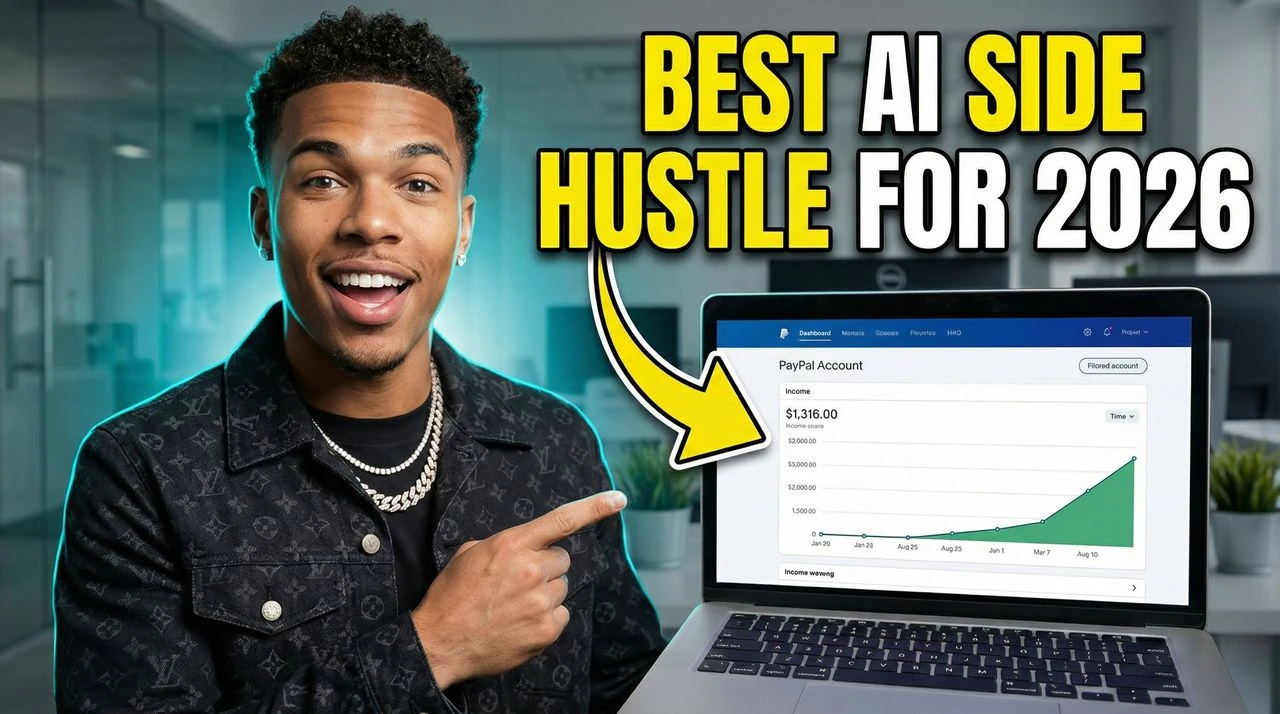
- Generate from Text: Describe your video topic and AI creates 4 thumbnail options instantly. Perfect for beginners.
- Recreate Any Viral Thumbnail: Paste any YouTube URL. AI analyzes what works and recreates the style with your content.
- Improve with AI Editing: Tell the AI what to change in plain English. Adjust colors, text, layout—no Photoshop needed.
Turn complex topics into clean, clear ideas.
Students look for clear structure and immediate value. Our instructional design tools establish professional channel trust with curious viewers looking to learn. Optimized for AI Educational Thumbnail Generator, educational thumbnails for YouTube tutorials, before-and-after course layouts, step-by-step lesson covers, and searches related to software step-by-step guides, academic whiteboard studies, coding repository breakdowns.
- Before vs After Layouts: Easily build clean split-screen comparisons or side-by-side grids to show the immediate value and results of your tutorial.
- High-Legibility Fonts: Use clean, highly legible font weights structured to keep technical lesson names and coding topics easy to read on phones.
- Professional Personal Branding: Apply polished, minimal framework elements that elevate your channel authority and make your video look like a premium course.
- Clean Graphic Spacing: Every template balances your text and UI screenshots cleanly, ensuring your main educational hook never looks messy or overwhelming.
- Designed for "AI Educational Thumbnail Generator" searches: Optimized to align with searches for "AI Educational Thumbnail Generator" and "educational thumbnails for YouTube tutorials", helping your videos gain visibility in YouTube search and suggested feeds.
- Tailored to Educational and Tutorials channels: Built around actual creator patterns like software step-by-step guides and academic whiteboard studies, matching your layouts to your specific audience's expectations.
- Solves Educational and Tutorials design challenges: Our AI-powered generator directly handles critical choices like background separation, clear readability, and contrast scaling.
Educational Layout Best Practices
VisualKit is free to try, with premium subscription plans starting at $20/month for high-speed custom generations.
What makes an educational thumbnail drive high click-through rates?
Immediate value clarity. Viewers looking to solve a problem need to see the exact outcome or software tool within a fraction of a second, without getting distracted by a messy canvas.
Can I embed custom software code snippets or web UI mockups?
Yes. The AI template framework cleanly integrates tech graphics, code blocks, or interface boxes into your background layers while keeping text overlays perfectly readable.
Will technical chart labels and text lines remain readable?
Yes. All files are exported at standard 1280x720 HD formats using highly defined rendering steps to ensure small text characters and interface labels stay fully legible on small screens.
Is this engine optimized for complex coding and business channels?
Yes. The template library adjusts dynamically to your topic, switching from modern, clean programming styles to sophisticated layout palettes for business strategy breakdowns.
How many words should I include on an instructional thumbnail?
Keep your text overlay limited to a punchy 3-to-4 word phrase that highlights the ultimate reward of the lesson. Put the technical details in your actual video title.
How long does it take to make a matching set of thumbnails for an online course?
You can generate a uniform collection of templates in under a minute, making it simple to maintain a polished, professional brand across a whole video series.
What makes a dedicated AI Educational Thumbnail Generator better than a basic image editor?
Standard graphic tools require tedious, manual design. A specialized AI Educational Thumbnail Generator is built for the exact requirements of Educational and Tutorials content—instantly generating high-end variations in under 60 seconds to help support your channel's CTR.
Can I use this generator to generate assets like before-and-after course layouts?
Yes, the system is highly versatile. It automatically adapts spacing and dimensions to help you create "before-and-after course layouts" or specialized standalone channel graphics without breaking your visual brand consistency.
How do I optimize the generation logic to improve my Educational and Tutorials CTR?
Focus on clean focal points (such as highlighting your central software step-by-step guides assets), limit text overlays to 2 or 3 bold words, and let the AI balance contrast ratios so your thumbnails stand out in crowded home feeds.