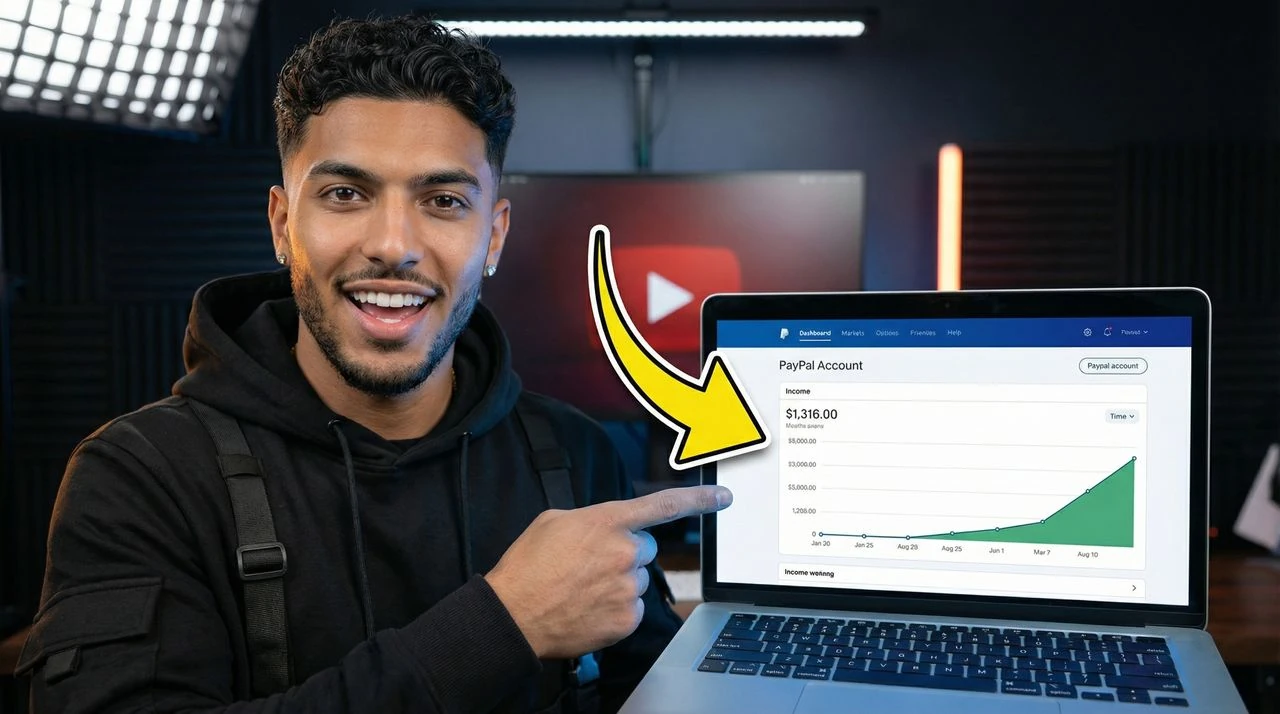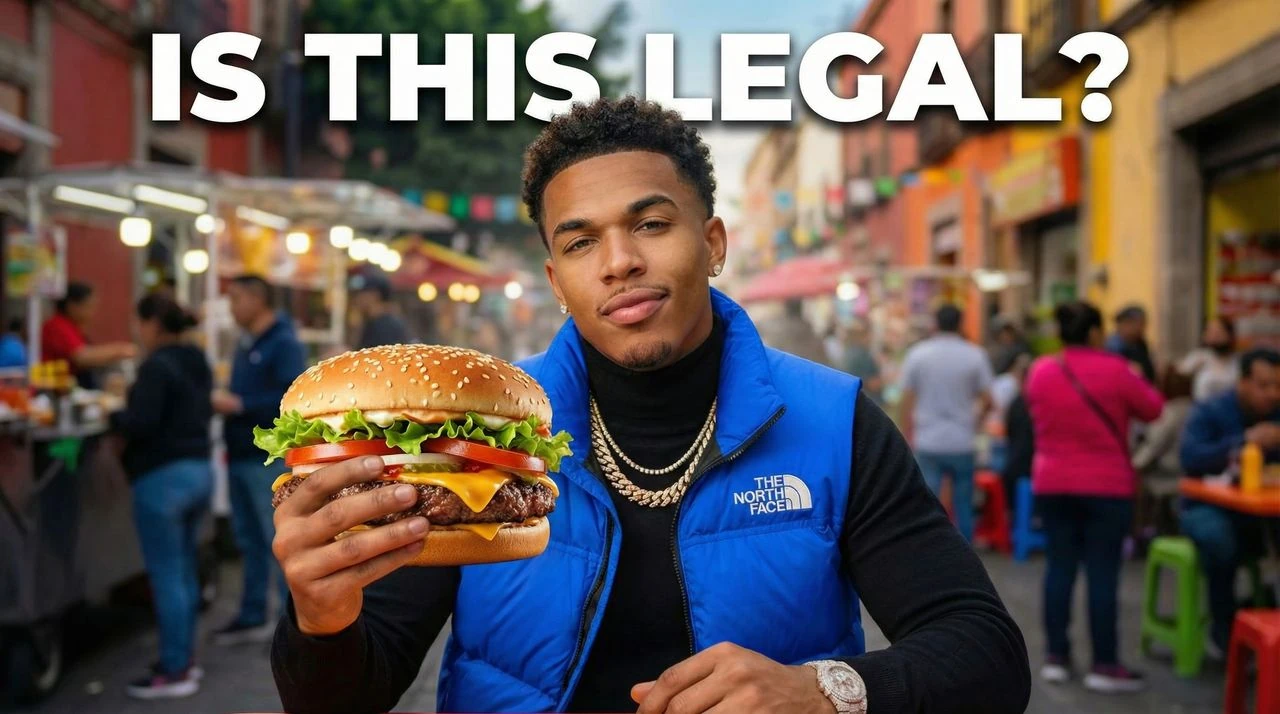

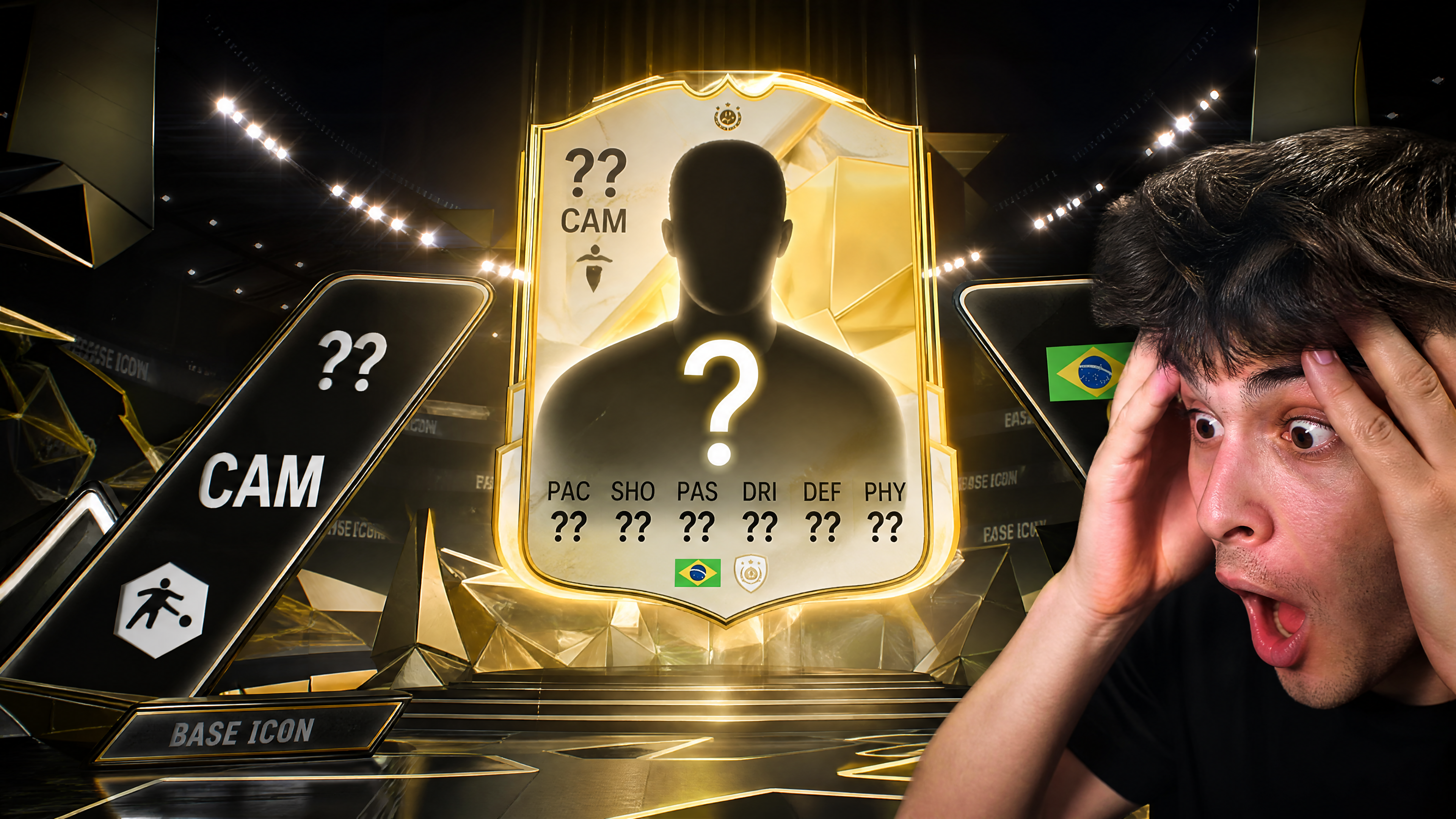
FC 26 Thumbnail Maker. Ultimate Team Ready.
From FUT pack openings to Career Mode saves, this FC 26 thumbnail maker generates clean EA Sports FC 26 YouTube thumbnails for Ultimate Team, Pro Clubs, and squad upgrade videos in under a minute. Generate FC 26 thumbnails for Ultimate Team and FUT packs Career Mode, Pro Clubs, and squad upgrade layouts
How to Make FC 26 Thumbnails
Use VisualKit's free fc 26 thumbnail maker to make fc 26 YouTube thumbnails that actually get clicked — no Photoshop, Canva, or design experience needed.
- 1. Describe your FC 26 video: Type your video idea — for example, a hardcore run, a ranked win, or a new FC 26 guide. The AI uses your prompt to generate fc 26 thumbnail ideas in seconds.
- 2. Compare multiple thumbnail options: Get several finished fc 26 thumbnails to compare side by side, then pick the one with the strongest hook for your channel.
- 3. Download and upload to YouTube: Export your thumbnail at 1280x720 (YouTube's recommended size) and upload it directly — or run a YouTube A/B test with multiple variations.
Make FC 26 videos impossible to ignore.
Free FC 26 thumbnail maker for Ultimate Team, FUT packs, Career Mode, and Pro Clubs. Generate clean 1280x720 EA Sports FC 26 YouTube thumbnails in under a minute.
- Built for FC 26 Creators: Every layout is tuned for FC 26 thumbnails — Ultimate Team, Pro Clubs, Career Mode, and tactics videos — using framing real football gaming channels use to drive CTR.
- Clear Match and Squad Hooks: Each FC 26 thumbnail is built so viewers instantly see the upgrade, the pack reward, or the match result before they even read your title.
- Mobile-First Readability: Your FC 26 YouTube thumbnails are checked for readable text and clean focal points on small mobile previews where most YouTube viewing now happens.
- Multiple AI Variations: Generate several FC 26 thumbnail ideas from a single prompt — pack-opening style, Career Mode story, Pro Clubs match, or tactics guide — and pick the strongest hook.
- Ultimate Team and FUT Content: Create FC 26 thumbnails for FUT pack openings, squad upgrades, transfer market flips, and Champions weekend recaps.
- Career Mode Uploads: Make FC 26 thumbnails for transfer stories, youth academy saves, season objectives, and journeyman Career Mode series.
- Pro Clubs, Tactics, and Guides: Design FC 26 YouTube thumbnails for Pro Clubs matches, formation breakdowns, custom tactics, and gameplay tutorial videos.
- Ultimate Team and FUT Pack Thumbnails: Create FC 26 thumbnails for FUT pack openings, squad upgrades, and Ultimate Team highlights with player rating callouts and before-and-after squad framing.
- Career Mode Thumbnails: Make FC 26 thumbnails for Career Mode saves, transfer stories, and youth academy progress with simple story-driven hooks and table or result labels.
FC 26 Thumbnail Questions
How do I make an FC 26 thumbnail for YouTube?
Type your FC 26 video idea — like a FUT pack opening, a Career Mode transfer, or a Pro Clubs match — and the AI generates several finished FC 26 thumbnails in under a minute. Pick your favorite and download at 1280x720 for YouTube.
Can I make FC 26 thumbnails for Ultimate Team and FUT videos?
Yes — the Ultimate Team style is built around FUT pack pulls, squad upgrades, and player rating reveals. It uses before-and-after framing so viewers instantly see the upgrade or pack reward in the thumbnail.
Does this FC 26 thumbnail maker work for Career Mode and Pro Clubs?
Yes — Career Mode and Pro Clubs are first-class styles. Generate FC 26 thumbnails for transfer stories, youth academy saves, season objectives, Pro Clubs matches, and custom tactics breakdowns with clear, story-focused hooks.
What size should FC 26 YouTube thumbnails be?
FC 26 YouTube thumbnails should be 1280x720 pixels (16:9), which is YouTube's recommended size. Every export from this FC 26 thumbnail maker uses that exact resolution so your thumbnails stay sharp on every device.
Can I make EA Sports FC 26 thumbnails without Photoshop?
Yes — this EA Sports FC 26 thumbnail maker is built for creators, not designers. You type your video idea in plain English and the AI handles the layout, text, color, and composition, so you never need to open Photoshop or Canva.
Can I keep one visual style across all my FC 26 uploads?
Yes — once a layout fits your channel, reuse the same colors, text style, and composition on every upload. Consistent FC 26 thumbnails help viewers recognize your videos in suggested and on your channel page.
Is the FC 26 thumbnail maker free?
Yes — VisualKit has a free tier so you can start making fc 26 YouTube thumbnails right away. Paid plans add more monthly generations, HD downloads, and additional styles for full-time creators.
What is the best FC 26 thumbnail maker for YouTube?
VisualKit is built specifically for fc 26 creators — not a generic image editor. It generates finished fc 26 thumbnails in under 60 seconds, exports them at YouTube's recommended 1280x720 size, and includes layouts proven to drive click-through on phones and desktop.
How do I get more clicks on my FC 26 YouTube videos?
Strong thumbnails are the #1 driver of click-through rate on YouTube. Use one clear subject, short bold text (2–4 words), and high-contrast colors. VisualKit's fc 26 thumbnail maker handles all three automatically, and lets you generate multiple variations so you can A/B test which one wins.
How do I make a FC 26 thumbnail for YouTube?
Start with the video hook, generate several fc 26 thumbnail layouts, choose the clearest option, then export at 1280x720 for YouTube.
Can I use VisualKit as a FC 26 thumbnail template tool?
Yes. Generate a strong fc 26 thumbnail, keep the layout direction, and reuse that structure across similar uploads so your channel stays consistent.
Is this useful for FC 26 thumbnail ideas?
Yes. Use the generated variations to compare hooks, colors, crops, and text before you publish the video.