Prompt to thumbnail
Say what happens in it
The win, the fail, the update, or the map. You get a few to pick from.
Make thumbnails for Fortnite gameplay, ranked games, montages, live streams, updates, and challenges. Show VisualKit a thumbnail you like. Compare a few options and edit your pick.
One subject. One idea. Sized 16:9 and ready to upload.
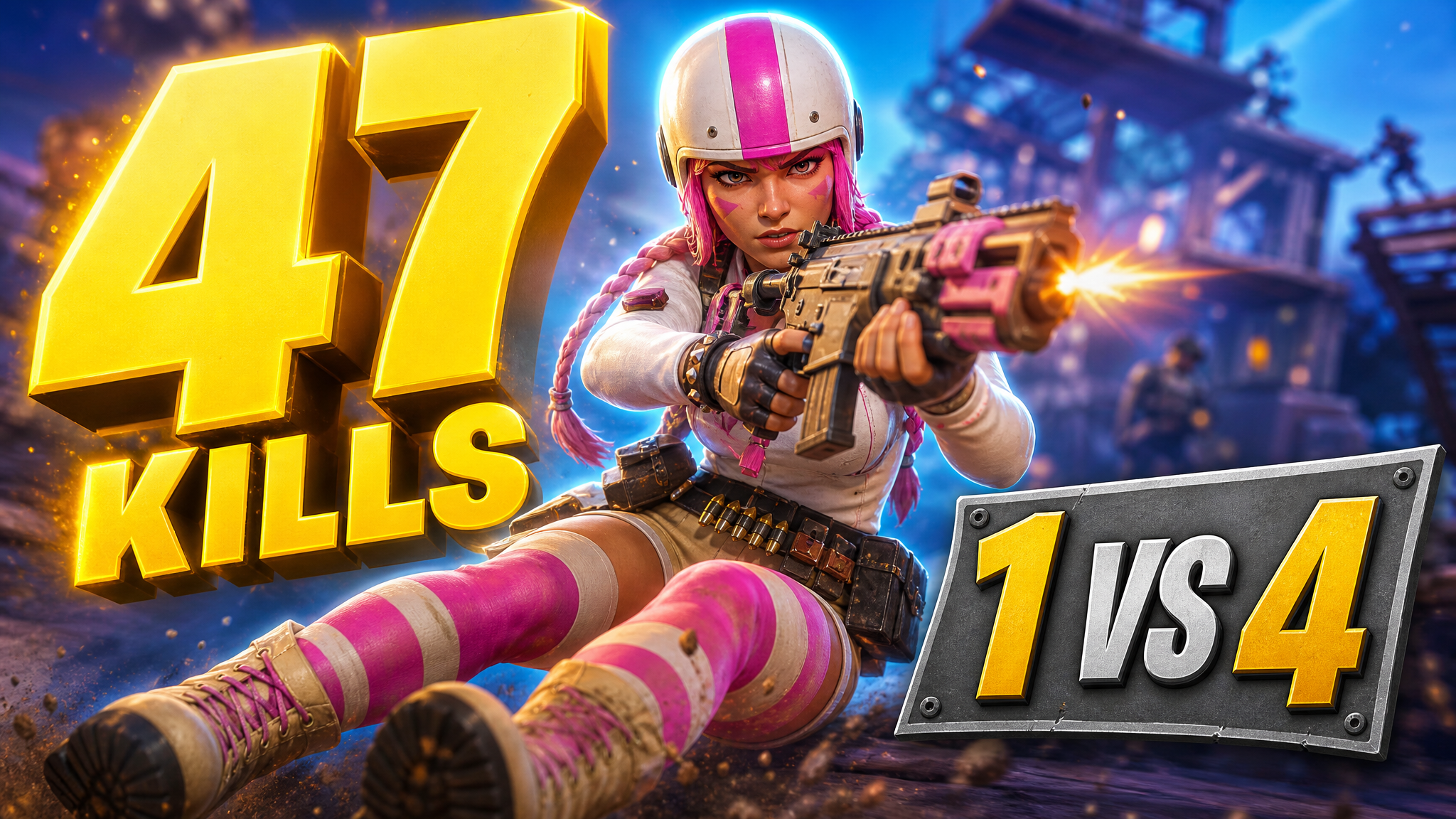
For a stronger first frame, use AI thumbnail maker to make a few ways to show the win, fail, or update.
Say what happens in your Fortnite video and pick the one you like.
The win, the fail, the update, or the map. You get a few to pick from.
Every thumbnail gets a score out of 100. One click fixes the weak part.
Your thumbnail

Checking click potential…
After one fix
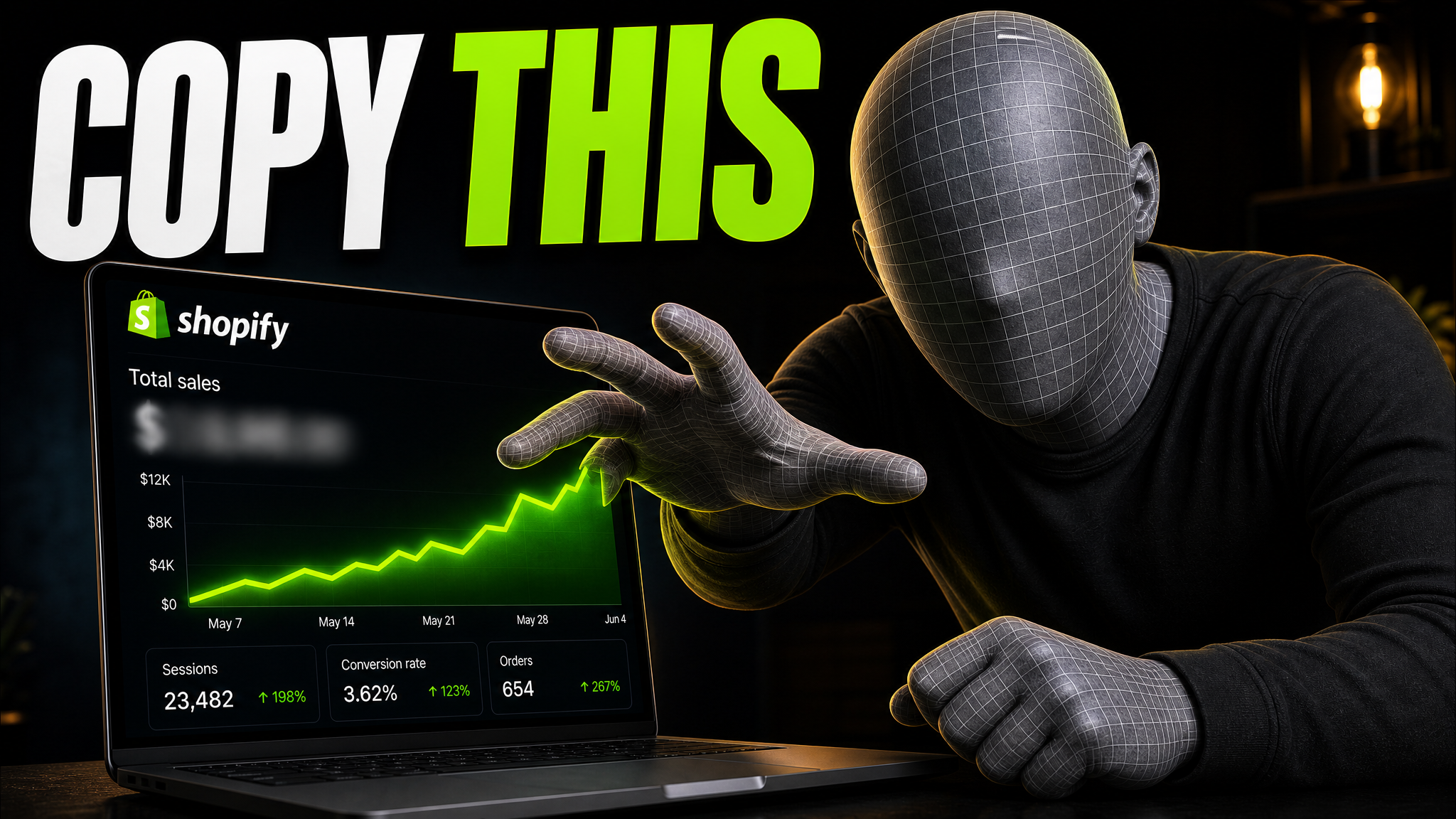
Your idea, with a sharper edge.
A better starting point for your next upload.
Ask for a bigger face or shorter text. The rest stays the same.
The edit, simplified
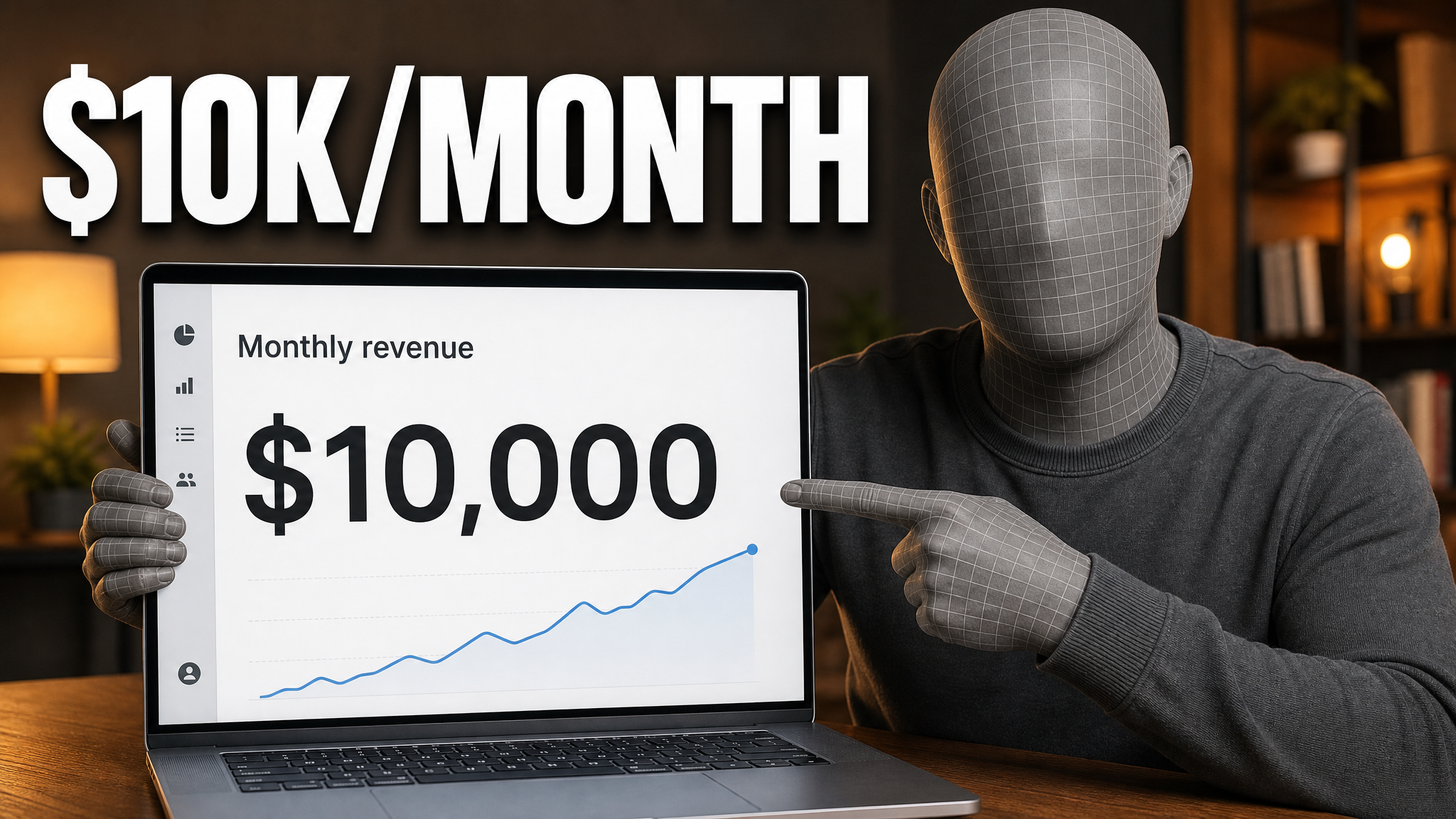
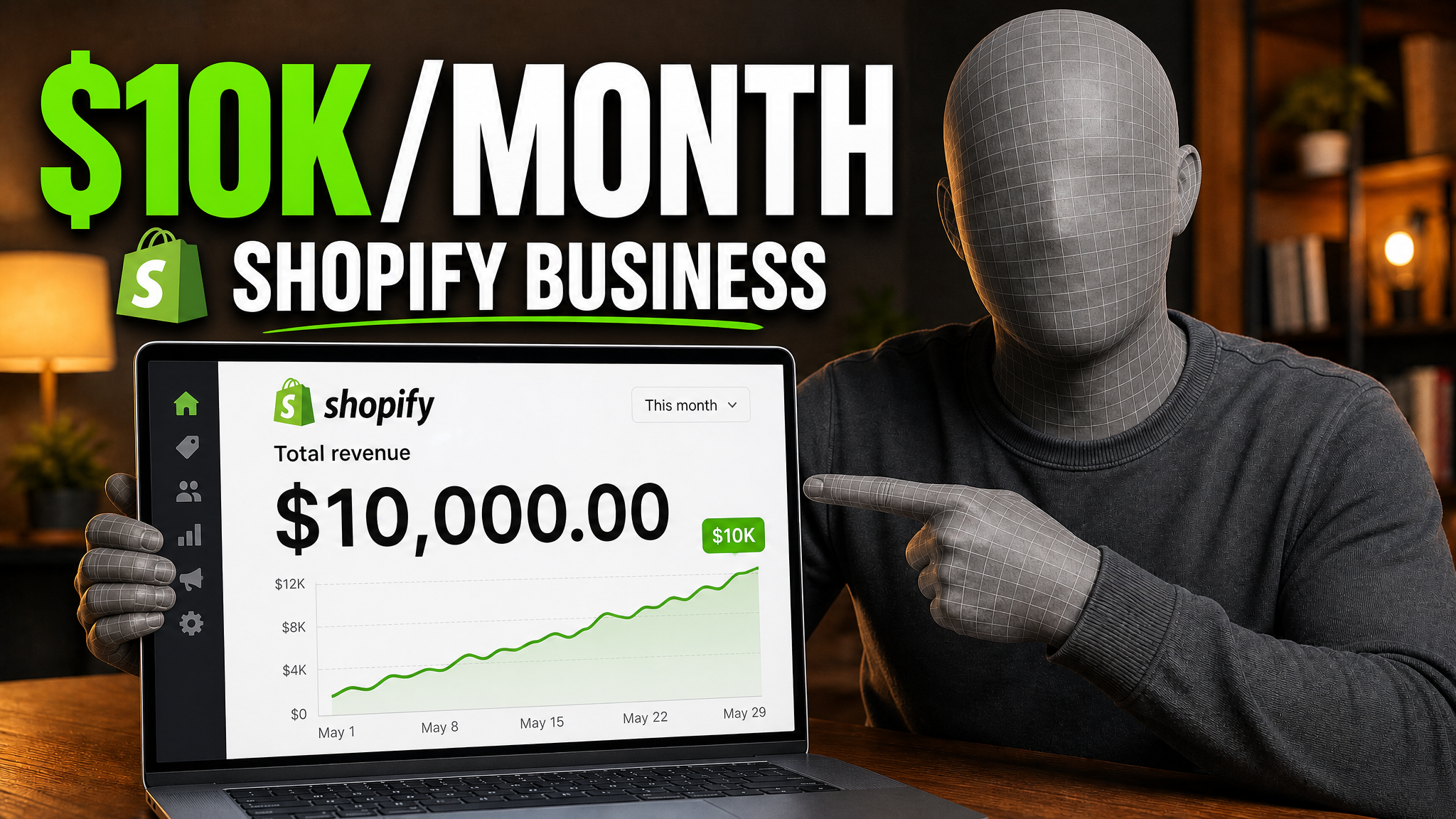
Your prompt
Make it about Shopify instead...
One instruction. A more deliberate thumbnail.
Download it and upload it with your video.
Start a free trial. Add your video idea, compare a few thumbnails, and edit your favorite.
If the thumbnail looks confusing, they click another video.
Each round of feedback can cost another day.
Other AI tools leave the same fake look. VisualKit is built to avoid it.
Why most Fortnite thumbnails get skipped, and what to do instead.
The mistakes that cost you the click.
See what you can make for gameplay, ranked games, montages, live streams, updates, and more.
Put the player, weapon, item, or clutch moment up close so the main action is easy to see.
Lead with the win, rank, score, or challenge result and keep the rest of the thumbnail simple.
Show two weapons, items, maps, loadouts, or results side by side without crowding the frame.
Create Fortnite thumbnails for Battle Royale matches, Zero Build, ranked climbs, wins, clutches, tournaments, and gameplay highlights.
Make Fortnite montage thumbnails for eliminations, edit plays, high-kill games, best moments, and Victory Royale highlights.
Create thumbnails for Fortnite live streams, events, ranked streams, season updates, new items, challenges, guides, and comparisons.
More thumbnail tools
Create, review, test, and compare your thumbnail before you publish.
More game thumbnails
Pick a game to see examples and common video types.
Choose a monthly credit allowance for your publishing schedule.
For creators posting consistently every month.
Includes:
For creators publishing several times a week.
Everything in Starter, plus:
For high-volume creators and teams.
Everything in Starter, plus:
Describe your Fortnite video. Add a screenshot if it helps. Compare the thumbnails, edit your pick, and export it.
Yes. Add a gameplay screenshot, character image, item, or other reference to guide the thumbnail. Only upload images that you have permission to use.
No. Describe the video, compare the thumbnails, ask for changes, and export your pick in VisualKit.
VisualKit exports Fortnite thumbnails at YouTube’s 1280×720, 16:9 size.
No. VisualKit is independent and is not affiliated with or endorsed by Epic Games.