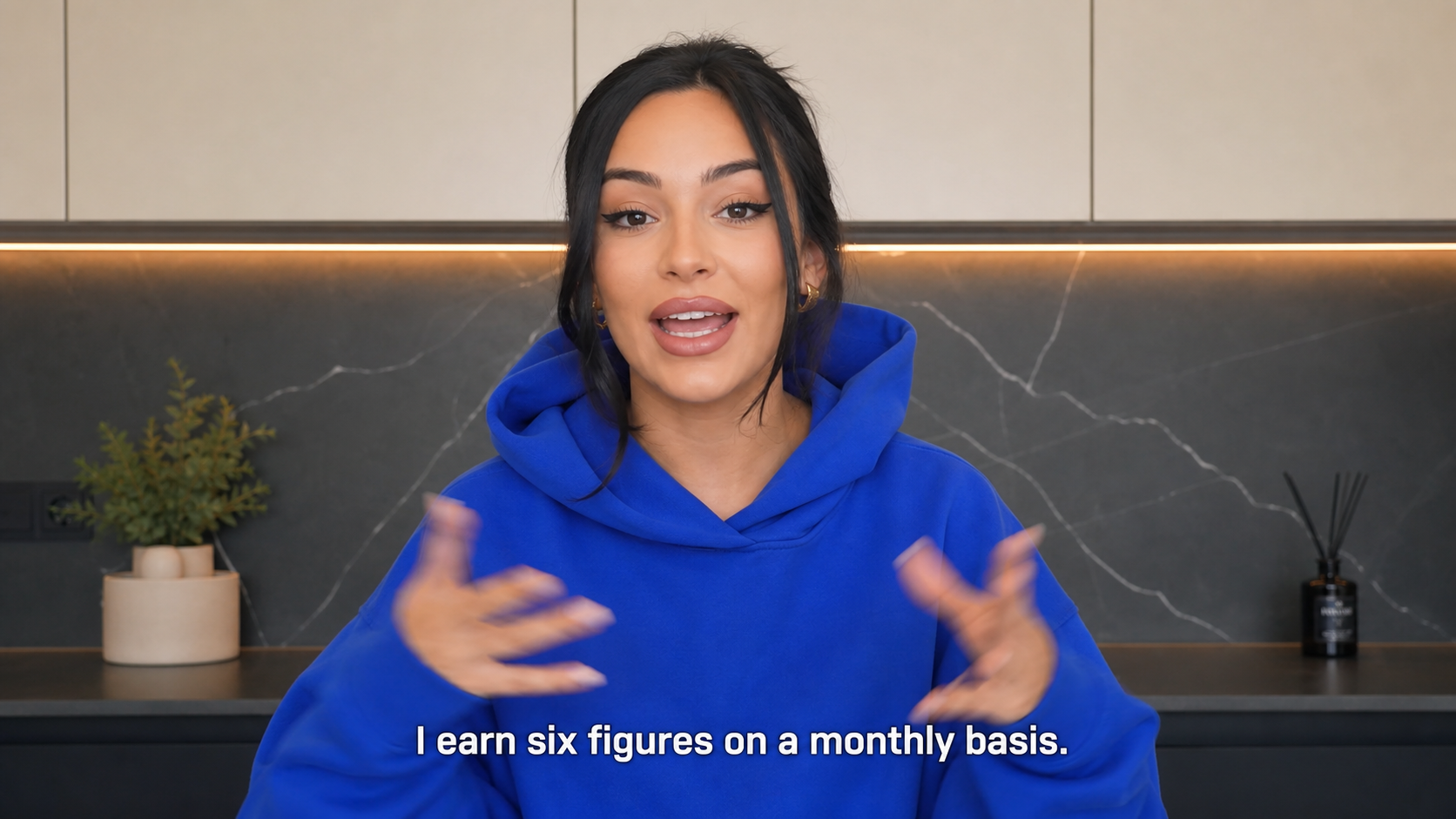
Prompt to thumbnail
Get a few options
Tell us what your video is about. Get a few thumbnails to compare.
Describe your video. Get thumbnails to pick from.
Real thumbnails created with VisualKit.


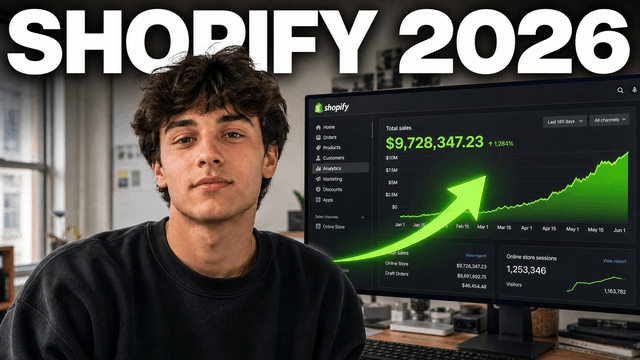
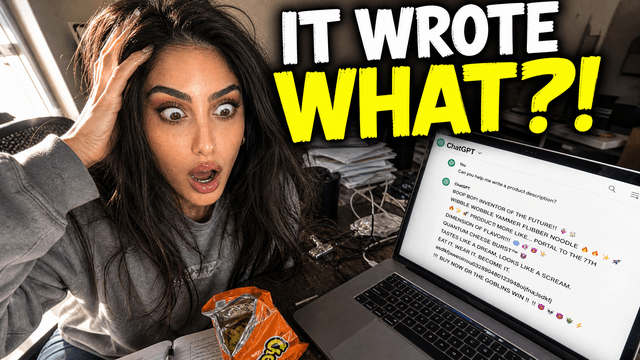
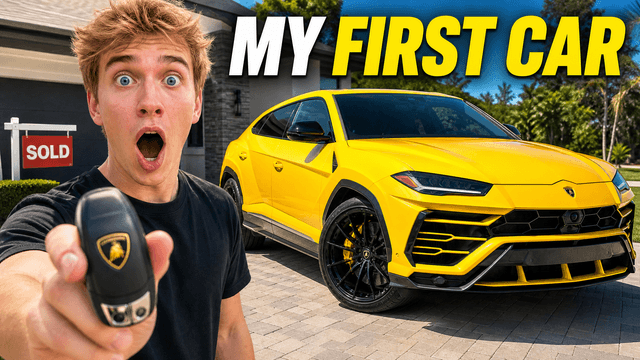
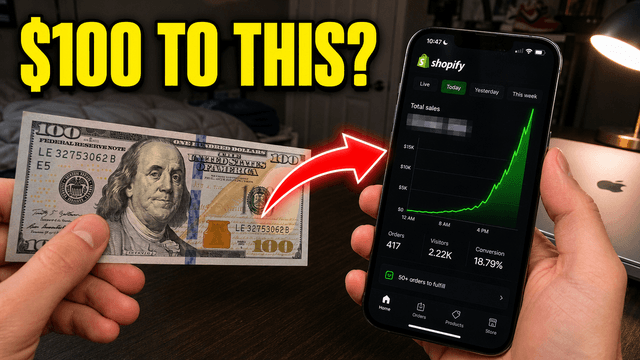
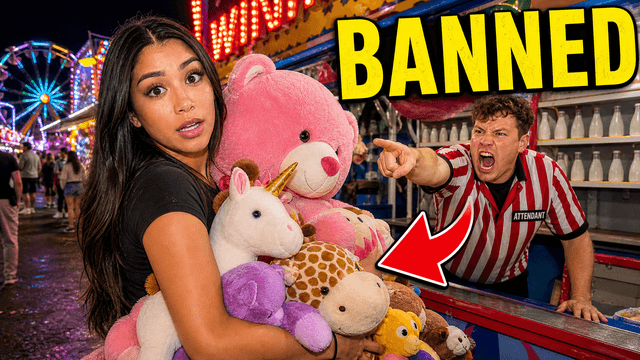




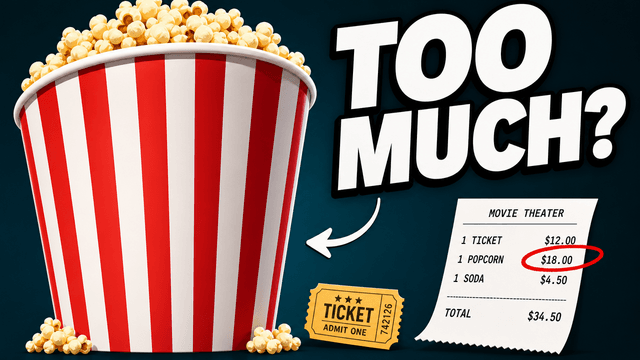
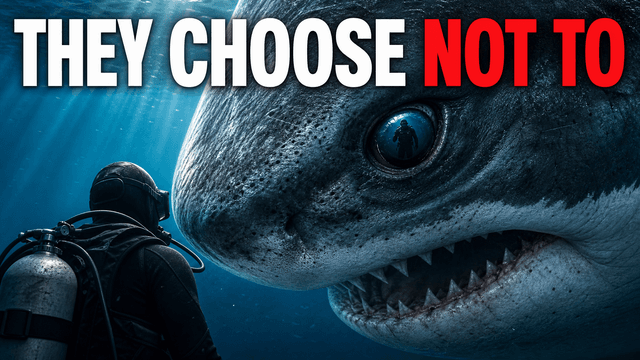
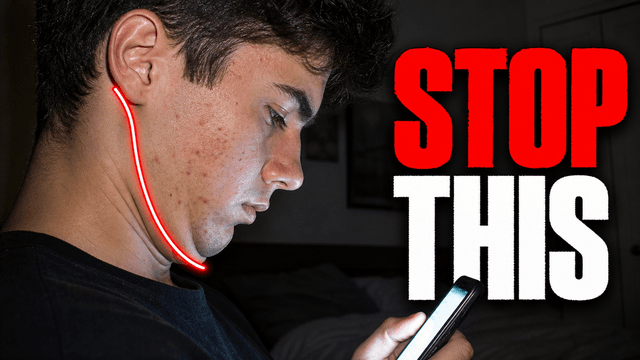

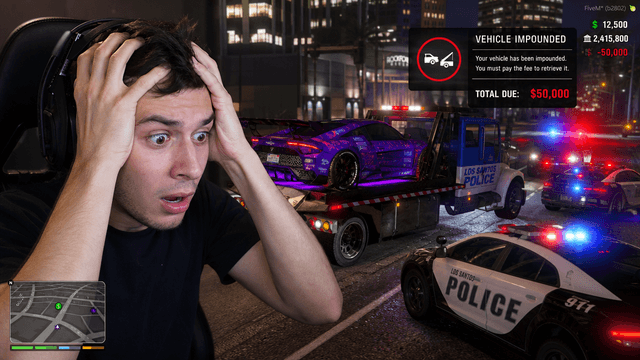
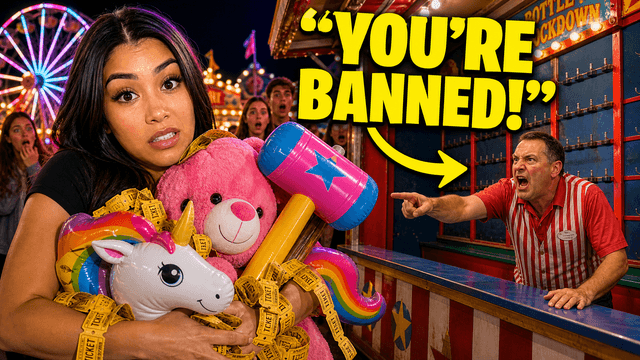
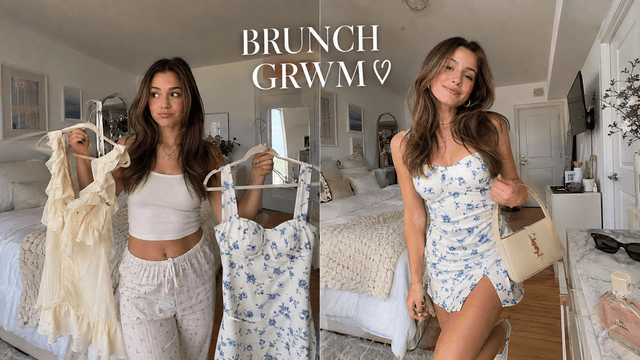

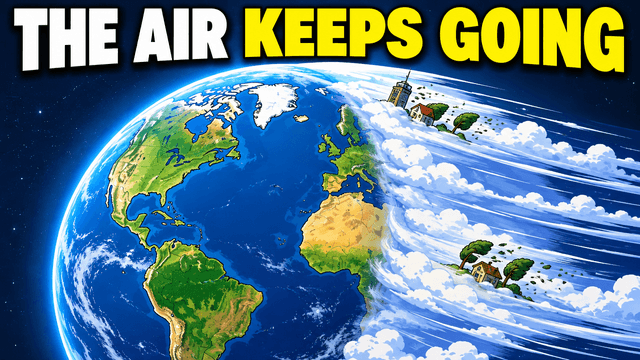
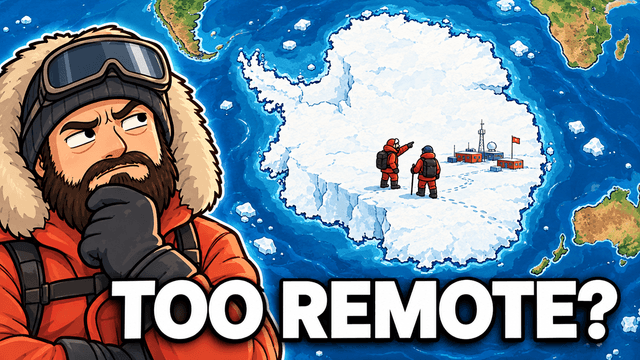
Your thumbnail gets one chance to earn the click before the video starts.
If the thumbnail looks confusing, they click another video.
Each round of feedback can cost another day.
Other AI tools leave the same fake look. VisualKit is built to avoid it.
Tell VisualKit about your video. Pick the thumbnail you like.
Tell us what your video is about. Get a few thumbnails to compare.
Every thumbnail gets a score out of 100. One click fixes the weak part.
Your thumbnail
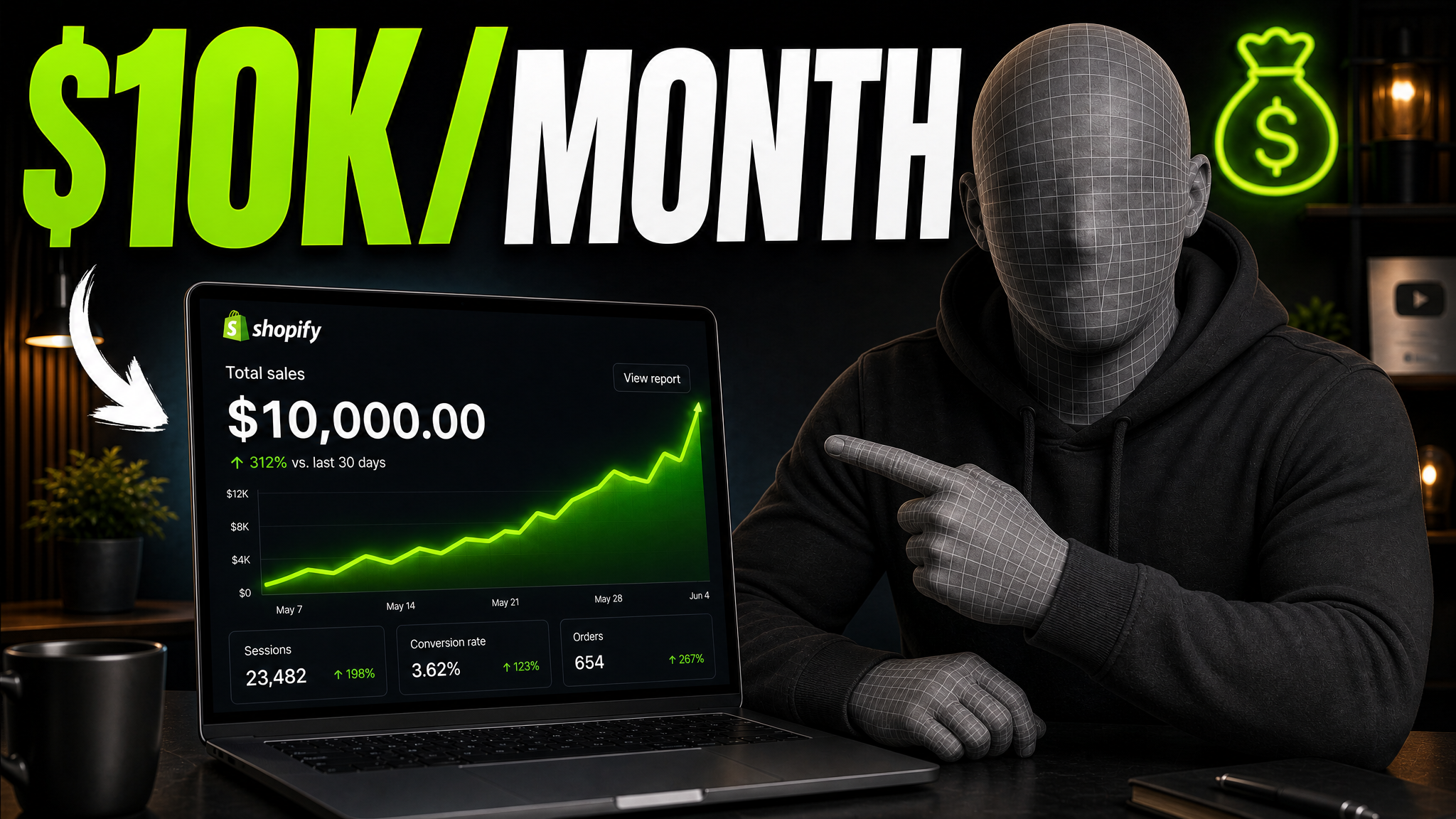
Checking click potential…
After one fix
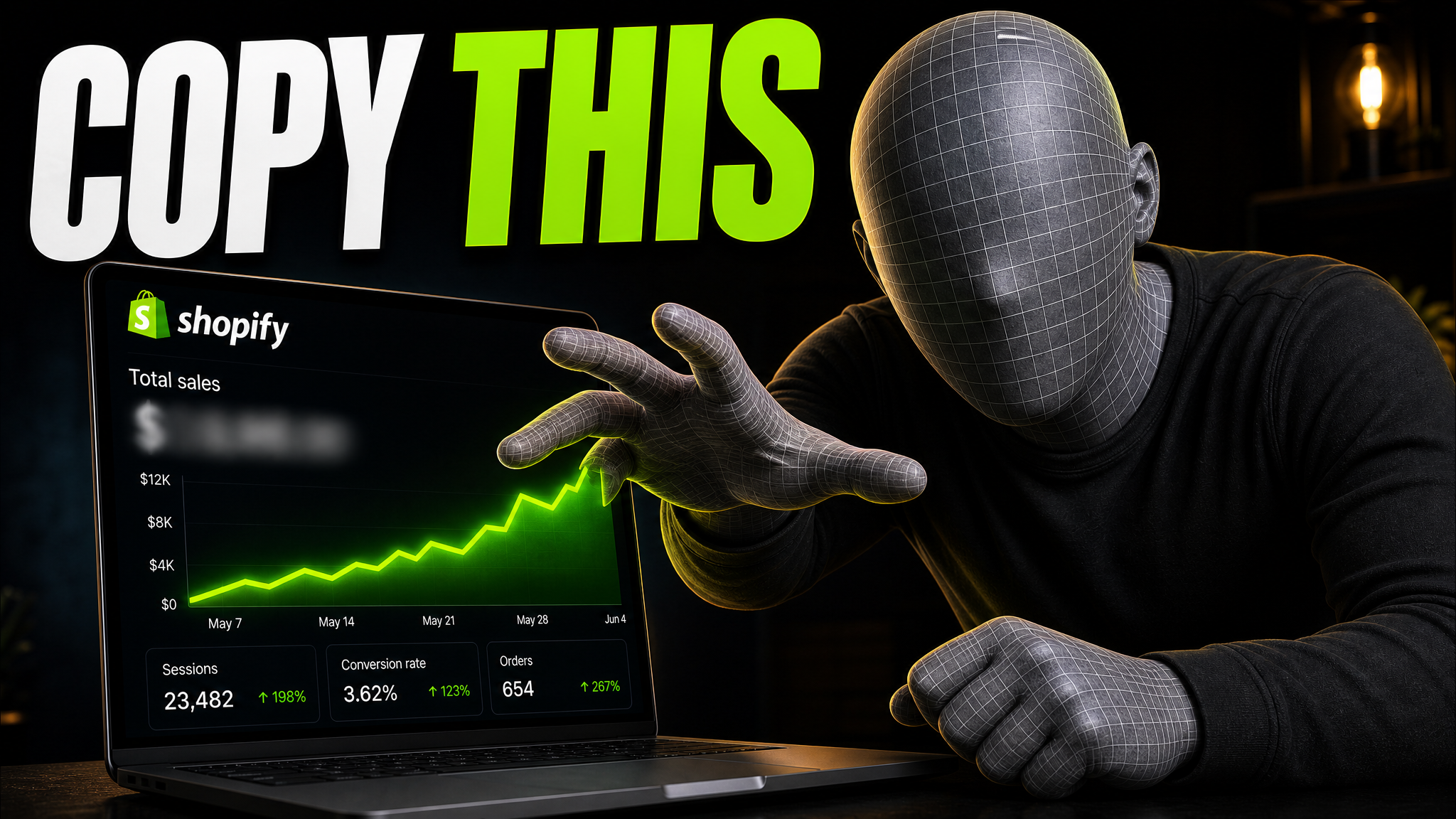
Your idea, with a sharper edge.
A better starting point for your next upload.
Say what to change in plain words. The rest stays the same.
The edit, simplified
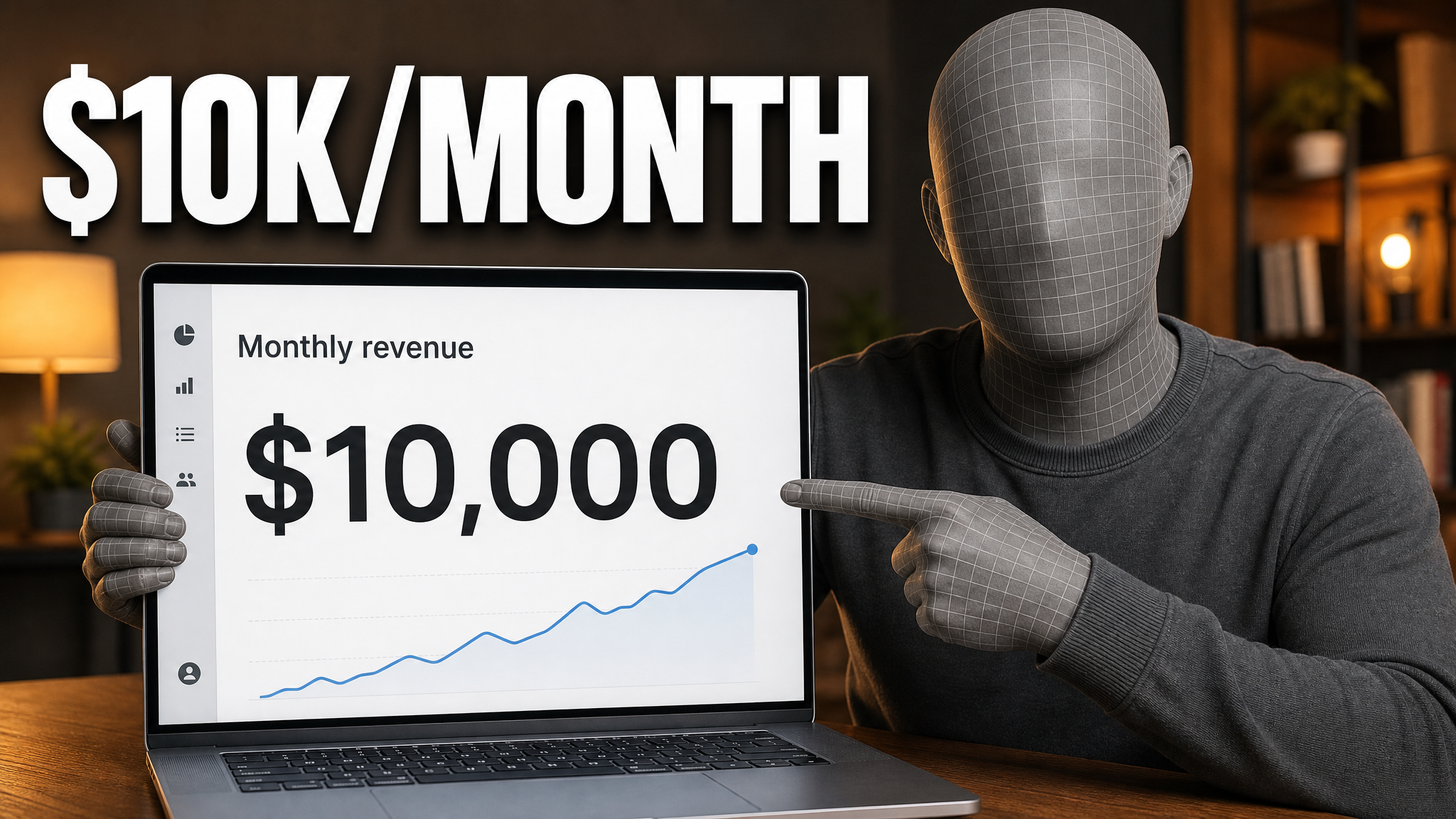
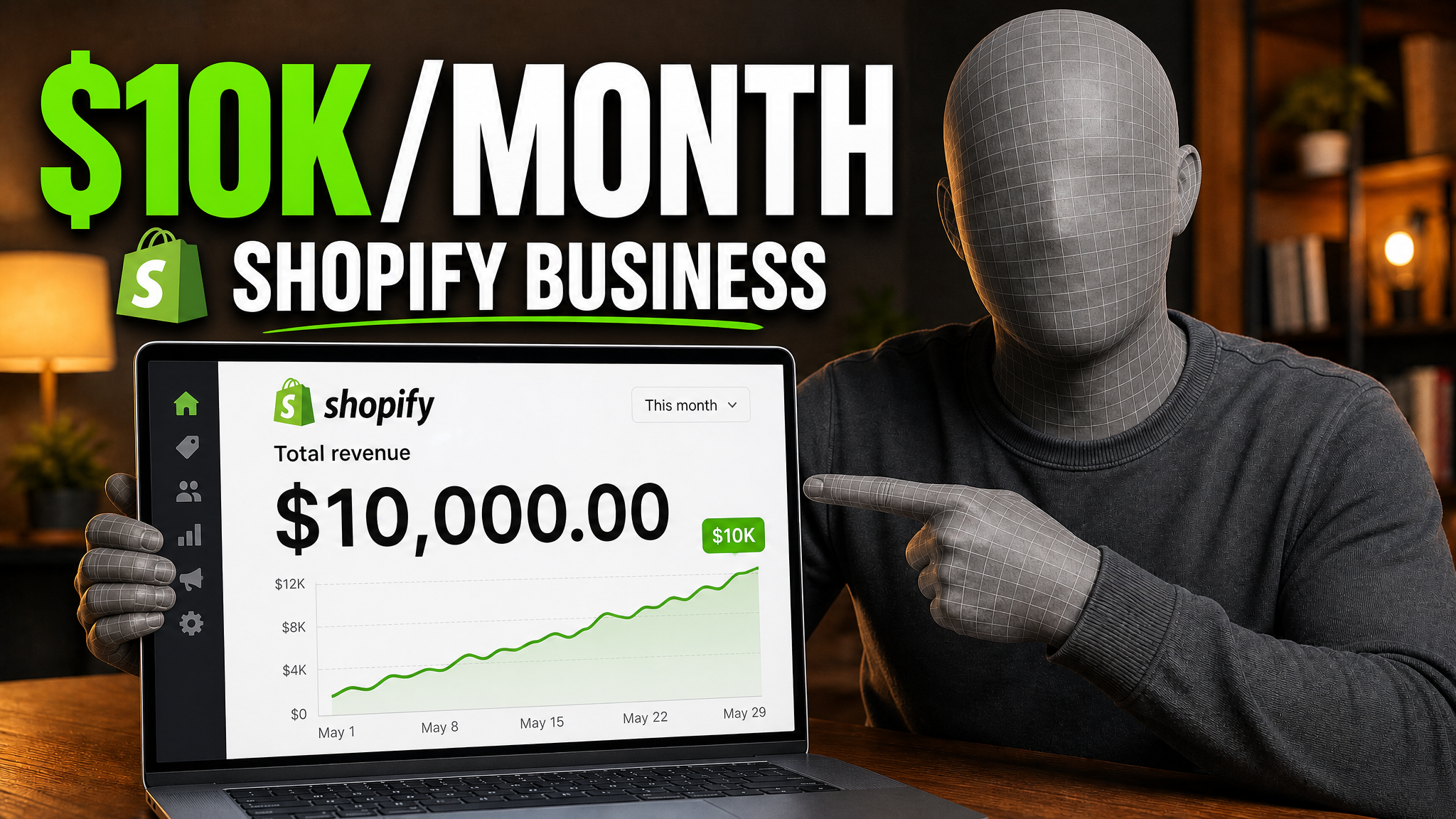
Your prompt
Make it about Shopify instead...
One instruction. A more deliberate thumbnail.
Drop in a game capture or any screen grab. You get a thumbnail back.
Download your thumbnail and add it to your YouTube video.
Short walkthroughs from our channel on making thumbnails people click.
Getting AI thumbnails past the fake look.
Start with a video idea, use your photos, ask for changes, and export the result.
Paste your title or explain the video. VisualKit makes a few thumbnails to compare.
Upload photos of yourself, your product, a screenshot, or another real image.
Paste a YouTube URL or add an image. VisualKit uses its look for your video.
Try: "make the product bigger," "use less text," or "change the background."
Compare several options and pick the one that makes your video easy to understand.
Download a standard 16:9 image at 1280×720, ready for YouTube.
Thumbnail Ideas by Video Type
See examples and advice for the videos you make.
Choose a monthly credit allowance for your publishing schedule.
For creators posting consistently every month.
Includes:
For creators publishing several times a week.
Everything in Starter, plus:
For high-volume creators and teams.
Everything in Starter, plus:
An AI YouTube thumbnail maker turns a title or idea into finished thumbnail options instead of a blank canvas. VisualKit generates several at once so you can compare, edit them with plain-language requests, and export at 1280×720.
Describe your video or paste the title. VisualKit generates several options. Pick one, ask for any changes in plain words, and export it at 1280×720, ready to upload.
1280×720 pixels is a common 16:9 export. YouTube currently recommends 3840×2160 for standard video thumbnails. Keep mobile uploads under 2MB; desktop allows up to 50MB. YouTube lists JPG and PNG, and GIF support may depend on the upload flow.
Paid plans start at $20 per month. You can cancel at any time from billing settings.
No. You describe the video in normal language and pick from the options VisualKit generates. Changes are requests like "make the text larger" rather than layer edits, so there is nothing to learn first.
Yes. Upload a photo of yourself, a product, a screenshot, or any other image, and VisualKit builds the thumbnail around it. Check the result before you publish.
Yes. Paste a YouTube URL or upload an image, and VisualKit uses its layout, lighting, color, and text treatment as a guide for your own video.
Yes. Ask for changes such as "make the text larger," "use my face," or "remove that object," and keep refining the thumbnail you picked until it is right.
Yes. VisualKit covers Shorts covers alongside standard 16:9 thumbnails, plus vlogs, podcasts, livestreams, gaming, and other video types.
Canva and Photoshop are editors: you assemble the thumbnail layer by layer from a template or blank file. VisualKit generates complete thumbnail directions from your video idea, so you start from finished options and refine one instead of building from scratch.
A good thumbnail shows one main subject and one clear idea. Use contrast so the subject reads at phone size, and let the image add to the title instead of repeating it.
Use only a few words, and only when they add context. Keep them large enough to read on a phone; do not copy the full video title.
Yes. Use a recognizable object, game scene, product, place, or result as the main subject. Keep it large and make the video idea clear with the image or a few words.
Yes. Pick a frame with one clear subject and a readable expression or action. Crop out clutter, then check the image at phone size.
Use 16:9 for a standard YouTube video thumbnail. Shorts use a vertical 9:16 cover, so check the upload area before exporting.
JPG or PNG is the safest choice; YouTube's current help lists both. GIF is a common image export format, but check YouTube Studio's current support before uploading one.
VisualKit is an AI YouTube thumbnail maker for creators who want to generate a new design, remix a reference, analyze an existing thumbnail, or revise an image with plain-language instructions. It produces upload-ready 1280×720 thumbnails in the browser, without requiring Photoshop.
Start with a video title or idea, compare generated options, then refine text, composition, color, or imagery. For practical guidance, read our thumbnail design guide or check the recommended YouTube thumbnail size.
| Task | What VisualKit Does | You Start With | You Can Change | Result |
|---|---|---|---|---|
| Create a thumbnail | Makes several YouTube thumbnail options from your video idea | A title, topic, or short description | The subject, text, background, and look | A 1280×720 YouTube thumbnail |
| Use your own photos | Builds the thumbnail around photos or images you upload | Your face, product, screenshot, or other image | Crop, placement, background, expression, and text | A thumbnail using your images |
| Use a reference | Uses another thumbnail to guide the look | A YouTube URL or reference image | Layout, light, color, contrast, and text | A new thumbnail for your video |
| Edit a thumbnail | Changes your chosen thumbnail from a plain-language request | A request like "make my face bigger" or "remove the text" | Text, face size, background, objects, colors, and crop | An updated version |
Create a thumbnail
Makes several YouTube thumbnail options from your video idea
A title, topic, or short descriptionA 1280×720 YouTube thumbnail
You Can Change: The subject, text, background, and look
Use your own photos
Builds the thumbnail around photos or images you upload
Your face, product, screenshot, or other imageA thumbnail using your images
You Can Change: Crop, placement, background, expression, and text
Use a reference
Uses another thumbnail to guide the look
A YouTube URL or reference imageA new thumbnail for your video
You Can Change: Layout, light, color, contrast, and text
Edit a thumbnail
Changes your chosen thumbnail from a plain-language request
A request like "make my face bigger" or "remove the text"An updated version
You Can Change: Text, face size, background, objects, colors, and crop
Free thumbnail guide
Start with a frame or photo, make one subject easy to see, then check the image at phone size. These steps work in any image editor.
Write one short promise, result, or question the thumbnail can show. Let the title add detail instead of copying every word.
Use a frame, face, object, or place that matters to the video. Pick an image with enough space around the subject to crop.
Put the face, game character, or product where it reads first. Use one main subject so the small preview is easy to scan.
Remove details that compete with the subject. Add contrast or a simple color block behind anything hard to see.
Use a few short words if they explain the hook. Choose a bold font and strong contrast, and avoid repeating the full title.
Shrink the image to phone size. If the subject or words are hard to read, make them bigger or remove extra detail.
Save a 1280×720 16:9 image. Keep mobile uploads under 2 MB, and confirm the format and limit in YouTube Studio.
YouTube thumbnail examples
The best layout depends on what your viewers came to watch.

Why it works: A familiar game character and a short challenge make the video idea clear in one look.
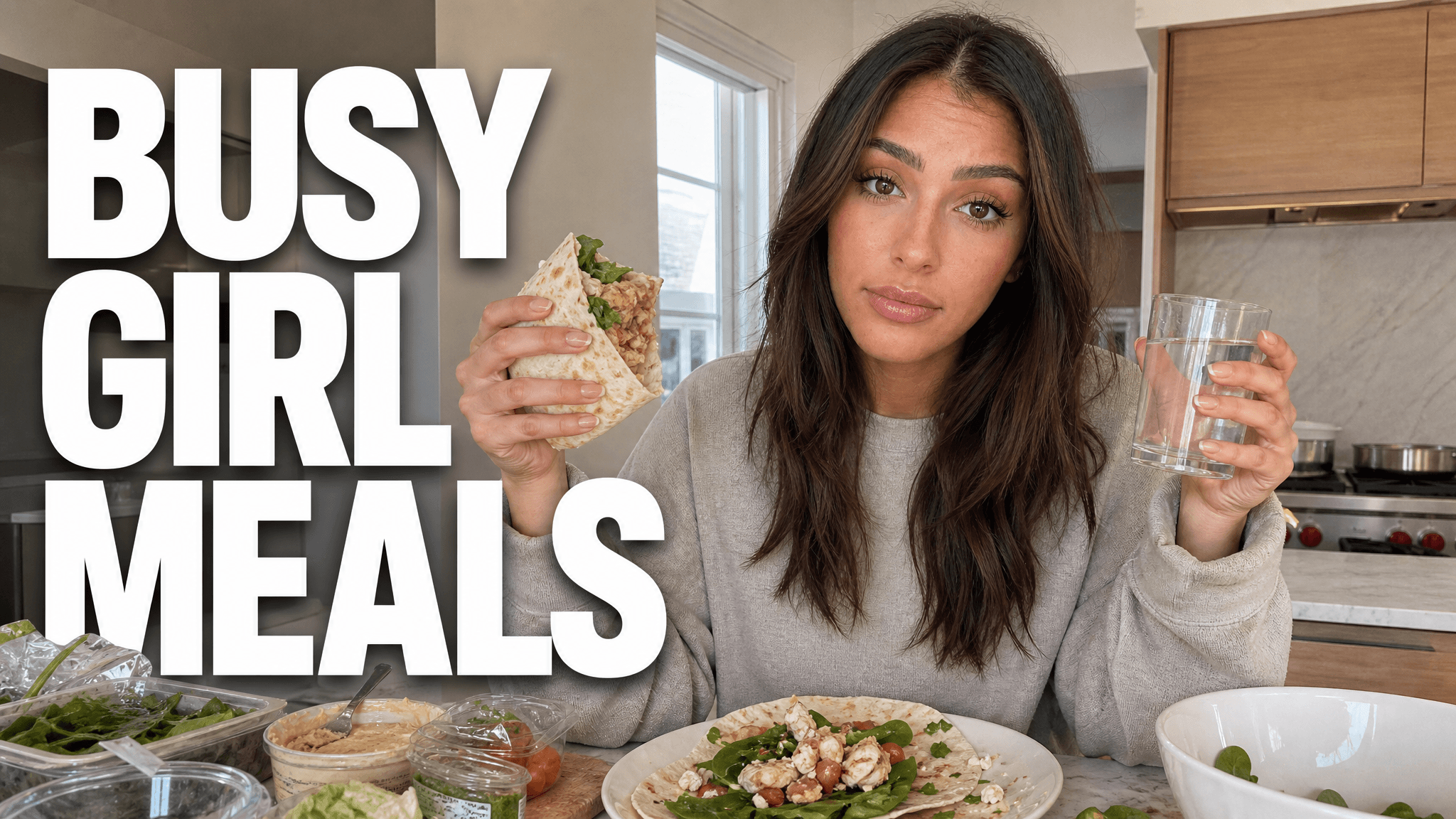
Why it works: One exercise pose fills the frame, while the bold red background keeps the workout easy to spot.
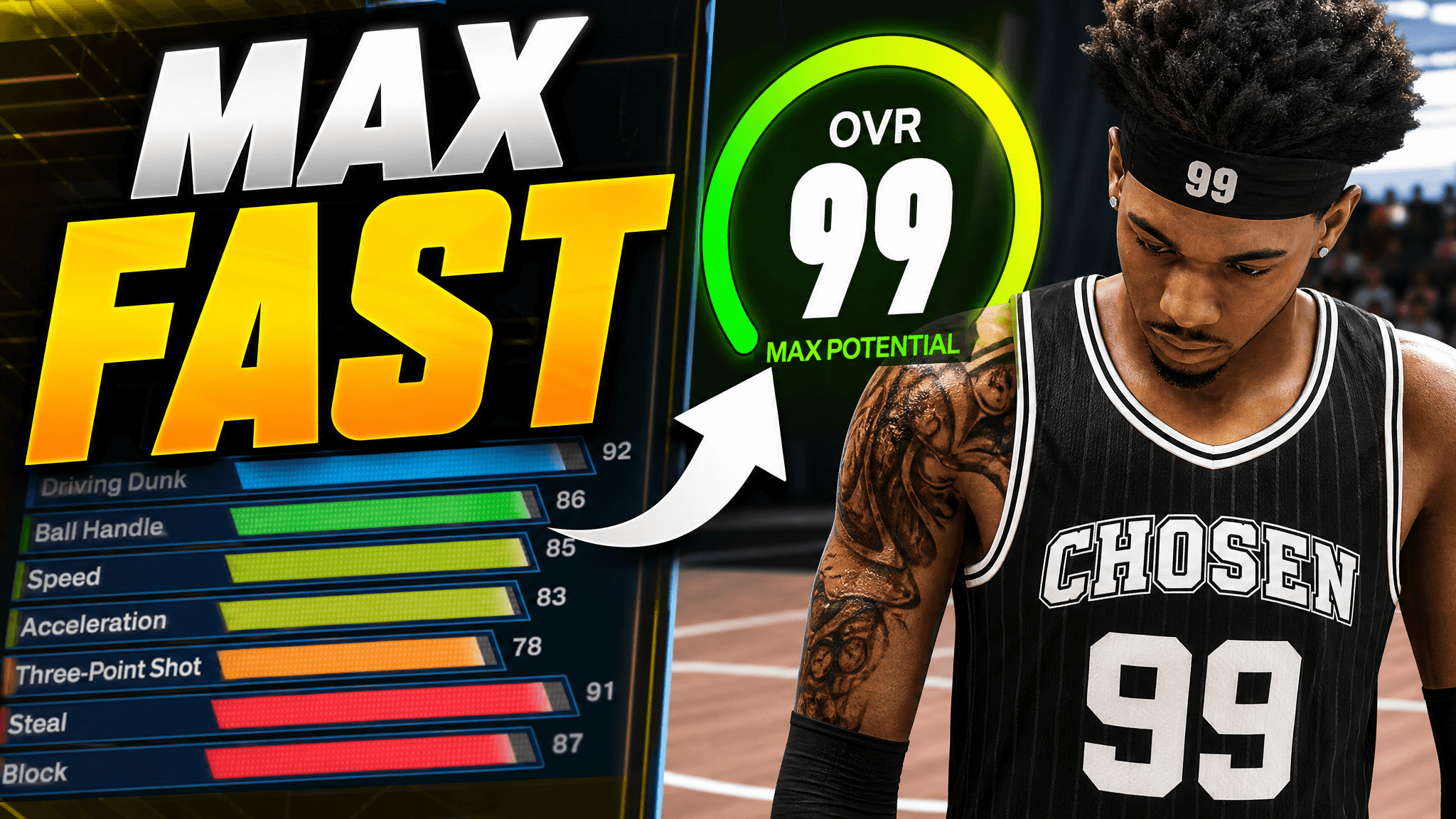
Why it works: The player owns one side, and the large rating tells viewers what the build guide covers.

Why it works: A close guest shot gives the episode a face; the number makes the interview hook specific.
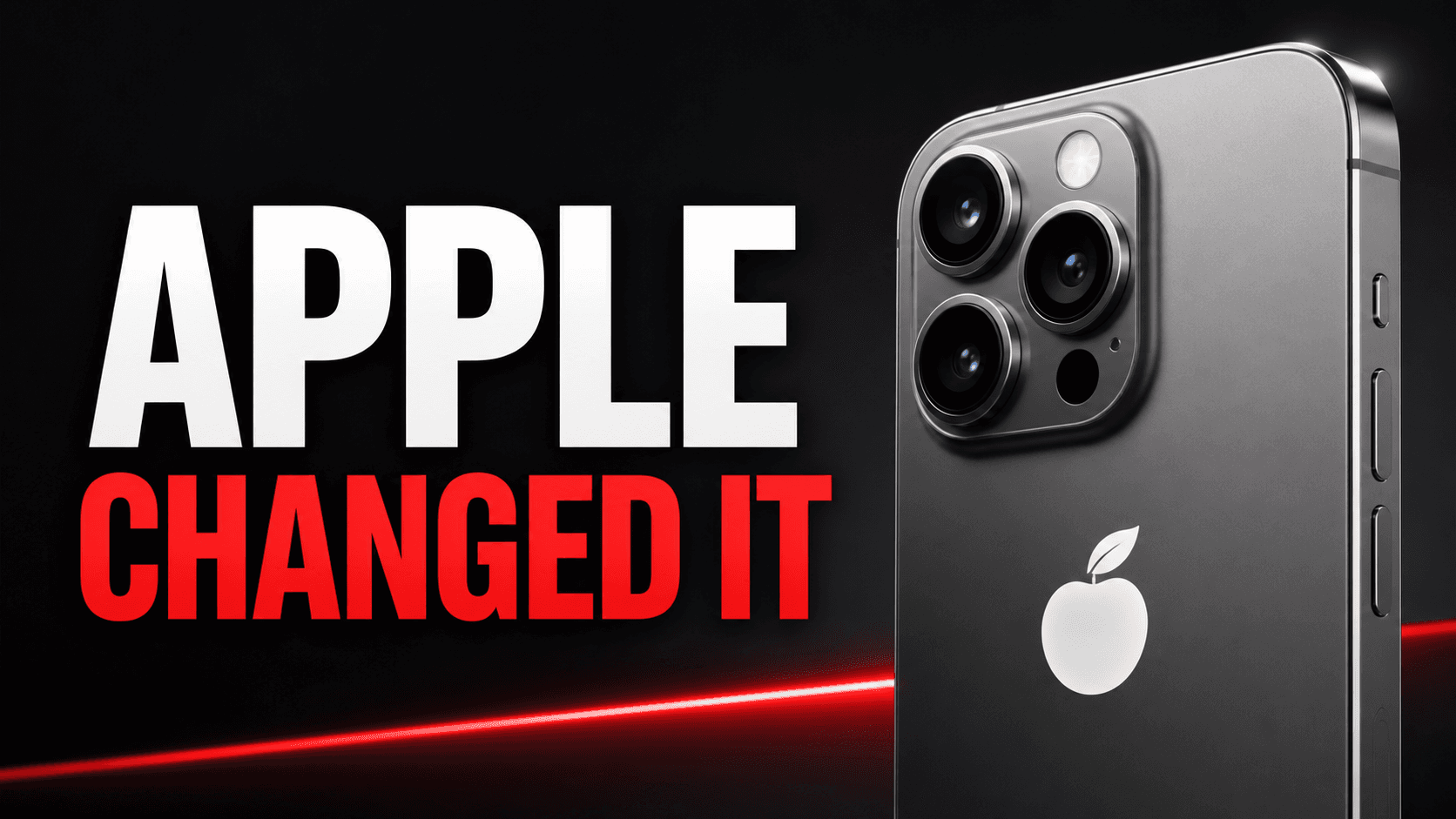
Why it works: The phone is large and the headline names the change, so viewers can place the story fast.
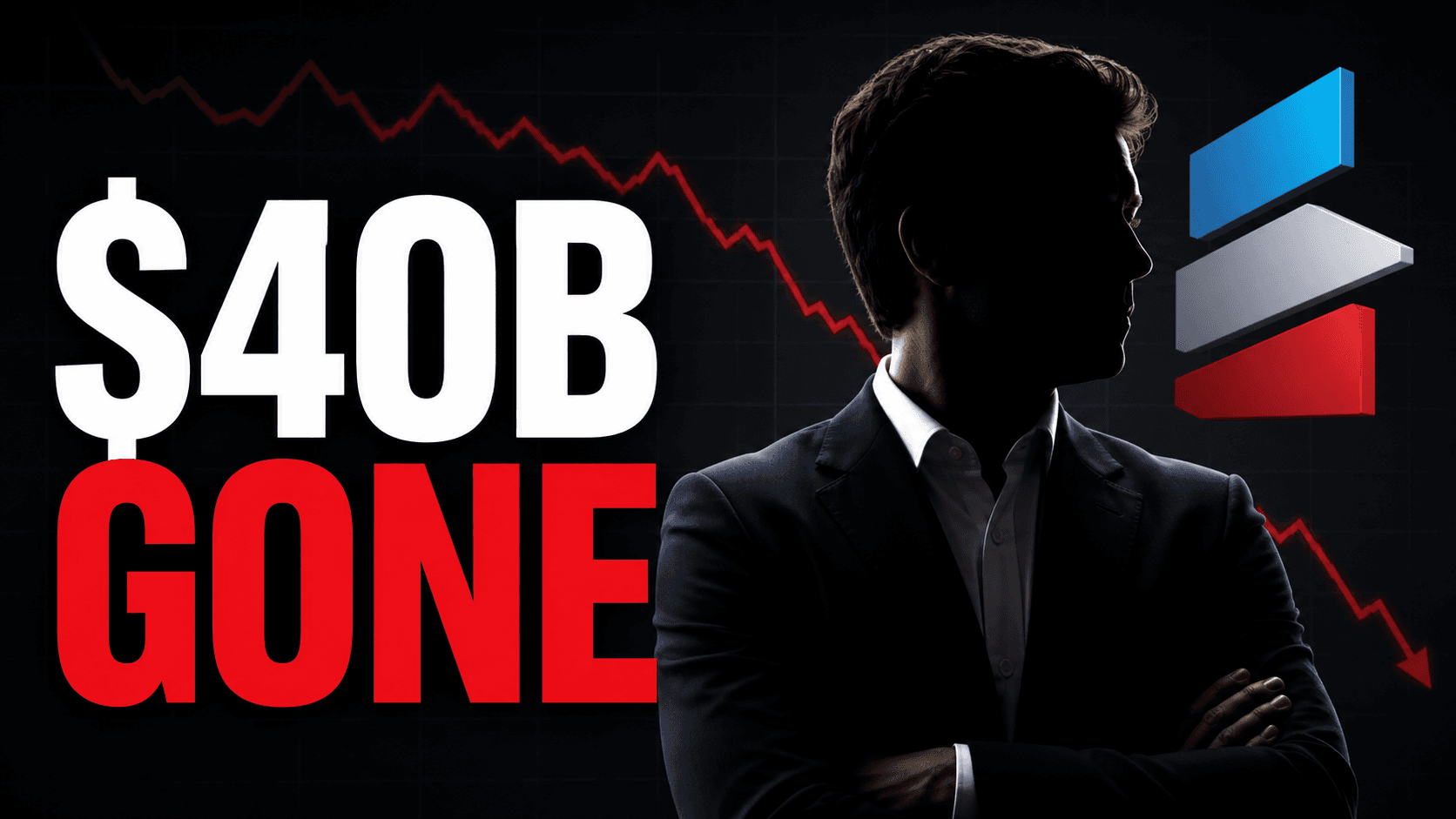
Why it works: One dollar figure and a falling chart show the stakes without a busy market screenshot.
Before you export
1280 × 720 is a common 16:9 export. YouTube’s current help recommends 3840 × 2160 for standard video thumbnails and allows up to 50 MB on desktop; the 2 MB limit applies to mobile uploads. Check YouTube’s latest thumbnail rules.