Tell VisualKit what your video is about. It decides on a concept, makes thumbnails you could publish, and lets you change what you do not like — without opening a design tool.

The video idea: “Show how I built a $10,000/month online business with “$10K/MONTH””
Made in VisualKit · 1280×720
Creators spend weeks on a video and then an hour before upload on the one image that everybody actually sees. That hour usually means a stock photo, a cut-out, three fonts and a lot of guessing.
VisualKit exists to take that hour back. It understands the video, the niche and the look you want, then commits to a concept instead of handing you a page of random images to sift through. When something is wrong, you say what is wrong and it changes — the rest of the thumbnail stays where it was.
Every step below is the real workflow, shown with real thumbnails made in VisualKit.
Type what the video is about in your own words. VisualKit works out the subject, the niche and whether text belongs on the thumbnail, then makes a few different directions to choose between.


Found a thumbnail whose framing, contrast or text treatment works? Use it as a reference. VisualKit takes the look and keeps your topic, your subject and your channel’s identity.
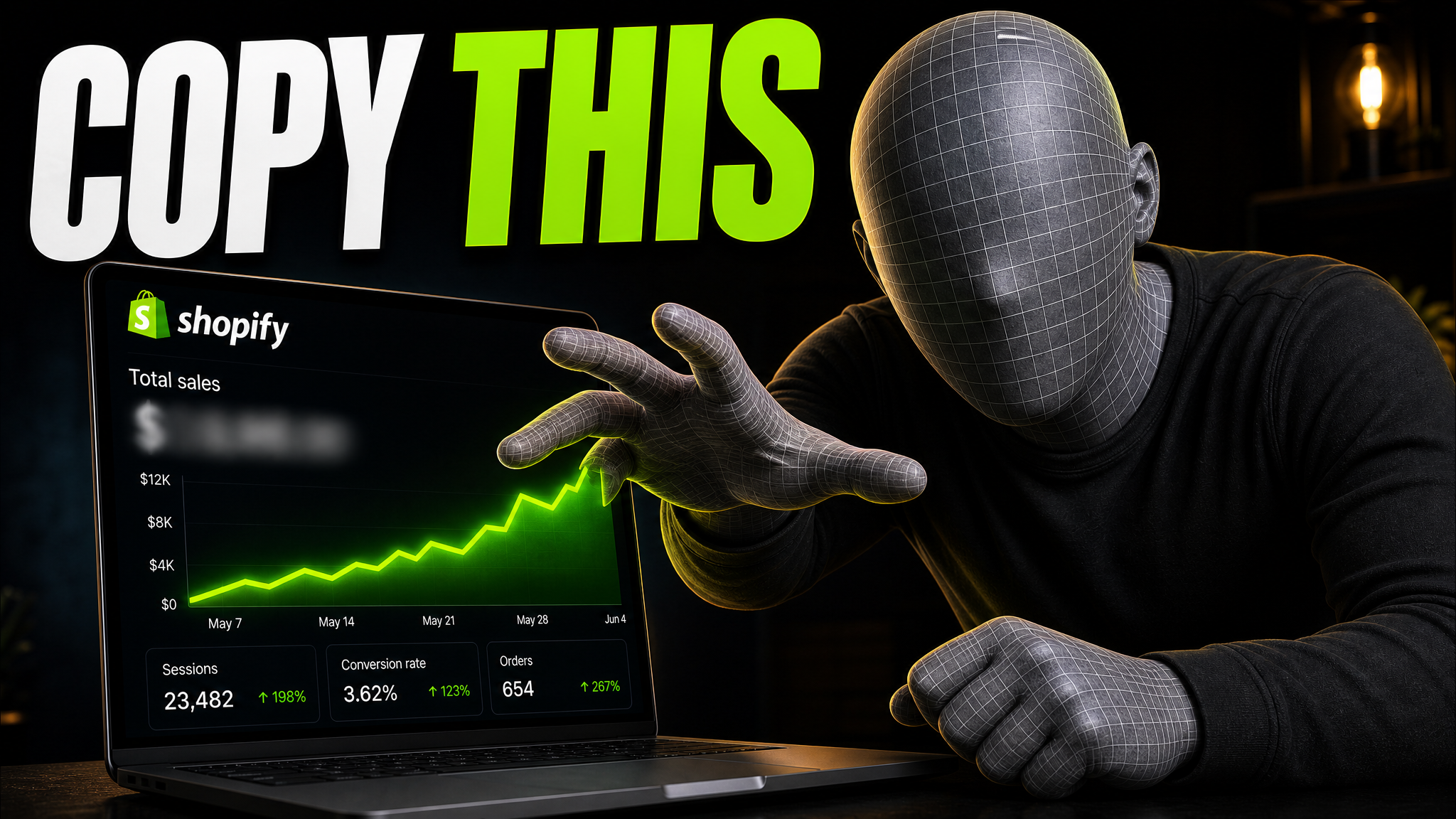
Bigger text. Simpler background. Swap what they are holding. Ask in plain language and only that part changes — the rest of the thumbnail stays exactly where it was. Export at 1280×720 when it is right.


VisualKit is worth more the second time you use it — it remembers your styles, your references and how your channel looks.
Channels on a schedule
A thumbnail for every upload, with a look that stays recognisable between videos.
Faceless channels
Documentaries, business stories, finance, history, true crime and tech — where the evidence carries the hook.
Creators in their own thumbnails
Podcasts, fitness, beauty, travel and vlogs, where your face and your reaction are the thumbnail.
Gaming channels
Real maps, real HUD, the right weapons — not a generic neon scene pretending to be gameplay.
Being useful for thumbnails means saying no to most other things. VisualKit is not trying to become a design suite.
Describe the video, compare the directions VisualKit comes back with, refine the one you like and export it at 1280×720.
Free trial · cancel anytime from billing settings
