AI Thumbnail Maker. AI in seconds.
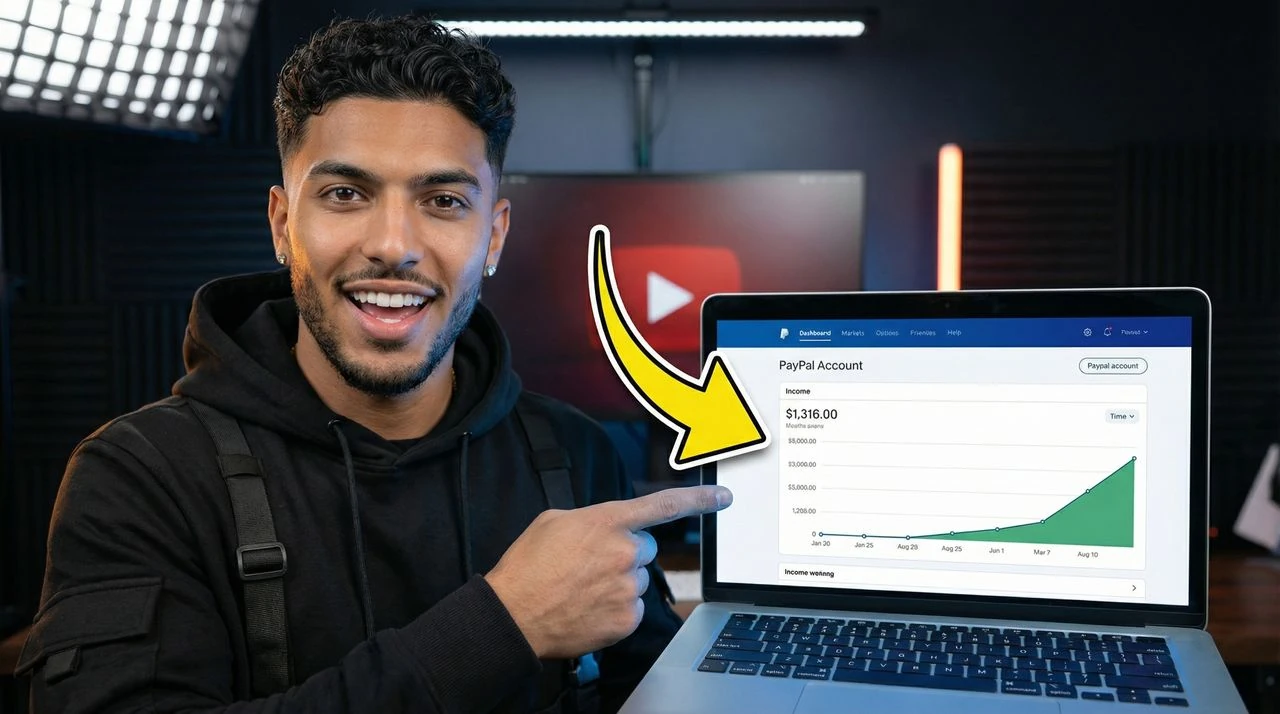
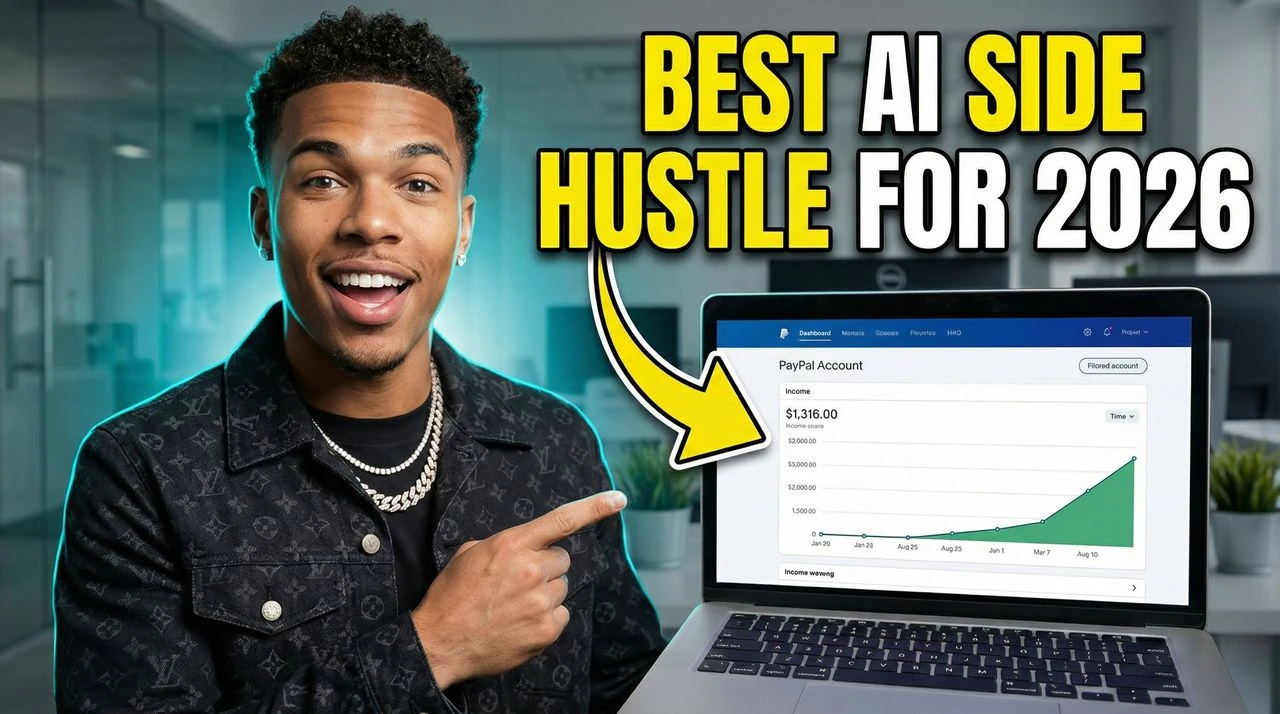
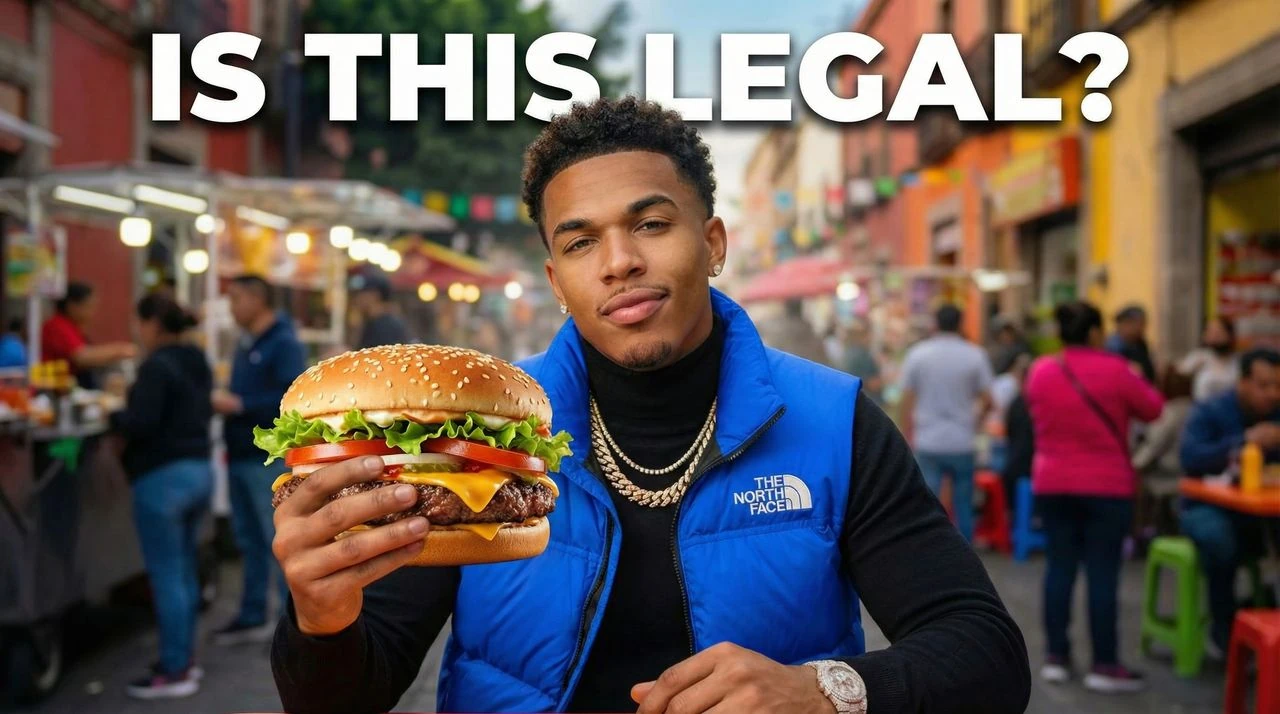
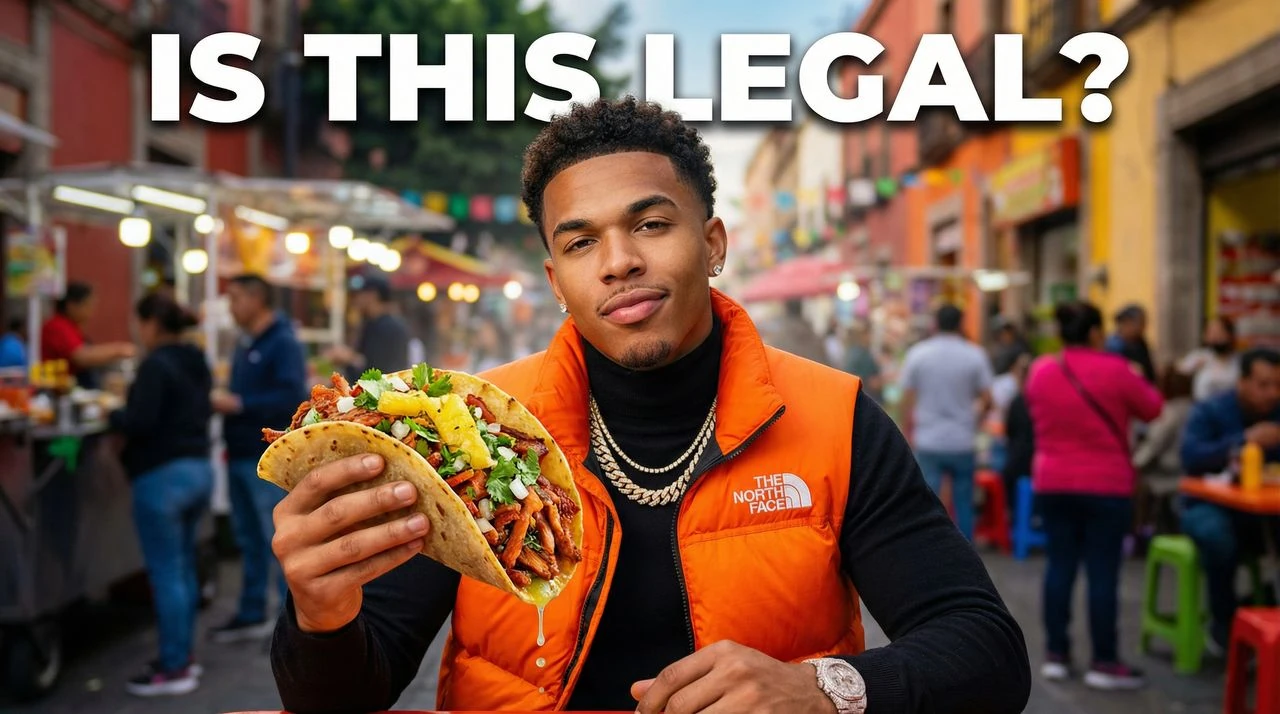
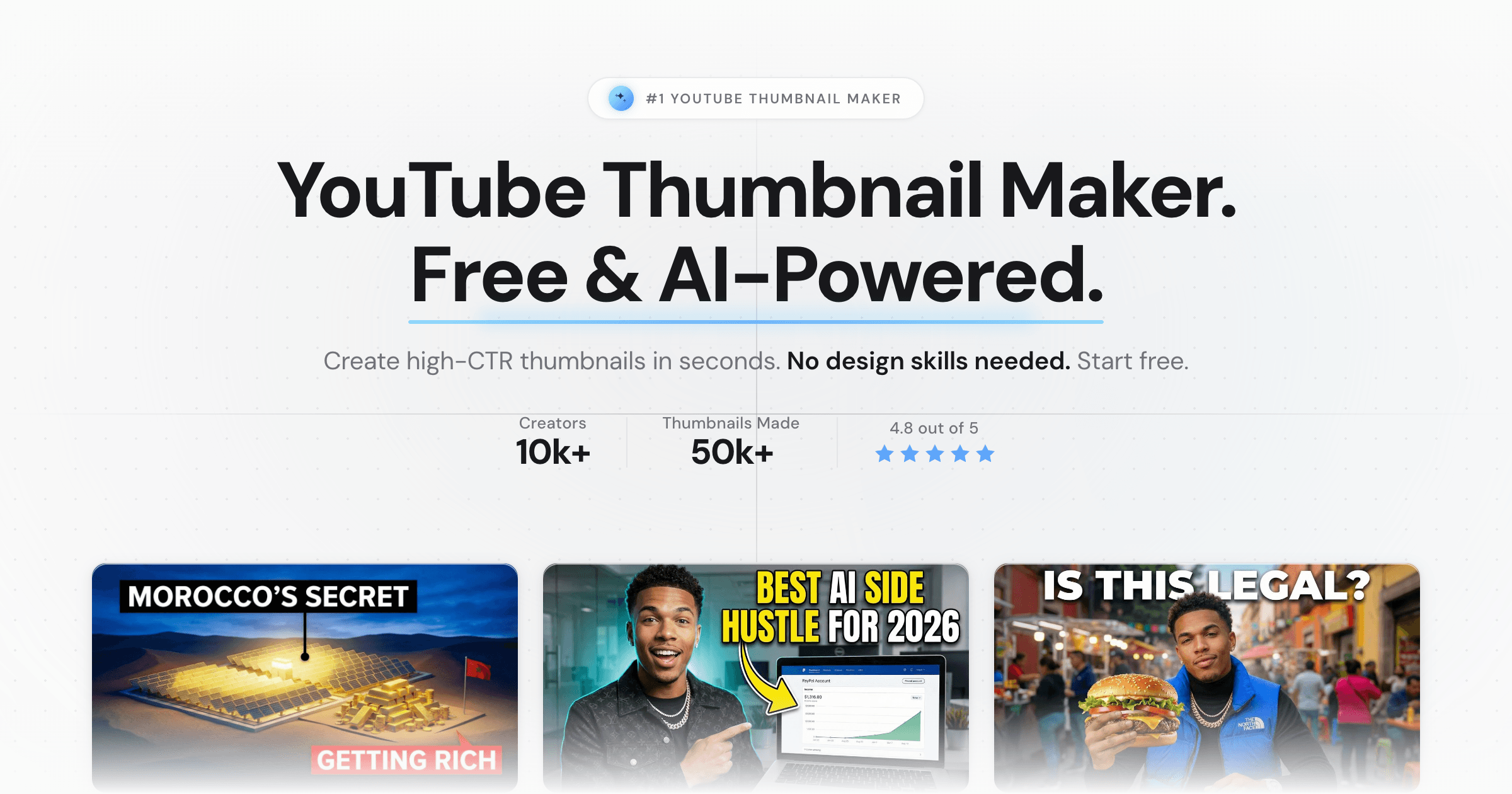
Use this AI thumbnail maker to create high-CTR YouTube thumbnails at 1280x720 for gaming, reactions, tutorials, finance, podcasts, vlogs, and Shorts. Generate thumbnail ideas from a single prompt Built for readable 1280x720 YouTube exports
How to Make AI Thumbnails
Create a thumbnail direction, compare variations, and export a YouTube-ready image.
- Describe your video: Add the hook, niche, mood, and any title text you want.
- Generate variations: Compare different thumbnail options before choosing one.
- Download and publish: Export a 1280x720 thumbnail ready for YouTube.
Make AI videos impossible to ignore.
Use VisualKit to turn your video idea into clear, clickable thumbnail options.
- Prompt to Thumbnail: Describe the video and generate thumbnail directions that fit the niche.
- Click-Focused Composition: Use layouts built around clear subjects, short text, and fast comprehension.
- Mobile-Readable Exports: Create thumbnails that hold up in small YouTube feeds.
- Gaming Videos: Create AI thumbnails for gaming videos, clips, ranked matches, and challenges.
- Tutorials and Education: Generate thumbnails for how-to videos, guides, and educational content.
- Reaction and Commentary: Make thumbnails for reaction videos, commentary, and creator news.
- Gaming Thumbnail Variations: Generate bold, readable thumbnails for competitive games, creator challenges, and clips.
- Education and Tutorial Thumbnails: Create thumbnails that clearly show the lesson, outcome, or transformation.
- Reaction and Commentary Thumbnails: Make emotion-led thumbnails for reactions, opinions, and viral moments.
AI Thumbnail Questions
What is an AI thumbnail maker?
An AI thumbnail maker turns a text prompt into ready-to-use YouTube thumbnail designs. VisualKit generates multiple 1280x720 variations with clear focal points, short readable text, and high contrast tuned for the YouTube feed.
How do I make a YouTube thumbnail with AI?
Describe the video in plain English, generate 4 thumbnail variations, then edit by prompt if you want changes. VisualKit exports a 1280x720 thumbnail in HD ready to upload to YouTube.
What is the best AI thumbnail maker for YouTube?
The best AI thumbnail maker exports correct 1280x720 size, gives multiple variations, and lets you edit by prompt. VisualKit is built for that workflow across gaming, finance, tutorials, reactions, podcasts, and Shorts.
Is there a free AI thumbnail maker?
Yes. VisualKit has a free tier so creators can try AI YouTube thumbnail generation in the browser. Paid plans add more monthly credits, HD downloads, and additional styles.
Can I use AI thumbnails for gaming videos?
Yes. VisualKit generates gaming thumbnail styles for Minecraft, Fortnite, Valorant, CS2, Warzone, Apex Legends, Rocket League, and more, with bold subjects and short hook text.
What size are YouTube thumbnails?
YouTube recommends a thumbnail size of 1280x720 pixels in a 16:9 aspect ratio. VisualKit always exports at this YouTube thumbnail size in HD so your image stays sharp on mobile and desktop.
How do I make a AI thumbnail for YouTube?
Start with the video hook, generate several ai thumbnail layouts, choose the clearest option, then export at 1280x720 for YouTube.
Can I use VisualKit as a AI thumbnail template tool?
Yes. Generate a strong ai thumbnail, keep the layout direction, and reuse that structure across similar uploads so your channel stays consistent.
Is this useful for AI thumbnail ideas?
Yes. Use the generated variations to compare hooks, colors, crops, and text before you publish the video.