How do I make a business YouTube thumbnail?
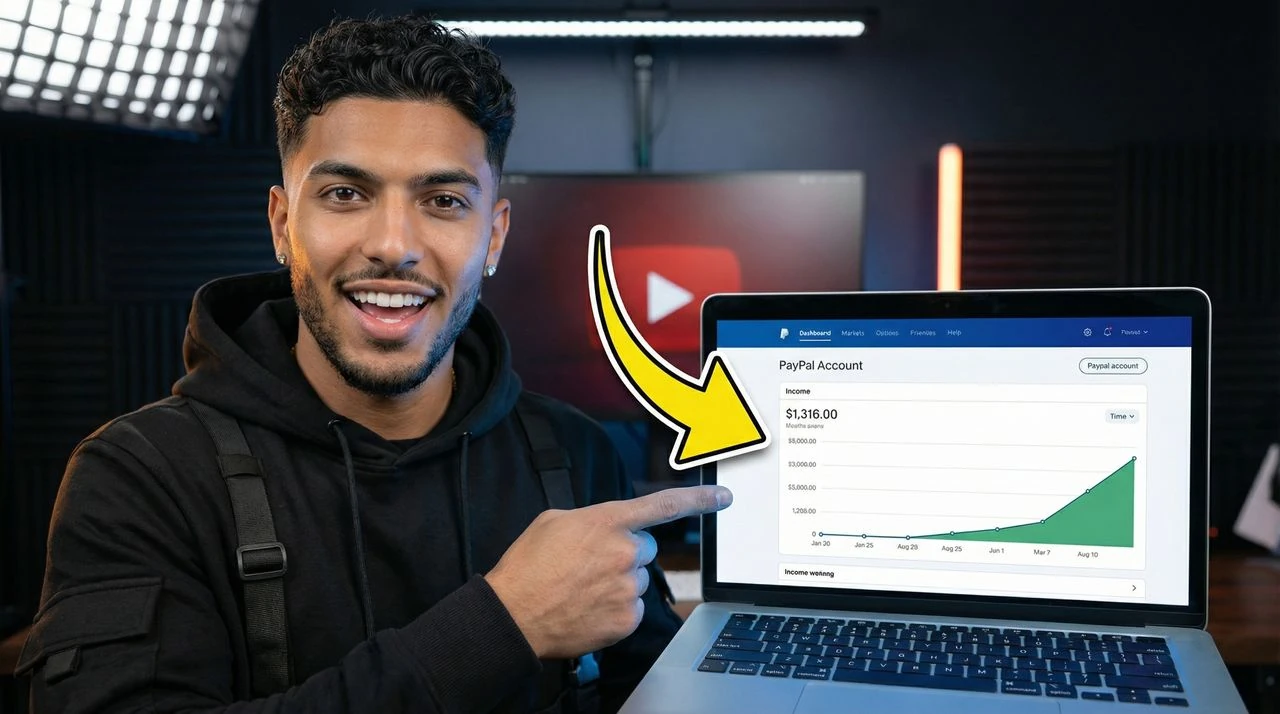
Describe your case study, founder story, or business breakdown — VisualKit generates a clean executive-style thumbnail in under a minute, with editorial layout, bold numbers, and pro typography.
Browse business thumbnail examples and fresh VisualKit styles
Last updated: May 26, 2026
Templates creators are choosing right now
Describe your case study, founder story, or business breakdown — the AI builds a clean, executive-style thumbnail in under a minute.
Transform conceptual descriptions into publish-ready variants in seconds.
Inject source compositions directly into your prompt sequences. VisualKit maps and realigns background layout attributes automatically.
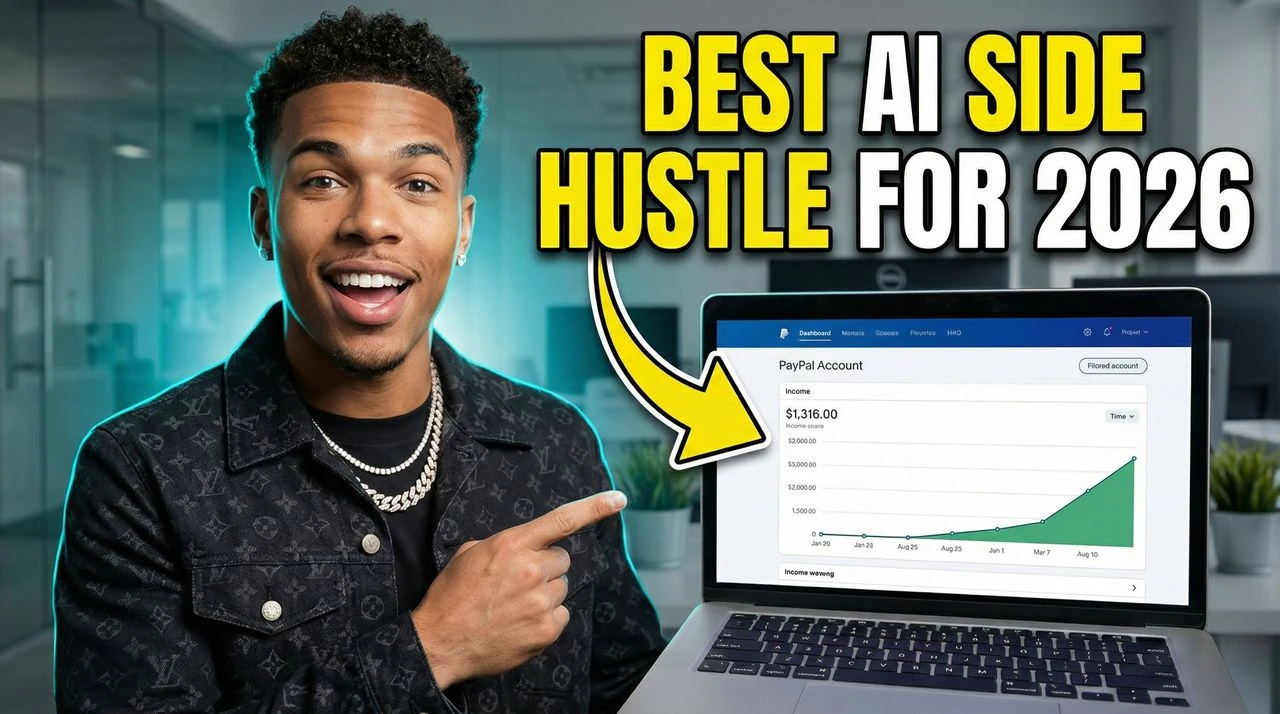
Instruct localized visual edits using basic conversational dialogue. Replace details instantly.
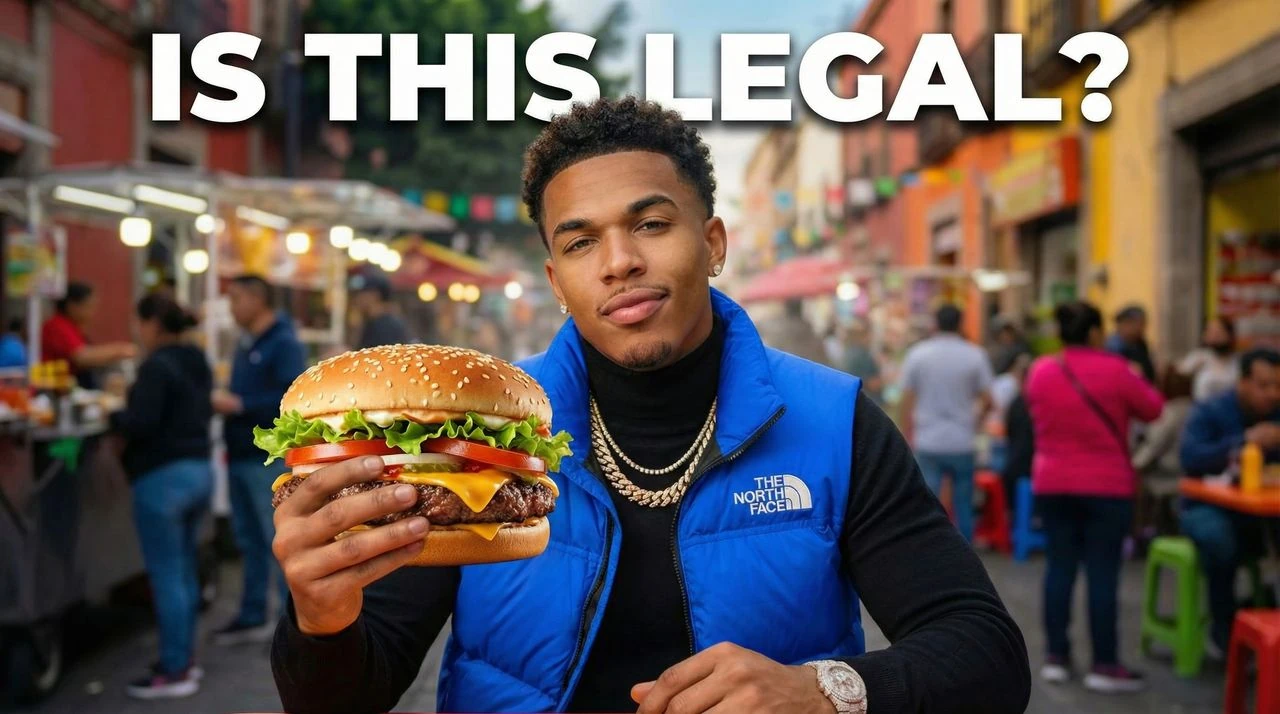

Business thumbnails need to signal competence at a glance. VisualKit creates business YouTube thumbnails for startups, SaaS, marketing, sales, and entrepreneurship channels — built for B2B and founder audiences. Made for AI business thumbnail maker, business thumbnails for YouTube, startup thumbnail maker, marketing YouTube cover generator, and creators making startup case studies, founder stories, marketing breakdowns.
Clean magazine-style design that aligns your content with top business media like Bloomberg and Forbes.
Highlight your core metric, case study, or growth number front and center — so busy founders click immediately.
Lock fonts, colors, and layouts so every video in your series feels like one premium brand.
Readable on phones — perfect for founders watching business content during commutes or breaks.
VisualKit is designed to show up for "AI business thumbnail maker" and "business thumbnails for YouTube" — so the right viewers find your videos in YouTube and Google search.
Built around real startup case studies and founder stories channels, with layouts that match what your audience actually clicks on.
The AI thumbnail maker handles the parts most creators get wrong — clean backgrounds, mobile readability, and high-contrast text — automatically.
Related Thumbnail Makers
Explore adjacent YouTube thumbnail makers for similar creator workflows and search intents.
Join 13,000+ creators making thumbnails that get clicks.
For creators posting 1–4 videos a month.
Includes:
For creators posting weekly and ready to grow.
Everything in Starter, plus:
For high-volume creators publishing multiple times a week.
Everything in Starter, plus:
All plans include thumbnails, social content, app icons & logo creation.
Secure payment via LemonSqueezy. VAT calculated at checkout.
Your content is solid. But a forgettable thumbnail means nobody clicks. Here's what's silently killing your channel's growth.
Your thumbnail blends in. Viewers scroll past without a second look.


Briefs, DMs, revision loops. By the time it's done, the algorithm moved on.


No analytics, no A/B tests. Every upload is a complete guess.


One workflow for thumbnails people actually notice.