Prompt to thumbnail
Say what the video is about
Name the topic and the result viewers care about. You get a few options to compare.
Fitness thumbnail ideas for workout, gym, Pilates, nutrition, and transformation creators. Pick one, then make it yours.
When you have the idea, use YouTube thumbnail maker to make a few options and pick the one that reads on a phone.
Describe the video, compare your options, and ask for changes.
Name the topic and the result viewers care about. You get a few options to compare.
See what reads well and what gets lost when the thumbnail is small.
Your thumbnail
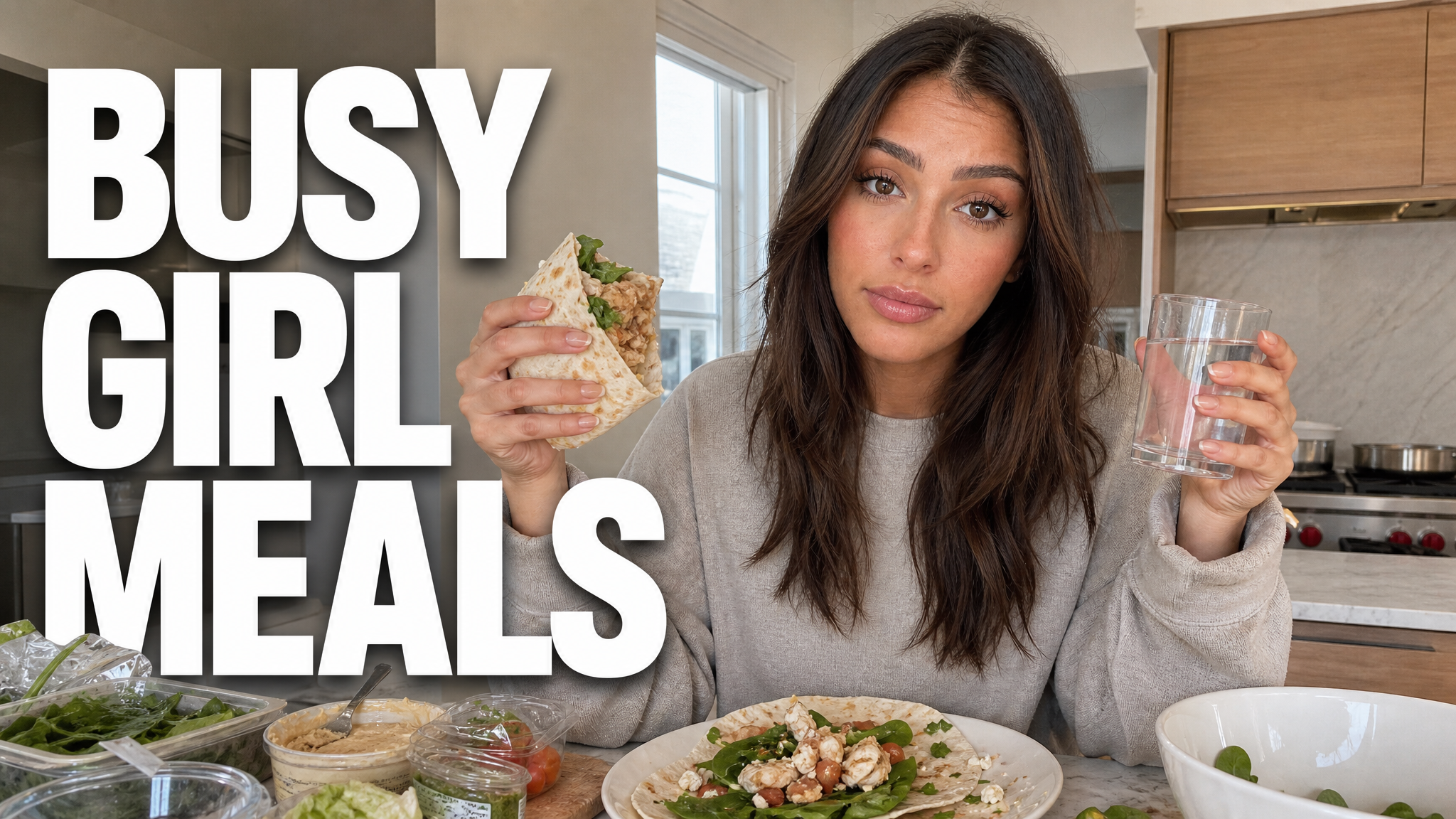
Checking click potential…
After one fix
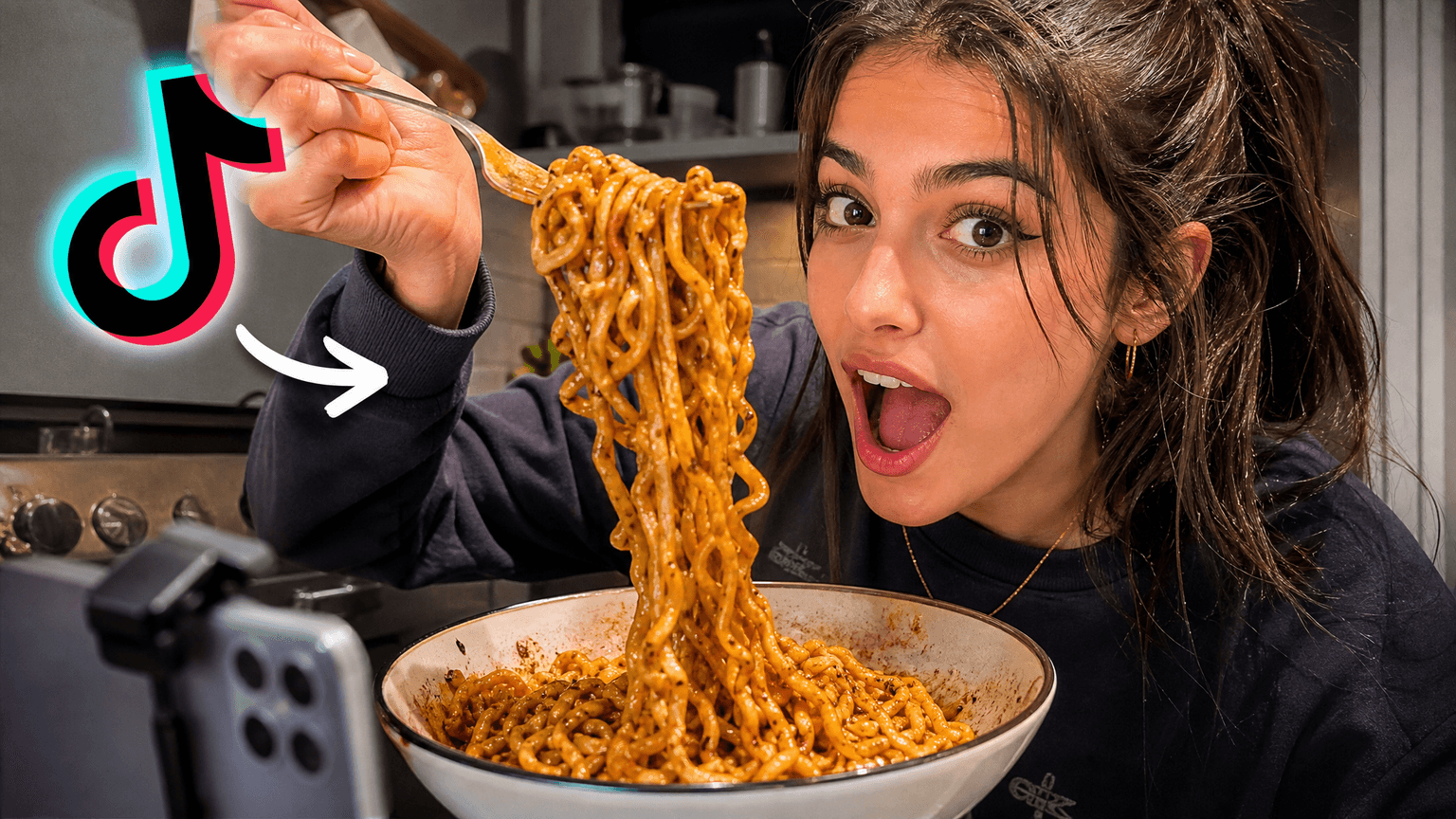
Your idea, with a sharper edge.
A better starting point for your next upload.
Make the subject bigger, shorten the text, or clean up the background.
The edit, simplified
Your prompt
Make the main subject bigger and use less text
One instruction. A more deliberate thumbnail.
Download your thumbnail and add it to your YouTube video.
Fitness thumbnail examples for workout, gym, Pilates, nutrition, and transformation creators. Pick the idea closest to your next video.
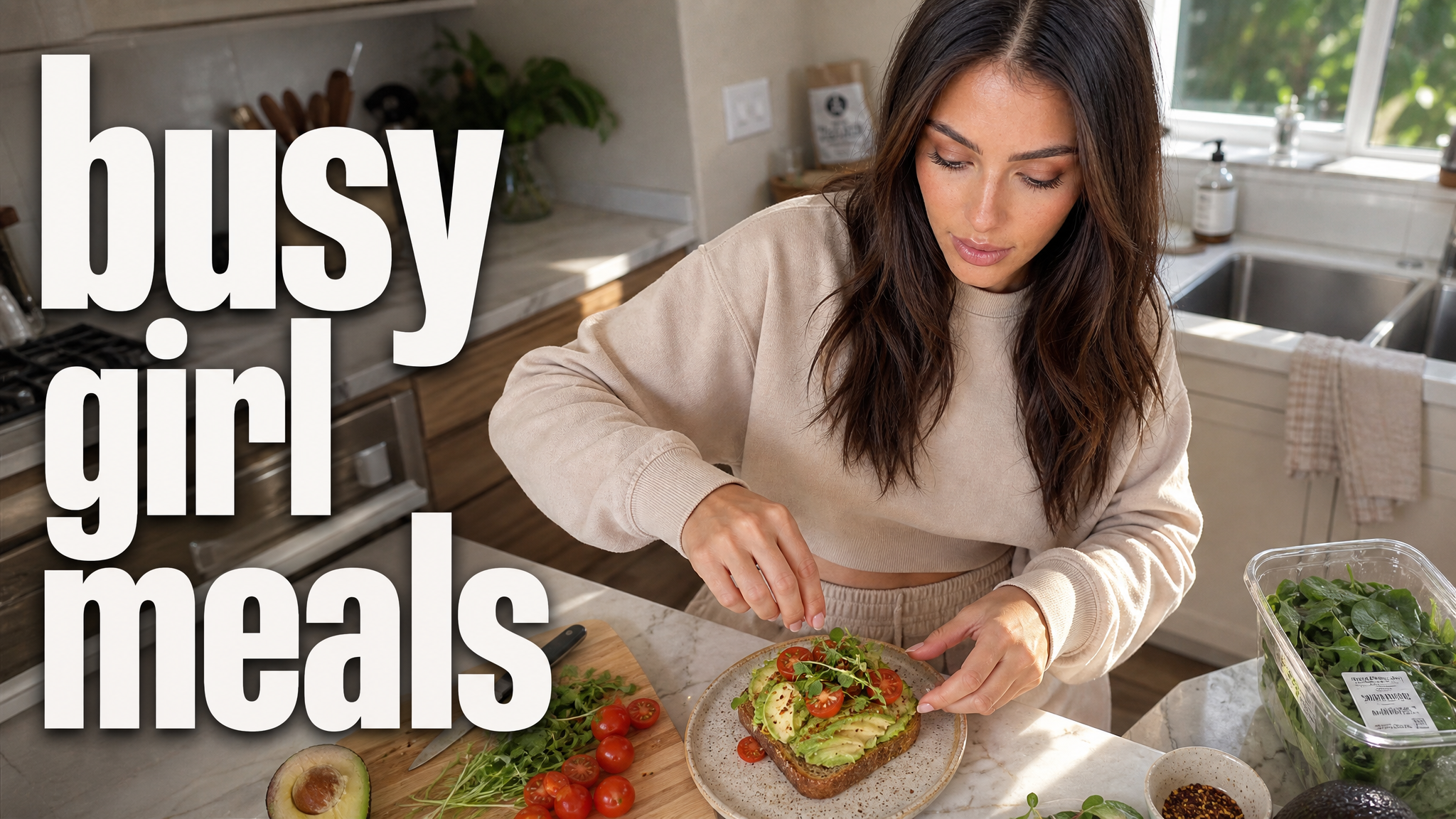
Your thumbnail gets one chance to earn the click before the video starts.
If the thumbnail looks confusing, they click another video.
Each round of feedback can cost another day.
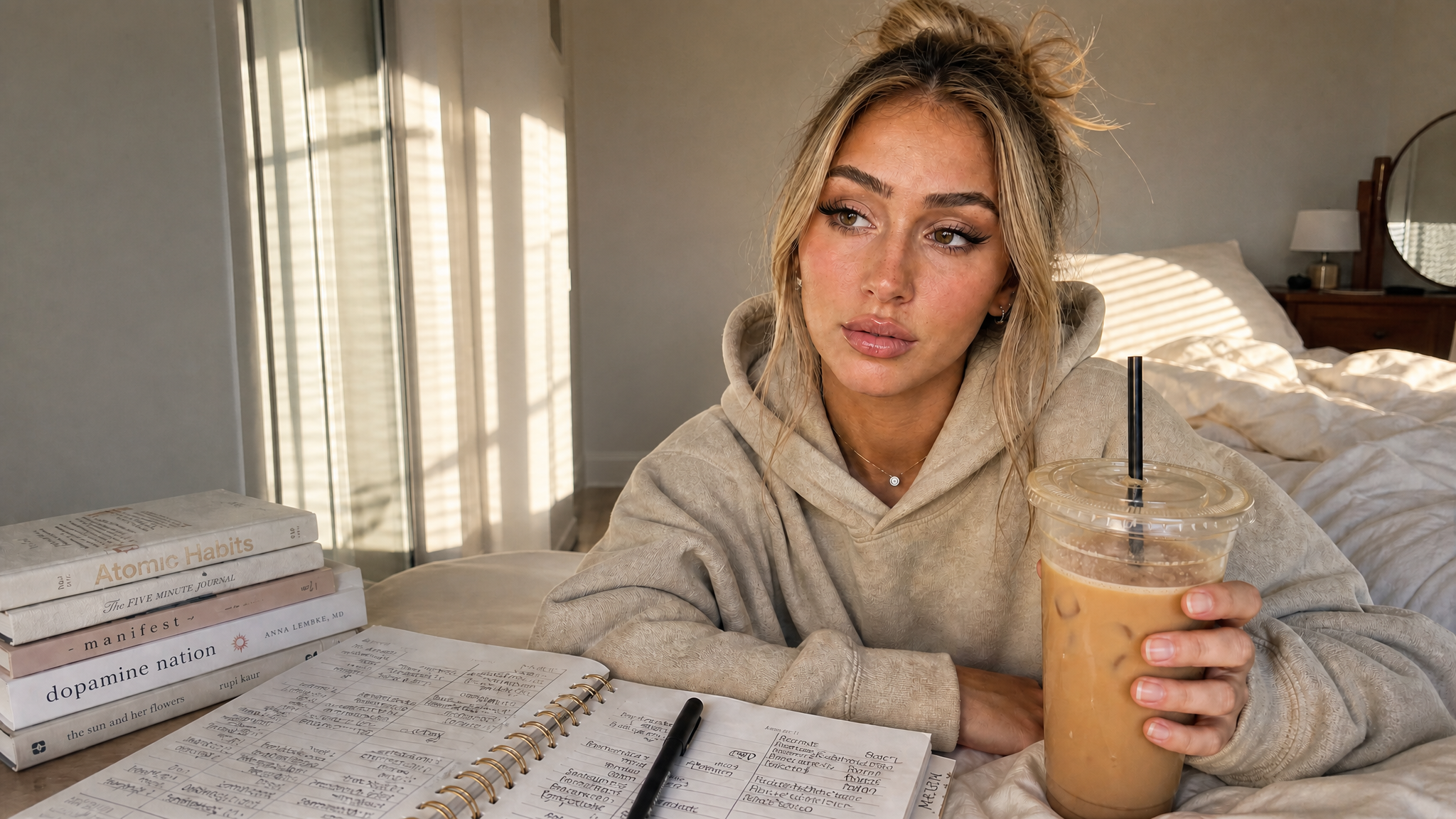
Other AI tools leave the same fake look. VisualKit is built to avoid it.
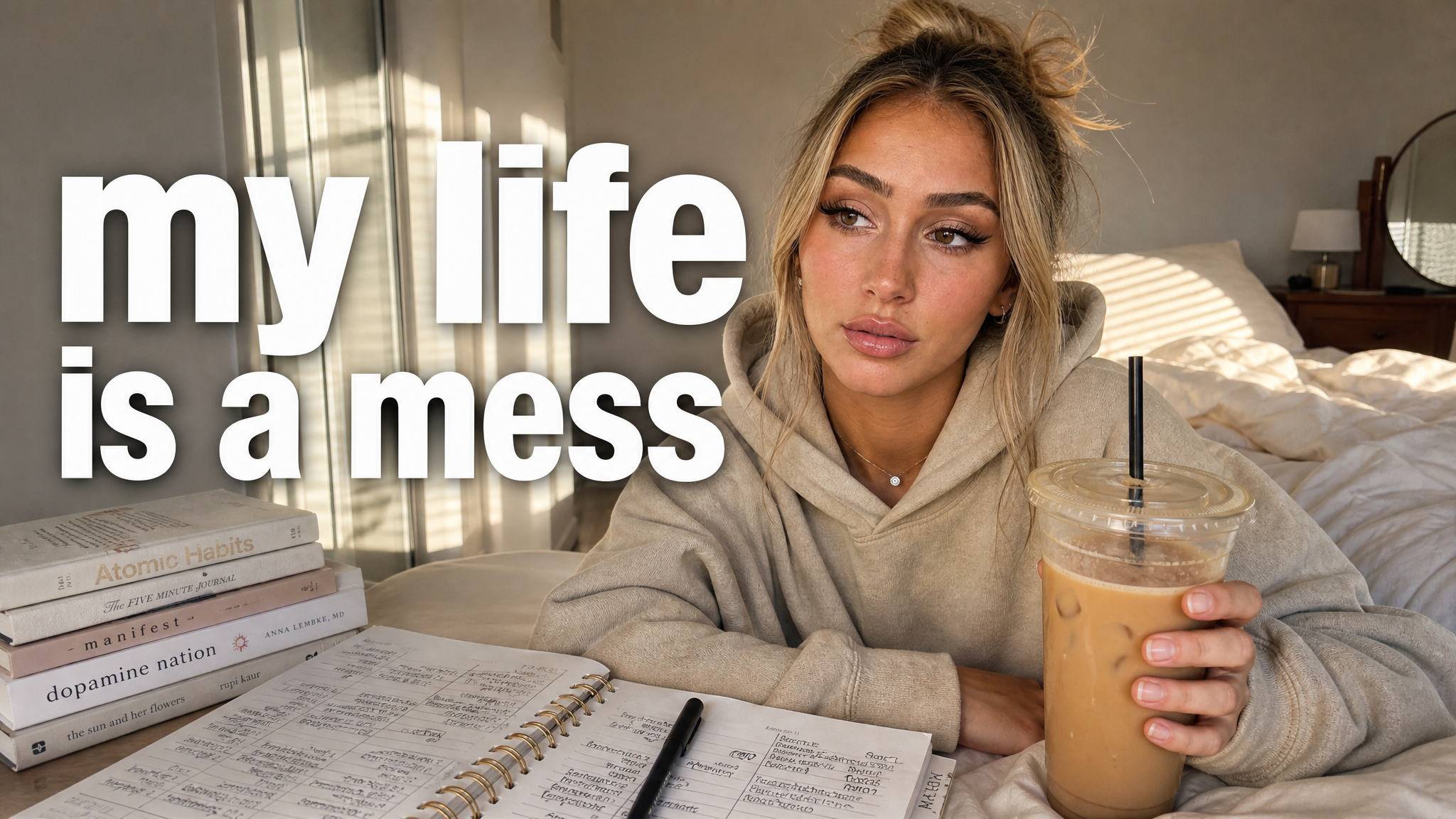
Real thumbnails created with VisualKit.
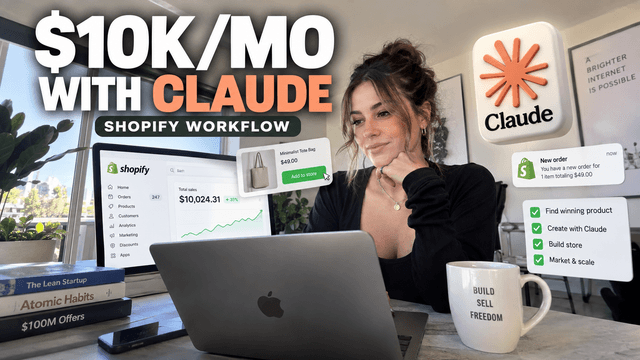
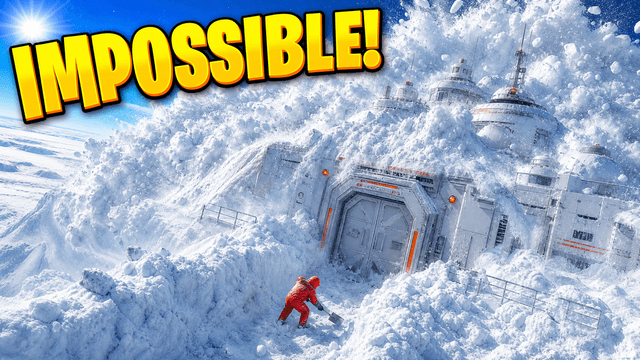
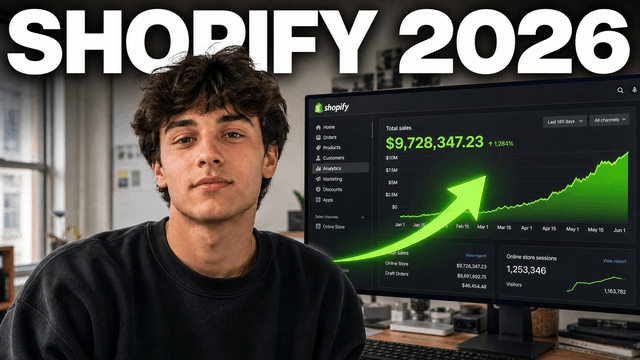
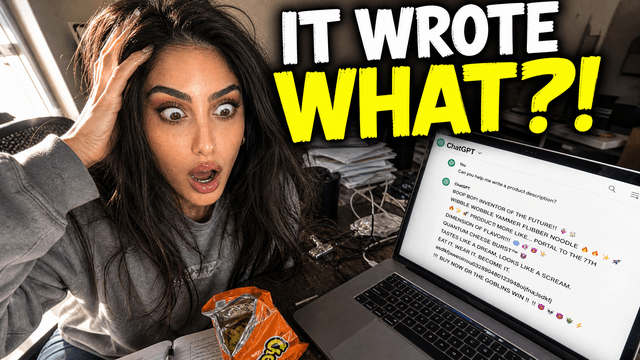
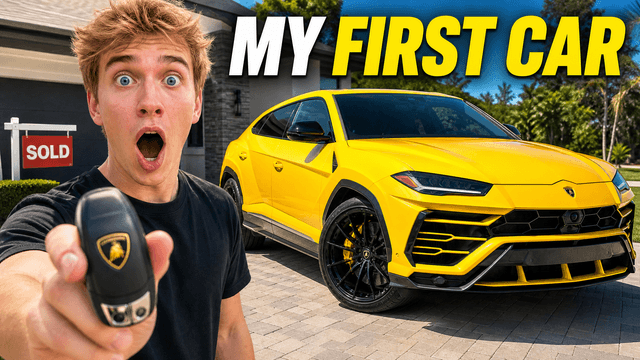
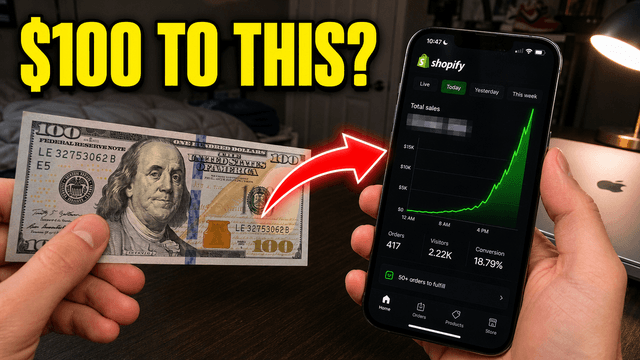
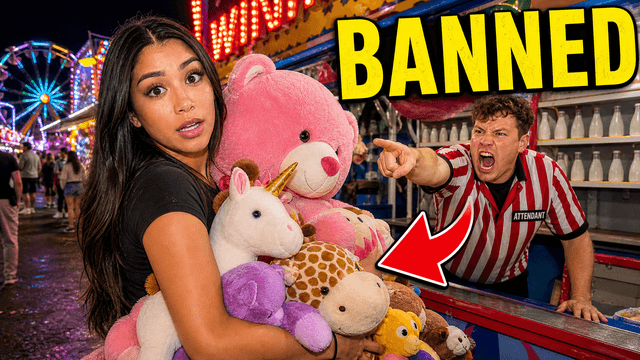




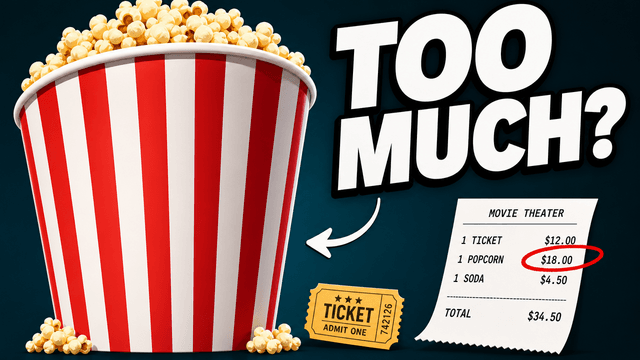
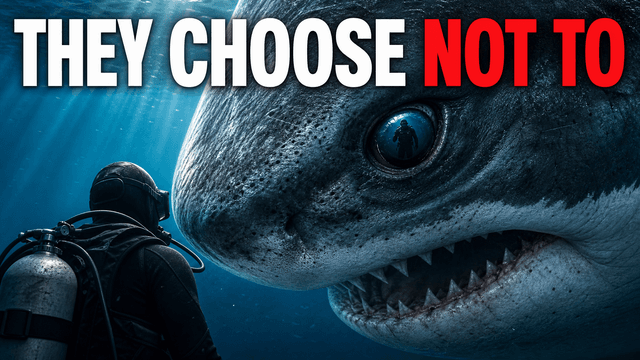
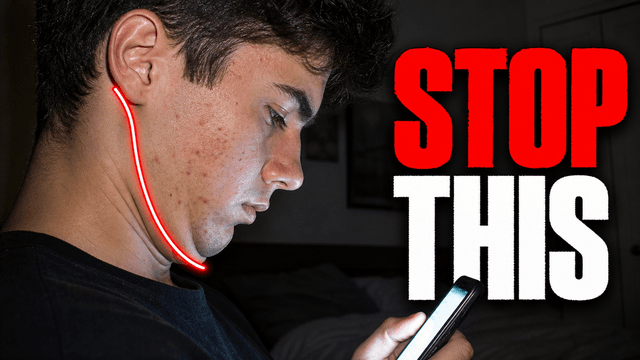

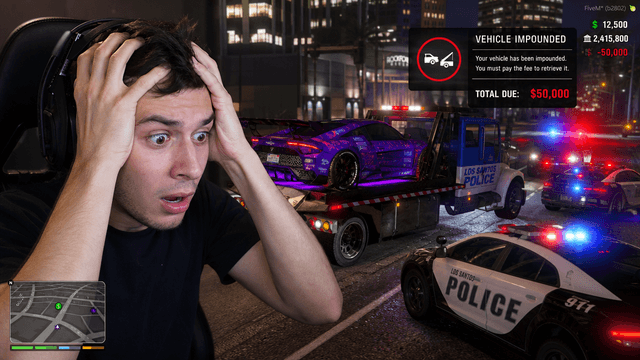
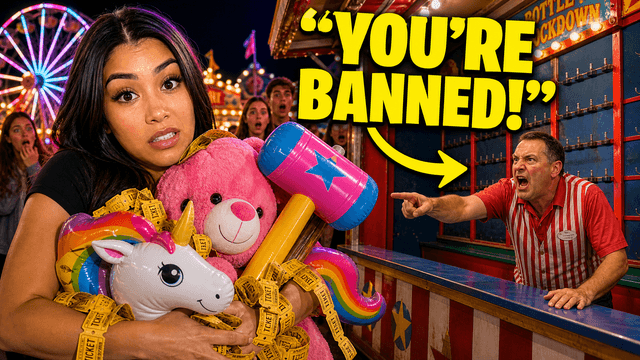
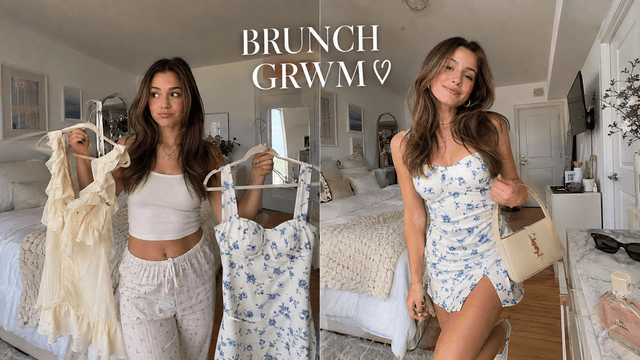

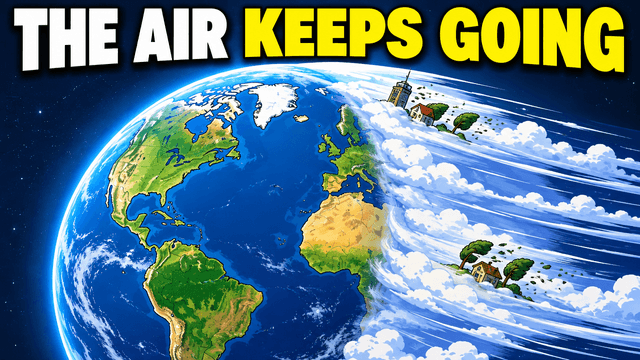
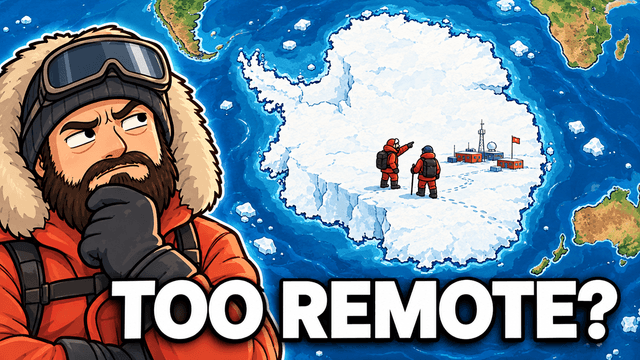
Short walkthroughs from our channel on making thumbnails people click.
Getting AI thumbnails past the fake look.
Show the movement, meal, challenge, or result. Keep the subject big and the frame simple. For your next fitness video, compare thumbnail options with an AI thumbnail maker.
Show one exercise or body area close enough to read. A wide gym shot turns into clutter on a phone.
Use the same pose, lighting, and crop in both photos, plus an honest date such as 30 DAYS or 3 MONTHS. Do not change the body shape.
Put the rule in the picture: how many days, which exercise, or the target you are chasing.
Use one pose, mat, or reformer. Calm light fits the video better than loud gym graphics.
Show the room and the equipment you actually use: dumbbells, a mat, a resistance band, or nothing at all.
Show the food. A full plate or a number such as 120G PROTEIN says more than the words what I eat.
Choose a monthly credit allowance for your publishing schedule.
For creators posting consistently every month.
Includes:
For creators publishing several times a week.
Everything in Starter, plus:
For high-volume creators and teams.
Everything in Starter, plus:
Describe the workout, challenge, transformation, Pilates session, or meals. Pick a style, edit the best option, and export it at 1280×720.
Show the workout, result, or challenge. Keep one subject large, use short text such as 30 DAYS or 120G PROTEIN, and remove details that turn into noise on a phone.
Show the exercise, the equipment, or the part of the body you are training, close enough to recognize instantly. One clear movement beats a wide shot of the gym floor.
Yes. For Pilates, mobility, or wellness, try soft light and one pose or piece of equipment. You do not need harsh gym light or big red text.
VisualKit is an AI YouTube thumbnail maker for creators who want to generate a new design, remix a reference, analyze an existing thumbnail, or revise an image with plain-language instructions. It produces upload-ready 1280×720 thumbnails in the browser, without requiring Photoshop.
Start with a video title or idea, compare generated options, then refine text, composition, color, or imagery. For practical guidance, read our thumbnail design guide or check the recommended YouTube thumbnail size.
| Task | What VisualKit Does | You Start With | You Can Change | Result |
|---|---|---|---|---|
| Create a thumbnail | Makes several YouTube thumbnail options from your video idea | A title, topic, or short description | The subject, text, background, and look | A 1280×720 YouTube thumbnail |
| Use your own photos | Builds the thumbnail around photos or images you upload | Your face, product, screenshot, or other image | Crop, placement, background, expression, and text | A thumbnail using your images |
| Use a reference | Uses another thumbnail to guide the look | A YouTube URL or reference image | Layout, light, color, contrast, and text | A new thumbnail for your video |
| Edit a thumbnail | Changes your chosen thumbnail from a plain-language request | A request like "make my face bigger" or "remove the text" | Text, face size, background, objects, colors, and crop | An updated version |
Create a thumbnail
Makes several YouTube thumbnail options from your video idea
A title, topic, or short descriptionA 1280×720 YouTube thumbnail
You Can Change: The subject, text, background, and look
Use your own photos
Builds the thumbnail around photos or images you upload
Your face, product, screenshot, or other imageA thumbnail using your images
You Can Change: Crop, placement, background, expression, and text
Use a reference
Uses another thumbnail to guide the look
A YouTube URL or reference imageA new thumbnail for your video
You Can Change: Layout, light, color, contrast, and text
Edit a thumbnail
Changes your chosen thumbnail from a plain-language request
A request like "make my face bigger" or "remove the text"An updated version
You Can Change: Text, face size, background, objects, colors, and crop