Prompt to thumbnail
Say who is on it
The guest, the topic, and whether it is solo or an interview. You get a few to pick from.
Turn a guest, topic, interview, or conversation into a podcast thumbnail. Decide who gets the big face. Then compare options and edit the faces, text, and episode look before you publish.
When you have the idea, use AI thumbnail generator to make a few options and pick the one that reads on a phone.
Tell VisualKit about the guest and topic. Then pick the one you like.
The guest, the topic, and whether it is solo or an interview. You get a few to pick from.
Every thumbnail gets a score out of 100. One click fixes the weak part.
Your thumbnail
Checking click potential…
After one fix
Your idea, with a sharper edge.
A better starting point for your next upload.
Ask for a bigger guest or shorter text. The rest stays the same.
The edit, simplified
Your prompt
make the guest larger and shorten the text
One instruction. A more deliberate thumbnail.
Download your thumbnail and add it to your YouTube video.
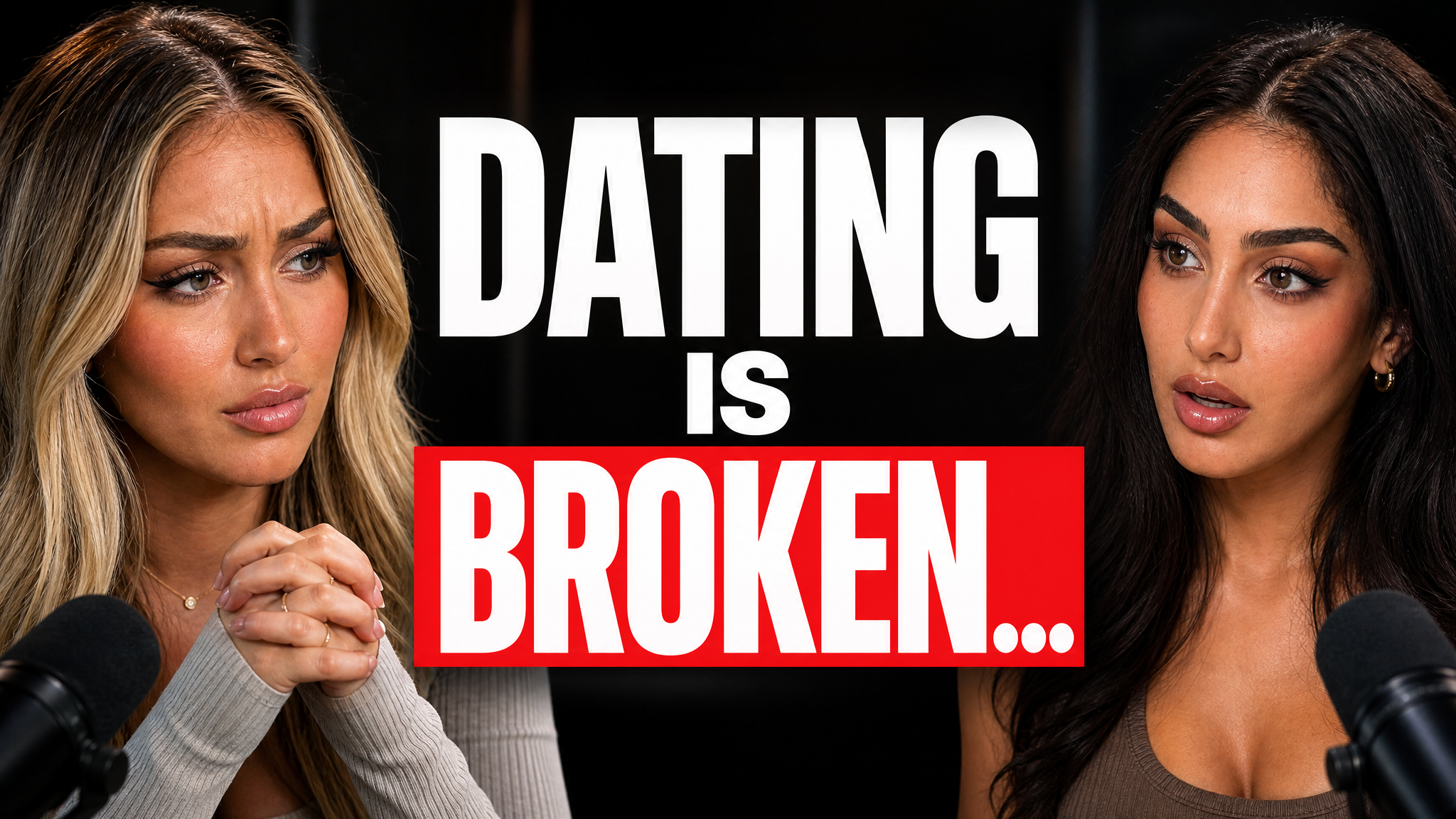
Start with this two-person layout. Replace the speakers, topic, and colors to match your show.
Your thumbnail gets one chance to earn the click before the video starts.
If the thumbnail looks confusing, they click another video.
Each round of feedback can cost another day.
Other AI tools leave the same fake look. VisualKit is built to avoid it.
Real thumbnails created with VisualKit.
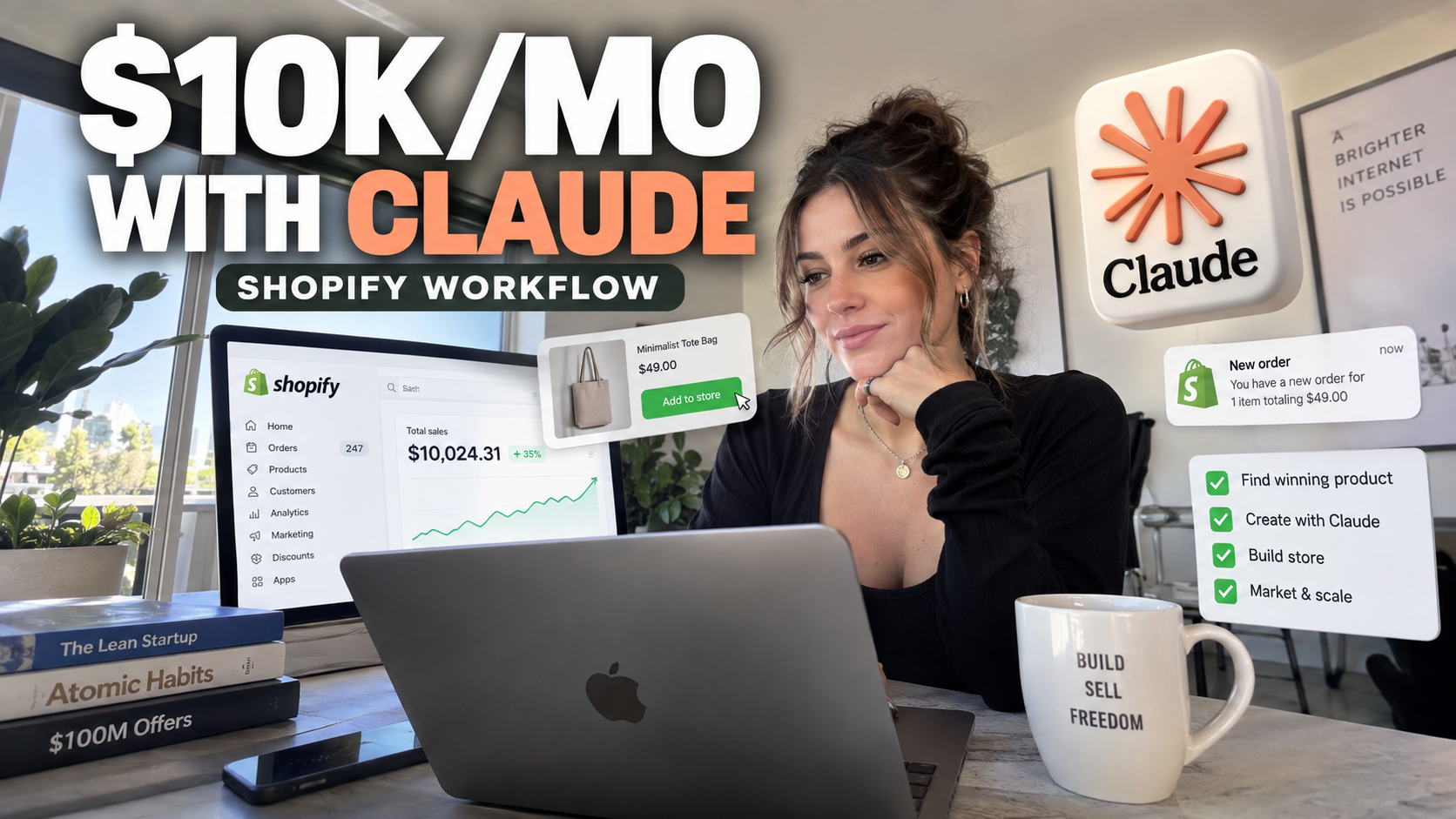

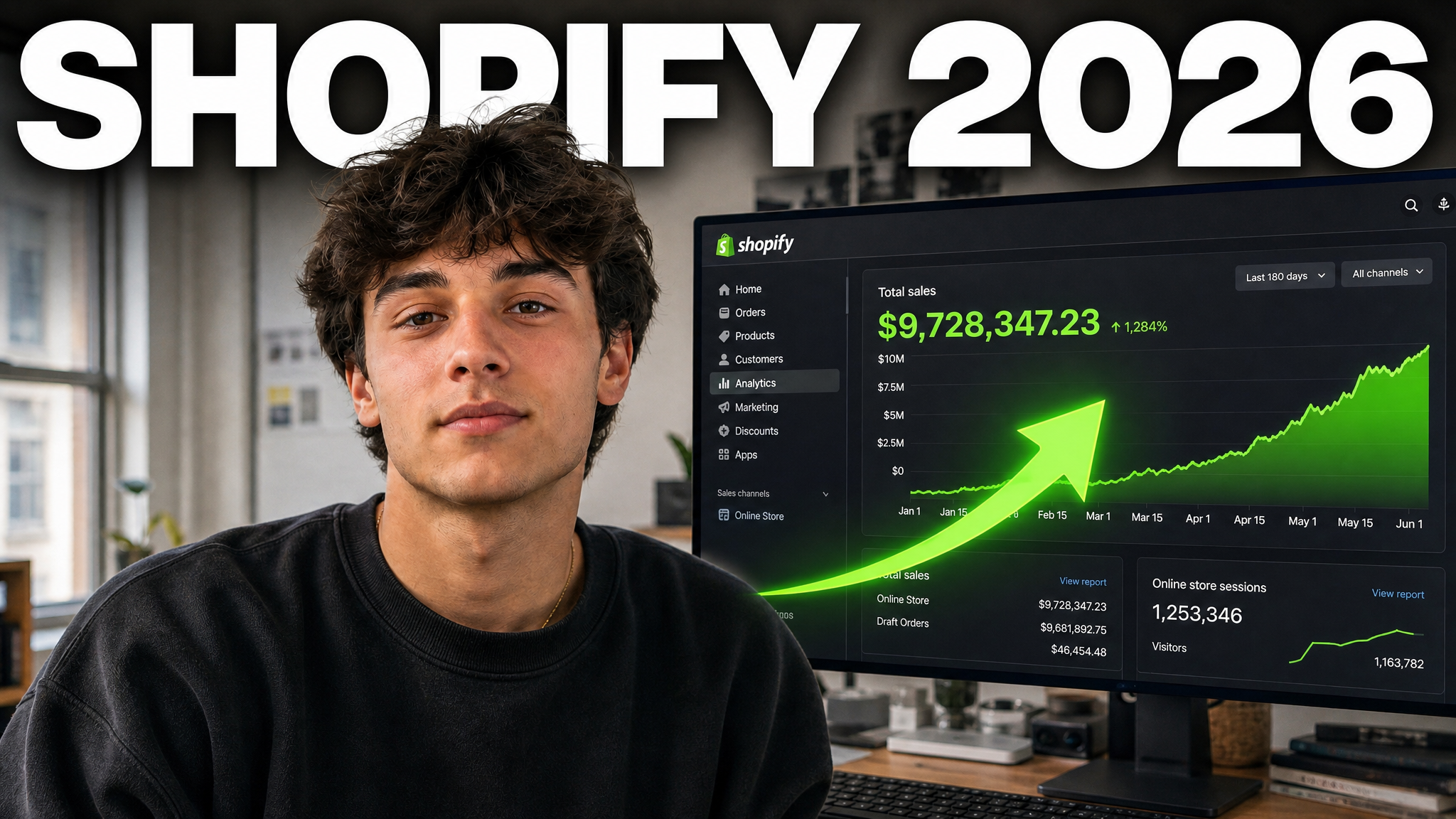
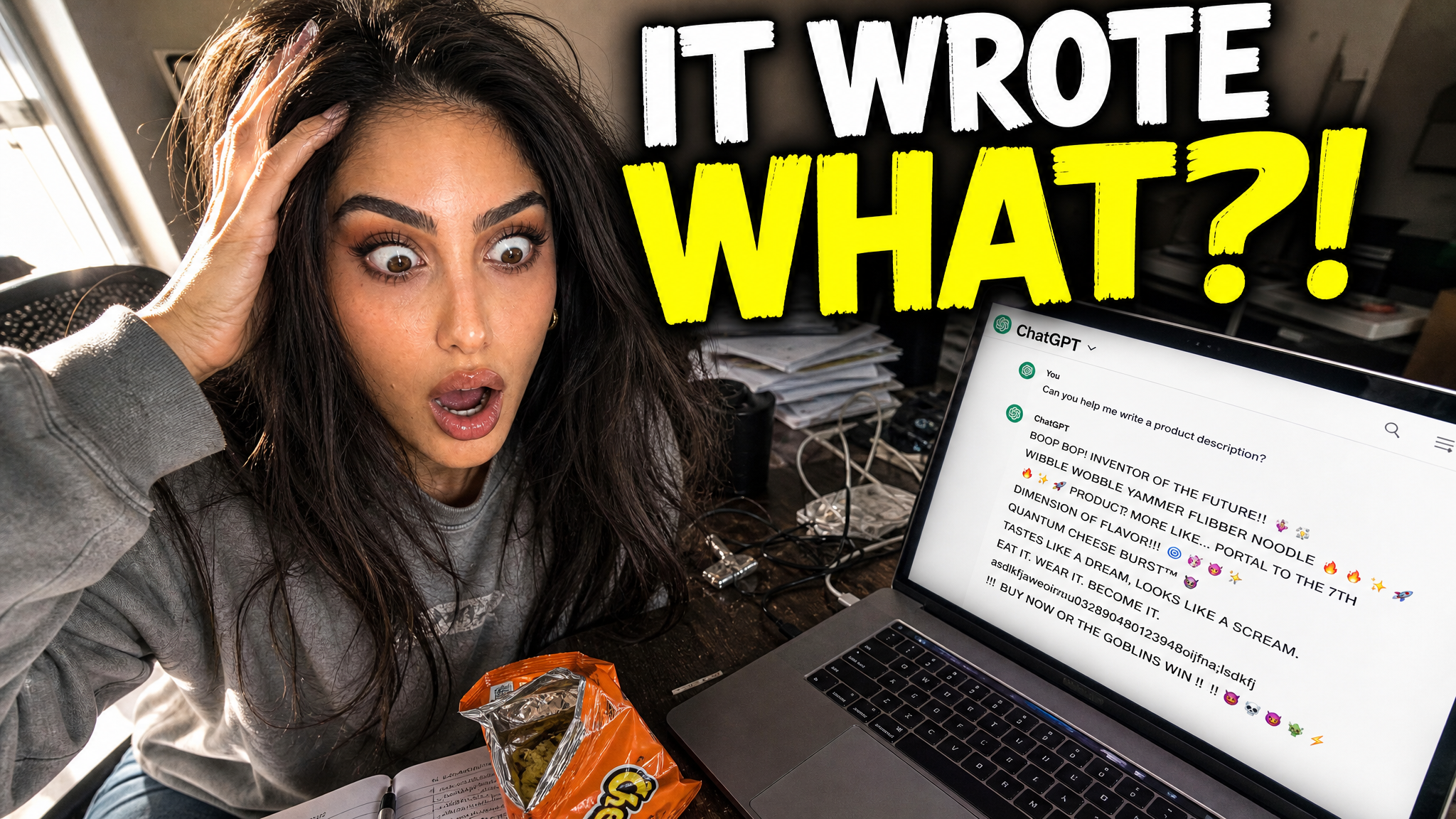

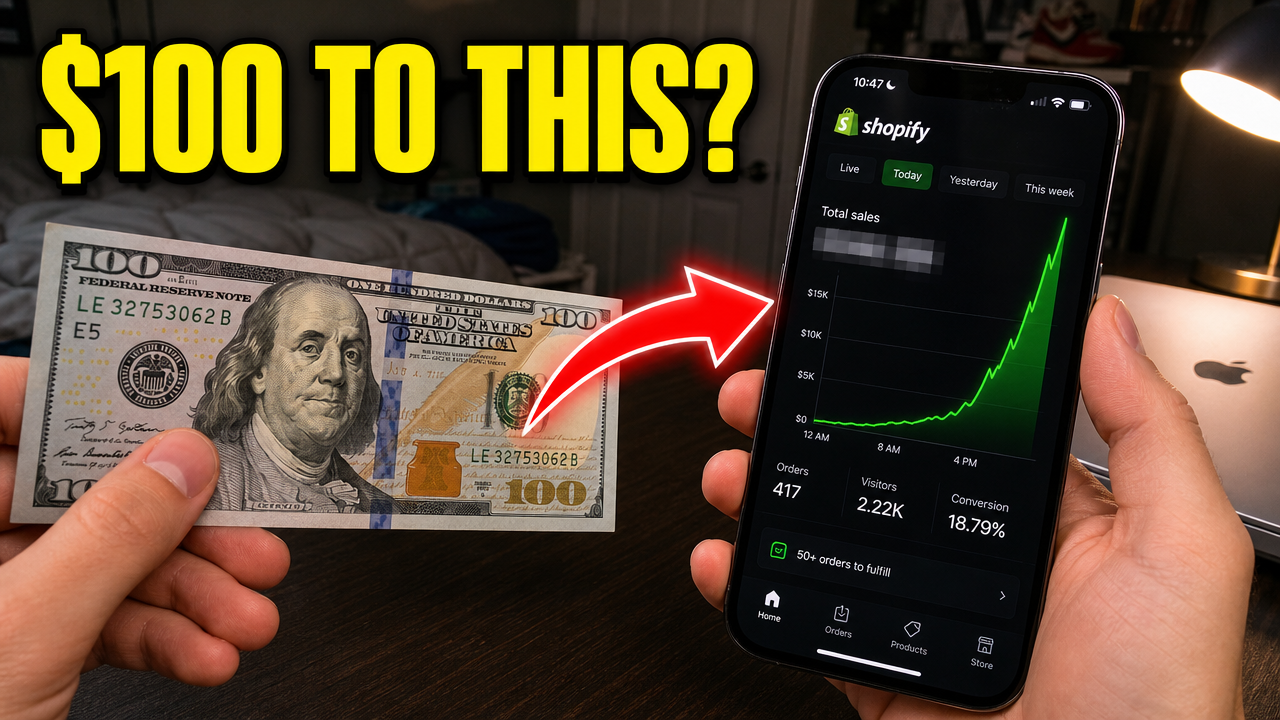
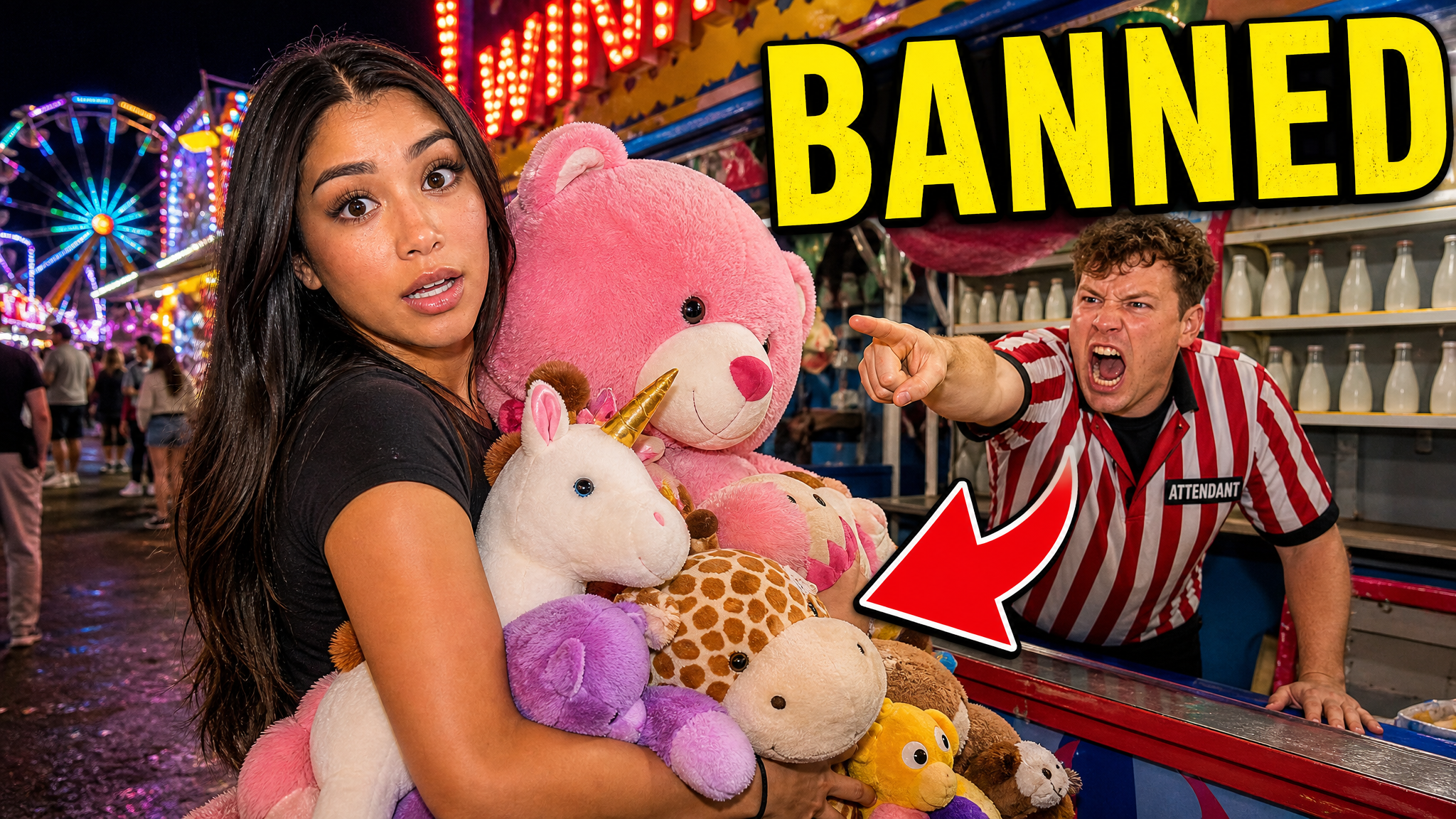




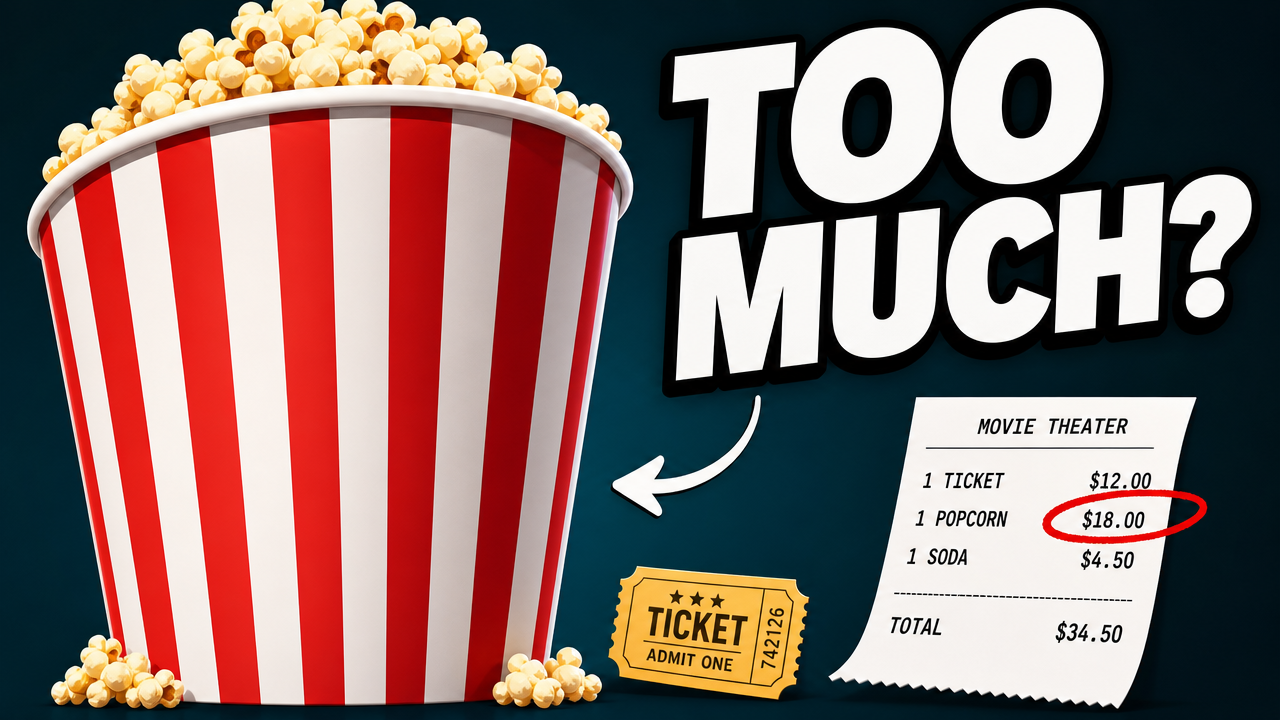
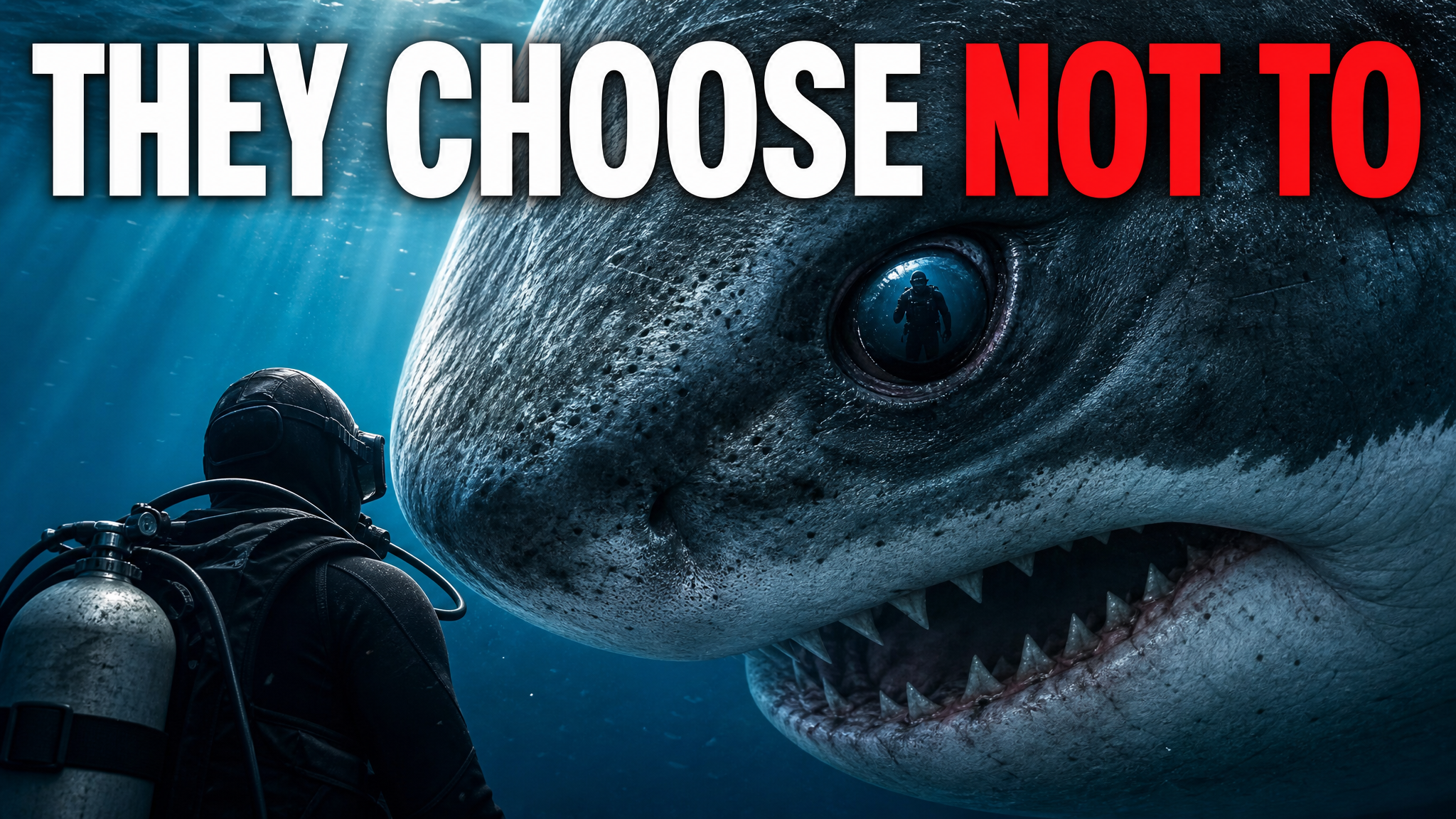
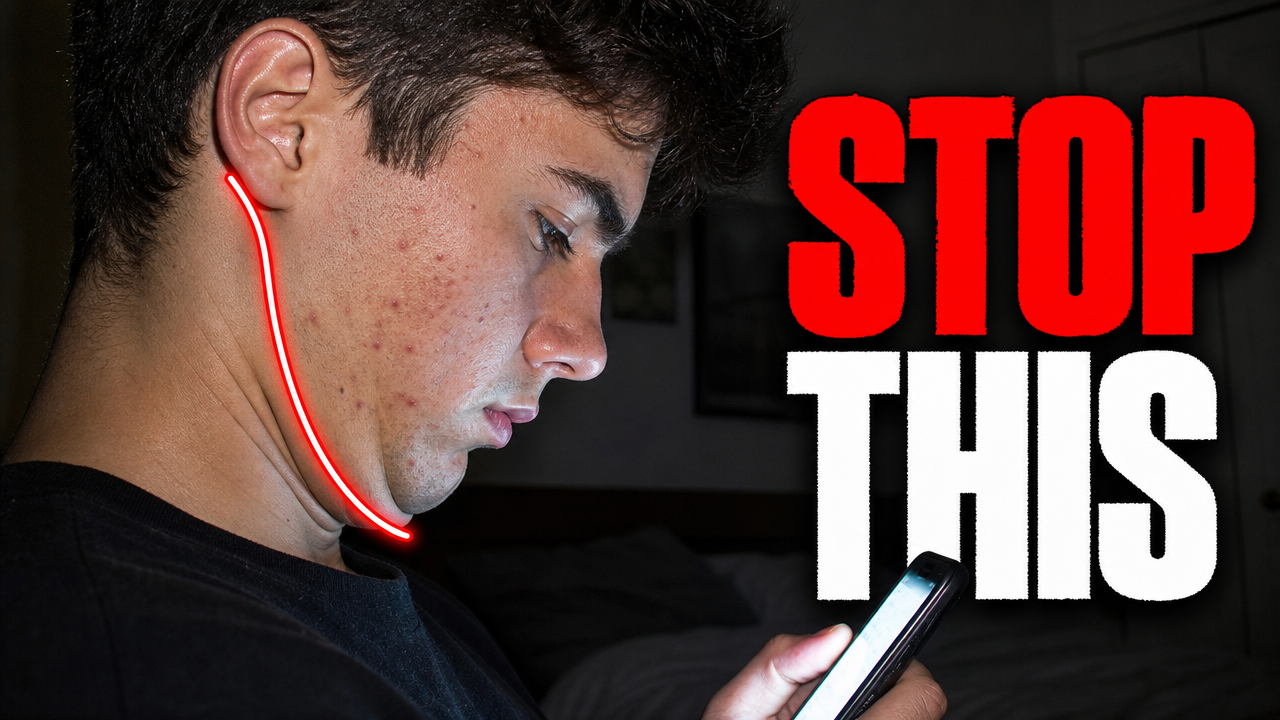


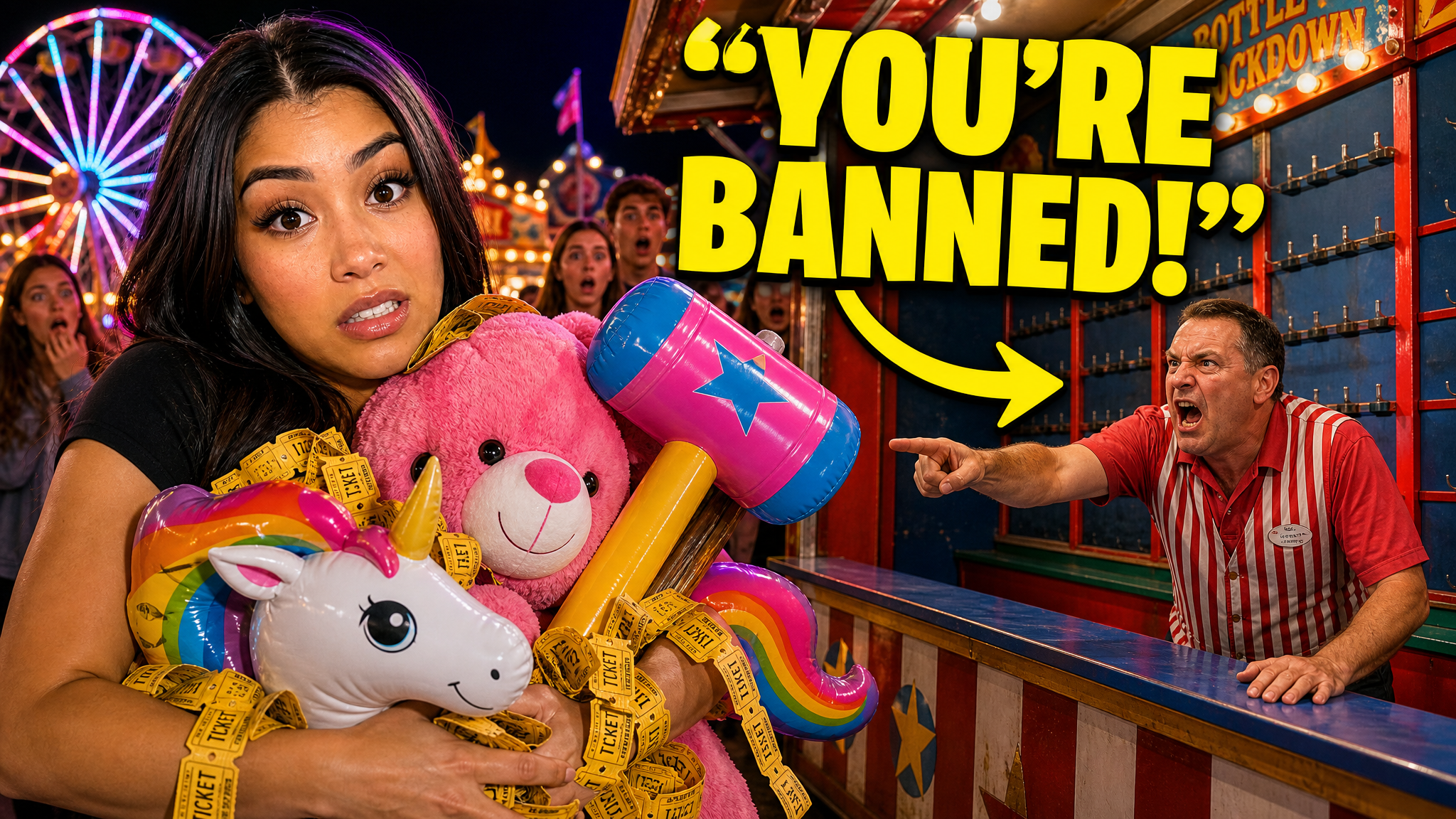
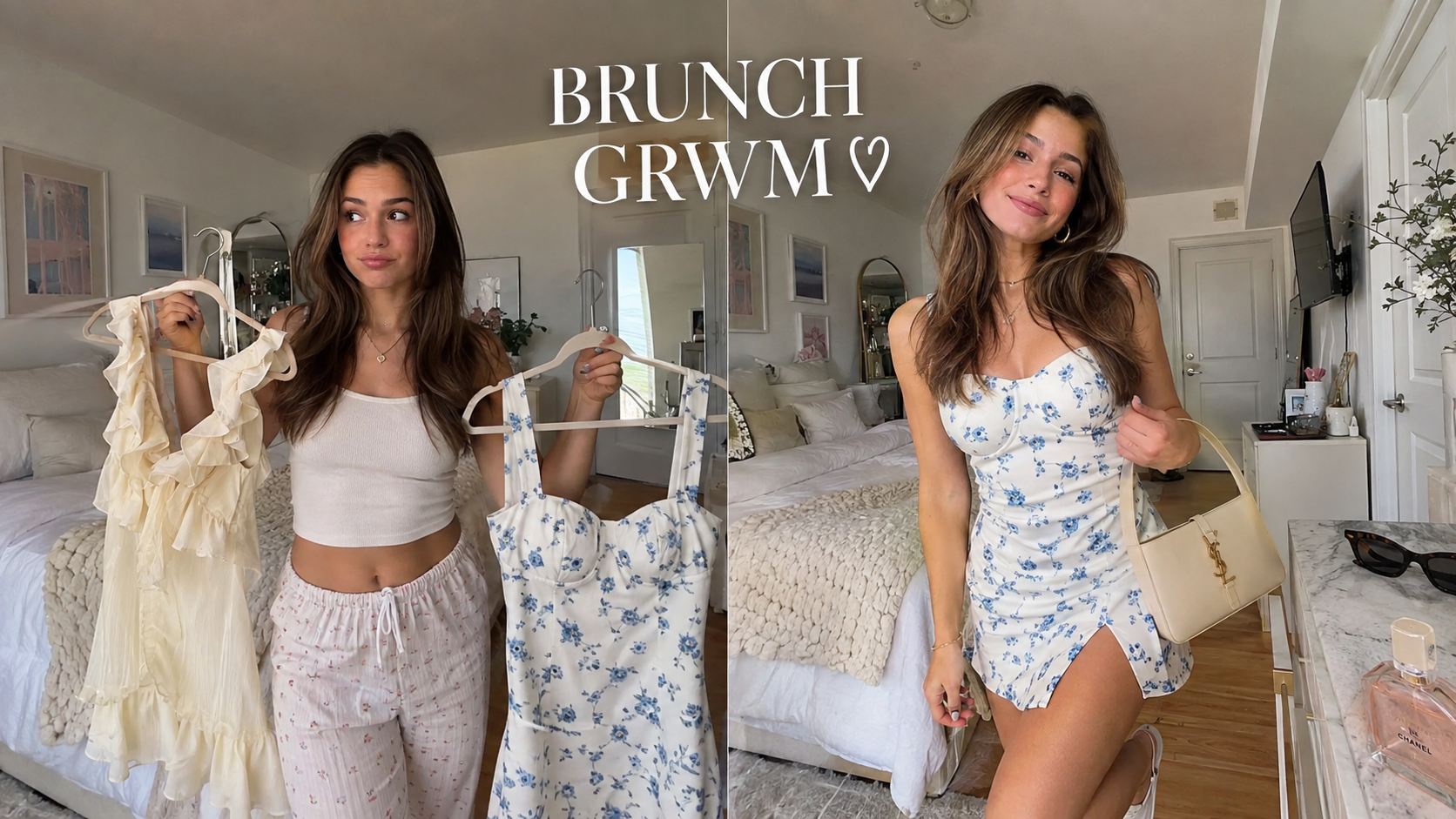

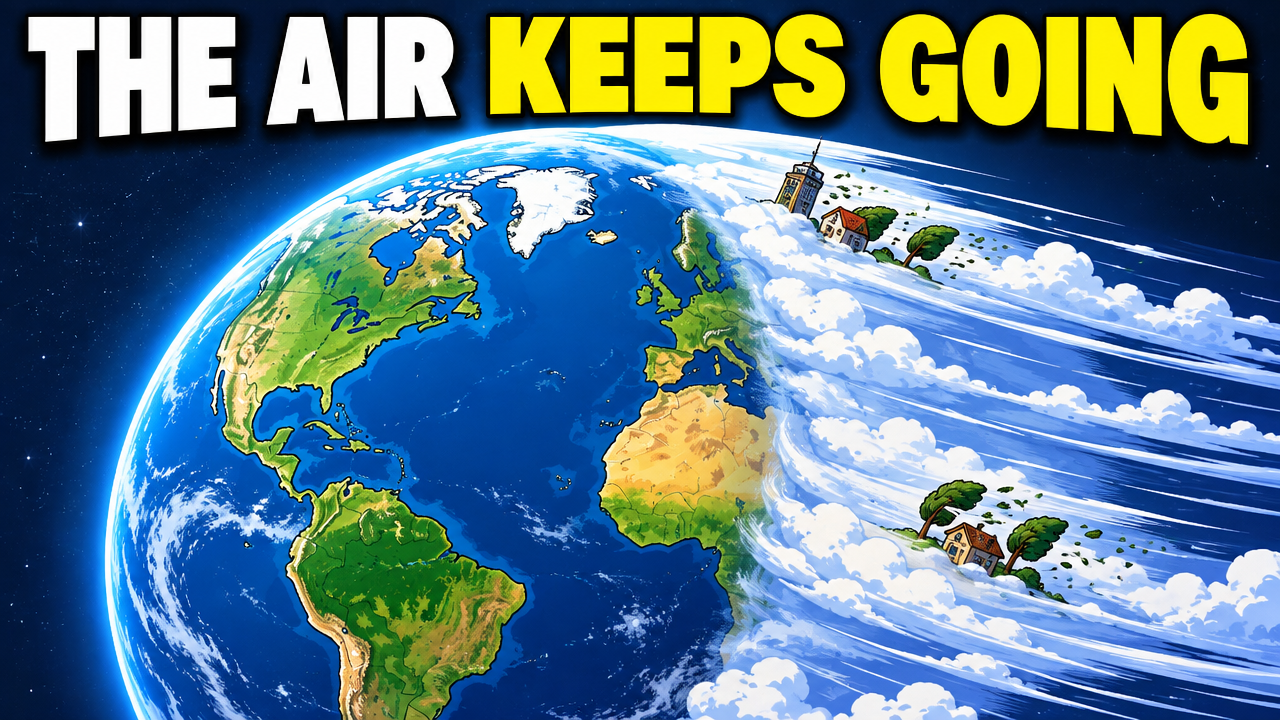

Short walkthroughs from our channel on making thumbnails people click.
Getting AI thumbnails past the fake look.
Choose what leads: the guest, the hosts, or the topic. Do not make every face, microphone, and word the same size. For your next podcast episode, compare thumbnail options with an AI thumbnail maker.
Full episodes sell the guest or relationship. Clips sell one claim, confession, number, or reaction, so package the moment instead of only naming the episode.
Make the guest large and easy to identify. Keep the host smaller when the guest is the main reason to watch.
Lead with the topic, claim, or useful credential when the guest is unknown. A solo episode can use one expressive host frame and one short topic.
Use a short, accurate line from the episode as the hook. Match the speaker's expression to the quote so it feels like a real moment, not a caption.
Two equal faces work when the disagreement is the story. Use opposite expressions and a clear topic; two neutral faces only say that a podcast exists.
Use a real frame from the episode: a laugh, stunned pause, or lean-in. Check that it stays clear at feed size and that you may use every face and third-party image.
Choose the two or three people who matter most on a panel. Use restrained color, clear type, and one proof detail such as a role, number, or object for a serious show. If you make shows for clients, thumbnails for agencies can keep each channel's approved look.
Keep the palette, type, and logo placement familiar. Change who is large, what the text says, and where the tension sits so each upload still feels new.
More thumbnail ideas
See ideas for clips, documentaries, faceless videos, and standard YouTube uploads.
Choose a monthly credit allowance for your publishing schedule.
For creators posting consistently every month.
Includes:
For creators publishing several times a week.
Everything in Starter, plus:
For high-volume creators and teams.
Everything in Starter, plus:
Describe the format, guest, and topic. Add host or guest photos, compare a few options, and edit the best one before you publish.
Not always. Make a recognized guest larger when they are the main draw. Use more balanced faces when the relationship, interview, or disagreement between both people is the story.
Yes. An episode sells the guest or relationship. A clip sells one moment, claim, or reaction and should read as its own video.
Use one short hook, name, role, or number that adds context the faces cannot provide. Remove words that repeat the video title or become too small on a phone.
Keep the palette, type, and logo position fixed. Change the face hierarchy, quote, topic, or tension for each episode. Consistent style, different moment.
Yes. A solo episode can lead with one host and one topic. A multi-guest episode needs fewer words, a quieter background, and a clear choice about which faces matter most.
VisualKit helps podcast creators make thumbnail options around a specific guest, claim, reaction, or relationship. A full episode and a short clip sell different reasons to watch, so they need different packaging.
Keep the show's palette and type familiar, then change who is large, what the text says, and where the tension sits for each upload.
| Task | What VisualKit Does | You Start With | You Can Change | Result |
|---|---|---|---|---|
| Package a full episode | Makes the guest or relationship the main reason to watch | The guest, topic, and conversation dynamic | Face size, crop, text, and background | A thumbnail that earns a longer watch |
| Package a clip | Builds the frame around one accurate claim or moment | A quote, confession, number, or reaction | The hook, expression, and speaker hierarchy | A clip that reads as its own video |
| Choose the main face | Lets you make the most useful person or proof largest | A recognized guest, topic, or credential | Face scale, position, and short supporting text | A clear first look in the feed |
| Keep the series recognizable | Uses a familiar show look while changing the moment | Your palette, type, and approved references | The composition and episode-specific hook | Consistency without identical rectangles |
Package a full episode
Makes the guest or relationship the main reason to watch
The guest, topic, and conversation dynamicA thumbnail that earns a longer watch
You Can Change: Face size, crop, text, and background
Package a clip
Builds the frame around one accurate claim or moment
A quote, confession, number, or reactionA clip that reads as its own video
You Can Change: The hook, expression, and speaker hierarchy
Choose the main face
Lets you make the most useful person or proof largest
A recognized guest, topic, or credentialA clear first look in the feed
You Can Change: Face scale, position, and short supporting text
Keep the series recognizable
Uses a familiar show look while changing the moment
Your palette, type, and approved referencesConsistency without identical rectangles
You Can Change: The composition and episode-specific hook