Challenge YouTube Thumbnails. Built to Go Viral.
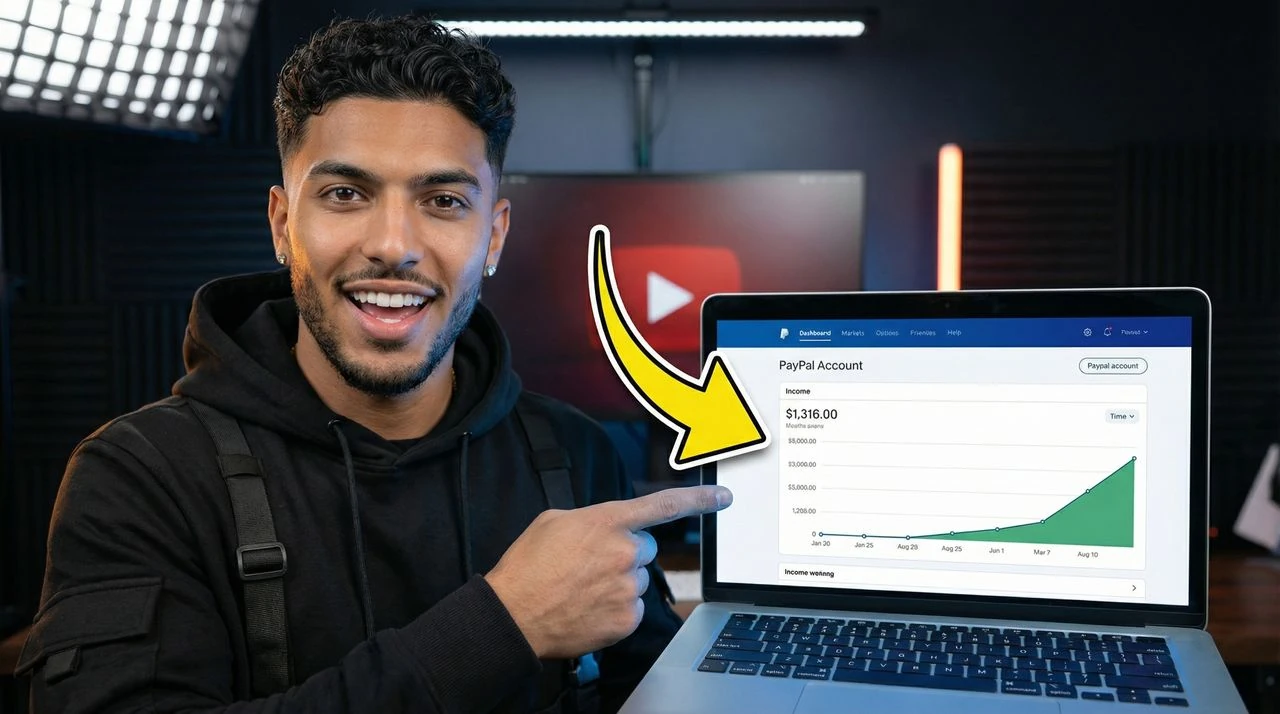
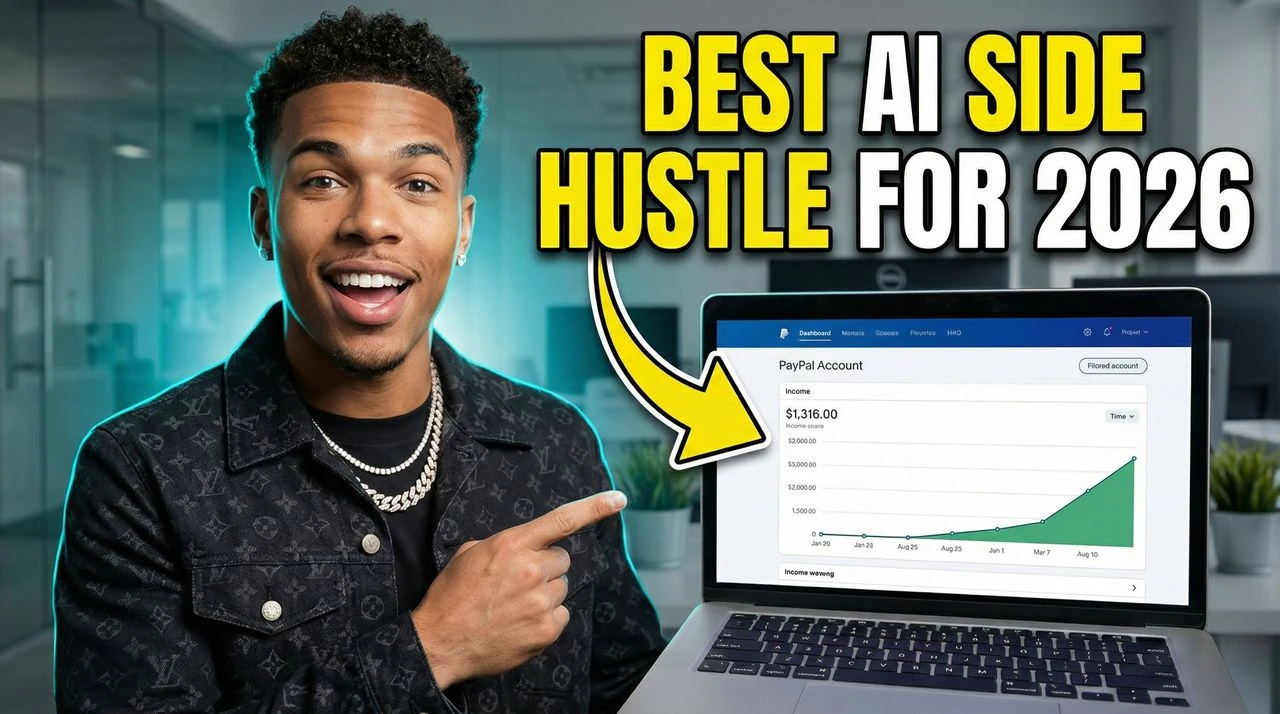
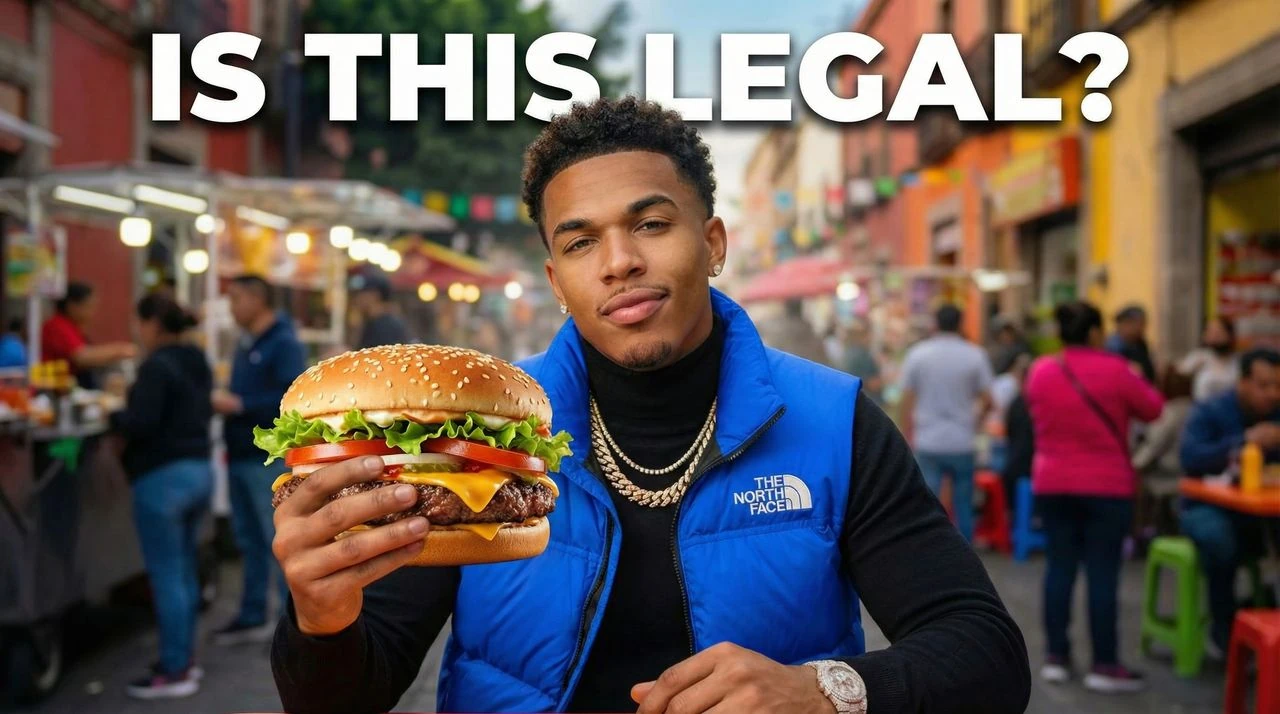
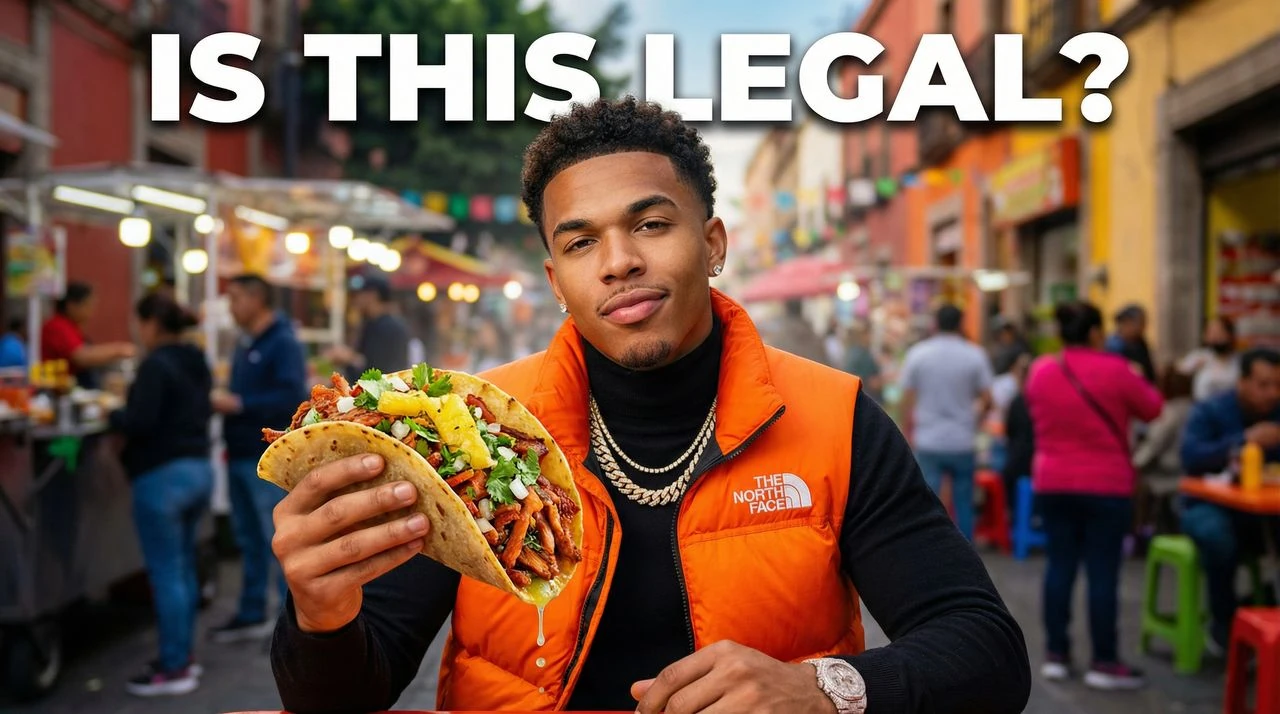
Make viral challenge thumbnails for YouTube for stunt videos, money challenges, 24-hour videos, prank channels, and high-energy entertainment content.
How to Make Challenge YouTube Thumbnails
Describe the challenge, stunt, or prize and the AI builds a viral-style thumbnail in under a minute — with bold faces, big numbers, and high-contrast colors.
- Generate YouTube Thumbnails from a Prompt: Describe your video topic and the AI thumbnail maker creates 4 click-ready 1280x720 thumbnail options in seconds.
- Recreate Any Viral YouTube Thumbnail: Paste any YouTube URL and the AI analyzes the layout, colors, and text to recreate the style with your topic and face.
- Edit YouTube Thumbnails with AI: Tell the AI what to change in plain English to adjust colors, text size, background, or layout in seconds.
Force discovery with high-impact thumbnails.
Challenge content lives or dies by the thumbnail. VisualKit creates viral challenge YouTube thumbnails for stunts, money challenges, prank videos, 24-hour formats, and high-energy entertainment channels. Made for AI challenge thumbnail maker, challenge thumbnails for YouTube, viral thumbnail maker, MrBeast-style thumbnail generator, and creators making money challenges, 24-hour videos, stunt content.
- Bold Reaction Faces: Sharpen expressions and add rim lighting so viewers feel the shock, fear, or excitement instantly.
- Big Stakes Front and Center: Show the prize, money, or consequence clearly — so viewers know what's on the line before reading the title.
- Loud, Feed-Breaking Colors: Saturated, high-contrast colors built to stand out in dark mode and light mode YouTube feeds.
- Strong on Mobile: Big focal points and bold scaling so faces and objects pop at small thumbnail size in the home feed.
- Built for "AI challenge thumbnail maker" searches: VisualKit is designed to show up for "AI challenge thumbnail maker" and "challenge thumbnails for YouTube" — so the right viewers find your videos in YouTube and Google search.
- Made for Challenge & Stunt Videos creators: Built around real money challenges and 24-hour videos channels, with layouts that match what your audience actually clicks on.
- Solves challenge & stunt videos thumbnail problems: The AI thumbnail maker handles the parts most creators get wrong — clean backgrounds, mobile readability, and high-contrast text — automatically.
Challenge Thumbnail Questions
VisualKit is free to try, with premium subscription plans starting at $20/month for high-speed custom generations.
How do I make a viral challenge YouTube thumbnail?
Describe the challenge, stunt, or prize, and VisualKit generates a viral-style thumbnail in under a minute — with bold reaction faces, big number callouts, and high-contrast colors built for the YouTube home feed.
Can I make MrBeast-style versus or budget comparison thumbnails?
Yes. VisualKit handles split-screen comparisons like '$1 vs $1,000,000' or 'Easy vs Impossible' — with matched lighting and clean side-by-side layouts.
Can I add money, timer, or prize labels?
Yes. Mention specifics like '$100,000', '24 HOURS', or 'NO ESCAPE' in your prompt and the AI builds bold graphic callouts into the thumbnail.
What text works best on challenge thumbnails?
1–2 high-energy words, or skip text entirely if the visual already tells the story. Less text means more focus on the reaction and the stakes.
What size are challenge thumbnails?
1280x720 pixels (16:9) — YouTube's recommended size — so big faces and bold numbers stay sharp on every device.
Is this free for entertainment YouTubers?
Yes. You can make challenge YouTube thumbnails for free with VisualKit, with paid plans for production teams and daily uploaders.
Is VisualKit really the best AI challenge thumbnail maker?
VisualKit is built specifically for challenge & stunt videos creators — not a generic image editor. It generates finished, on-trend thumbnails in under a minute, with the styles that actually work for money challenges videos.
Can I use this AI thumbnail maker to make viral thumbnail maker?
Yes. VisualKit handles "viral thumbnail maker" along with related formats — keeping your brand style consistent across every video.
How do I get more clicks on my challenge & stunt videos videos?
Focus on one clear subject (like your money challenges), keep text under 3 bold words, and let VisualKit handle contrast and composition. Strong thumbnails are the #1 reason channels grow.