Prompt to thumbnail
Say what changed
The person, the company, or the event at the center. You get a few to pick from.
A news thumbnail packages a breaking story or current event into one clear YouTube visual. VisualKit helps news creators cover politics, business, technology, sports, commentary, analysis, interviews, investigations, and developing stories. Show who or what changed, why it matters, and what viewers should notice without inventing evidence or overstating the facts.
When you have the idea, use AI thumbnail maker to make a few options and pick the one that reads on a phone.
Tell VisualKit what changed and pick the one you like.
The person, the company, or the event at the center. You get a few to pick from.
Every thumbnail gets a score out of 100. One click fixes the weak part.
Your thumbnail
Checking click potential…
After one fix
Your idea, with a sharper edge.
A better starting point for your next upload.
Ask for a bigger subject or less text. Then check every detail.
The edit, simplified
Your prompt
make the subject larger and remove the extra headline text
One instruction. A more deliberate thumbnail.
Download your thumbnail and add it to your YouTube video.
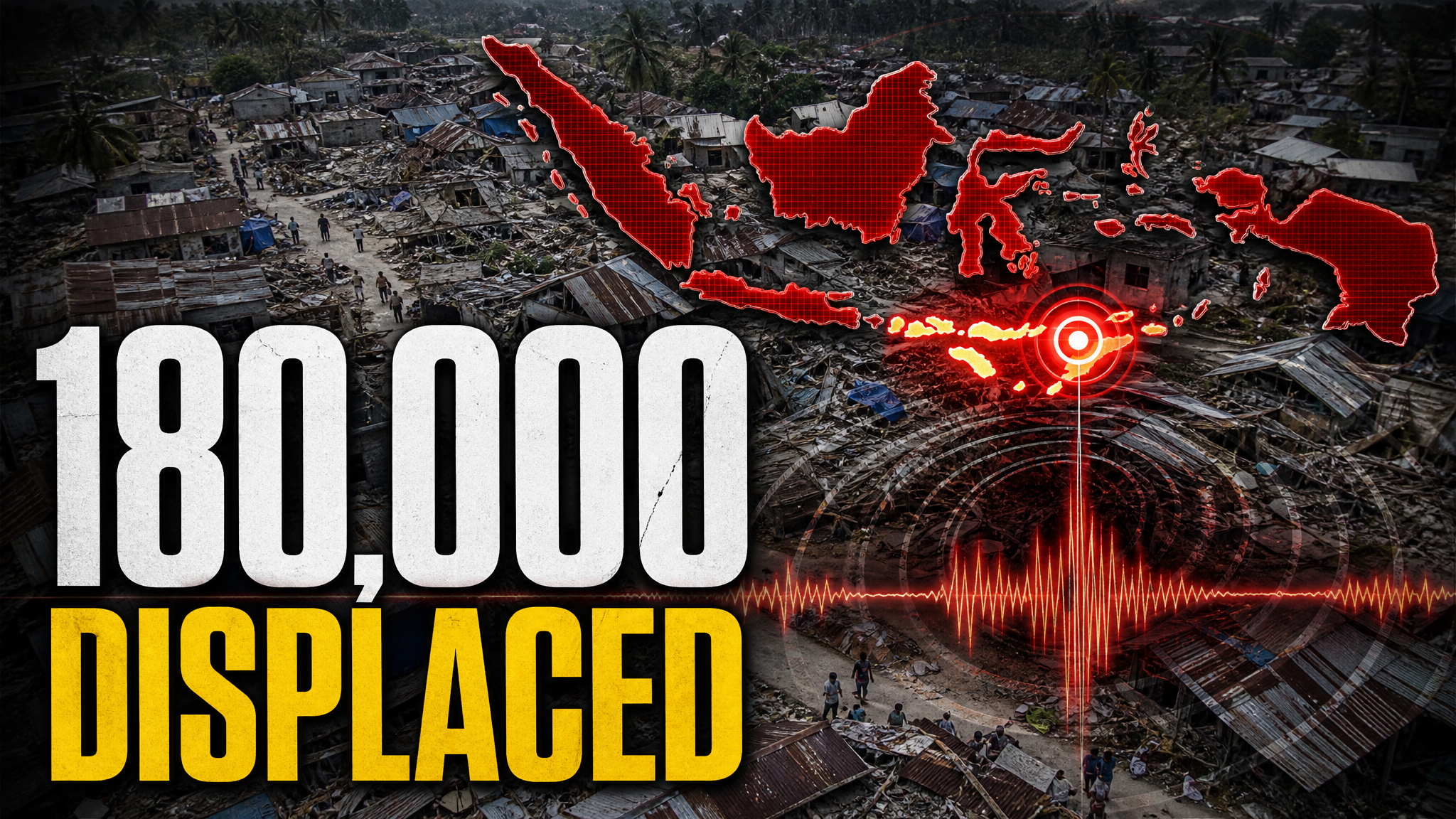
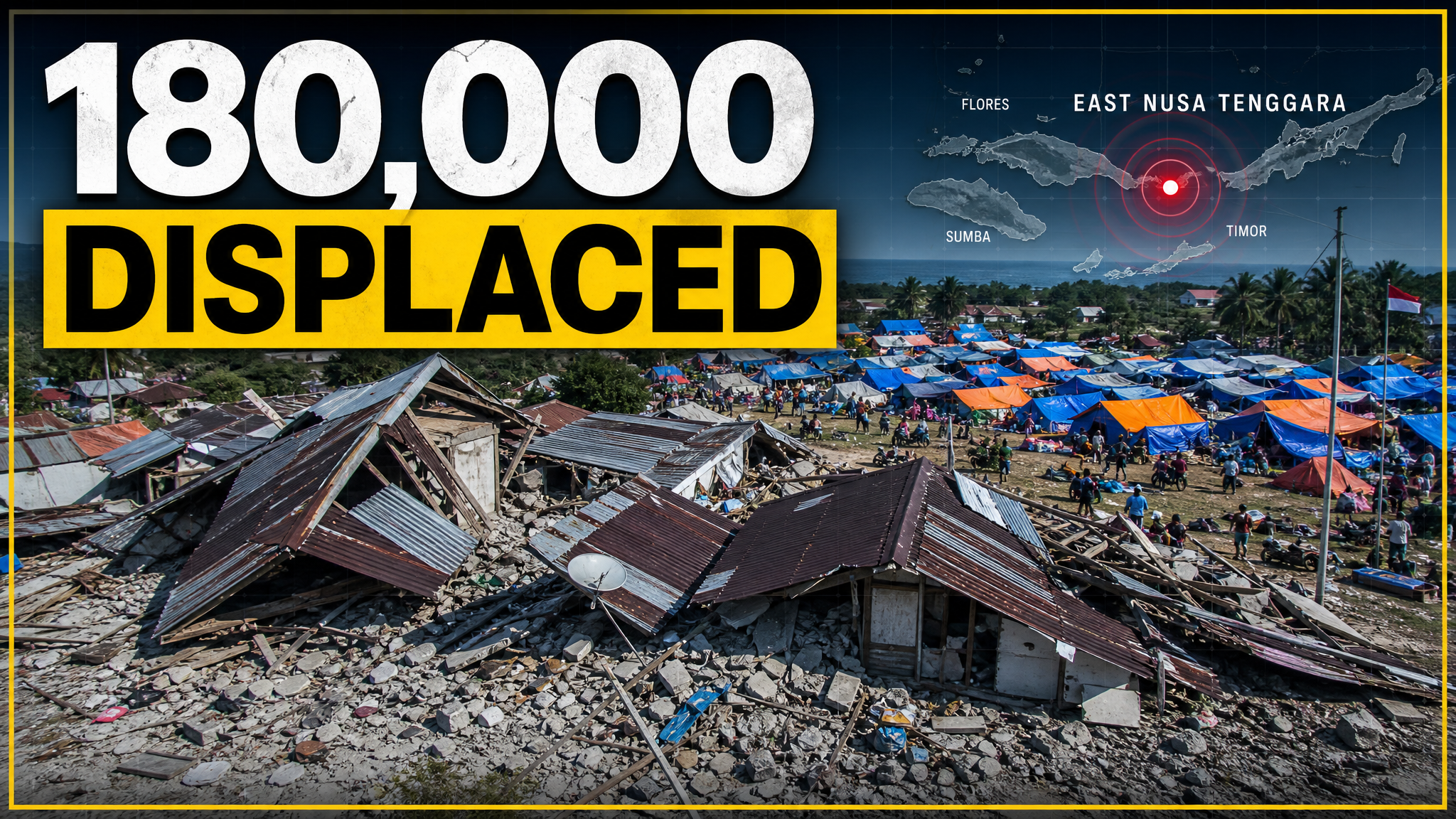
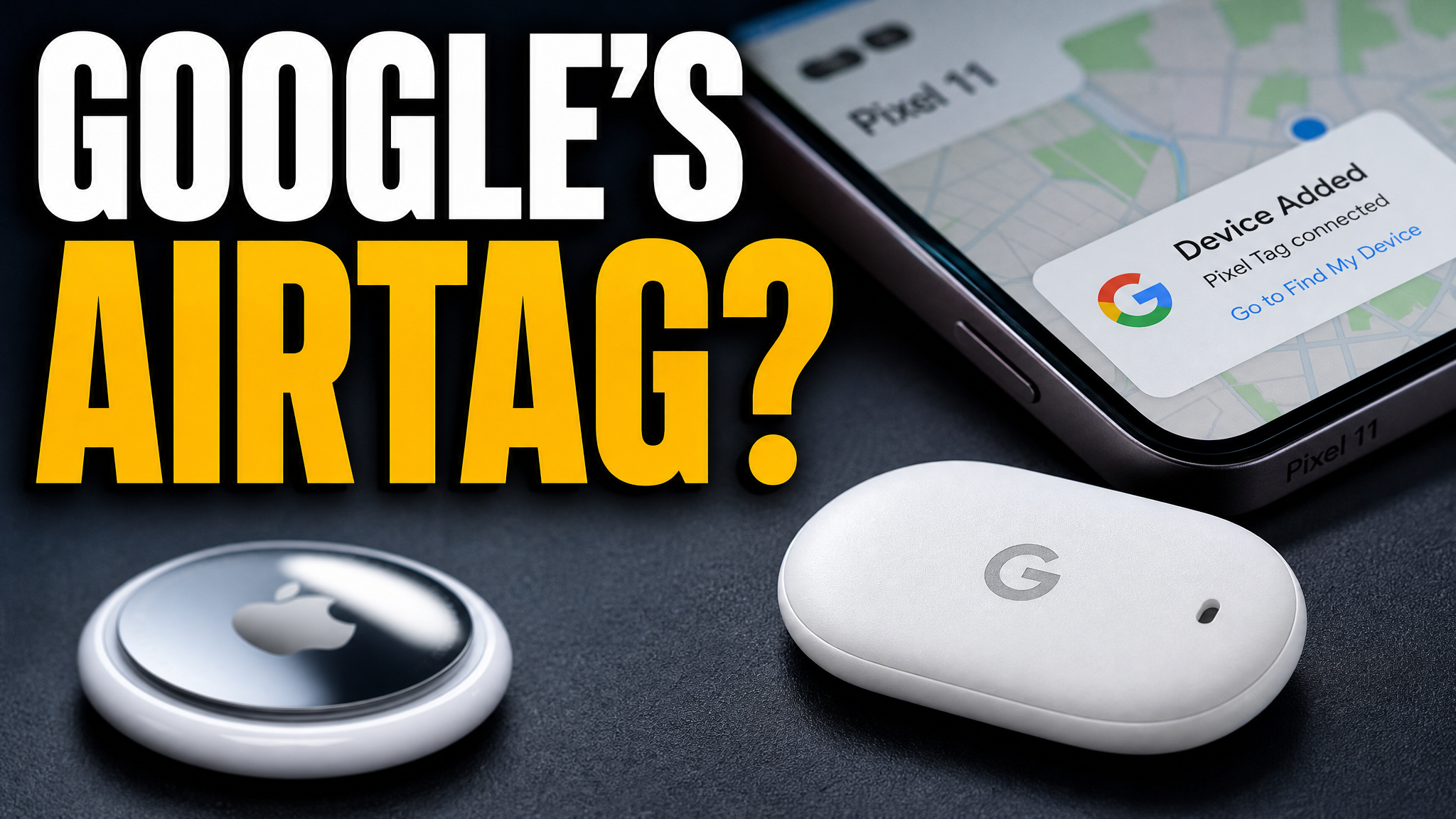
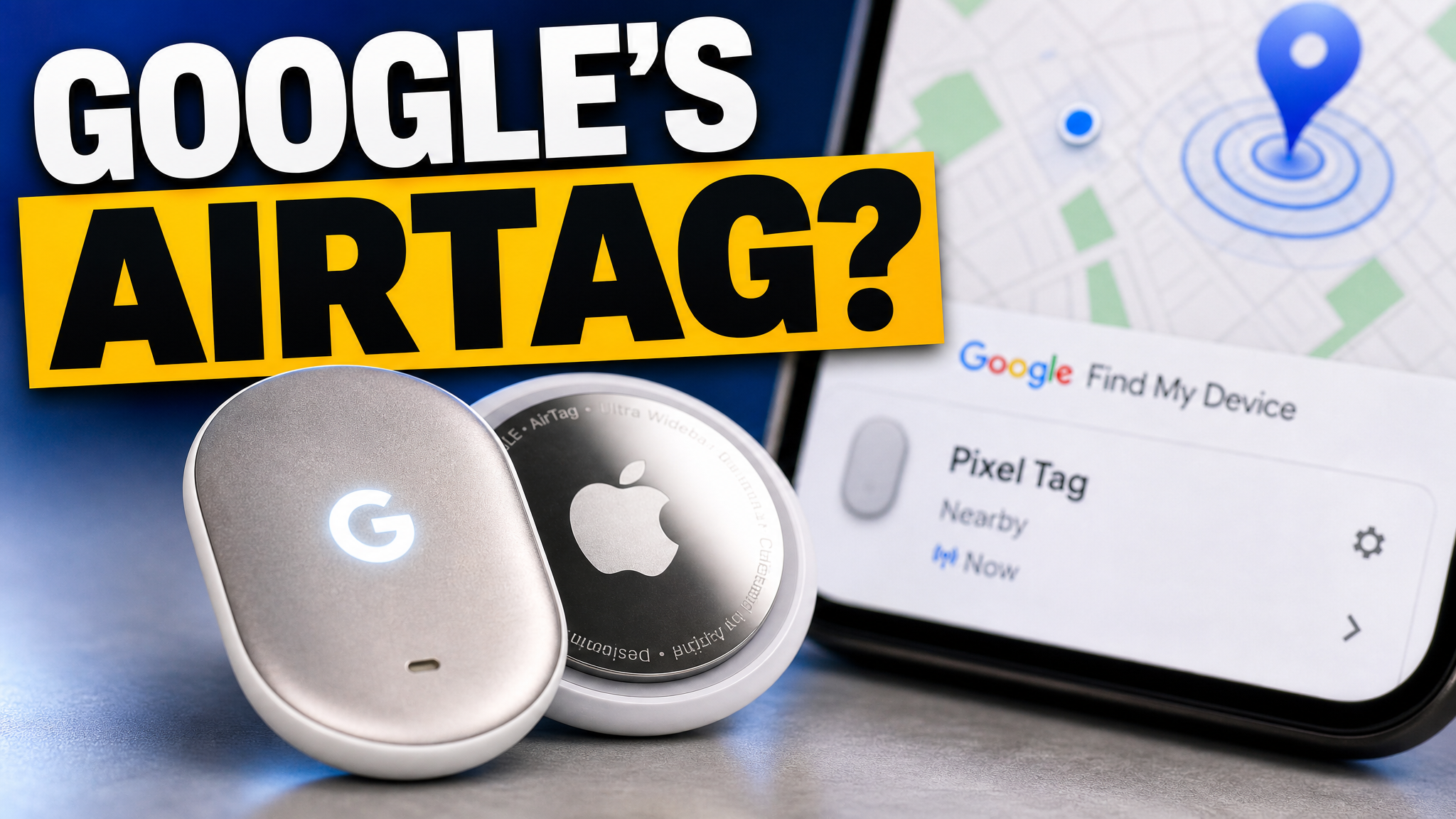
One example leads with a product change. The other uses one large number for a fictional business story.
Your thumbnail gets one chance to earn the click before the video starts.
If the thumbnail looks confusing, they click another video.
Each round of feedback can cost another day.
Other AI tools leave the same fake look. VisualKit is built to avoid it.
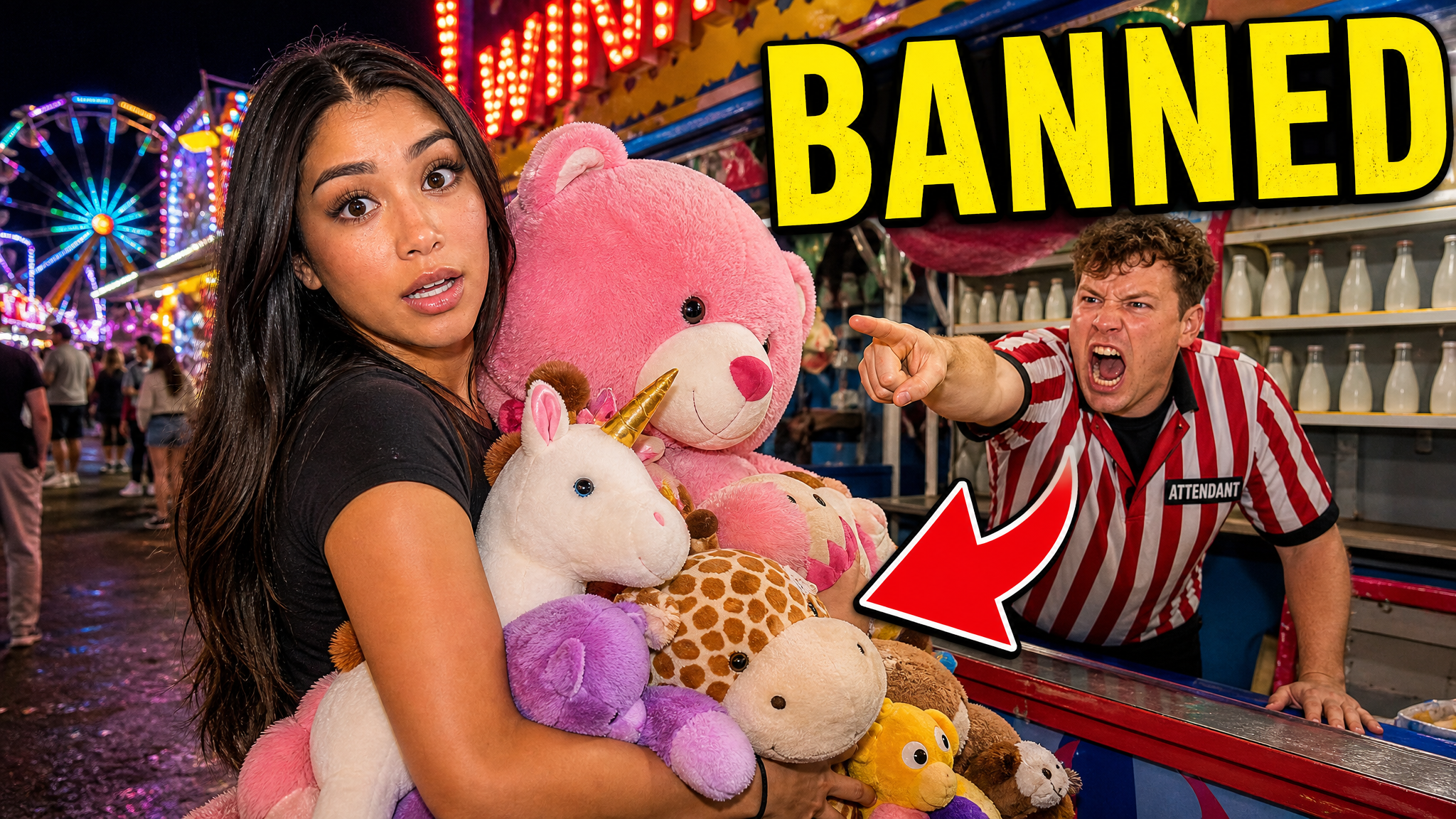
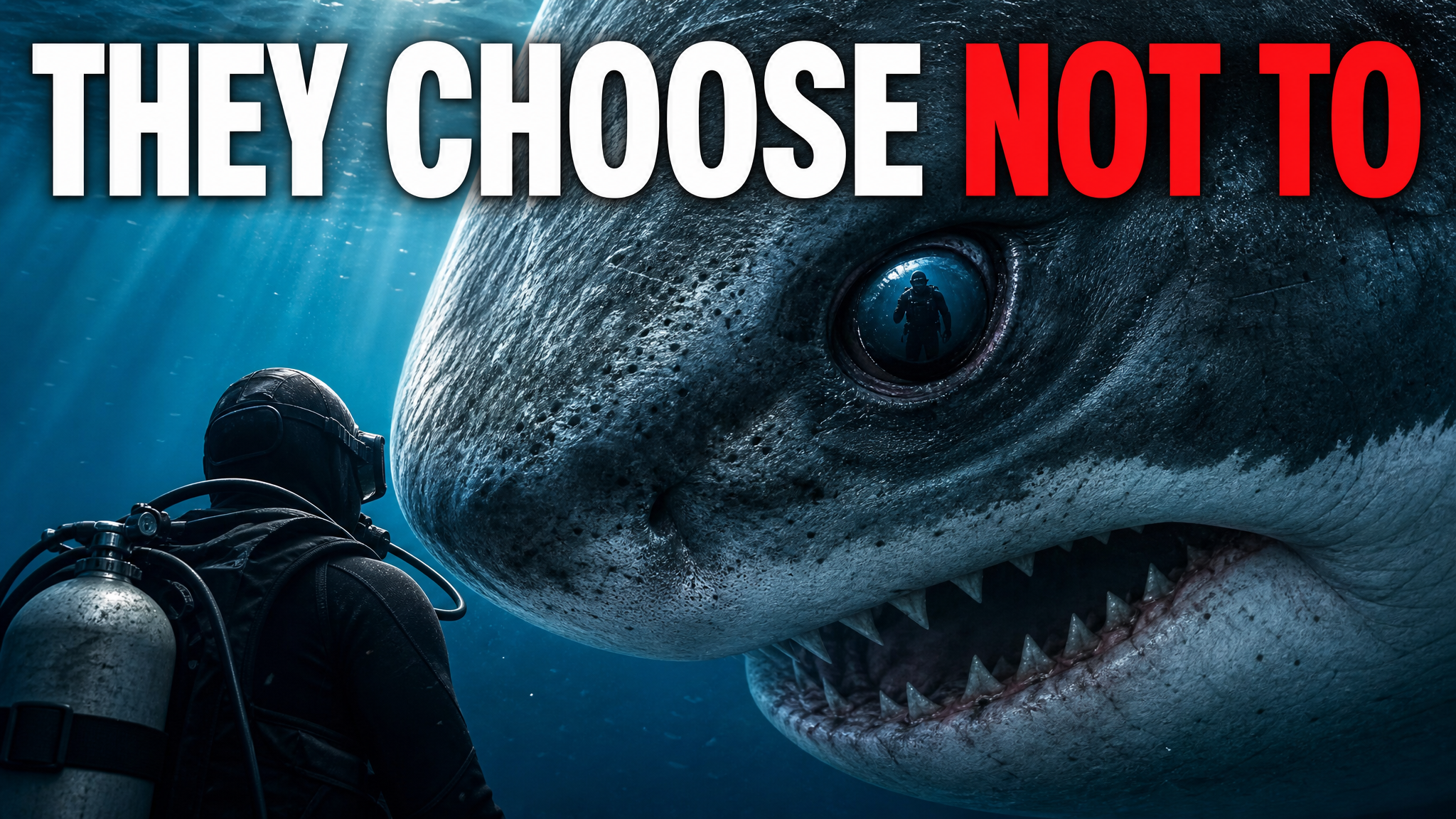
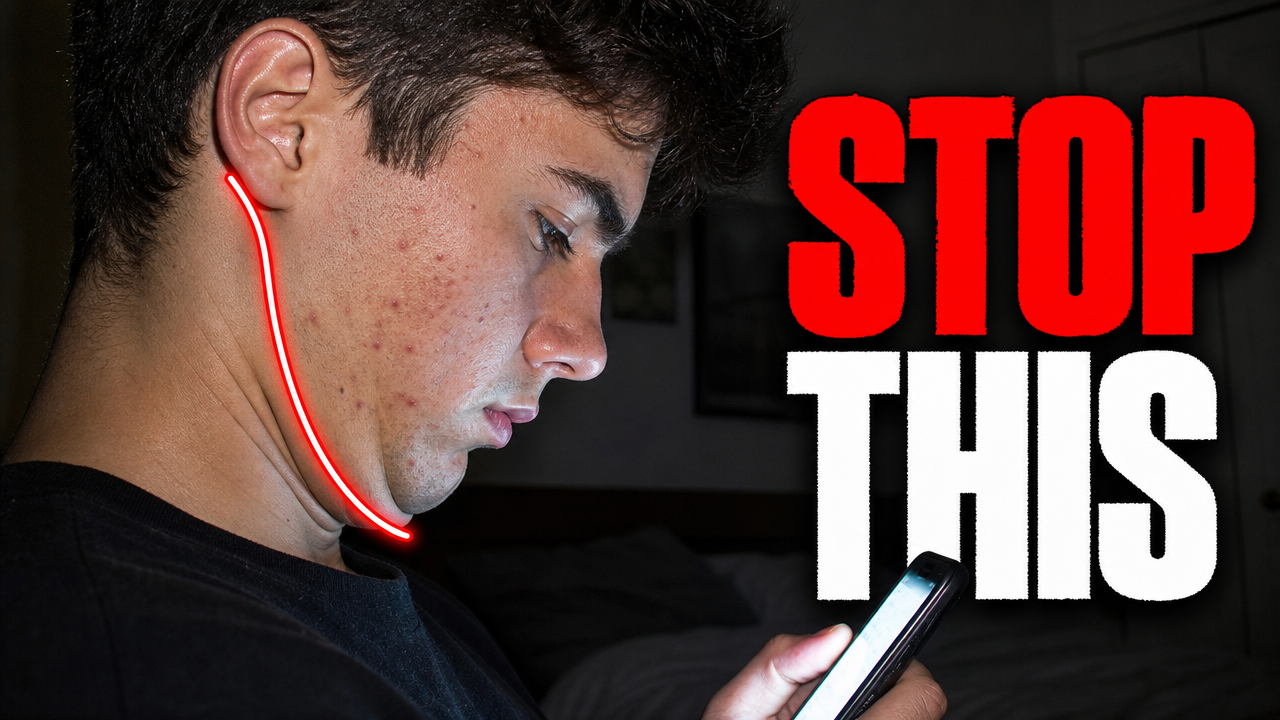
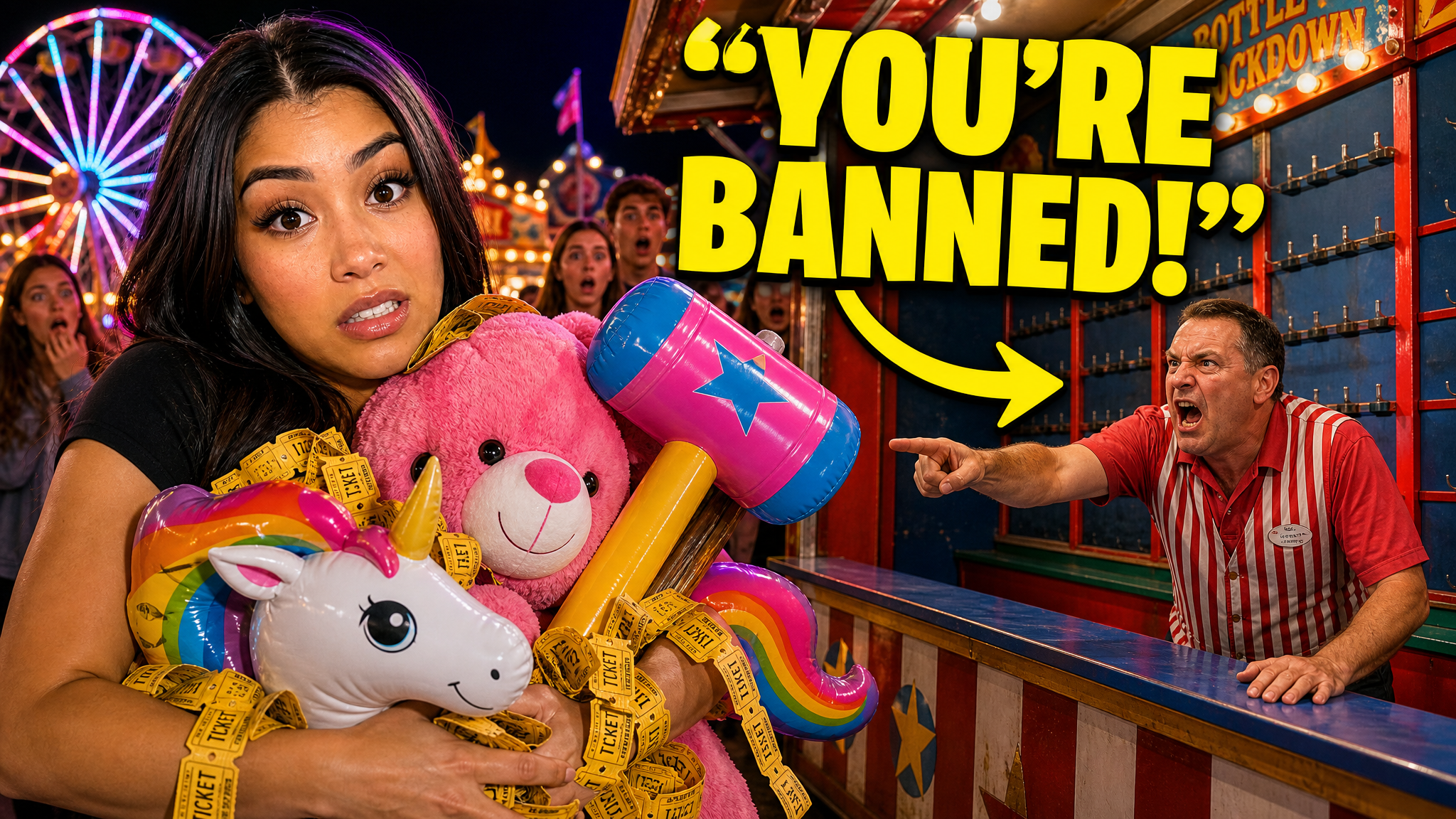
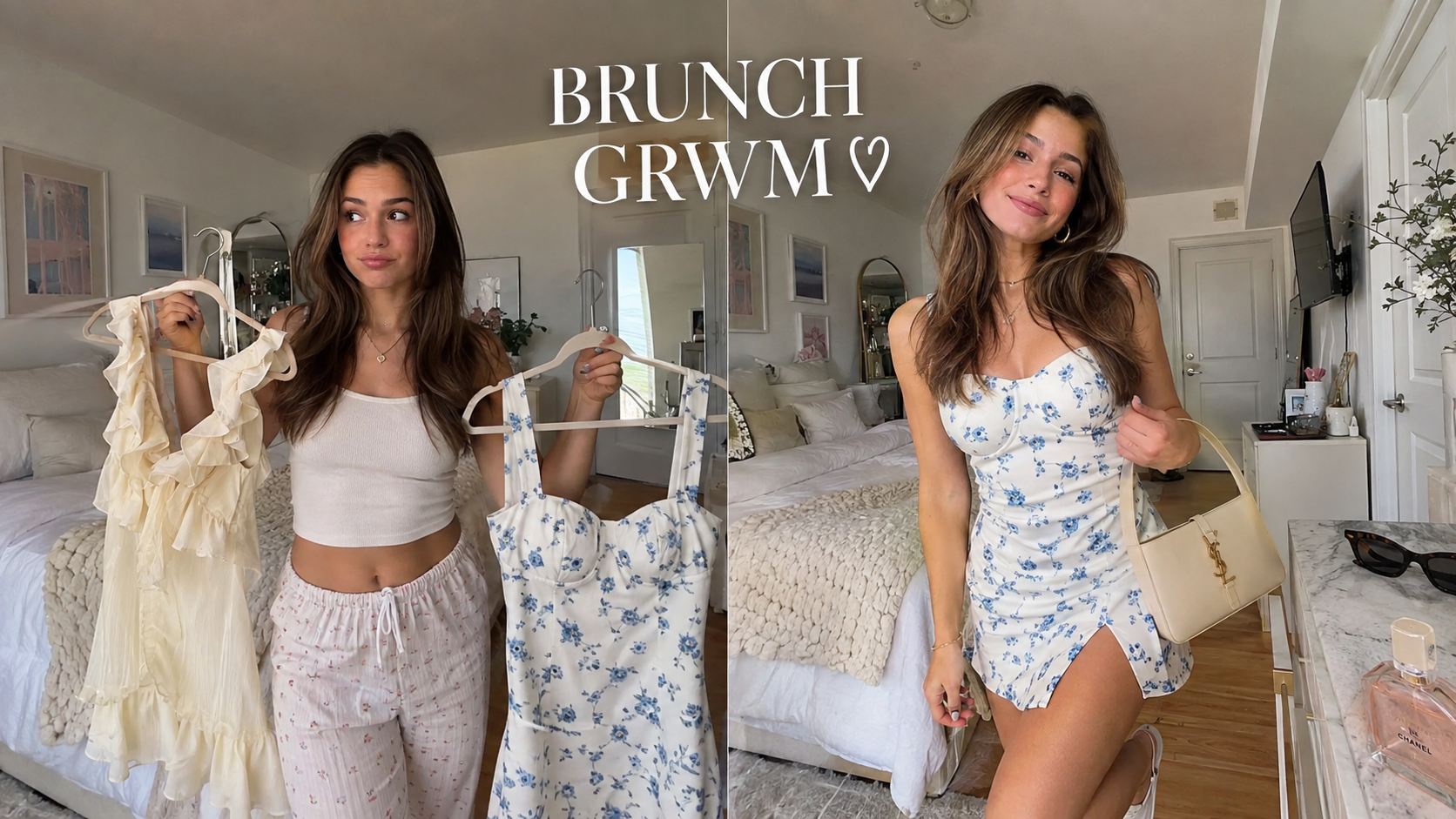
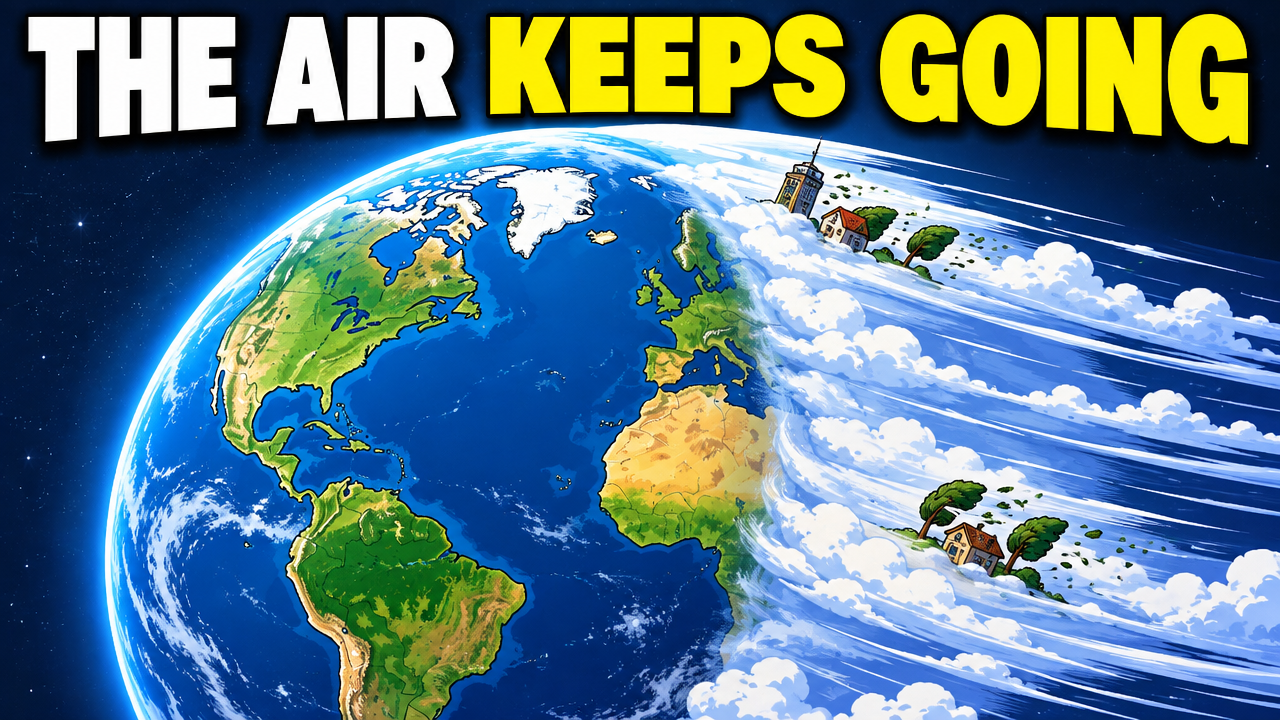
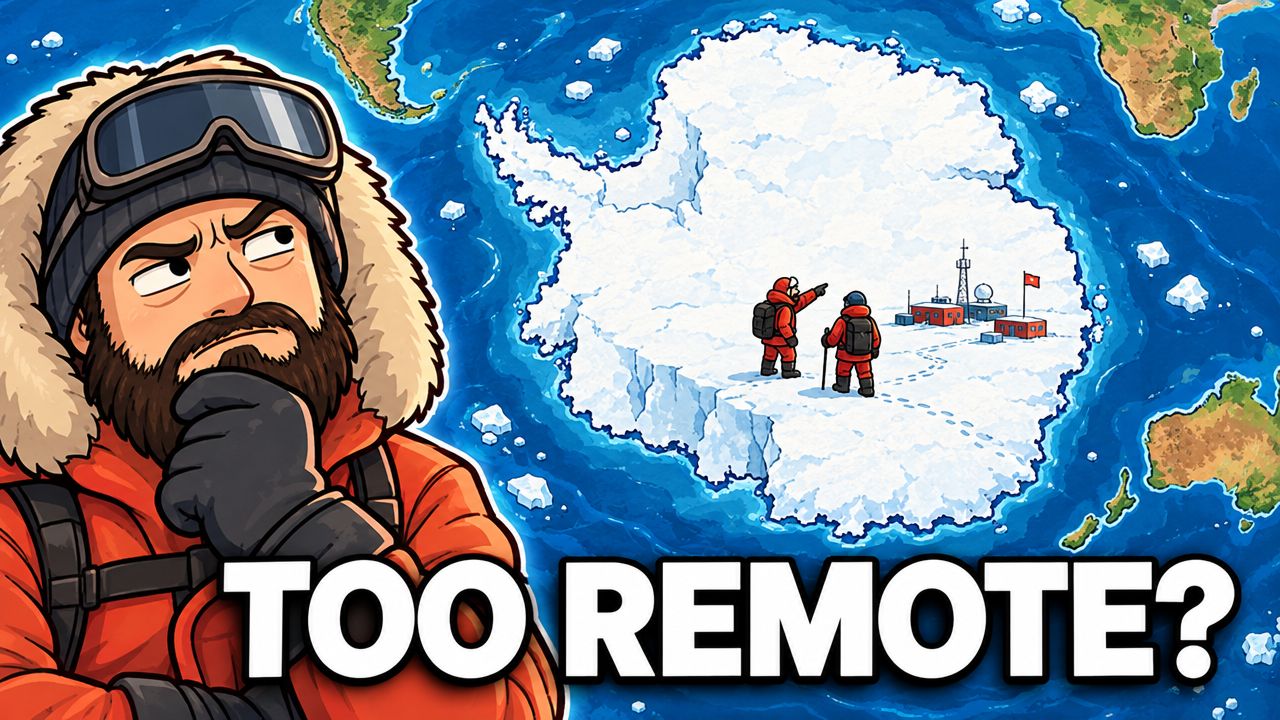
Real thumbnails created with VisualKit.


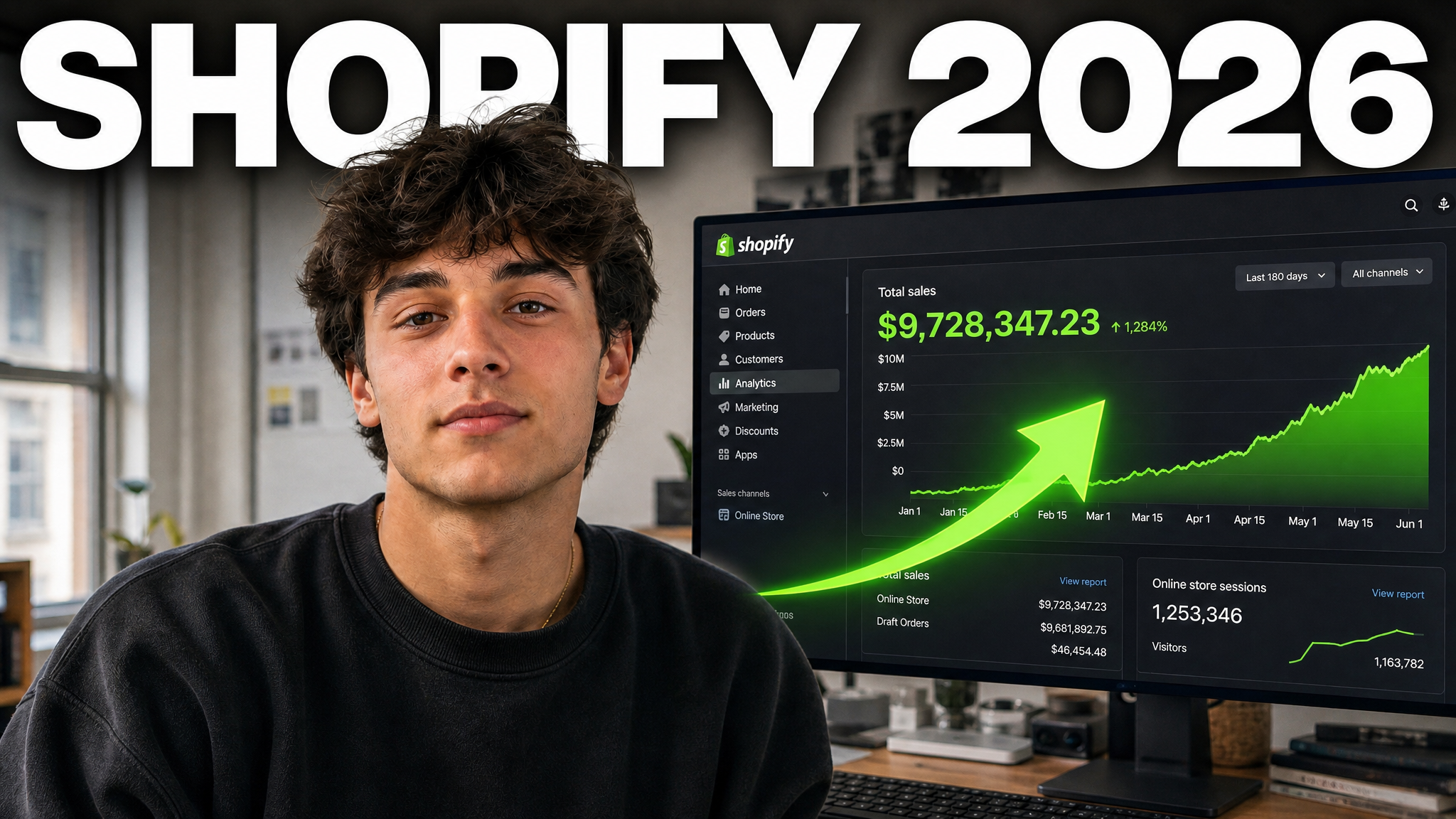
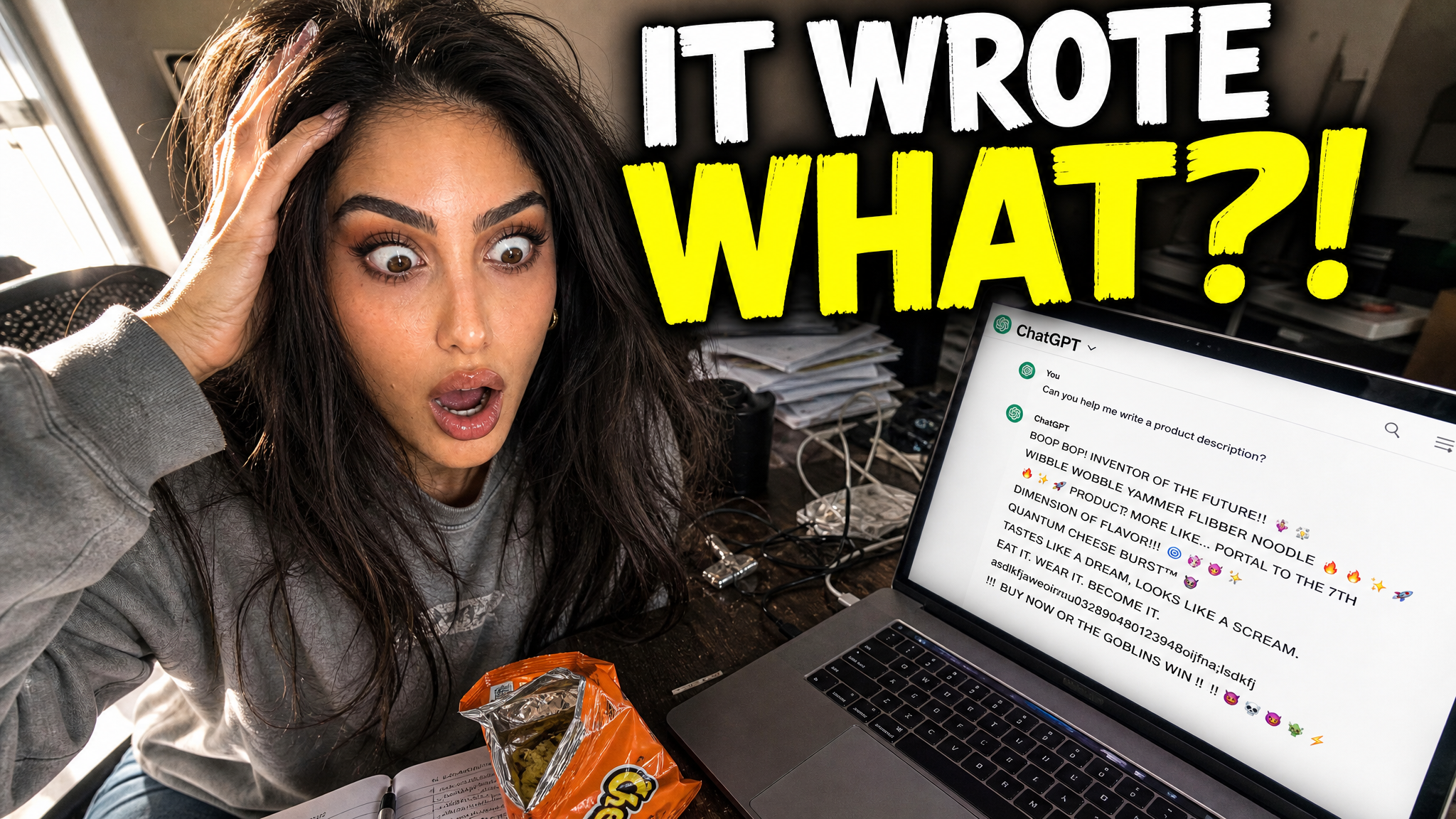
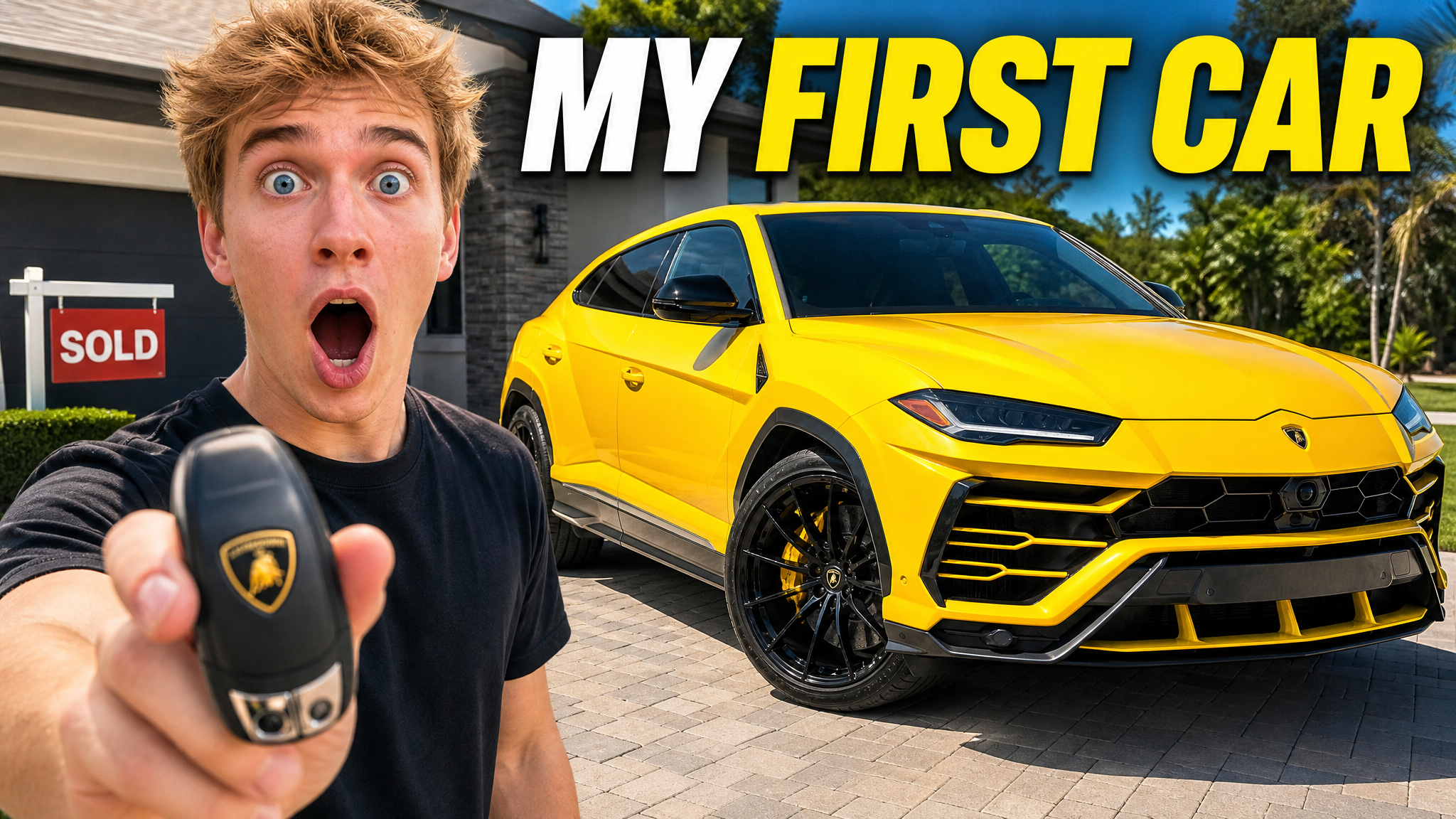
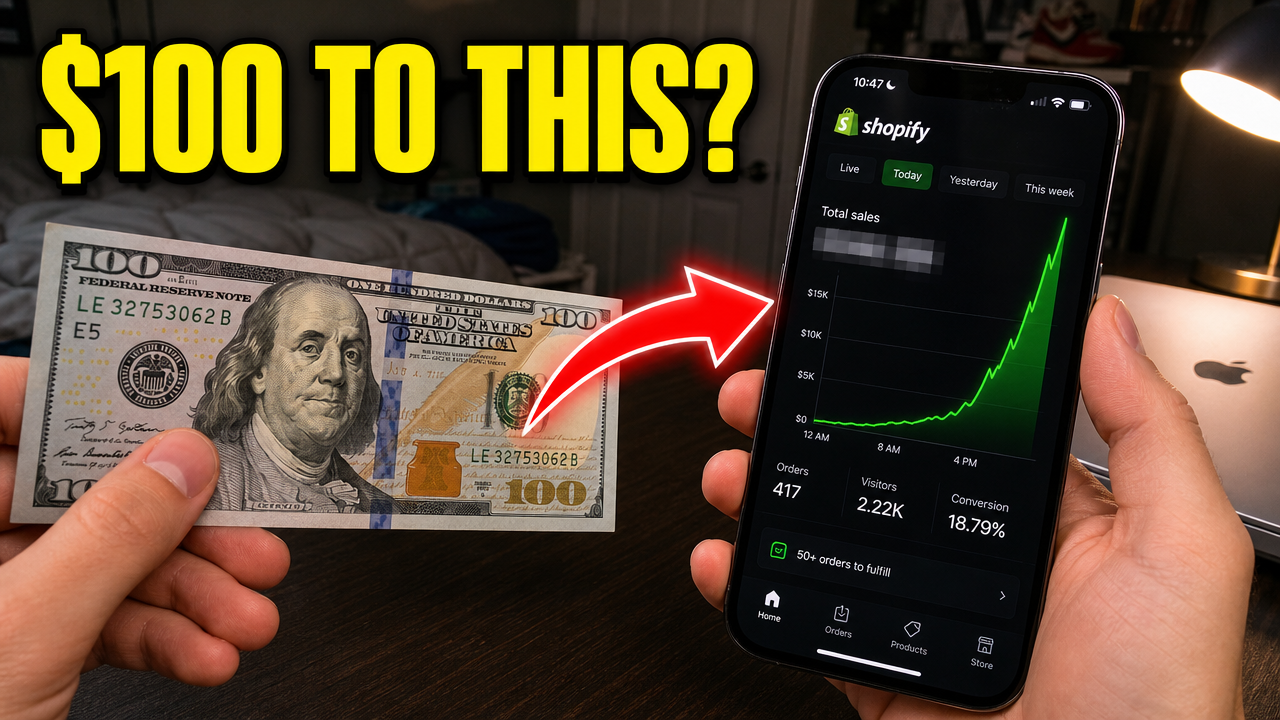








Short walkthroughs from our channel on making thumbnails people click.
Getting AI thumbnails past the fake look.
Show the person, company, event, place, or consequence. Use urgency only when the story is urgent. For your next news video, compare thumbnail options with an AI thumbnail maker.
A news thumbnail covers a current event, commentary, interview, investigation, or analysis. It shows the subject and what changed.
Use a known subject, one story, little text, accurate context, and a real consequence. Let the image and video title split the work.
Show who is involved, what changed, why it matters, and what is new. Use a BREAKING label only when it adds real context, not as decoration on every upload.
Lead with one person or story and one clear reaction or consequence. Use a real headline, screenshot, or document only when it supports the video and you may publish it.
Public figures, flags, maps, institutions, locations, documents, and event photos can establish context. Keep the framing neutral and verify that each visual matches the story.
Companies, products, executives, numbers, charts, app screens, devices, and headquarters can show cause and effect. Do not invent prices, losses, charts, or product details.
More thumbnail tools
Make the thumbnail, review it, compare options, or read practical thumbnail guides.
Choose a monthly credit allowance for your publishing schedule.
For creators posting consistently every month.
Includes:
For creators publishing several times a week.
Everything in Starter, plus:
For high-volume creators and teams.
Everything in Starter, plus:
A news thumbnail covers a current event, commentary, interview, investigation, or analysis. It must show the subject and change without distorting facts.
Describe the verified story, subject, change, and stakes. Add source images you may use, compare a few options, then check every name, number, quote, screenshot, and image.
Show the person, company, product, place, or event. Add a short change or result if the image needs help. Use BREAKING only when it adds useful context.
Use a short phrase or number that adds to the video title. Do not shrink an article-length headline onto the image or repeat the full title word for word.
VisualKit is an AI YouTube thumbnail maker for creators who want to generate a new design, remix a reference, analyze an existing thumbnail, or revise an image with plain-language instructions. It produces upload-ready 1280×720 thumbnails in the browser, without requiring Photoshop.
Start with a video title or idea, compare generated options, then refine text, composition, color, or imagery. For practical guidance, read our thumbnail design guide or check the recommended YouTube thumbnail size.
| Task | What VisualKit Does | You Start With | You Can Change | Result |
|---|---|---|---|---|
| Create a thumbnail | Makes several YouTube thumbnail options from your video idea | A title, topic, or short description | The subject, text, background, and look | A 1280×720 YouTube thumbnail |
| Use your own photos | Builds the thumbnail around photos or images you upload | Your face, product, screenshot, or other image | Crop, placement, background, expression, and text | A thumbnail using your images |
| Use a reference | Uses another thumbnail to guide the look | A YouTube URL or reference image | Layout, light, color, contrast, and text | A new thumbnail for your video |
| Edit a thumbnail | Changes your chosen thumbnail from a plain-language request | A request like "make my face bigger" or "remove the text" | Text, face size, background, objects, colors, and crop | An updated version |
Create a thumbnail
Makes several YouTube thumbnail options from your video idea
A title, topic, or short descriptionA 1280×720 YouTube thumbnail
You Can Change: The subject, text, background, and look
Use your own photos
Builds the thumbnail around photos or images you upload
Your face, product, screenshot, or other imageA thumbnail using your images
You Can Change: Crop, placement, background, expression, and text
Use a reference
Uses another thumbnail to guide the look
A YouTube URL or reference imageA new thumbnail for your video
You Can Change: Layout, light, color, contrast, and text
Edit a thumbnail
Changes your chosen thumbnail from a plain-language request
A request like "make my face bigger" or "remove the text"An updated version
You Can Change: Text, face size, background, objects, colors, and crop