Limited time:Earn $3 per subscriber you refer.Fast payouts, instant approval.
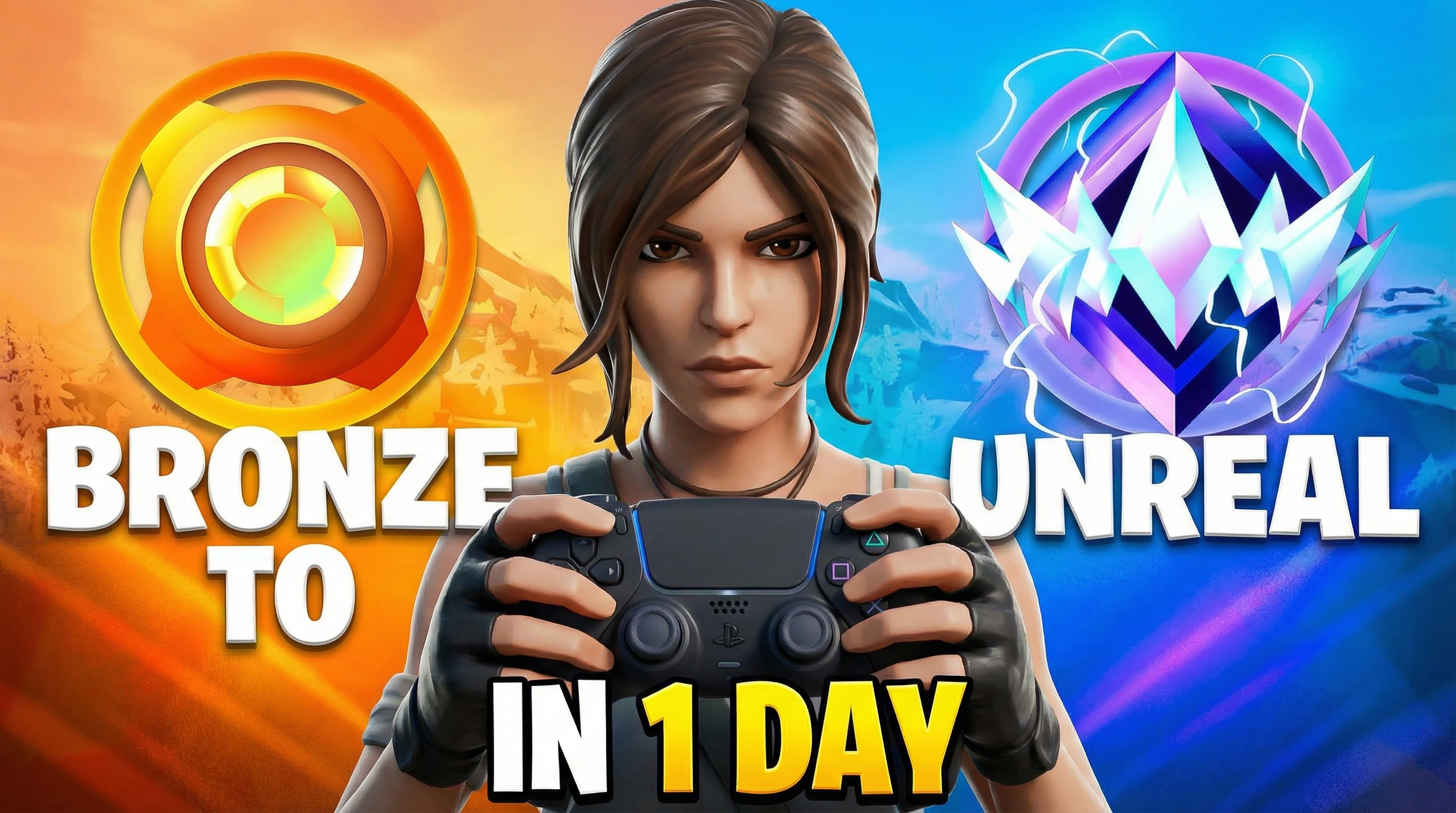
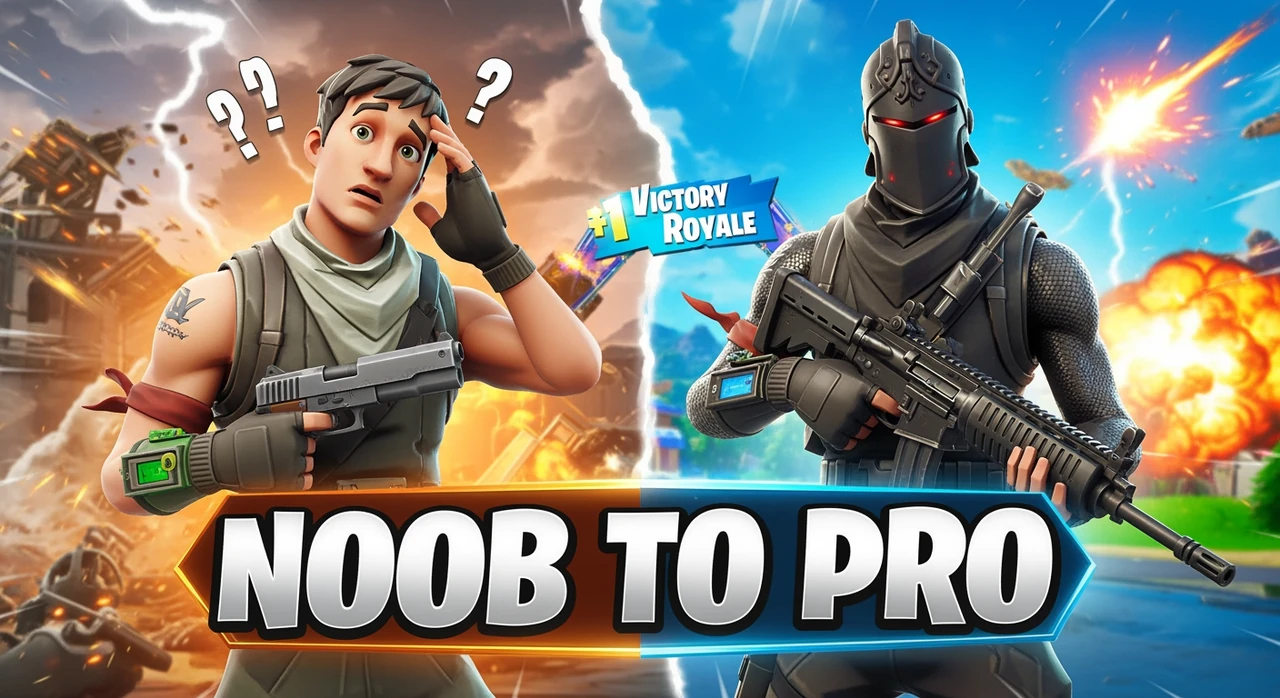
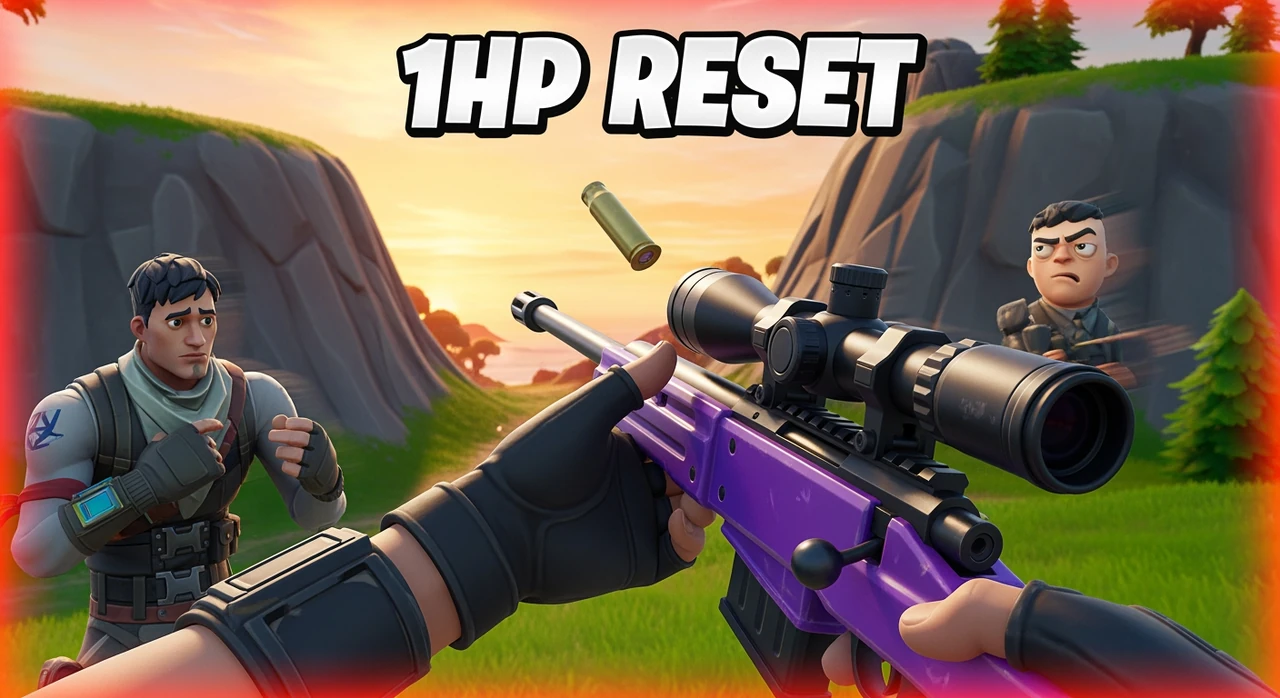
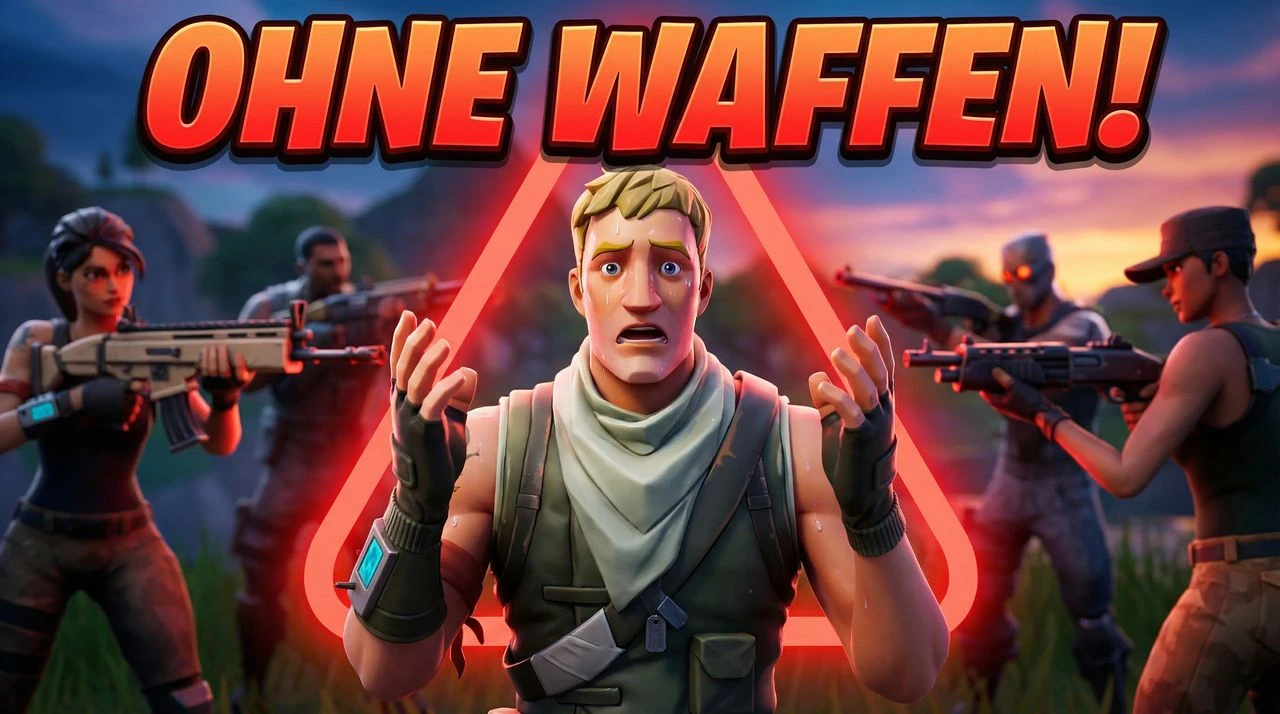
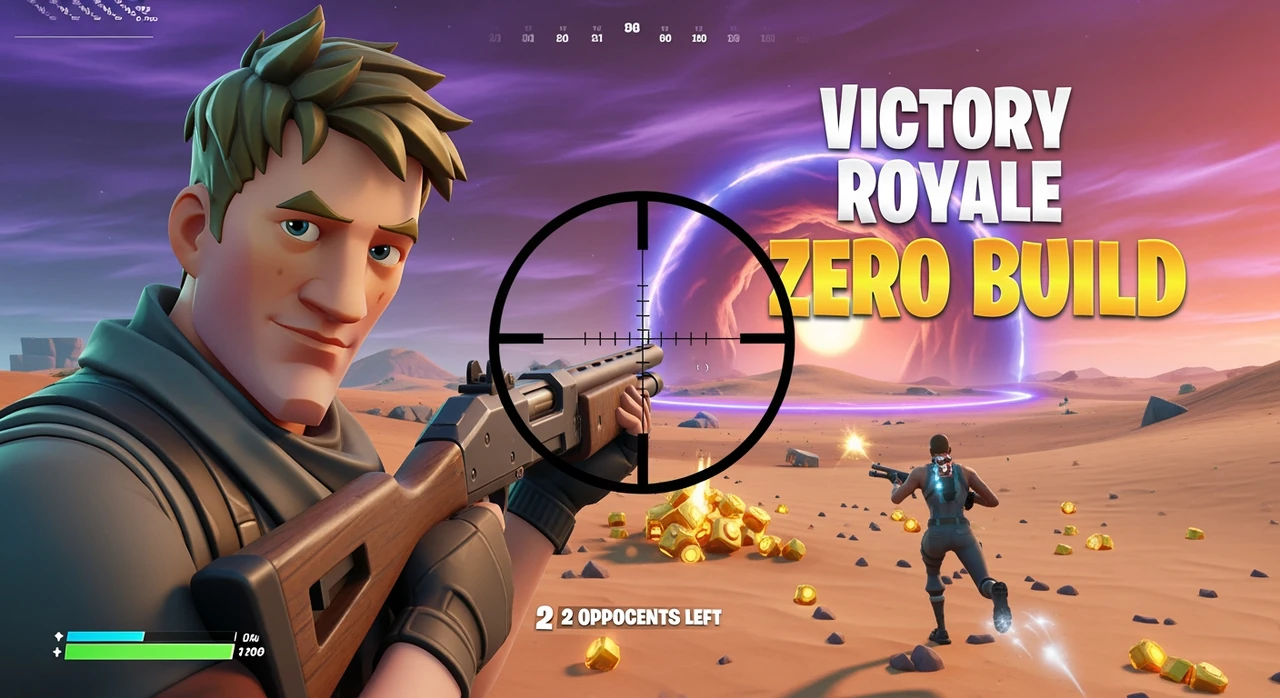
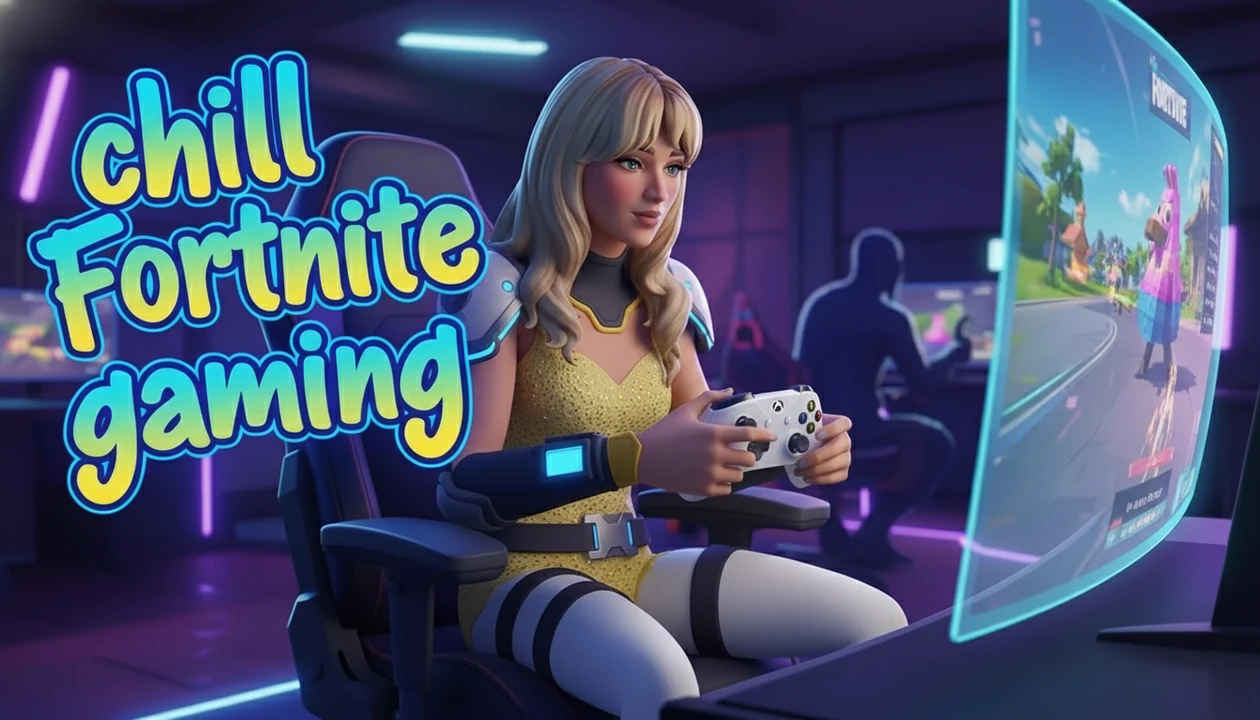
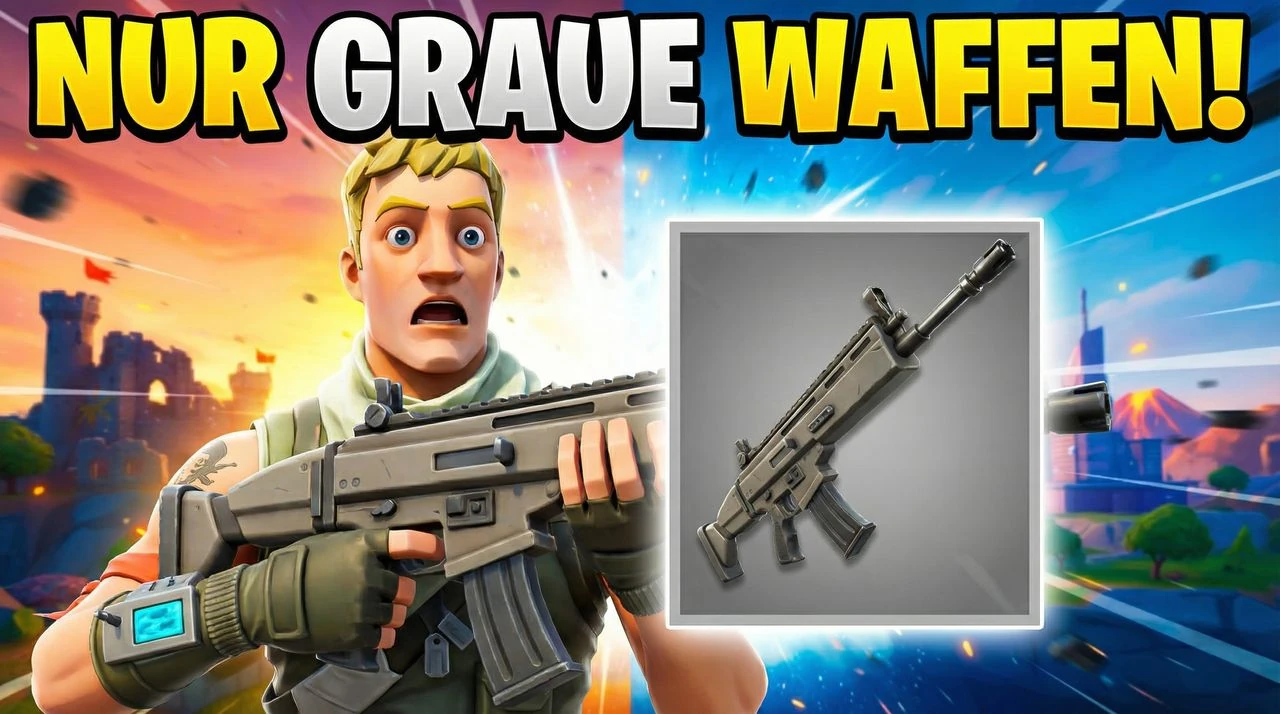
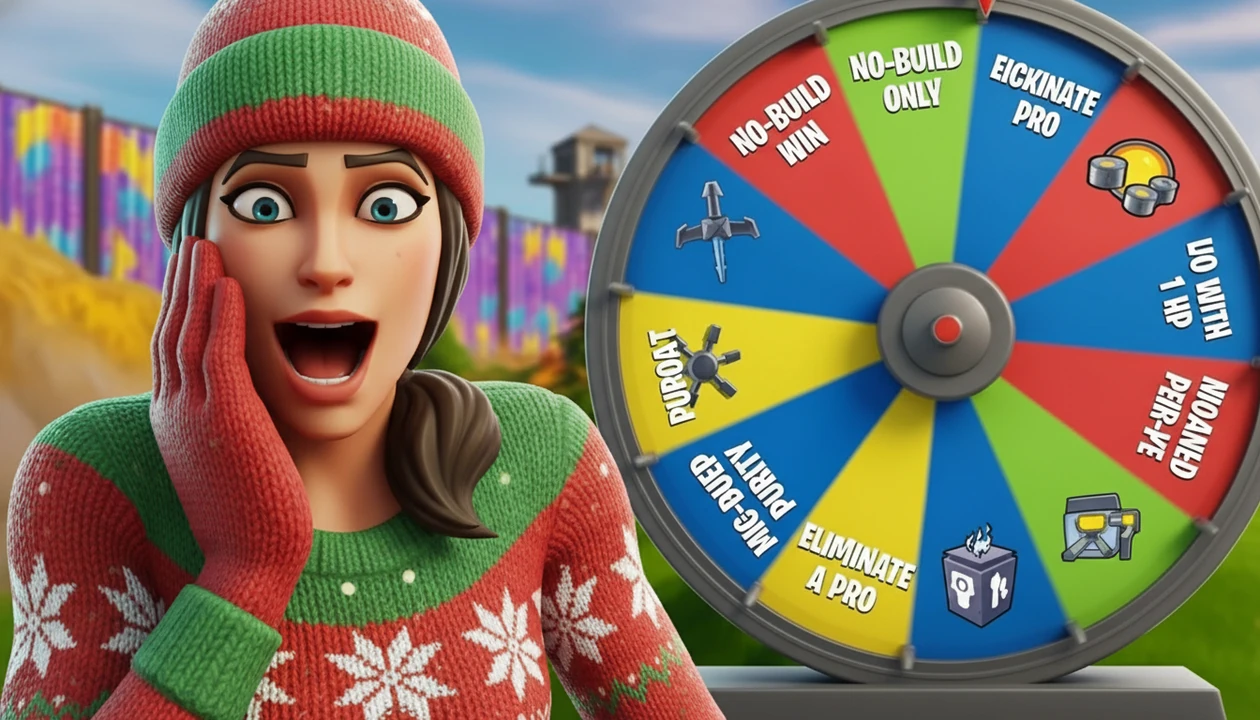
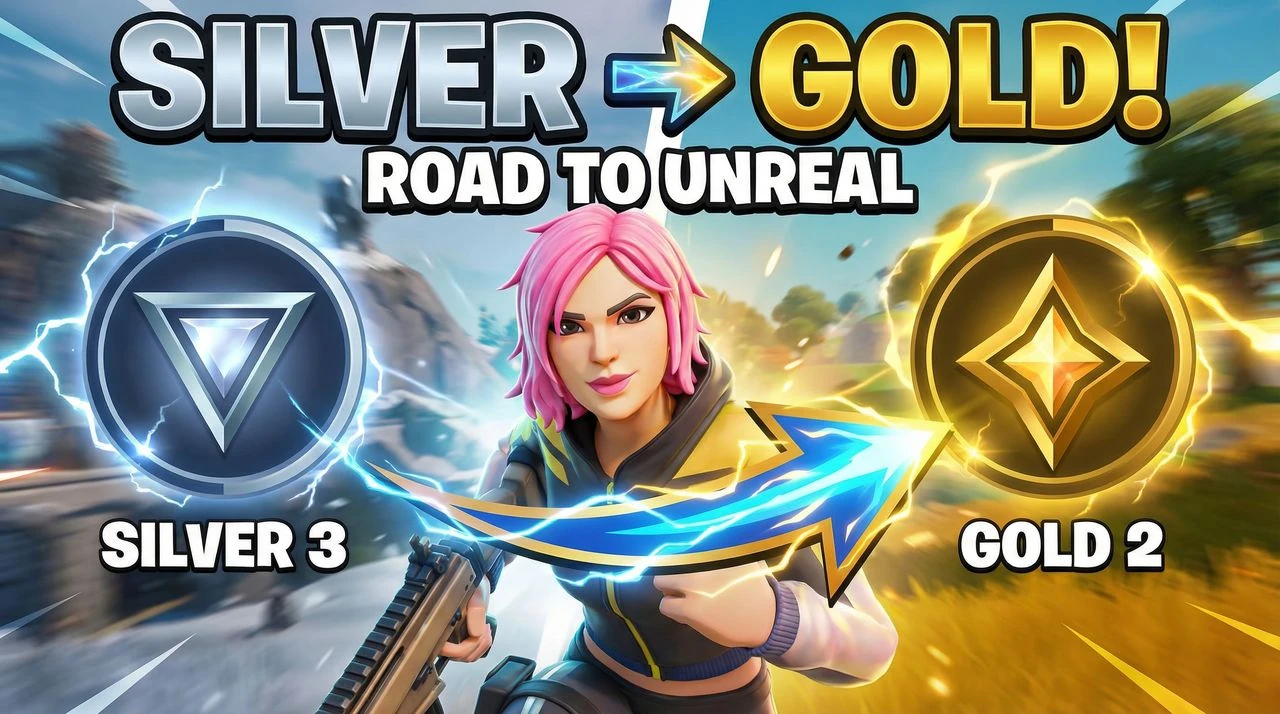
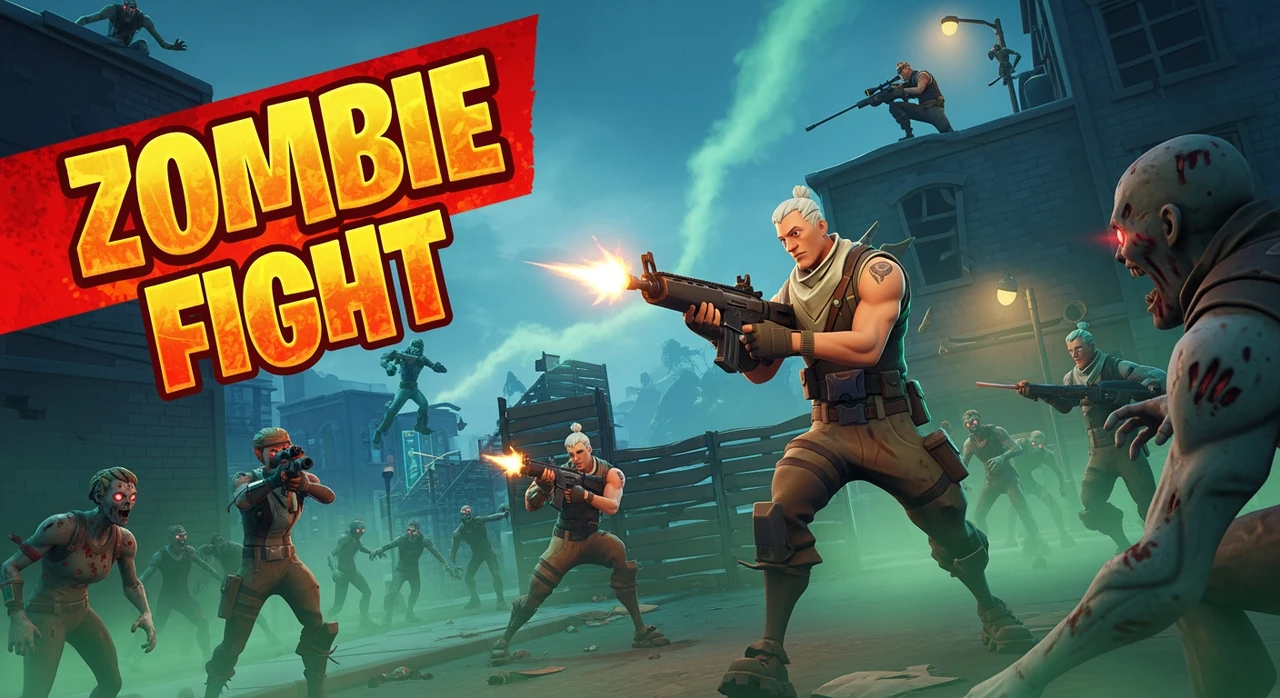
Use this fortnite thumbnail maker to create fortnite thumbnails for ranked games, Victory Royale clips, challenge videos, and updates in seconds. Make fortnite thumbnails for ranked and Victory Royale videosClear, high-impact layouts for mobile and desktop
Trusted by 22k+ creators
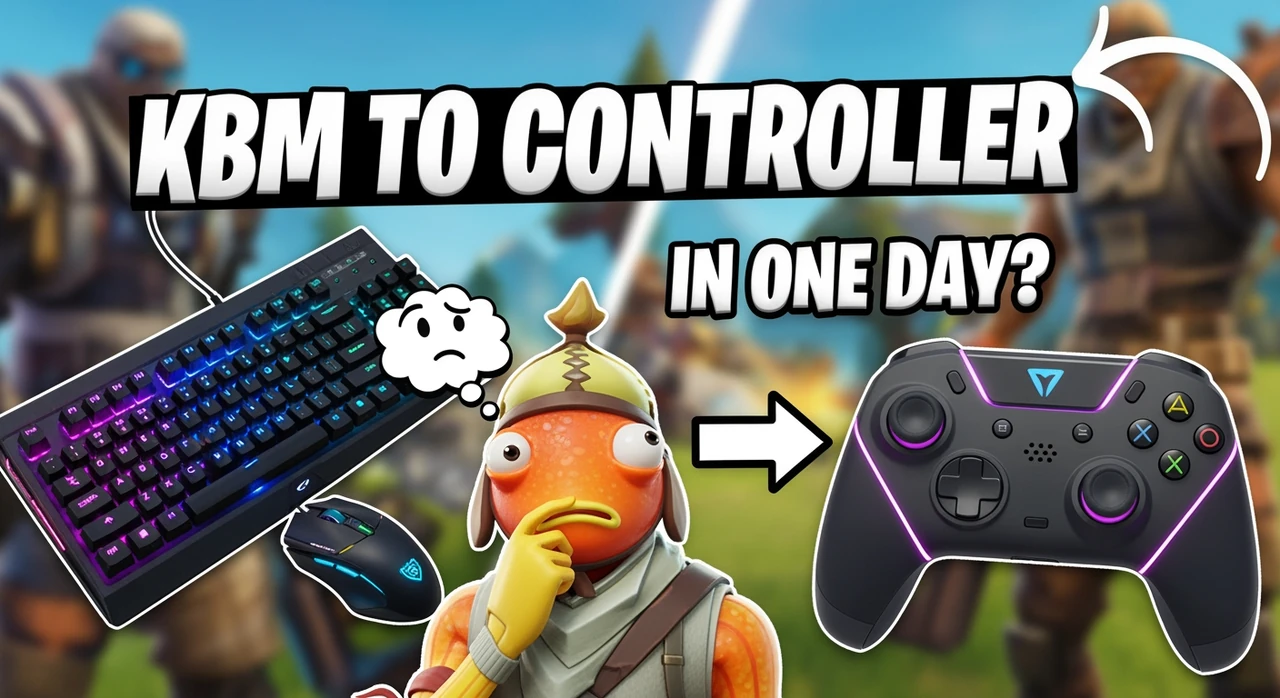
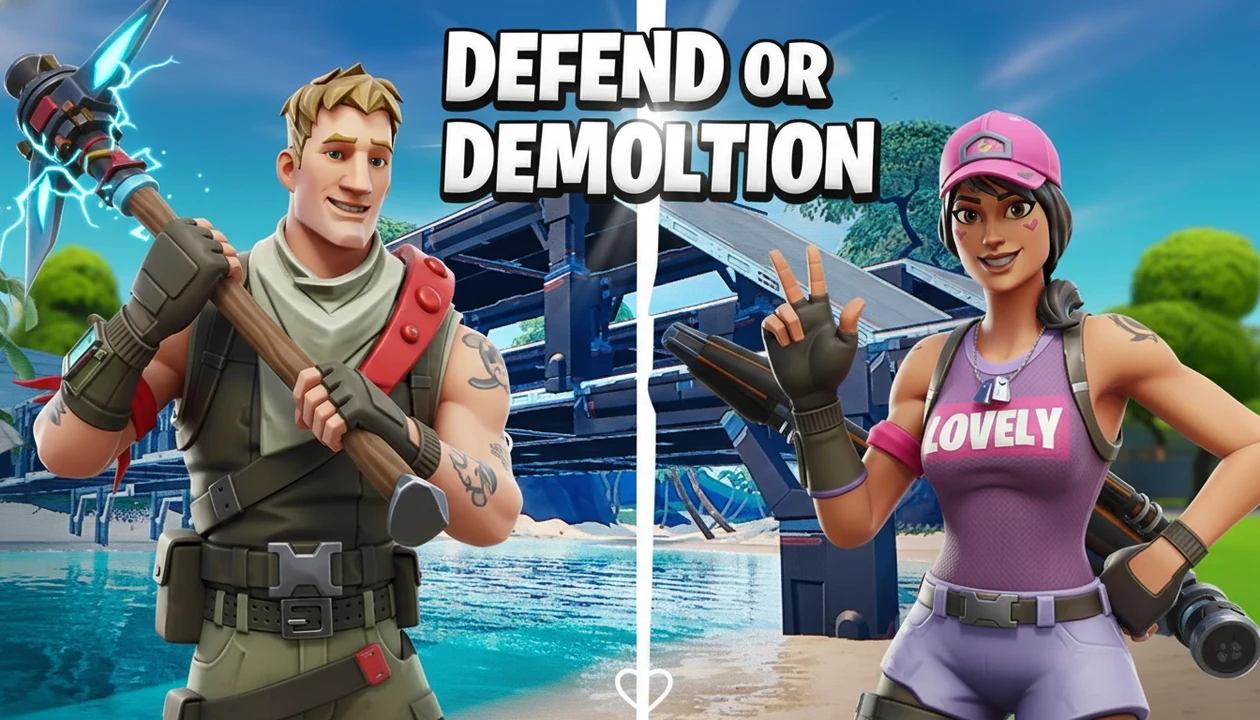
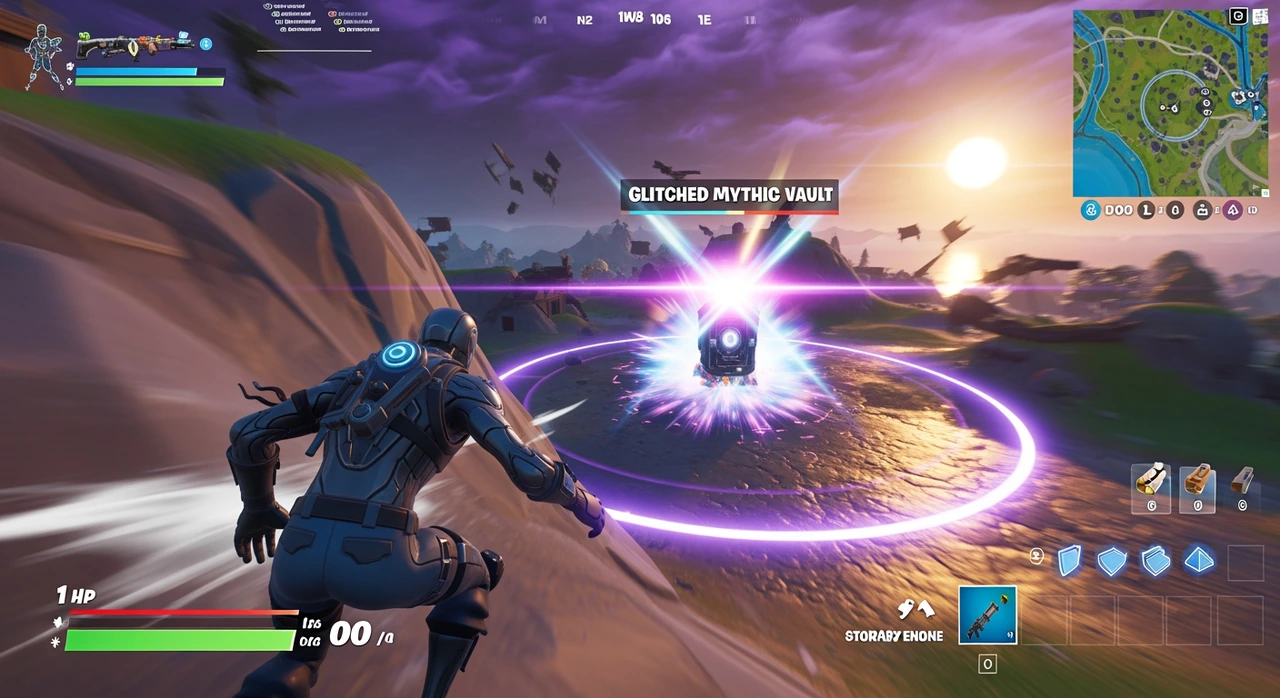
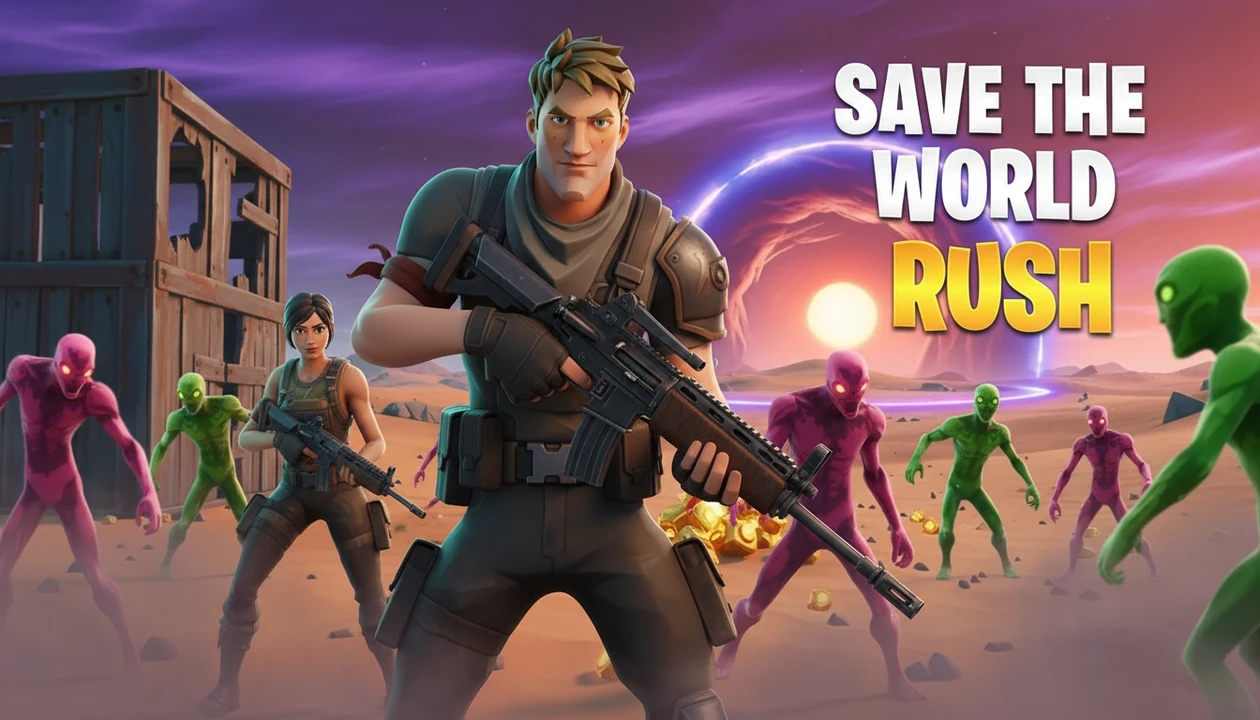
Browse the most-used Fortnite thumbnails and brand new additions
Last updated: February 2, 2026
Templates creators are choosing right now
Brand new templates added recently
Use this fortnite thumbnail maker to create high-click fortnite thumbnails fast.
Tell the AI what your Fortnite video is about and what style you want.
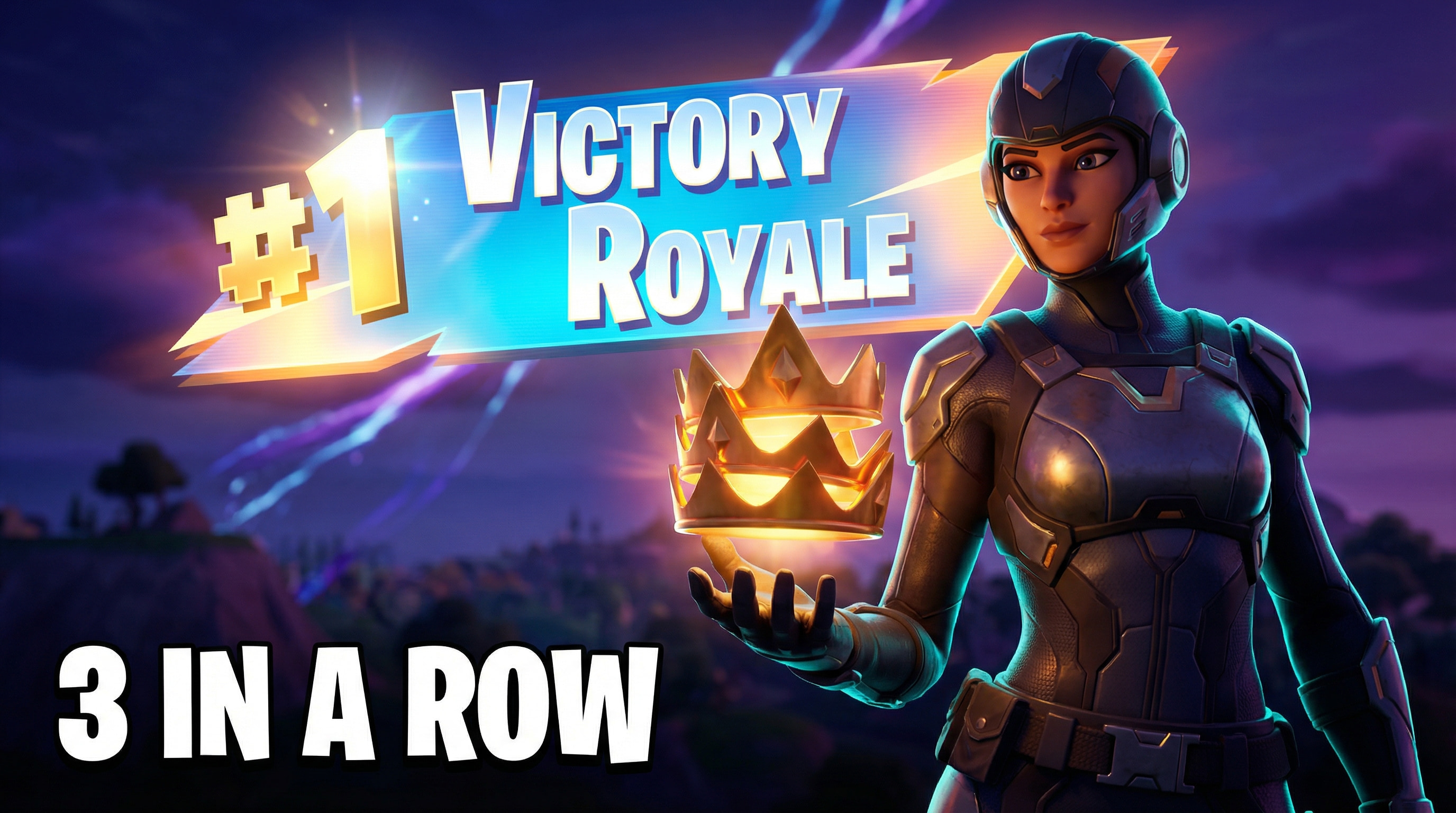
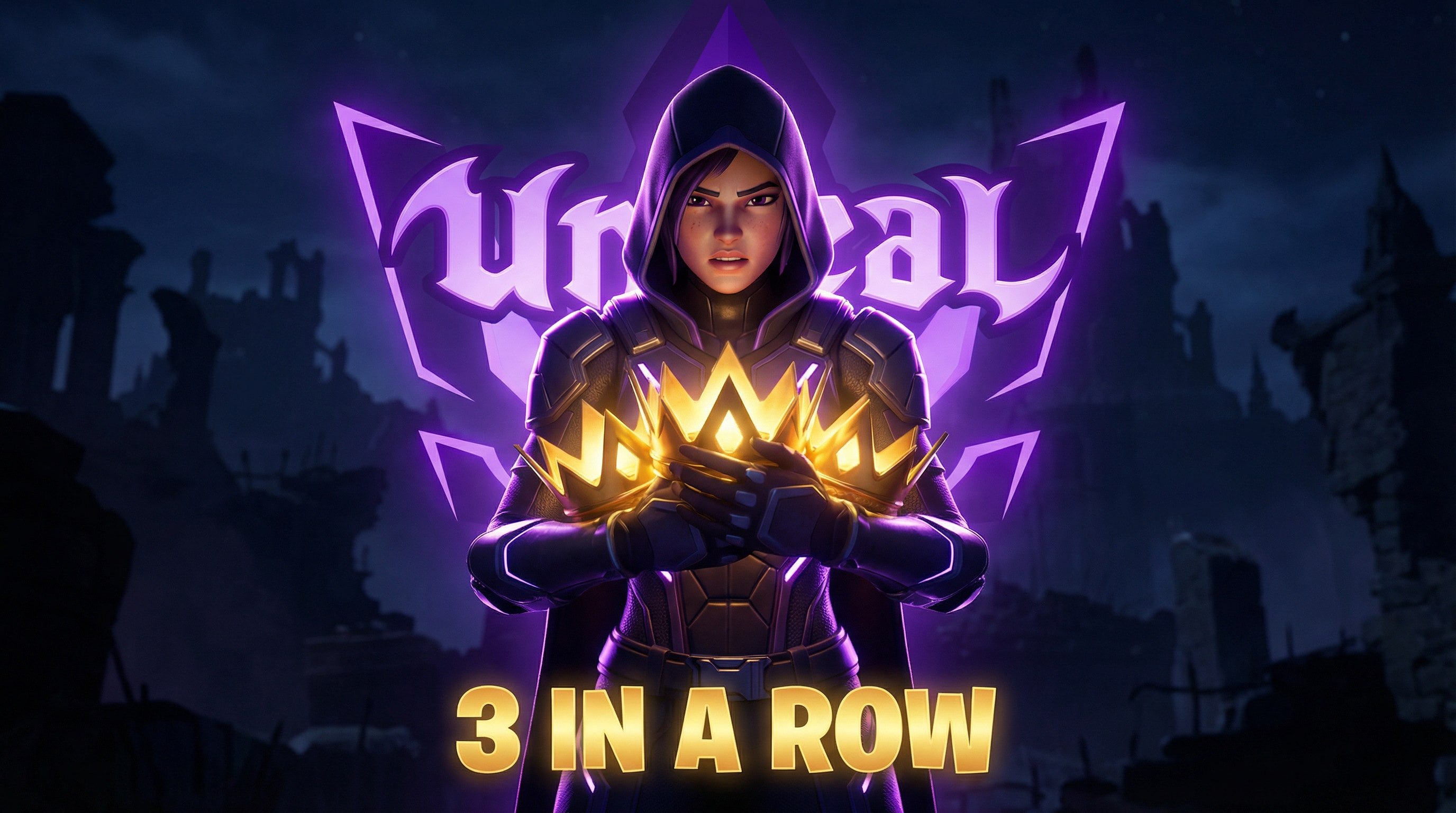
Get multiple options and choose the thumbnail that looks most clickable.
Export a 1280x720 thumbnail and upload directly to YouTube.
Your content is solid. But a forgettable thumbnail means nobody clicks. Here's what's silently killing your channel's growth.
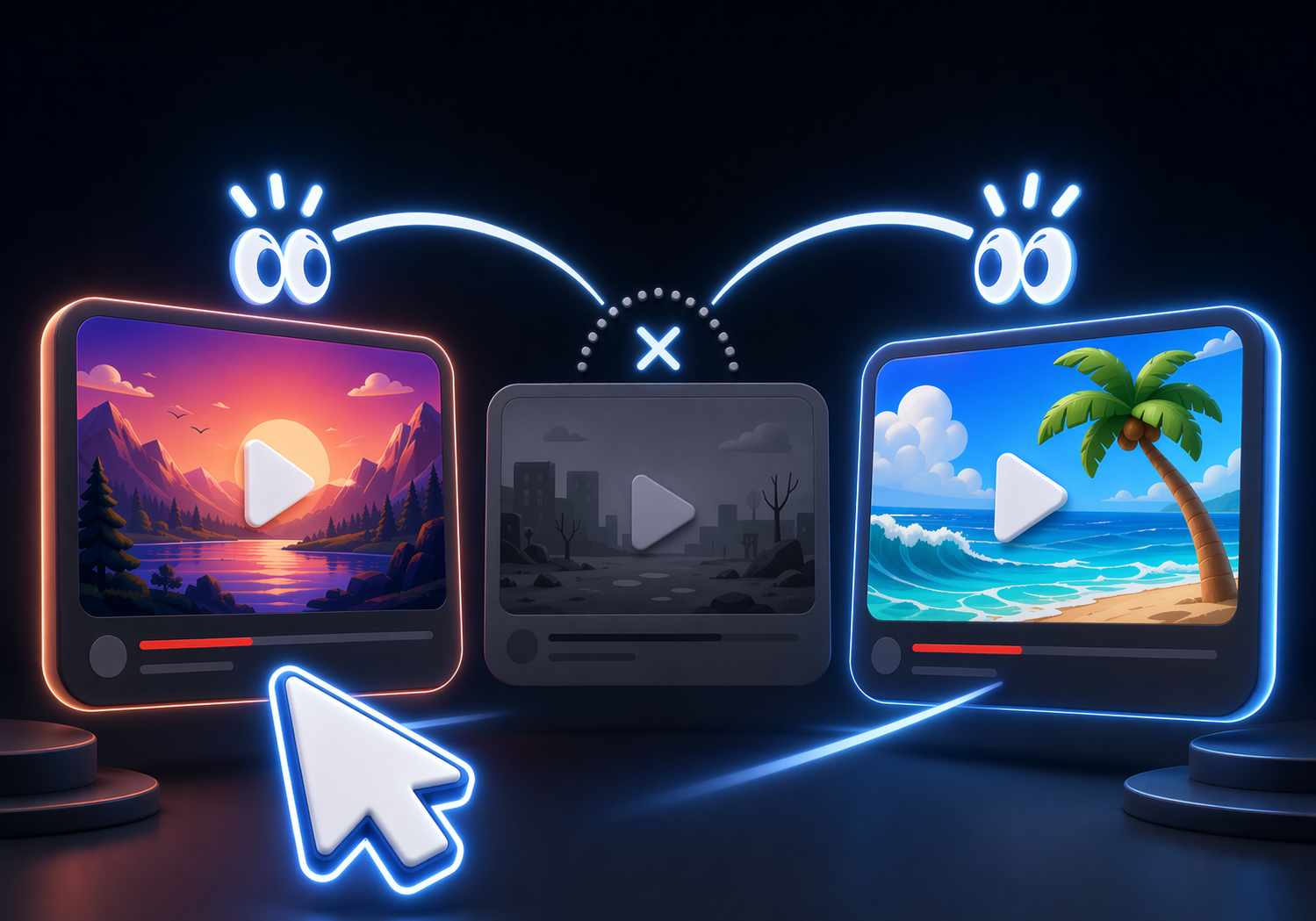
Your thumbnail blends in. Viewers scroll past without a second look.

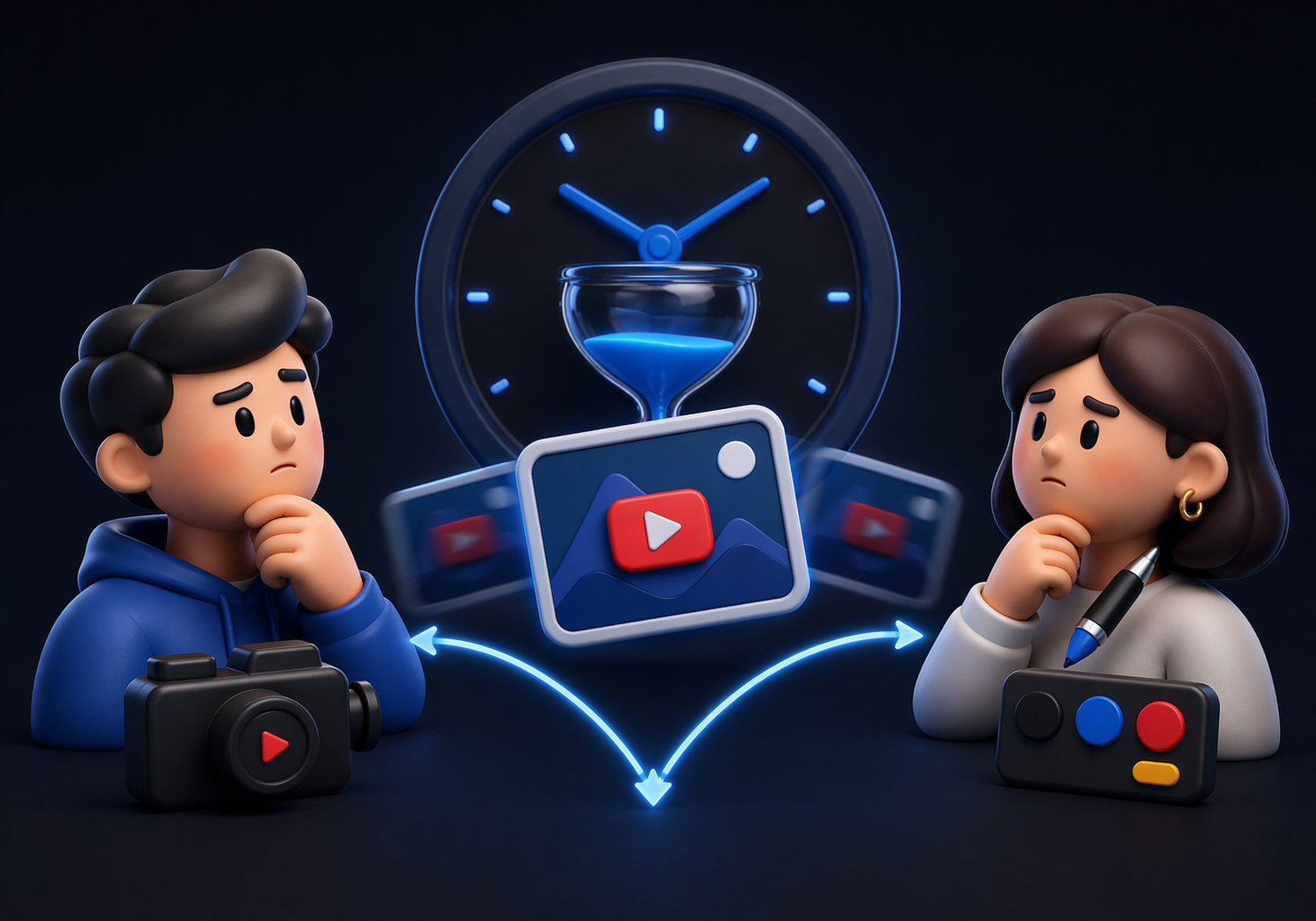
Briefs, DMs, revision loops. By the time it's done, the algorithm moved on.

No analytics, no A/B tests. Every upload is a complete guess.


One workflow for thumbnails people actually notice.
Create fortnite thumbnails with clear hooks and strong mobile readability in under a minute.
Choose styles made for fortnite thumbnails and what Fortnite viewers click.
Make viewers understand the video result before they read the title.
Fortnite youtube thumbnails stay sharp and readable on small screens.
Create and test several fortnite thumbnail ideas before upload.
Join 13,000+ creators making thumbnails that get clicks.
For creators posting 1–4 videos a month.
Includes:
For creators posting weekly and ready to grow.
Everything in Starter, plus:
For high-volume creators publishing multiple times a week.
Everything in Starter, plus:
All plans include thumbnails, social content, app icons & logo creation.
Secure payment via LemonSqueezy. VAT calculated at checkout.