Say what the workout is
Start with the workout, the challenge, the meals, or the result — a 30-day Pilates challenge, a high-protein day of eating, or your first week back at the gym.
Fitness thumbnail ideas for workouts, gym sessions, Pilates, transformations, challenges, healthy meals, and what-I-eat videos. Pick a thumbnail style you like.Then tell VisualKit about your video and make the thumbnail your own.
Trusted by 27k+ creators
Say what the workout, challenge, or result is, pick a thumbnail style you like, then compare a few options before you upload.
Start with the workout, the challenge, the meals, or the result — a 30-day Pilates challenge, a high-protein day of eating, or your first week back at the gym.
Choose a look — bright kitchen, calm Pilates, bold gym — and VisualKit makes your thumbnail in that kind of look. Your video idea stays yours.

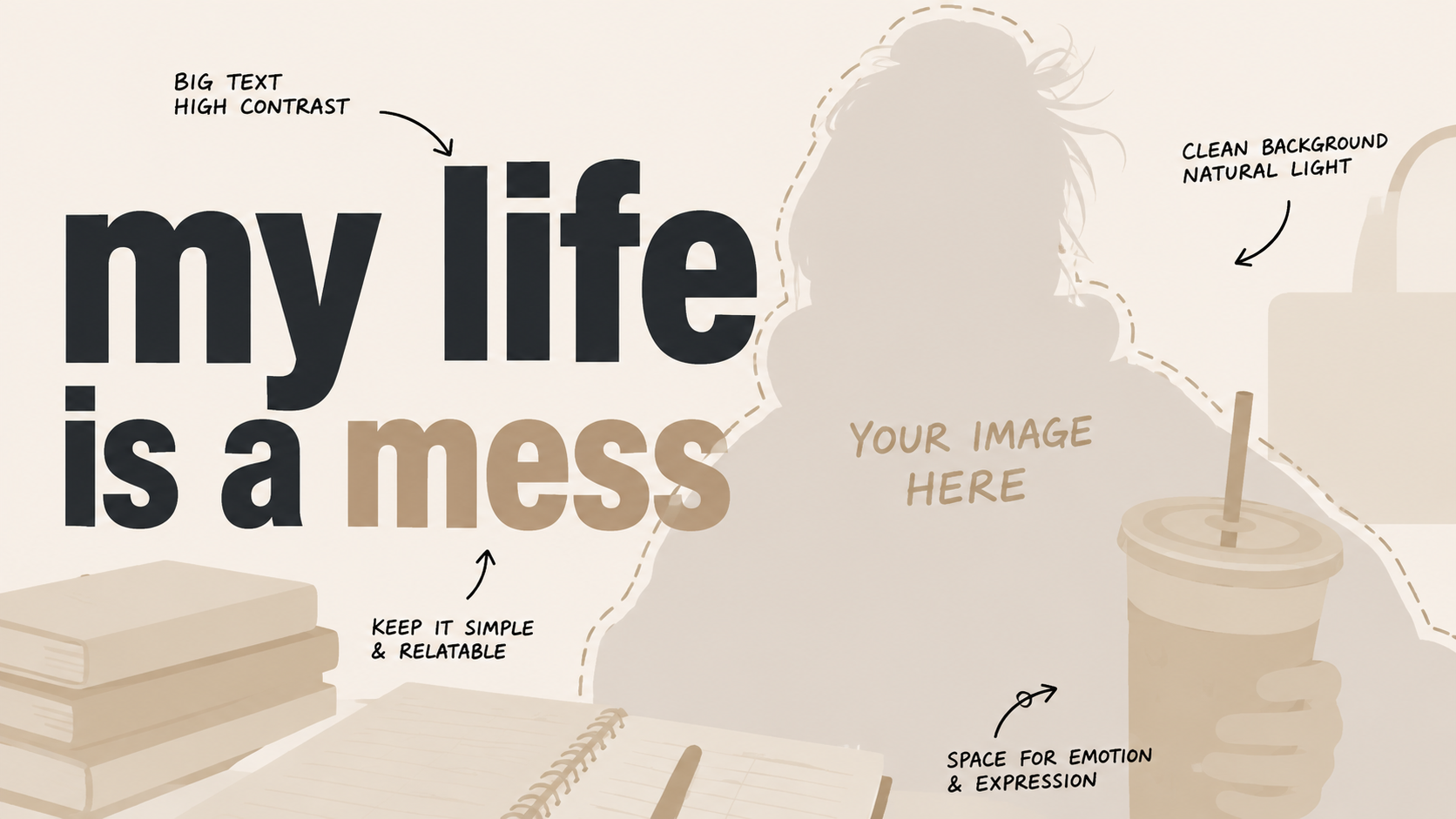
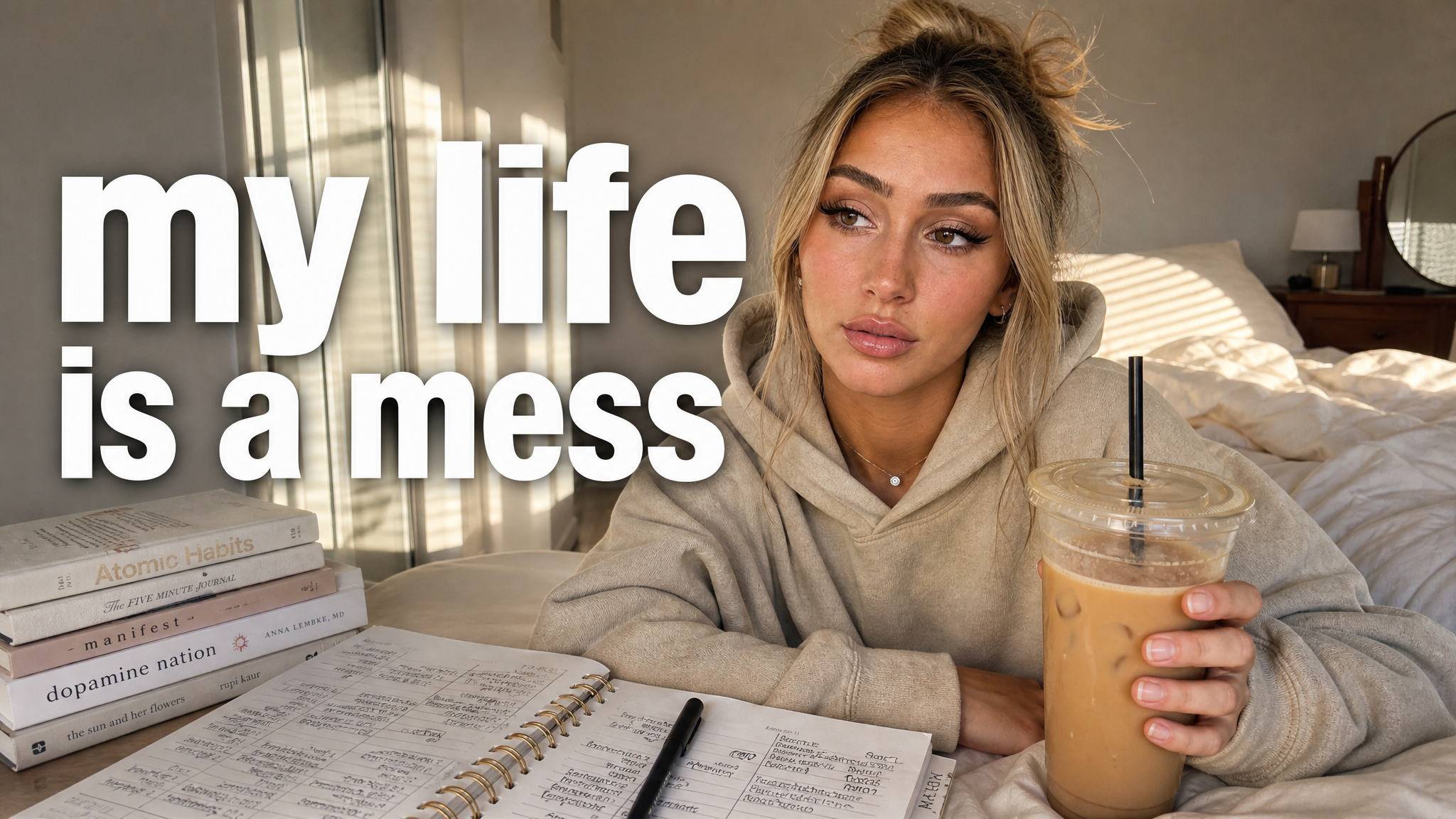
Ask for bigger text, a closer crop, or fewer things in the background so the workout or the result is clear at a small size.
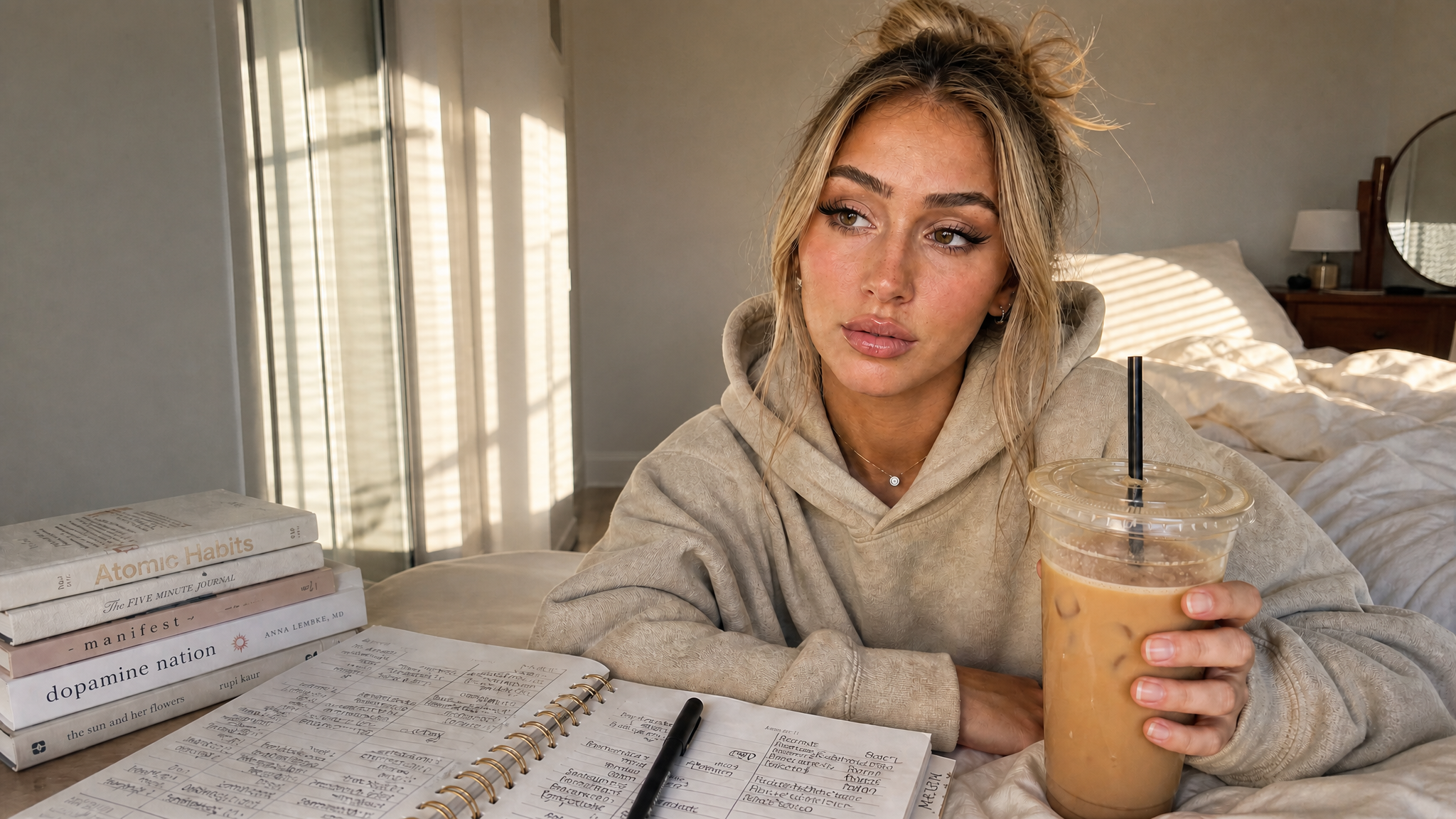
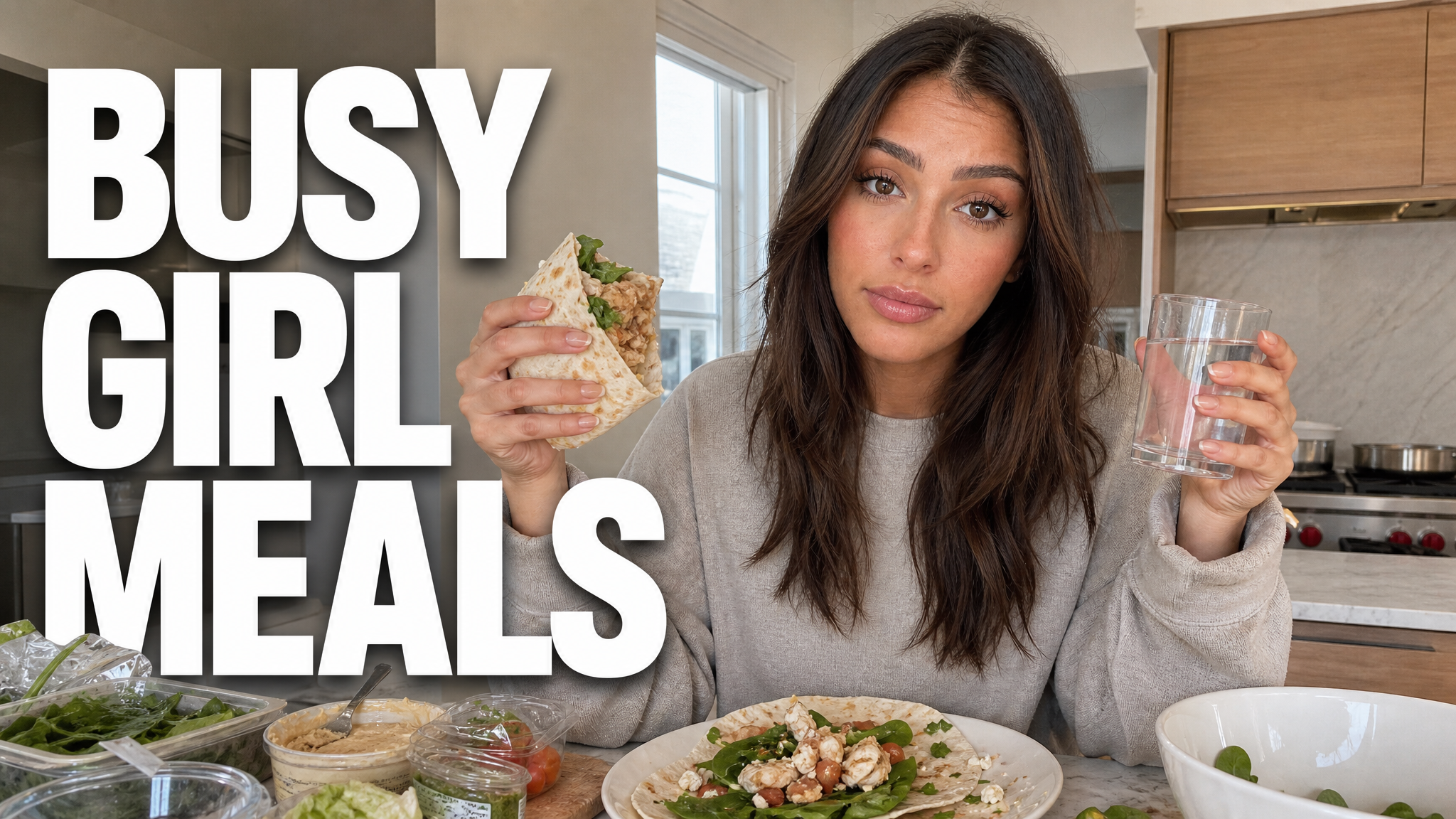
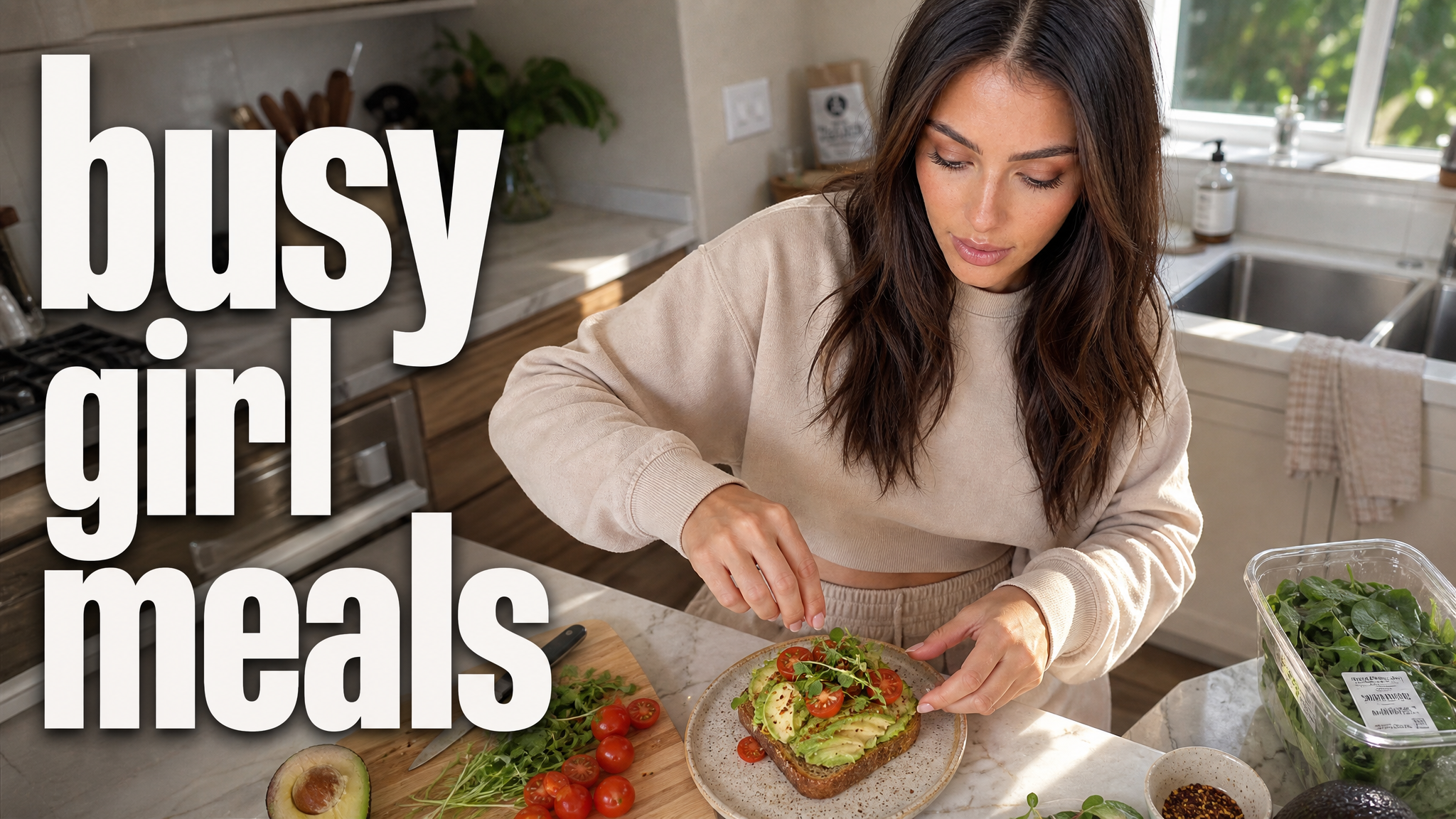
Fitness thumbnails made in VisualKit for healthy meals, workouts, Pilates, and routine resets. See a look you like? Use it for your own thumbnail.


Give viewers one clear reason to understand the video, then compare several directions before you publish.
When every detail competes, the video's main subject or result disappears at a small size.
Moving every revision between tools and files makes it harder to compare the actual ideas.
With only one direction, you cannot compare the subject, text, color, or composition before publishing.
Create, compare, refine, and export in one workspace.
Fitness covers a lot: gym sessions, Pilates, home workouts, transformations, challenges, and what people eat in a day. The thumbnail should make it obvious which one your video is.
Show the exercise or the muscle group you are training. One clear movement reads better than a wide shot of the whole gym.
Use the same pose, lighting, and crop in both photos, plus a time label such as 30 DAYS or 3 MONTHS.
Put the rule in the picture: how many days, which exercise, or the target you are chasing.
Keep it calm and clean. Show the mat, the reformer, or one position instead of loud gym styling.
Show the room and the equipment you actually use — dumbbells, a mat, a resistance band, or nothing at all.
Show the food. A full plate or a number such as 120G PROTEIN says more than the words what I eat.
Show how many meals and how long they last, such as 5 LUNCHES or A WEEK OF DINNERS.
For morning routines, rest days, and starting again, show the first real step instead of promising a quick change.
Choose a monthly credit allowance for your publishing schedule.
For creators posting consistently every month.
Includes:
For creators publishing several times a week.
Everything in Starter, plus:
For high-volume creators and teams.
Everything in Starter, plus:
VisualKit is an AI YouTube thumbnail maker for creators who want to generate a new design, remix a reference, analyze an existing thumbnail, or revise an image with plain-language instructions. It produces upload-ready 1280×720 thumbnails in the browser, without requiring Photoshop.
Start with a video title or idea, compare generated options, then refine text, composition, color, or imagery. For practical guidance, read our thumbnail design guide or check the recommended YouTube thumbnail size.
| Feature | VisualKit | Photoshop | Canva | Generic AI Generators |
|---|---|---|---|---|
| Thumbnail Sizing | Built-in 1280×720, 16:9 export | Manual canvas configuration | Requires manual template editing | Aspect ratio depends on the model and prompt |
| Reference-Based Direction | Reference-driven remixing from a YouTube URL | Manual reproduction from scratch | Relies on generic static templates | No dynamic style copying |
| Text & Adjustments | AI prompt editing (e.g., 'make text bigger') | Manual layer manipulation | Manual drag-and-drop alignment | Text handling varies by model |
| Creation Time | Generate and revise in one workflow | Manual layer-by-layer workflow | Template and drag-and-drop workflow | Often requires separate editing tools |
Thumbnail Sizing
VisualKit: Built-in 1280×720, 16:9 export
Reference-Based Direction
VisualKit: Reference-driven remixing from a YouTube URL
Text & Adjustments
VisualKit: AI prompt editing (e.g., 'make text bigger')
Creation Time
VisualKit: Generate and revise in one workflow