

Say where you went
Start with the place and the one thing that happened there: what it cost, where you stayed, what went wrong, or what you did not expect.
Travel vlog thumbnail ideas for solo trips, city vlogs, hotel stays, vacations, travel days, packing videos, and trip-cost recaps. Pick a thumbnail style you like.Then tell VisualKit about your trip and make the thumbnail your own.
Trusted by 27k+ creators
Say where you went and what happened, pick a thumbnail style you like, then compare a few options before you upload the vlog.
Start with the place and the one thing that happened there: what it cost, where you stayed, what went wrong, or what you did not expect.
Choose a look — bright vacation, quiet city diary, bold spending recap — and VisualKit makes your thumbnail in that kind of look. Your trip stays yours.

Ask for a bigger landmark, a clearer number, or fewer things in the frame, so people know where you are before they read the title.
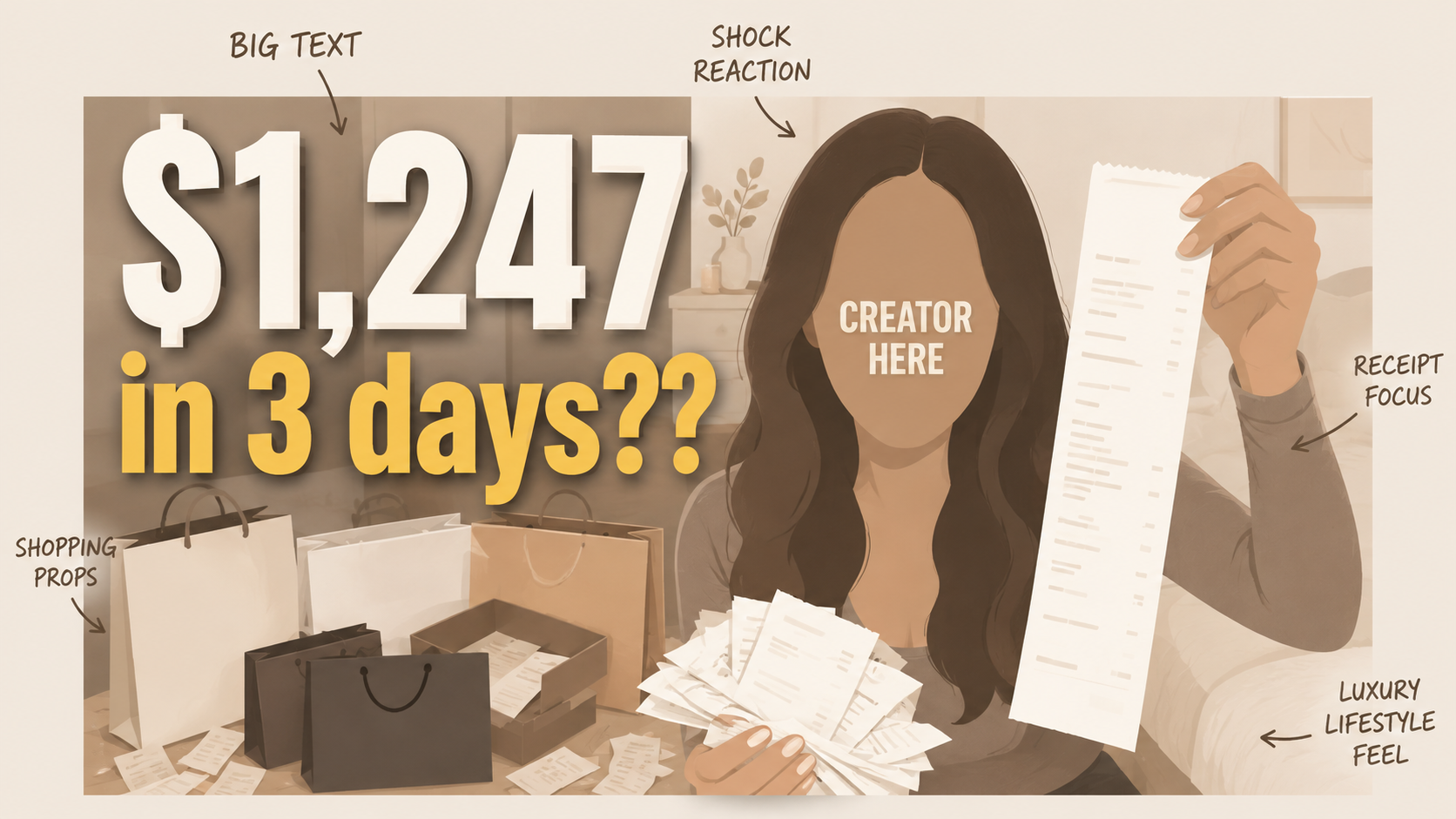
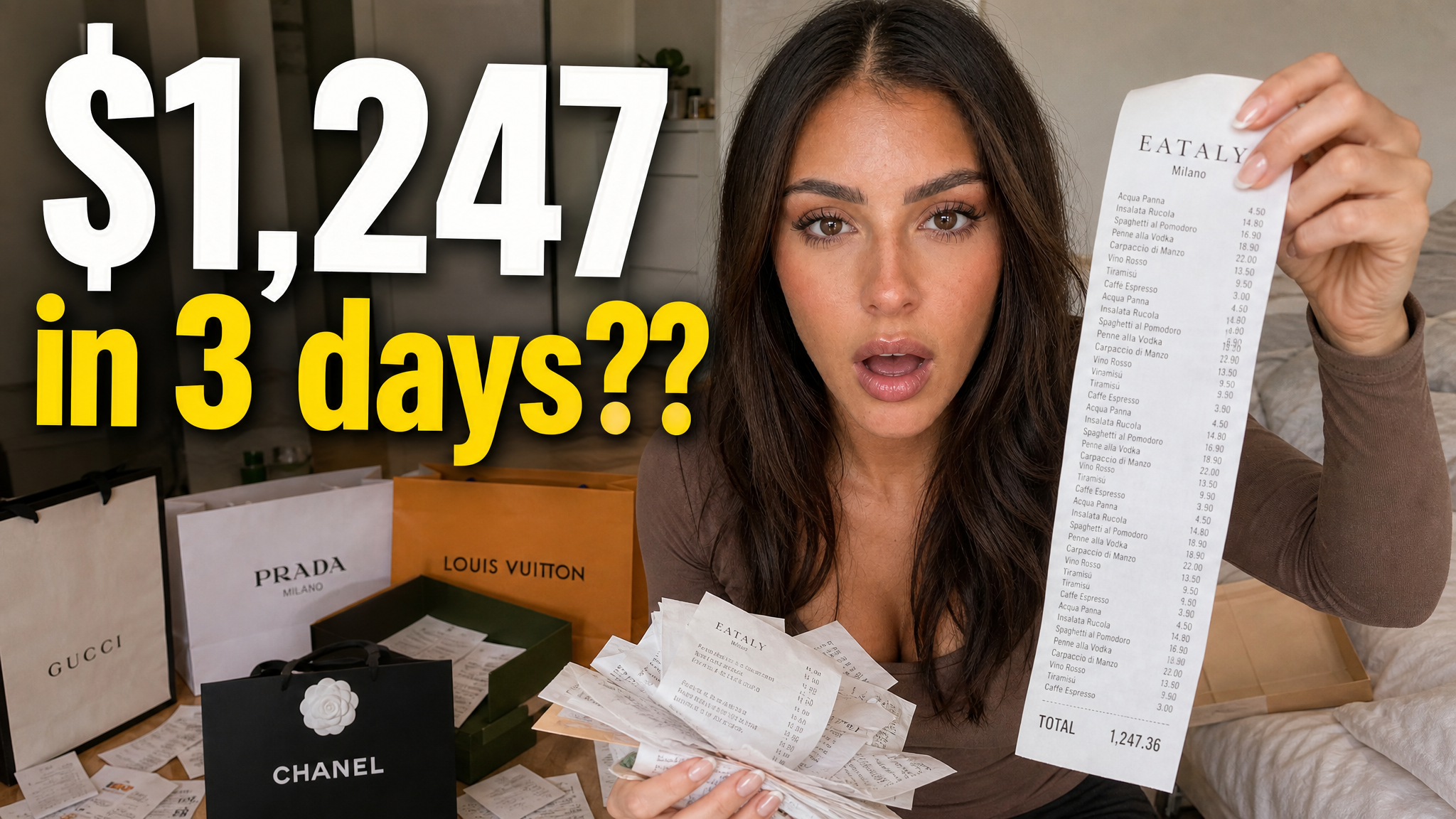
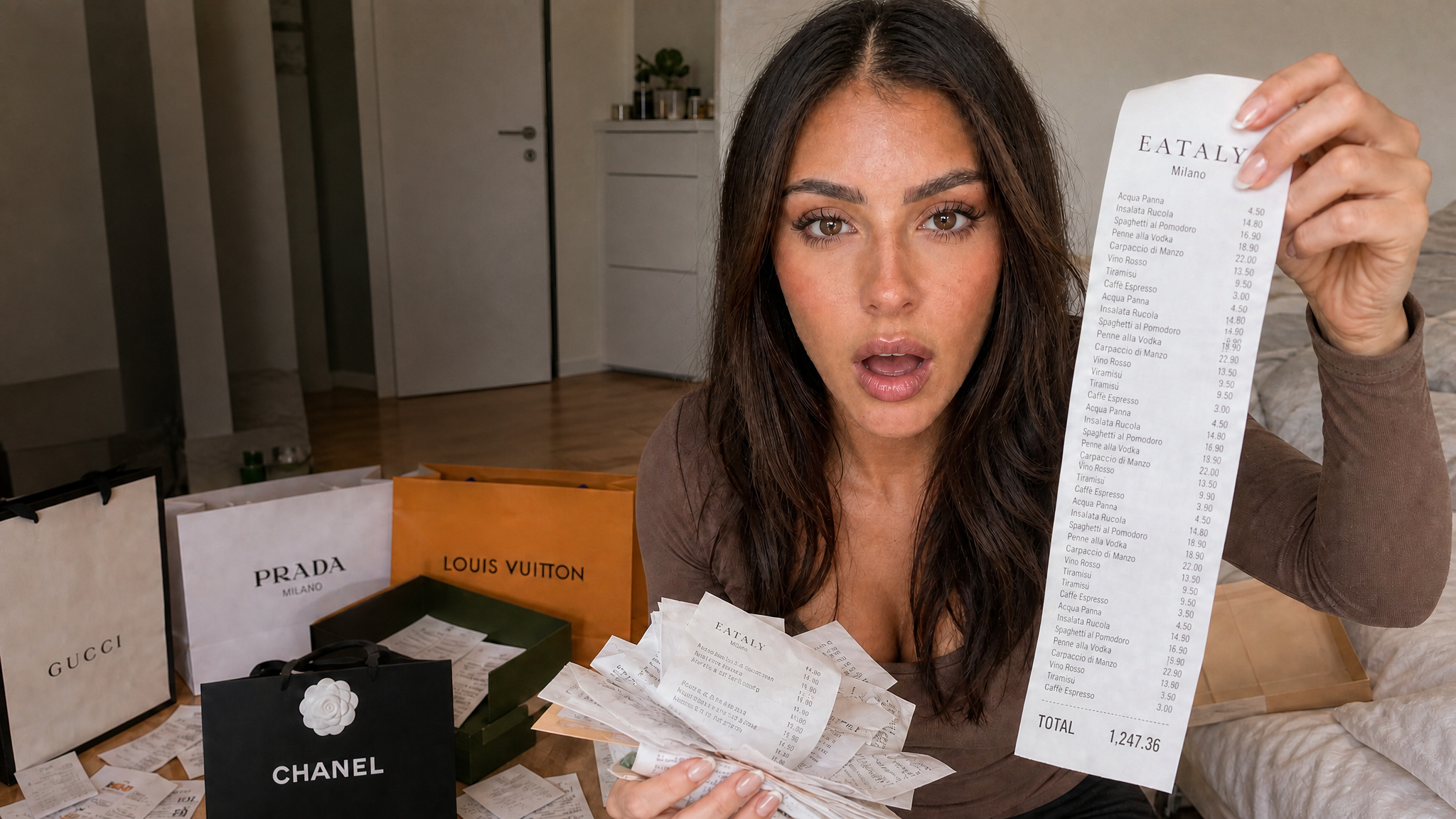
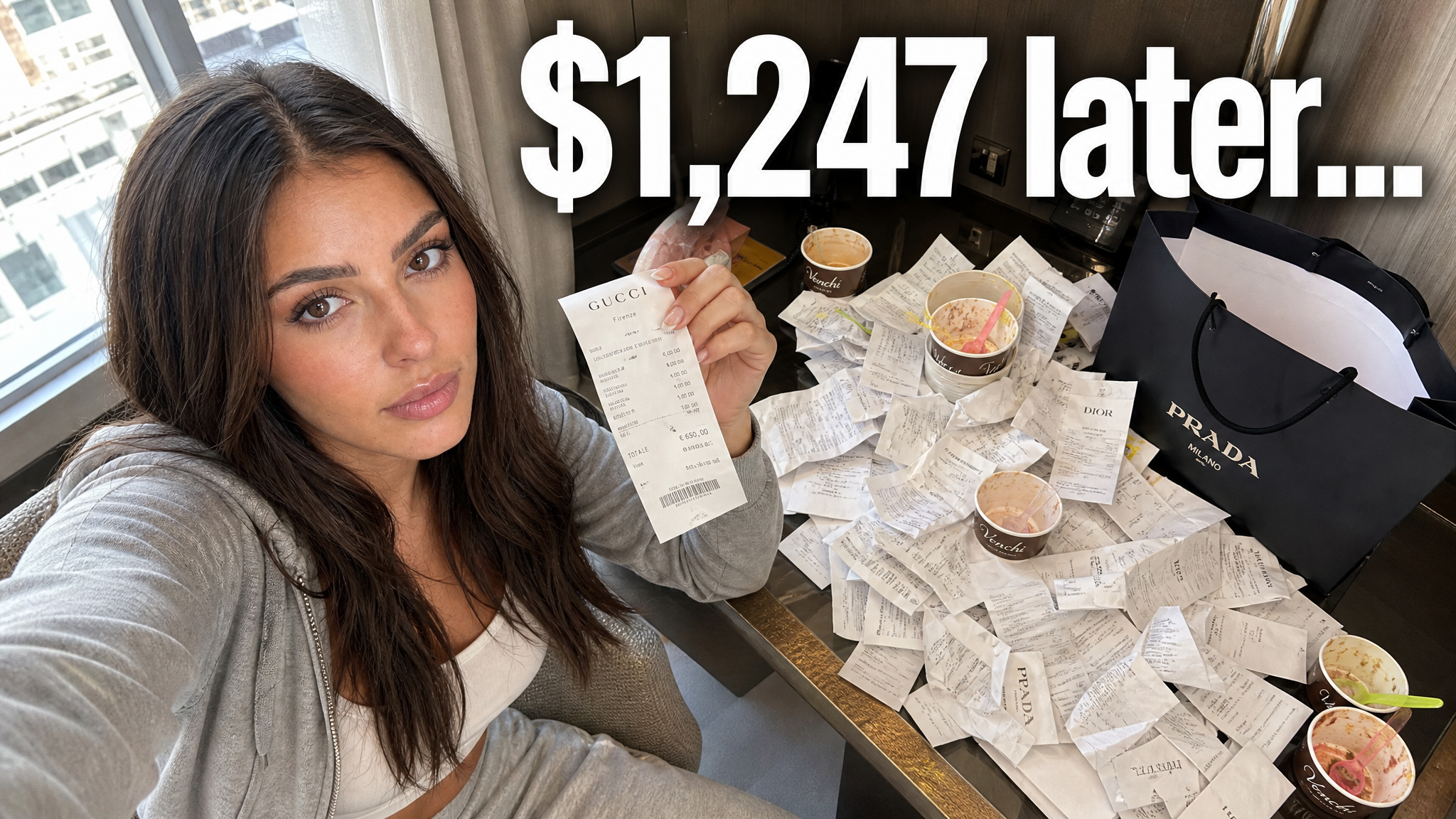
Travel thumbnails made in VisualKit for trip-cost recaps, solo trips, city vlogs, and shopping days. See a look you like? Use it for your own thumbnail.


Give viewers one clear reason to understand the video, then compare several directions before you publish.
When every detail competes, the video's main subject or result disappears at a small size.
Moving every revision between tools and files makes it harder to compare the actual ideas.
With only one direction, you cannot compare the subject, text, color, or composition before publishing.
Create, compare, refine, and export in one workspace.
A travel vlog thumbnail works when people can tell where you are and why this trip is worth watching. That usually means one place they recognize plus one fact: the price, the time, the hotel, or the thing that went wrong.
Show the place and the fact that you are in it alone. A quiet street, a table for one, or a room with a view says more than a suitcase graphic.
Use a landmark or street people can name, then add the part of the city you actually spent the day in.
Put the number in the picture, such as $500 FOR 5 DAYS. Money videos live on one figure people can read instantly.
Show the one room, view, or detail that decides the review, not every corner of the property.
Show the dish, market, or meal that was worth the trip. One plate, close and well lit, beats a table of small photos.
Show the airport, train, or layover, plus how long the day was, such as 19 HOURS TO GET THERE.
Show the bag and everything that has to fit, such as ONE CARRY-ON or 3 WEEKS IN ONE BAG.
Make the rule visible: the budget, the time limit, or the thing you are not allowed to do.
Choose a monthly credit allowance for your publishing schedule.
For creators posting consistently every month.
Includes:
For creators publishing several times a week.
Everything in Starter, plus:
For high-volume creators and teams.
Everything in Starter, plus:
VisualKit is an AI YouTube thumbnail maker for creators who want to generate a new design, remix a reference, analyze an existing thumbnail, or revise an image with plain-language instructions. It produces upload-ready 1280×720 thumbnails in the browser, without requiring Photoshop.
Start with a video title or idea, compare generated options, then refine text, composition, color, or imagery. For practical guidance, read our thumbnail design guide or check the recommended YouTube thumbnail size.
| Feature | VisualKit | Photoshop | Canva | Generic AI Generators |
|---|---|---|---|---|
| Thumbnail Sizing | Built-in 1280×720, 16:9 export | Manual canvas configuration | Requires manual template editing | Aspect ratio depends on the model and prompt |
| Reference-Based Direction | Reference-driven remixing from a YouTube URL | Manual reproduction from scratch | Relies on generic static templates | No dynamic style copying |
| Text & Adjustments | AI prompt editing (e.g., 'make text bigger') | Manual layer manipulation | Manual drag-and-drop alignment | Text handling varies by model |
| Creation Time | Generate and revise in one workflow | Manual layer-by-layer workflow | Template and drag-and-drop workflow | Often requires separate editing tools |
Thumbnail Sizing
VisualKit: Built-in 1280×720, 16:9 export
Reference-Based Direction
VisualKit: Reference-driven remixing from a YouTube URL
Text & Adjustments
VisualKit: AI prompt editing (e.g., 'make text bigger')
Creation Time
VisualKit: Generate and revise in one workflow