See your thumbnail the way viewers will: small, in a crowded feed, next to other videos. Upload it, add your title, and review each preview before you publish.
24/100
Upload a thumbnail to see it in the home feed
Stays on your device — nothing is uploaded to a server.
Need a new option to test? Use YouTube thumbnail maker to make one from the same video idea.
You design on a large canvas, but viewers often see the result much smaller and beside other videos. Text and fine details can disappear when the image shrinks. These previews approximate common surfaces so you can check readability, focal clarity, and light or dark backgrounds before you publish. YouTube may render layouts differently by device, account, and experiment. (For the full spec breakdown, see the YouTube thumbnail size guide.)
The checklist that matters: text readable at suggested size, one clear focal point in the grayscale check, and a design that draws the eye when it sits in a row of other videos. If an option becomes unclear, revise it before publishing — or generate stronger variations with VisualKit and bring them back here to compare.
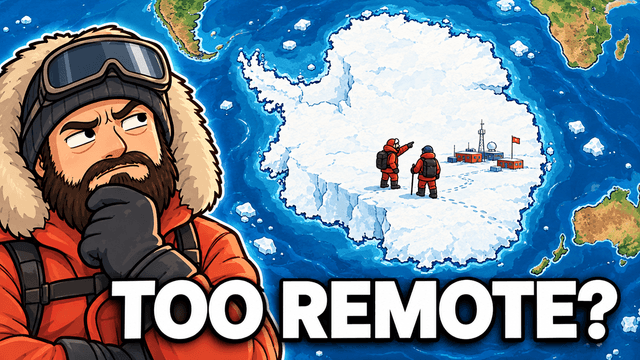
Real thumbnails made with VisualKit — readable at tester size, one focal point.


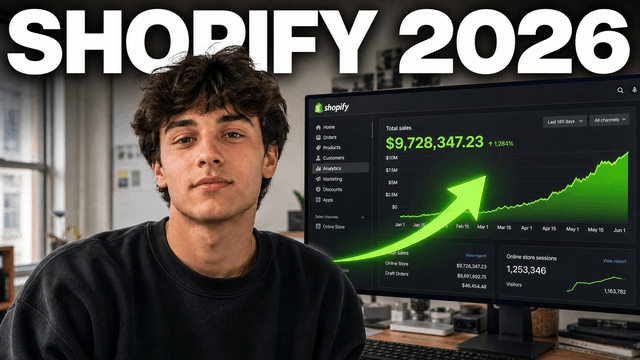
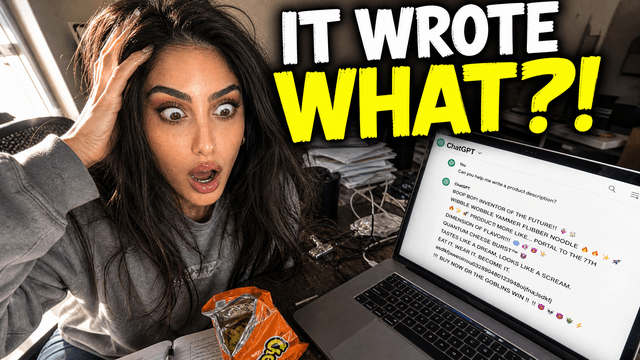
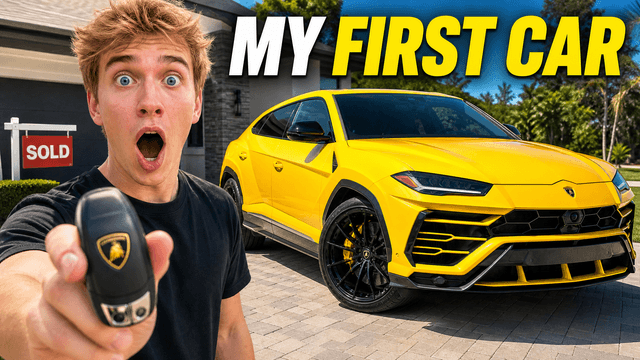
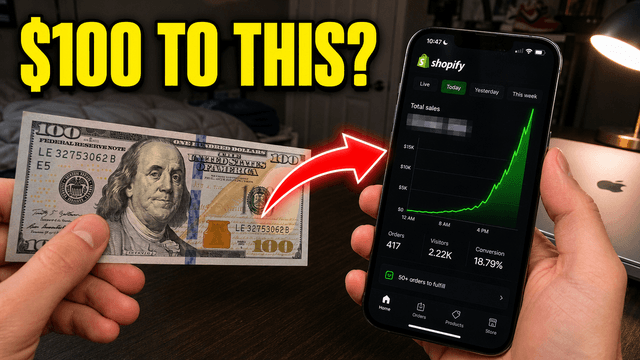
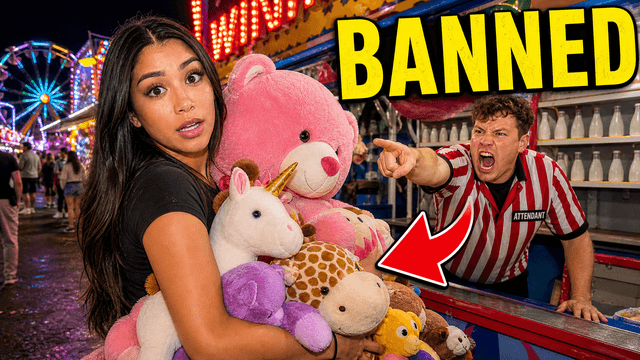




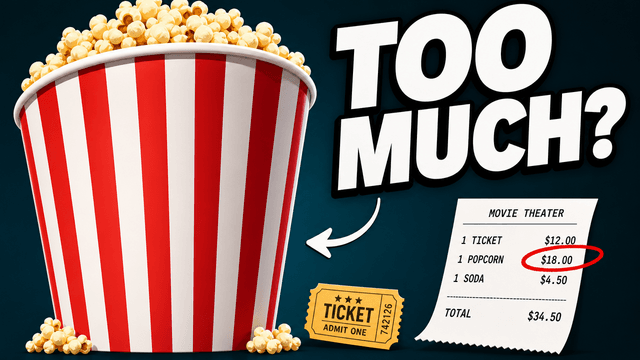
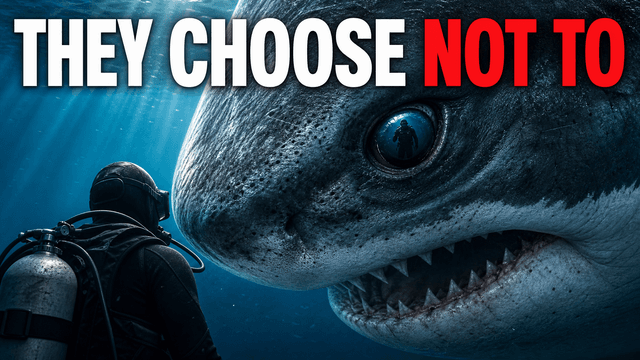
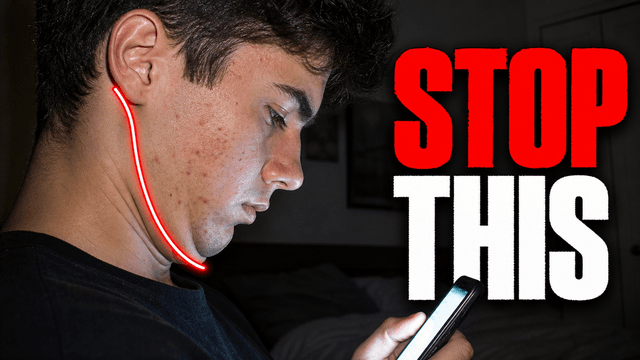

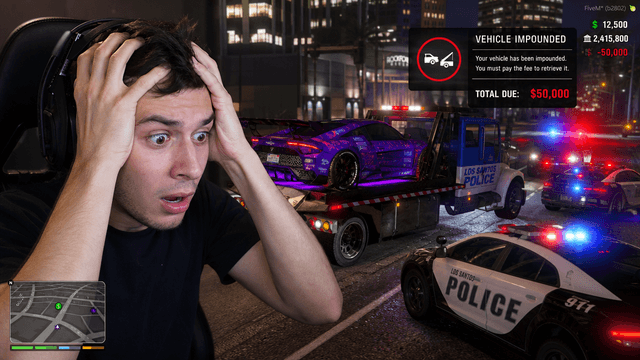
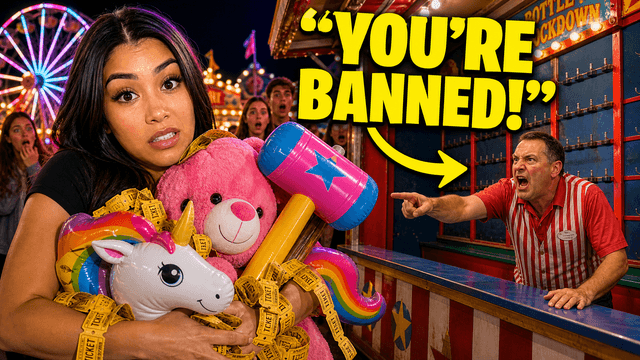
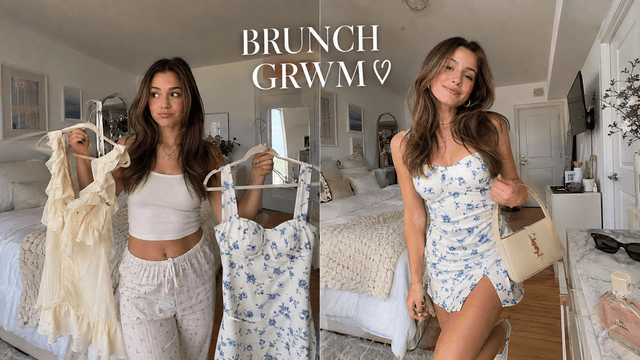

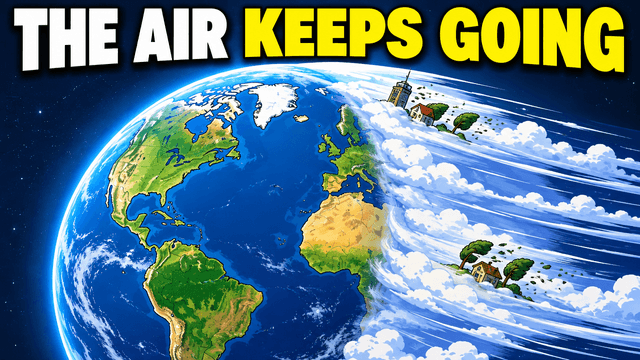
Upload a 16:9 thumbnail, add your video title and channel name, then switch between the home, search, suggested, and mobile previews. Check light and dark mode and use the grayscale view. These are approximations, so confirm the final result on YouTube after upload.
Yes, and there's no signup. Your image never leaves your browser — the preview is rendered locally on your device, so nothing is uploaded to a server.
Three things. Readability: can you read the text at the 168-pixel suggested size? Contrast: does the focal point still pop in the grayscale check? Competition: does your thumbnail draw the eye when it sits in a feed next to other videos rather than alone at full size?
Editors show your thumbnail at full 1280x720 size on its own. YouTube shows it at a fraction of that size, surrounded by competing thumbnails, under a title, in light or dark mode. Details and thin text that look great in the editor disappear at feed size — which is exactly what this tester reveals.
You can swap files and compare how each option reads in the same preview. This is a visual comparison, not an audience A/B test. Eligible channels can use YouTube's Test & Compare for up to three thumbnails on a long-form video; YouTube evaluates watch-time share, and results can take days or up to two weeks.
More free tools
Create alternatives from the same video idea, then return here to compare them at feed size.
