ChatGPT combines writing, research, and image tools. VisualKit narrows the workflow to side-by-side thumbnail directions, reference-led generation, feed previews, prompt-based revisions, and 1280×720 exports.
Need a new option to test? Use AI thumbnail generator to make one from the same video idea.
Three structural problems — not prompt-skill problems.
ChatGPT supports image generation, but available models, aspect ratios, and editing features can change. Confirm the final canvas and crop before using an image as a YouTube thumbnail.
Both tools can work from reference images. Review the face, hands, logos, and other identity details in every result instead of assuming the model preserved them exactly.
ChatGPT handles many kinds of image and writing tasks. VisualKit narrows the workflow to thumbnail directions, feed-size previews, prompt-based revisions, and 1280×720 exports.
| ChatGPT | VisualKit | |
|---|---|---|
| Output size | Image sizes and aspect-ratio options depend on the current model | Built-in 1280×720 export |
| Your face, consistently | Supports image references; review each result | Insert Me reference workflow; review each result |
| Workflow focus | General writing, research, and image tools | Thumbnail directions, niche guides, preview, and export |
| Options per idea | Conversation-based image generation and editing | Multiple thumbnail directions shown side by side |
| Recreate a reference | Reference-image generation depends on the current model | Remix mode for reference-led thumbnail directions |
| Test before publishing | — | Free feed tester and channel analyzer built in |
| Price | Free plan; ChatGPT Plus is $20/month in the US | Free trial with 100 credits; plans from $20/month |
ChatGPT can support research, brainstorming, titles, scripts, and image concepts. Use it alone or combine it with a focused thumbnail workflow. Choose the tools that give you the comparison, editing, and export controls you need, then check the result in the thumbnail tester before you publish.
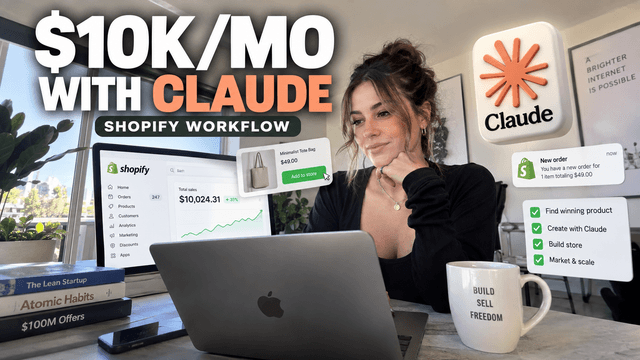
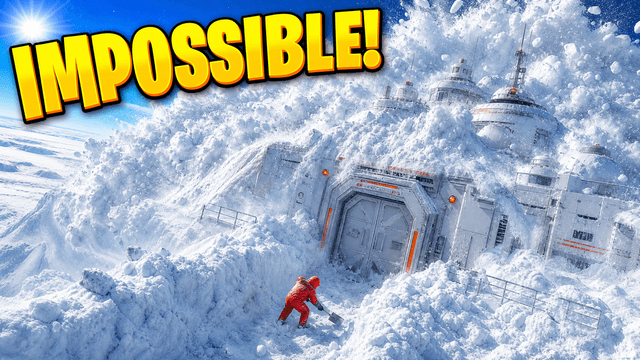
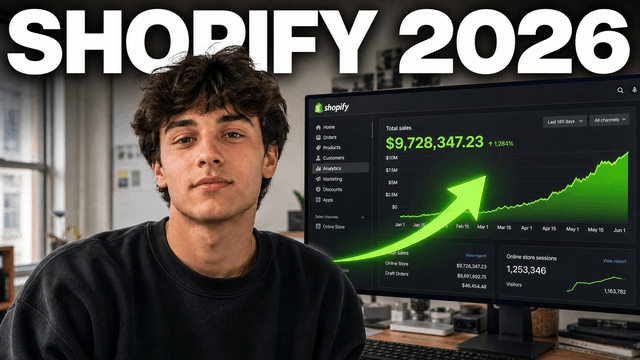
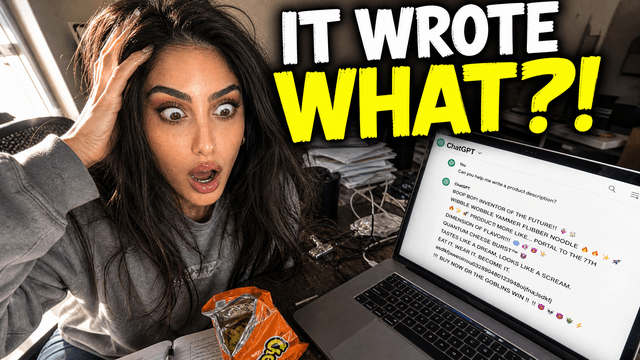
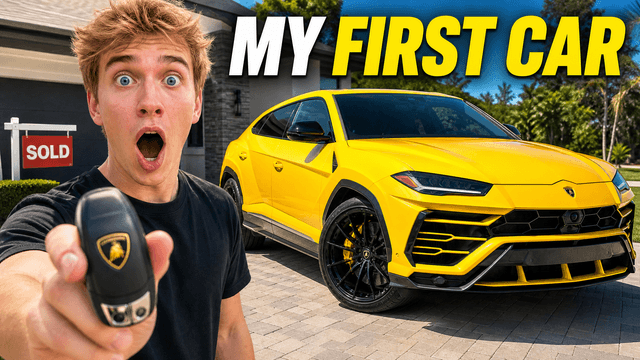
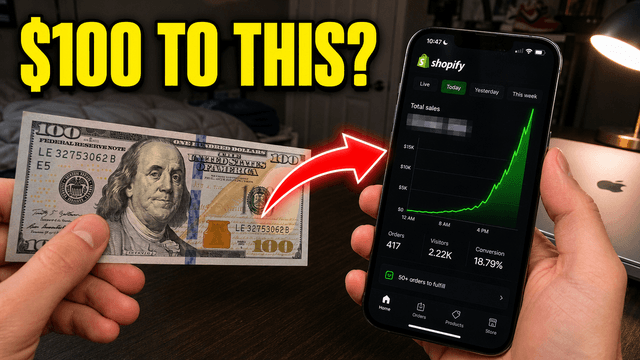
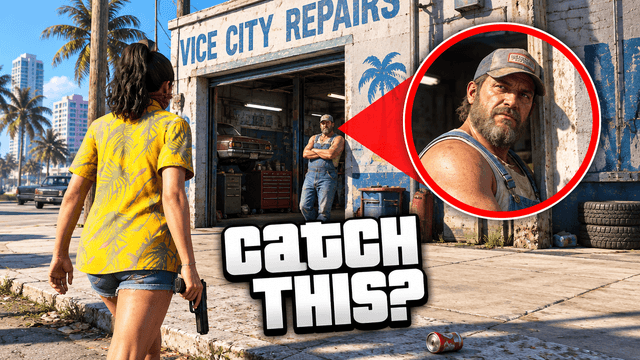
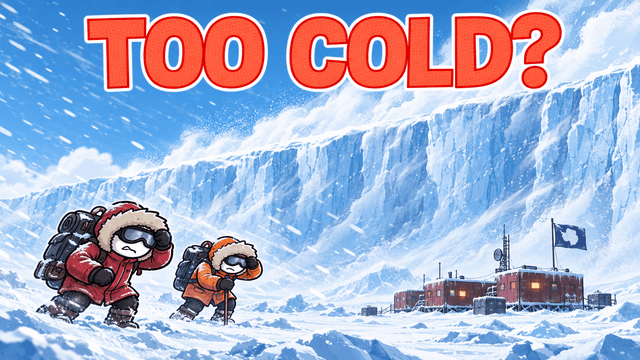
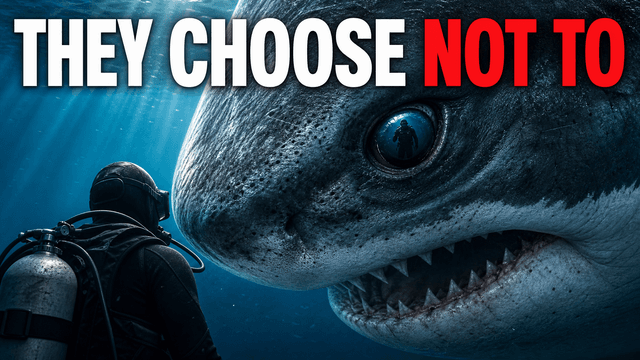
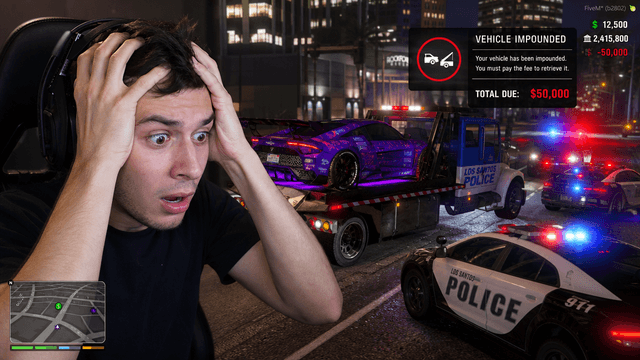
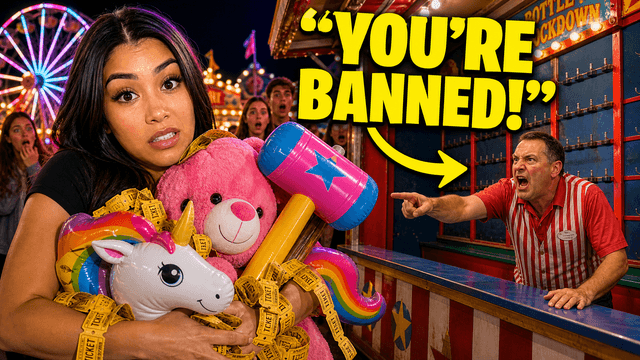
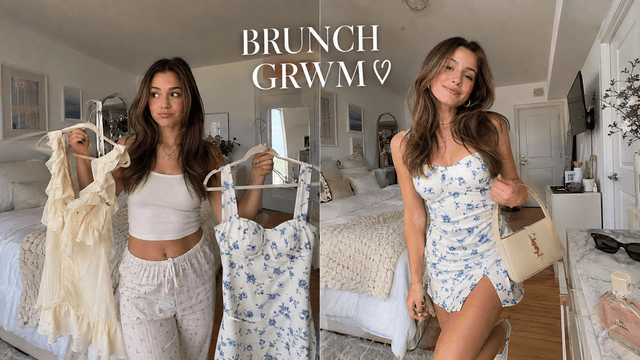
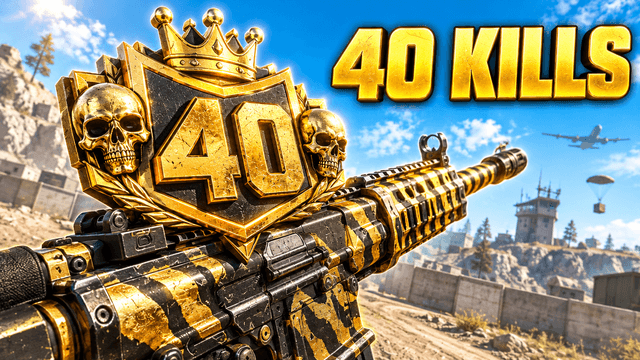
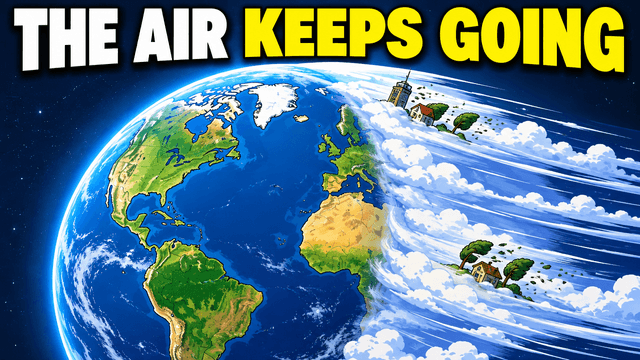
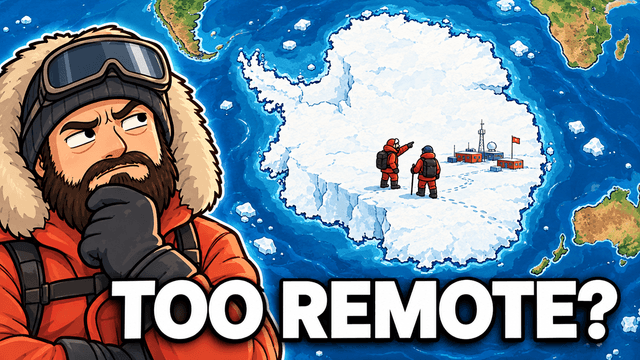
Real thumbnails made with VisualKit — 16:9, readable text, faces intact.






Choose a monthly credit allowance for your publishing schedule.
For creators posting consistently every month.
Includes:
For creators publishing several times a week.
Everything in Starter, plus:
For high-volume creators and teams.
Everything in Starter, plus:
Yes. ChatGPT can generate and edit images, and its available capabilities change over time. Before publishing, confirm the crop, text, identity details, rights, and final export size. VisualKit provides a more focused thumbnail workflow rather than a general assistant.
Choose a focused tool when you want several directions side by side, a built-in 1280×720 export, niche guides, feed previews, and prompt-based revisions in the same workflow. Review identity details and claims in either tool.
Yes. ChatGPT can help with research, video angles, titles, scripts, and image concepts. You can use it alone or pair it with a thumbnail-focused workflow, depending on the current features and the level of control you need.
Generated images can show inconsistent text, anatomy, lighting, or detail. Use a specific brief, provide suitable references, and inspect the result at full size and feed size. Revise or edit any artifact before publishing.
In the US, ChatGPT Plus and VisualKit Starter are both listed at $20 per month. VisualKit starts with a free trial that includes 100 credits. Compare current features and usage limits before subscribing.
More comparisons
Review several directions, use image references, preview at feed size, and export at 1280×720.
