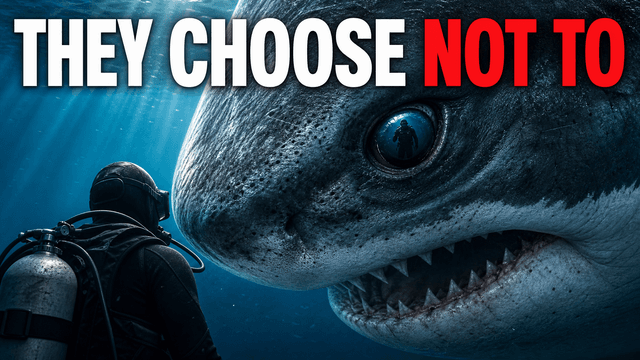
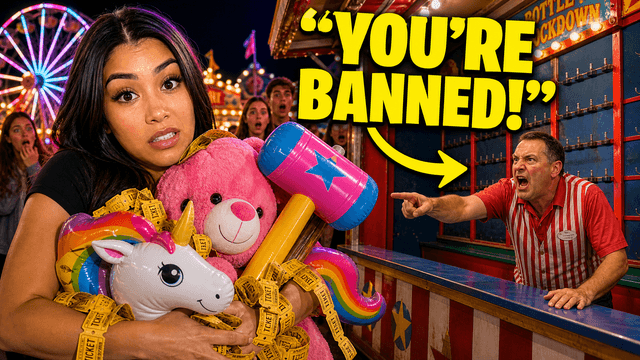
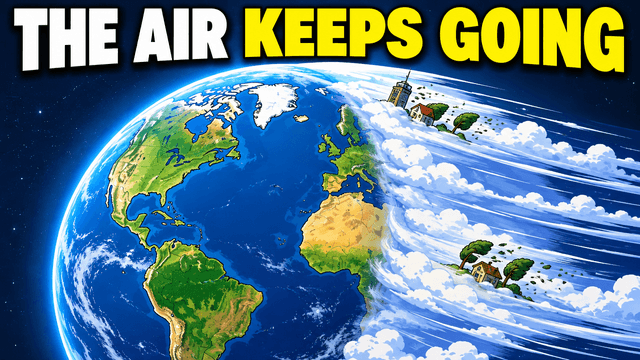
Thumbnail ideas fail in a predictable way: you open the editor after finishing the video, you're tired, and you default to a screenshot plus the video title in bold text. That thumbnail describes the video. It doesn't sell it.
The fix isn't more inspiration — it's a catalog. Below are 24 thumbnail concepts organized by the psychological mechanism that makes each one work. When you know why a concept earns clicks, you can tell immediately whether it fits your video, instead of scrolling other channels hoping something jumps out.
Curiosity-gap concepts: show the question, withhold the answer
The strongest click driver on YouTube is an open loop the viewer can only close by watching. The craft is in how much you withhold — show too little and it reads as clickbait, show everything and there's no reason to click.
- 1. The covered reveal. The subject of the video is present but obscured — blurred, behind a question mark, under a cloth, in a half-open box. Works for product reveals, tier lists, and "I bought X" videos. The object's silhouette must be intriguing on its own.
- 2. The frozen moment. A frame from one second before something happens: the ball mid-air, the hand reaching for the button, the pan about to flame. The viewer's brain demands the next frame. Strong for challenges, experiments, sports, and cooking.
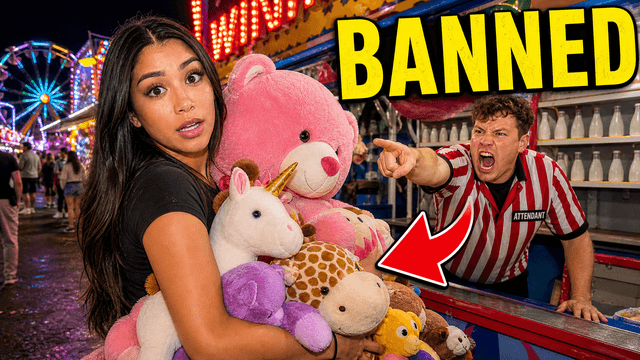
- 3. The unexplained anomaly. One element that doesn't belong: a car in a swimming pool, a $2 price tag on a luxury item, an error message on a billboard. The whole thumbnail is normal except one wrong thing — and the wrongness is the hook.
- 4. The redacted number. "I made $___ in 30 days" with the figure blocked out — or shown partially. Finance and business channels live on this one; it works because numbers feel like facts, and missing facts itch.
- 5. The two-percent claim. Text stating something most viewers believe is impossible or rare ("98% get this wrong"), paired with a face or diagram that takes a side. Education and tutorial channels use this to turn dry topics into stakes.
Stakes concepts: make the cost of not watching visible
- 6. The destruction frame. Something valuable visibly at risk or ruined — a melted GPU, a crashed drone, a portfolio chart in freefall. Loss grabs attention roughly twice as hard as gain; this is the visual version.
- 7. The countdown / deadline. A visible timer, expiring offer, or "last day" framing. News-adjacent and crypto channels use this constantly — which also means it fatigues fast. Reserve it for videos with genuine time pressure.
- 8. The warning. A "do not do this" composition: red X over a common practice, a hand physically stopping an action. It flips the usual promise — instead of "learn this," it's "you're already doing it wrong," which is personal and urgent.
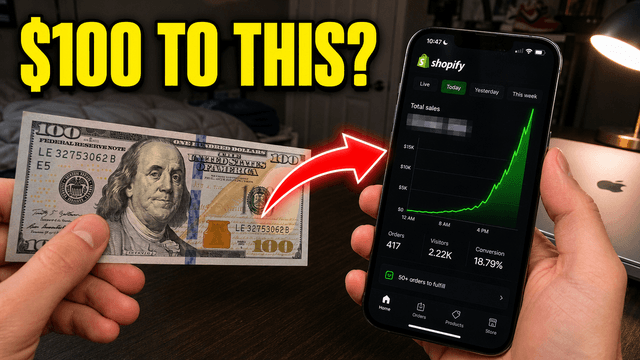
- 9. The big bet. The creator's own stake made visible: "I spent my last $1,000 on this," the cash physically in frame. Authentic stakes beat manufactured ones; if you actually risked something, show it.
Transformation concepts: before, after, and the arrow between
Transformations can make a change visible while the video explains the process. Use real before-and-after states, consistent framing, and clear disclosure when an image is simulated or illustrative.
- 10. The hard split. Vertical line, before on the left, after on the right. Fitness, renovations, coding refactors, channel redesigns. The two halves must differ enough to read at small size — if you have to squint to see the difference, the concept is wrong for this video.
- 11. The progress strip. Three stages instead of two: rough → mid → finished. Better than a split when the middle state is surprising (a sculpture mid-carve, an app mid-build). Cap it at three; four stages turns to mush at feed size.
- 12. The time jump. Same subject, two timestamps: "Day 1" and "Day 100." The dates do the storytelling. This is the backbone of self-improvement, language-learning, and grow-anything content.
- 13. The cost transformation. The same result at two price points: "$5,000 setup vs. $500 setup." Tech and budget-build channels run on it. The cheap side should look suspiciously good — that's the click.
Comparison concepts: let the viewer pick a side
- 14. The versus frame. Two subjects, face to face, often with a "VS" divider. Works far beyond gaming: products, strategies, cities, programming languages. The viewer clicks to defend the side they already favor.
- 15. The tier reveal. A ranking grid with one slot conspicuously placed or hidden — the S-tier slot empty, or a beloved item sitting in F. Outrage at a ranking is a click; confirmation of a ranking is a scroll past.
- 16. The imposter lineup. Several similar items, one secretly different: "one of these is fake," "one cost 10x the others." Forces inspection, and inspection at thumbnail size becomes a click.
- 17. The David and Goliath. Mismatched scale made visual — tiny creator vs. giant corporation, $100 robot vs. $100,000 machine. The implied question ("surely the small one loses... right?") does the work.
Face-driven concepts: emotion as information
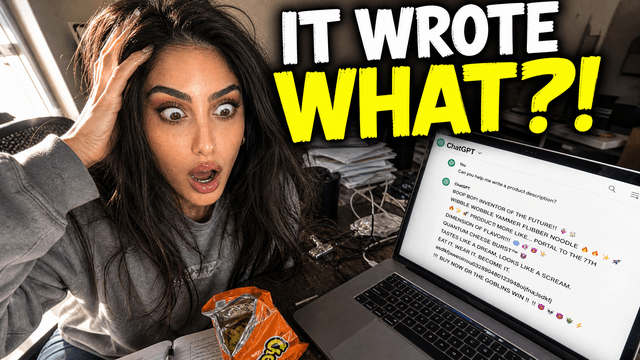
Faces are YouTube's most reliable attention magnet — feeds are scanned for eyes and expressions before anything else. But "make a shocked face" is the most overused direction in thumbnails. The variants below still work because the face is reacting to something specific in frame, not emoting at nothing.
- 18. The reaction with evidence. Your face plus the thing causing the expression — a chart, a screenshot, an object. The viewer's eye bounces face → object → text, and the triangle holds attention longer than any element alone.
- 19. The mid-action portrait. You, doing the thing, caught mid-effort: hands in the build, mid-rep, mid-pour. Reads as proof and competence, which is the actual sell on tutorial content. (Faceless channel? The faceless thumbnail playbook covers what replaces the face.)
- 20. The disagreement. Two faces, two opposite expressions, one subject between them. Podcast and commentary channels: this is your versus frame. More on the two-host problem in the podcast thumbnails.
Format-native concepts: ideas that come from the niche itself
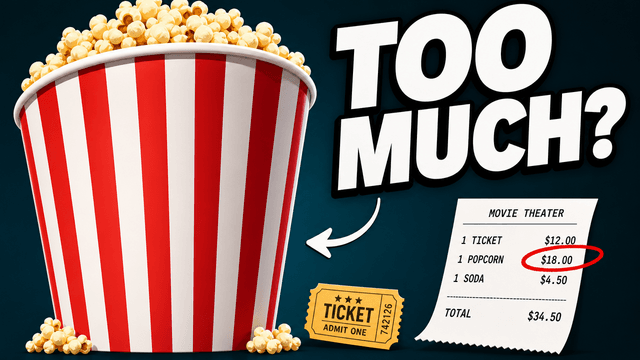
- 21. The document. A receipt, bank statement, DM, or email — partially highlighted or redacted. Finance and drama-commentary channels use documents as evidence only when they can publish them and the highlighted line is accurate. Redact private data and label simulations. (Deep dive: what the best finance thumbnails do differently.)
- 22. The map with a secret. A map with one marked location, route, or redacted region. Travel, geopolitics, true crime, and history channels — the map promises a story anchored to a place.
- 23. The case file. Photo, date stamp, and a single unsettling detail in text. True crime's defining pattern, with hard content-guideline edges you need to respect — covered properly in the true crime thumbnail guide.
- 24. The impossible screenshot. A UI state that shouldn't exist: a 9-digit view count, a $0.00 grocery total, 1 HP remaining. Gaming and software channels — screenshots feel unfakeable even though everyone knows they aren't.
How to actually use this catalog
- Before editing, not after. Pick the concept while planning the video — you'll capture the footage the thumbnail needs (the mid-action shot, the before state) instead of improvising from leftovers.
- Match mechanism to promise. A tutorial earns a transformation or mid-action portrait; a reveal video earns a curiosity gap. Using a curiosity gap on content that can't pay it off trains your audience not to click you.
- Sketch three, test the best two. Three different mechanisms, not three color schemes. Then let real impressions decide — the A/B testing covers running a clean Test & compare.
And if the bottleneck is execution rather than ideas — you can see the concept but not produce it — that's the job an AI thumbnail maker does well: describe concept #6 or #14 in a sentence, get publishable 1280×720 options, and iterate by prompt. The catalog supplies the thinking; the generation takes a minute.