Creator Program:Earn 20% recurring commission on eligible referrals.Recurring payouts for approved referrals.
Aesthetic YouTube Thumbnails

CreateAesthetic YouTubeThumbnails

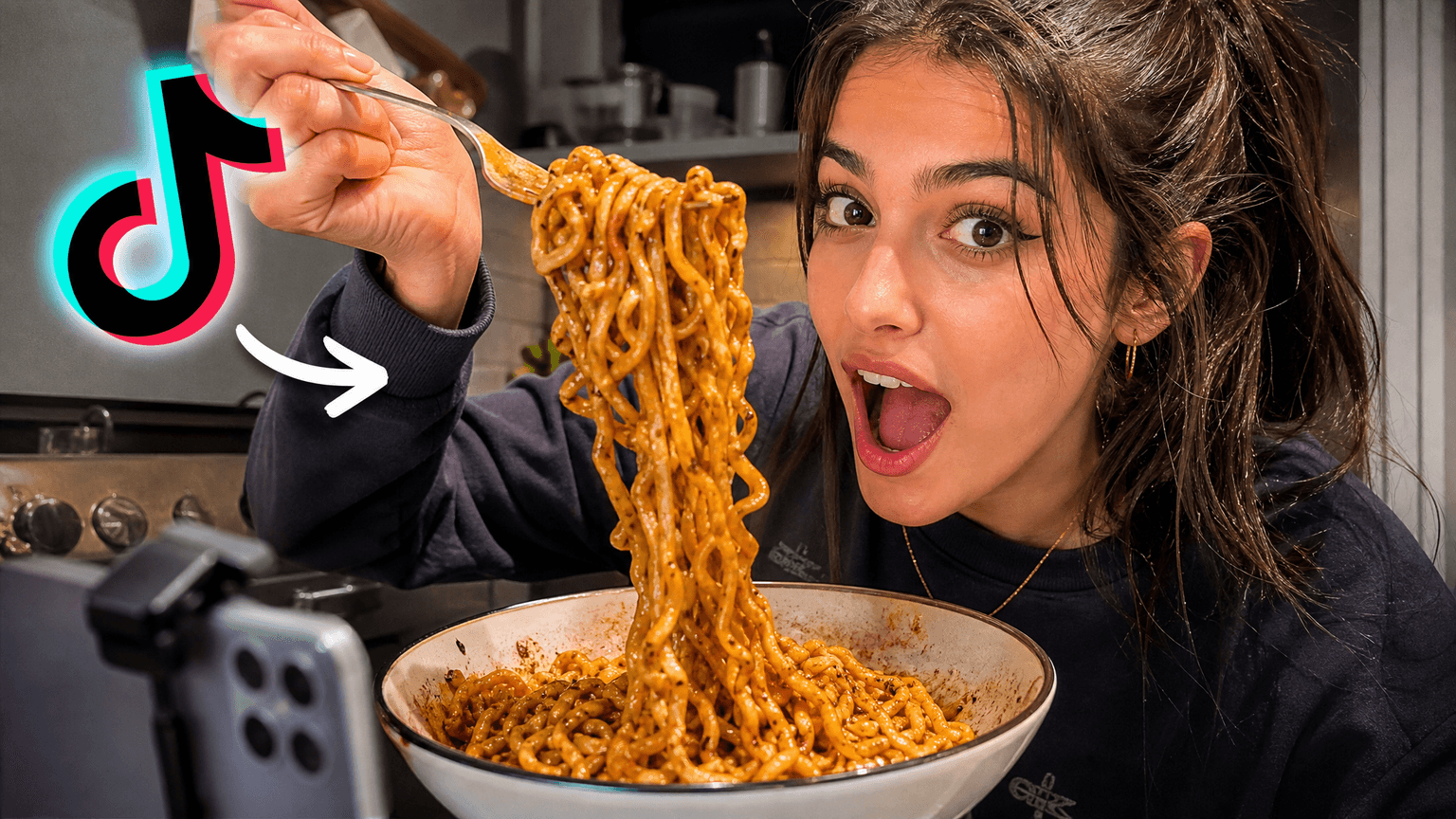
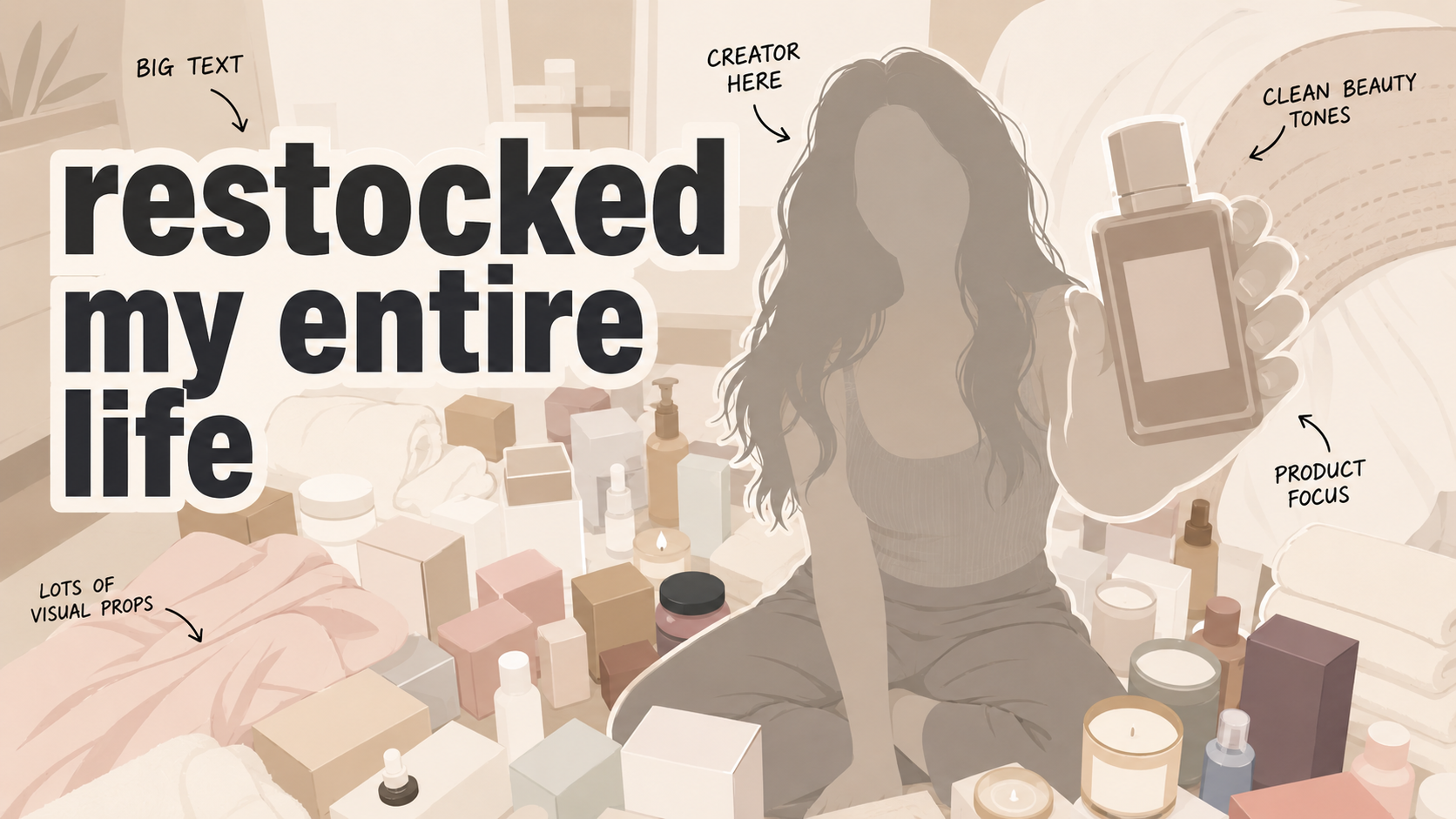
Create aesthetic YouTube thumbnails for beauty, GRWM, travel, wellness, routines, fashion, fitness, self-care, and lifestyle videos. Pick a thumbnail look you like.Then make the idea your own with VisualKit.

27k+

Trusted by 27k+ creators

How it works

From a look you like to your own thumbnail

Pick a thumbnail look you like, describe the video, compare a few options, and refine the one that feels right for your channel.

01STEP 1 · DESCRIBE

Describe the video

Start with the routine, trip, look, habit, or story you want the thumbnail to show. Add a photo when it helps.

Name the video idea
Add the mood
Use a reference photo
Live previewCreate
Prompt
i restocked my entire self care routine
Pick your favorite16:9 · YouTube
Compare the subject, text, contrast, and composition before choosing a direction.
02STEP 2 · CHOOSE

Pick a thumbnail look you like

Try a clean, soft and warm, travel diary, beauty, candid, wellness, editorial, or casual phone-photo look with your own idea.

Choose a style
Try it with your idea
Keep the result original
Live previewRemix
youtube.com/watch?v=dQw4w9W...
Original
Original thumbnail style reference
RecreatedAI
Recreated version matches style
Detected style
Bold TextDark BGClose-upHigh Contrast
03STEP 3 · REFINE

Refine the look

Ask for softer color, cleaner text, more space, or a stronger subject until the thumbnail fits the mood of the video and stays easy to read.

Adjust the mood
Clean up the layout
Check small-size clarity
Live previewImprove
Edit
Make the style feel more polished
Drag to compare
After improvements resolved
Original thumbnail baseline draft
Before
After
Vest color -> blueTaco -> hamburgerContrast +18%
Thumbnail inspiration

Aesthetic YouTube thumbnail ideas

Browse aesthetic thumbnail ideas for beauty, self-care, travel, routines, wellness, fitness, fashion, and everyday life.

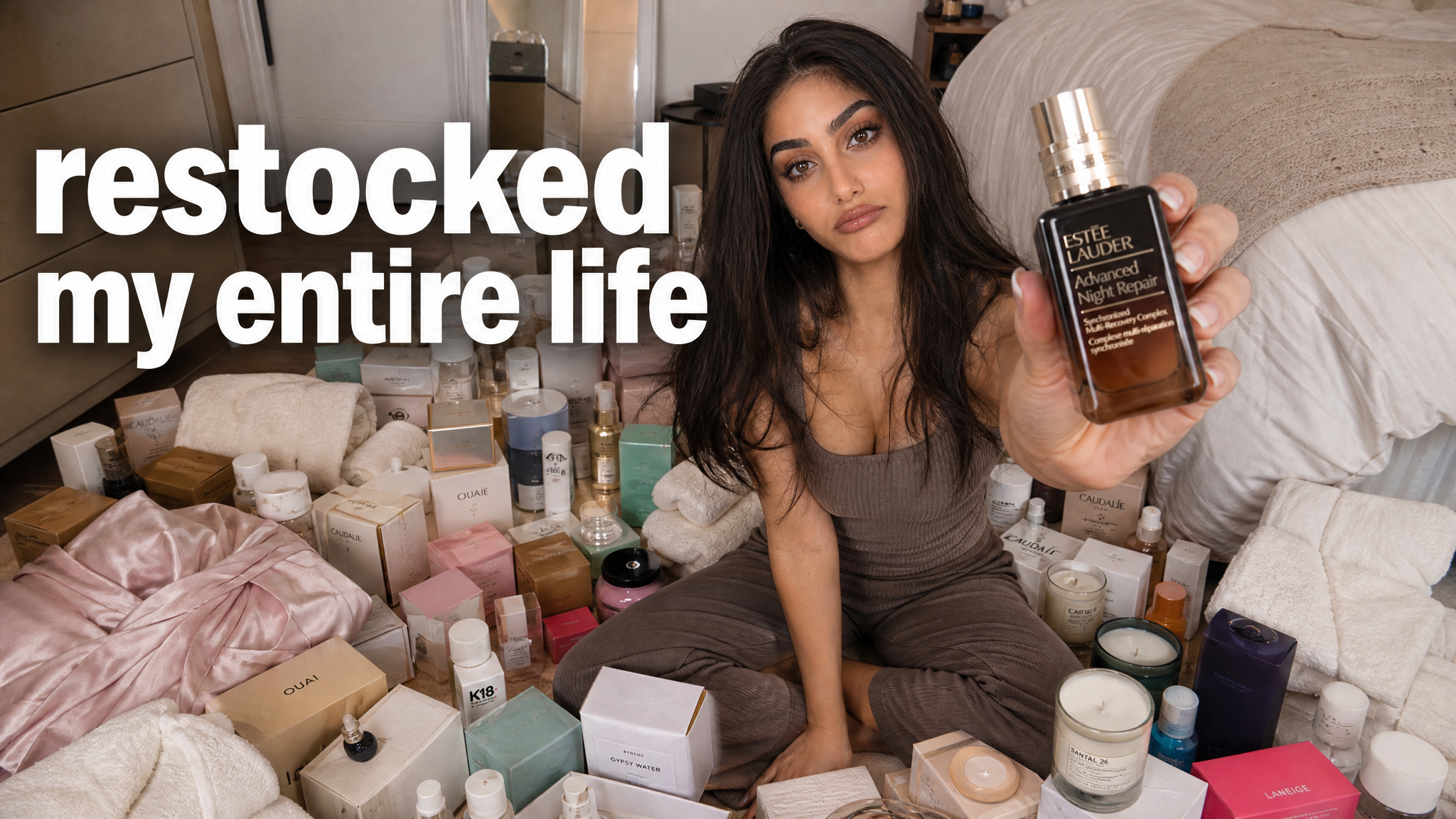
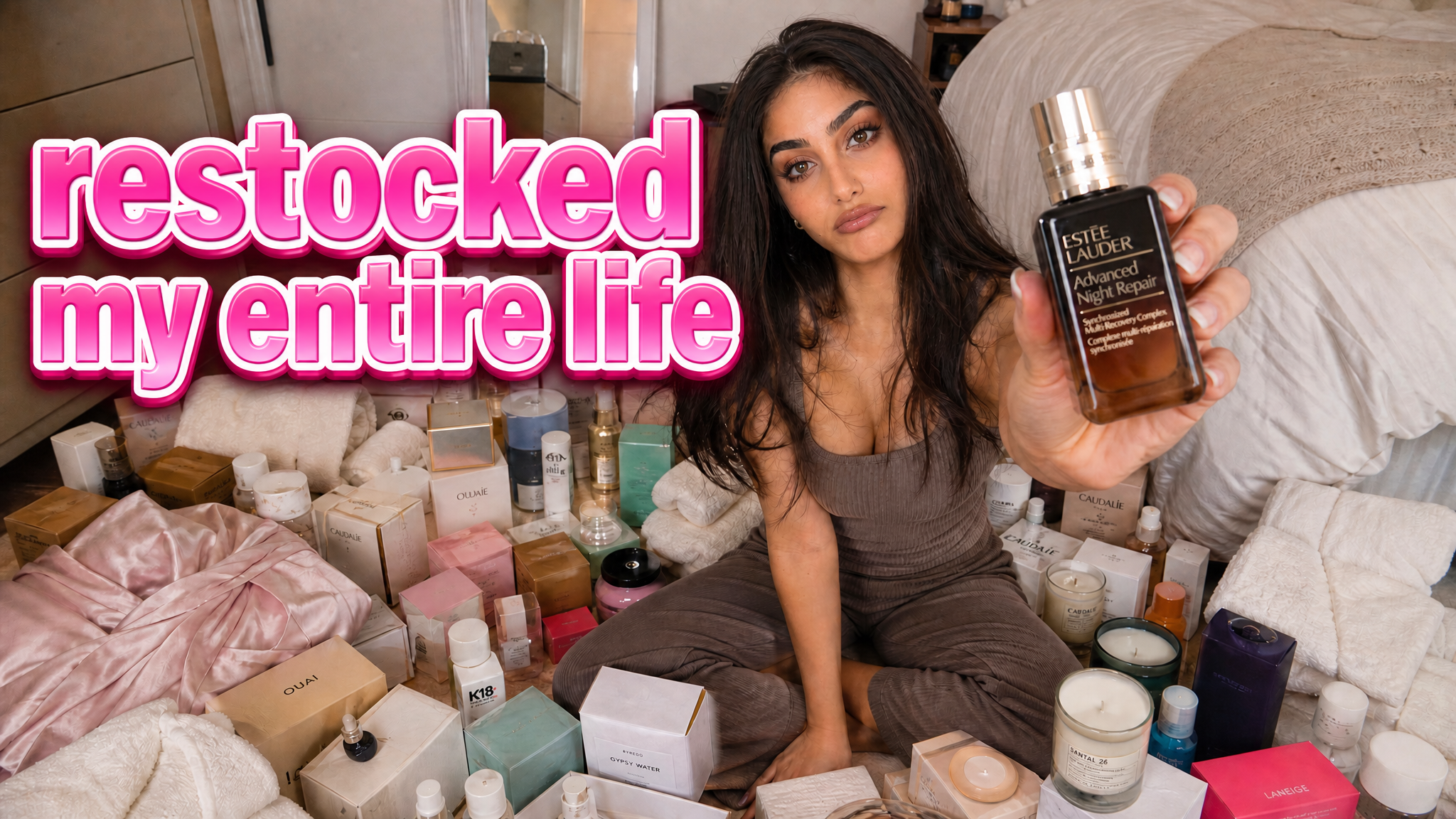
Aesthetic thumbnail inspiration for a beauty routine
FULL RESTOCK
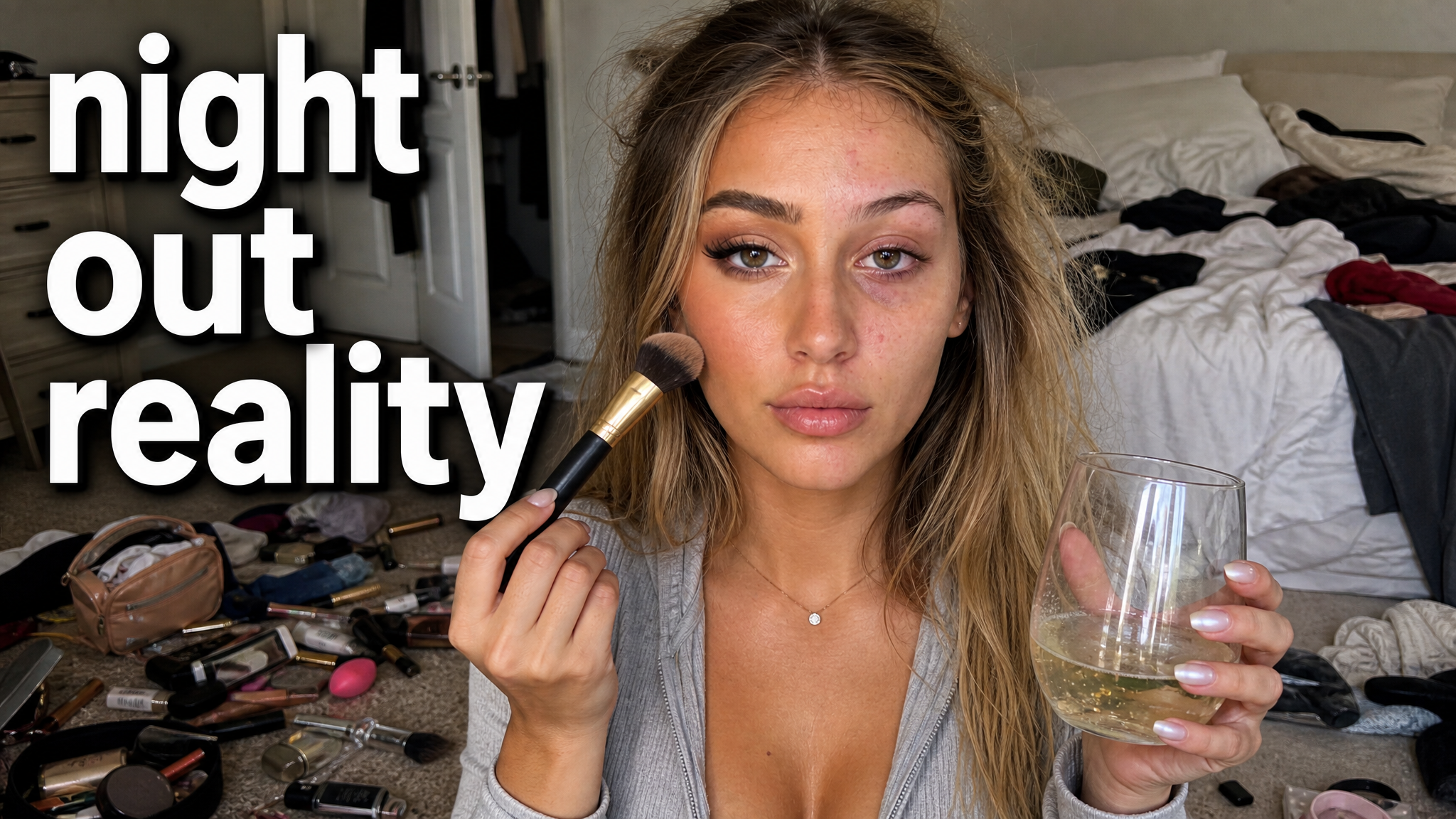
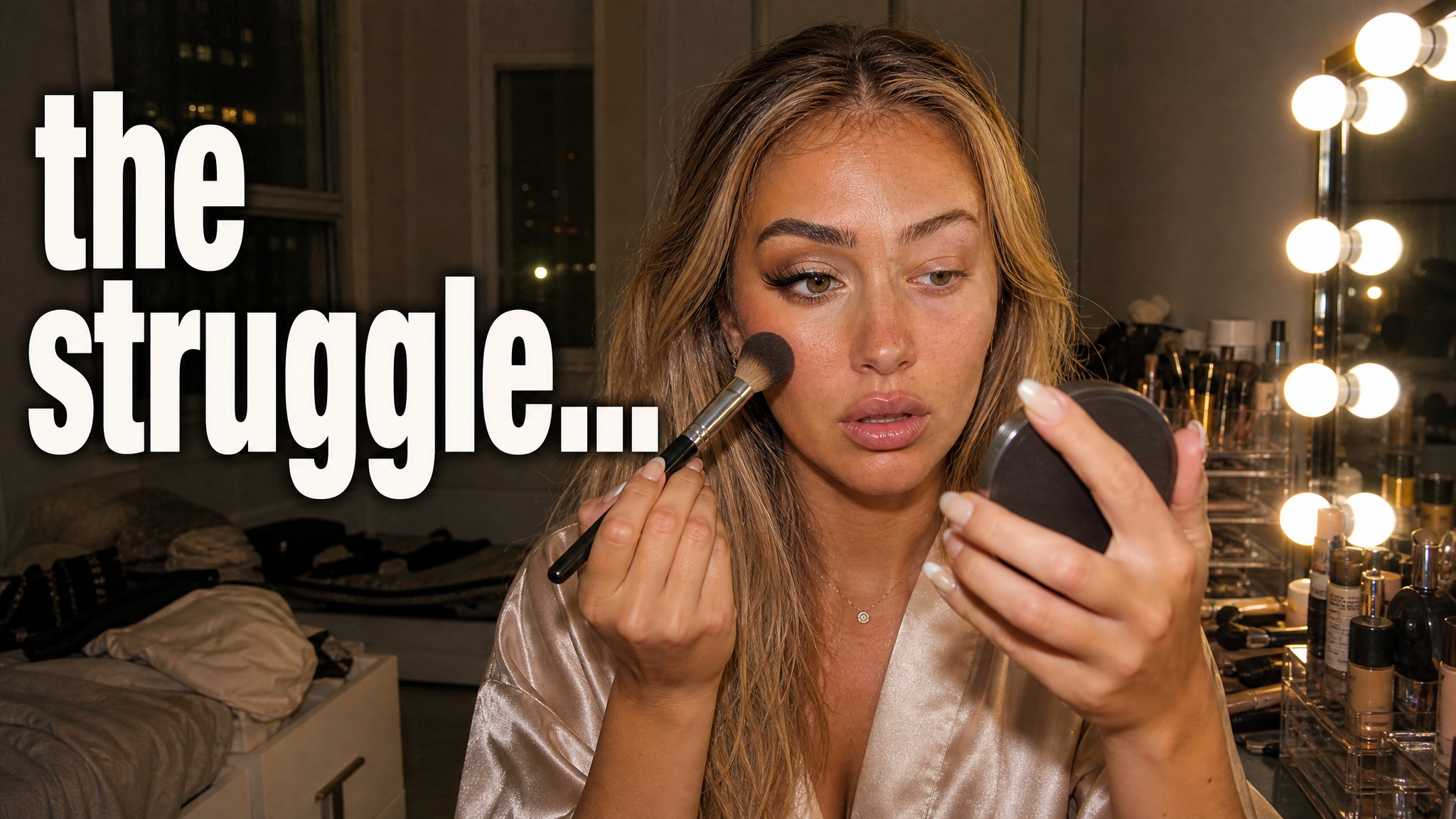
Aesthetic thumbnail inspiration with a soft beauty look
GETTING IT TOGETHER
Aesthetic thumbnail inspiration for a travel diary
$1,247 LATER
Aesthetic thumbnail inspiration for a wellness routine
30 DAYS LATER
Create your next aesthetic thumbnail

A strong video needs a clear thumbnail.

Give viewers one clear reason to understand the video, then compare several directions before you publish.

8:42
212K views · 2 days ago
Yours
112 views · 2 days ago
Skipped
12:06
301K views · 5 hours ago
01 · Clarity

Too much to understand

When every detail competes, the video's main subject or result disappears at a small size.

D
DesignerExternal design chat
Revision 4
Can we make the title pop?
thumb_v2.psdPhotoshop · 2.4 MB
Closer — try another crop?
thumb_v3_FINAL.psdPhotoshop · 2.4 MB
02 · Revisions

A slow edit loop

Moving every revision between tools and files makes it harder to compare the actual ideas.

Last uploadPerformance overview
CTR
Avg. views
Test result
Thumbnail performance
No comparison data
03 · Comparison

One option, no baseline

With only one direction, you cannot compare the subject, text, color, or composition before publishing.

VisualKit brings the steps together

Create, compare, refine, and export in one workspace.

01Clarity
Too many detailsOne clear idea
02Workflow
Manual revisionsPrompt-based edits
03Choice
One draftSeveral directions
Start Free Trial
Built for creators who want faster decisions, not more tools.
Aesthetic thumbnail ideas by look

Find a thumbnail look that feels like you

Choose a look first, then fit it to the video. A consistent style can make beauty, travel, wellness, and lifestyle uploads feel like they belong together.

Clean aesthetic thumbnails

Use open space, a clear subject, and simple text for a calm thumbnail that stays readable.

Soft and warm thumbnails

Use warm light, gentle color, and a close crop for routines, self-care, beauty, and home videos.

Travel diary thumbnails

Pair a place with a small everyday detail, such as a cafe, outfit, room, or slow morning.

Beauty and GRWM thumbnails

Keep the look, outfit, or product as the focus. Use short context instead of a crowded product wall.

Candid lifestyle thumbnails

Use a natural frame and one real moment from the day so the thumbnail feels personal without looking busy.

Wellness thumbnails

Use calm framing for Pilates, healthy routines, rest days, morning resets, and self-care habits.

Editorial thumbnails

Use stronger crop, type, and contrast for fashion, beauty, opinion, and story-led videos.

Casual phone-photo thumbnails

Keep the honest, everyday feel of an iPhone-style photo while making the subject and hook easy to see.

More creator workflows

Explore another audience

Keep the look you like, then explore focused ideas for beauty, fitness, travel, and vlog creators.

Choose your plan

Simple Pricing

Choose a monthly credit allowance for your publishing schedule.

Starter

$20/mo

For creators posting consistently every month.

Includes:

  • Up to 50 thumbnails / month
  • Niche templates and reference tools
Recommended

Pro

$40/mo

For creators publishing several times a week.

Everything in Starter, plus:

  • Up to 150 thumbnails / month
  • 1,500 monthly credits

Ultra

🚀
$80/mo

For high-volume creators and teams.

Everything in Starter, plus:

  • Up to 400 thumbnails / month
  • 4,000 monthly credits
Aesthetic thumbnail FAQ

Aesthetic YouTube Questions

It is a thumbnail built around a clear visual look, such as clean, soft and warm, travel diary, editorial, or casual phone-photo style. The look should support the video idea, not hide it.
Describe the video, pick a look you like, compare several options, and refine the clearest one. VisualKit exports the finished thumbnail at 1280×720.
Yes. Choose a look that fits the topic, then describe the routine, trip, workout, or story. The same look can work across a channel when the subject stays clear.
Yes. Pick a thumbnail look you like, such as clean, soft and warm, travel diary, beauty, wellness, editorial, or casual phone-photo style.
Use a short hook that adds context, such as FULL RESTOCK, LIFE LATELY, WHAT I EAT, or 30 DAYS LATER. Keep the text secondary to the main image.
Use a 16:9 image. VisualKit exports aesthetic thumbnails at 1280×720 for standard YouTube uploads and Test & Compare.

What is VisualKit?

VisualKit is an AI YouTube thumbnail maker for creators who want to generate a new design, remix a reference, analyze an existing thumbnail, or revise an image with plain-language instructions. It produces upload-ready 1280×720 thumbnails in the browser, without requiring Photoshop.

Start with a video title or idea, compare generated options, then refine text, composition, color, or imagery. For practical guidance, read our thumbnail design guide or check the recommended YouTube thumbnail size.

Thumbnail Sizing

VisualKit: Built-in 1280×720, 16:9 export

Photoshop
Manual canvas configuration
Canva
Requires manual template editing
Generic AI Generators
Aspect ratio depends on the model and prompt

Reference-Based Direction

VisualKit: Reference-driven remixing from a YouTube URL

Photoshop
Manual reproduction from scratch
Canva
Relies on generic static templates
Generic AI Generators
No dynamic style copying

Text & Adjustments

VisualKit: AI prompt editing (e.g., 'make text bigger')

Photoshop
Manual layer manipulation
Canva
Manual drag-and-drop alignment
Generic AI Generators
Text handling varies by model

Creation Time

VisualKit: Generate and revise in one workflow

Photoshop
Manual layer-by-layer workflow
Canva
Template and drag-and-drop workflow
Generic AI Generators
Often requires separate editing tools