Creator Program:Earn $3 per subscriber you refer.Fast payouts, instant approval.
Canva Alternative

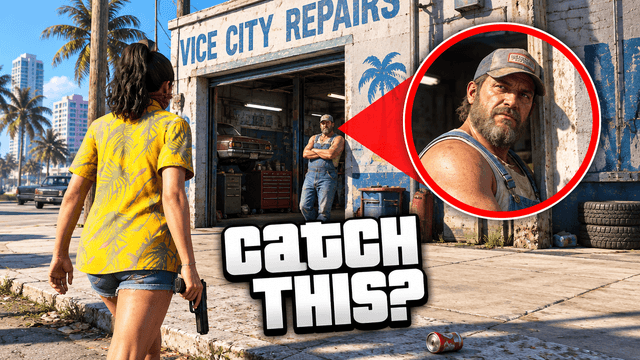
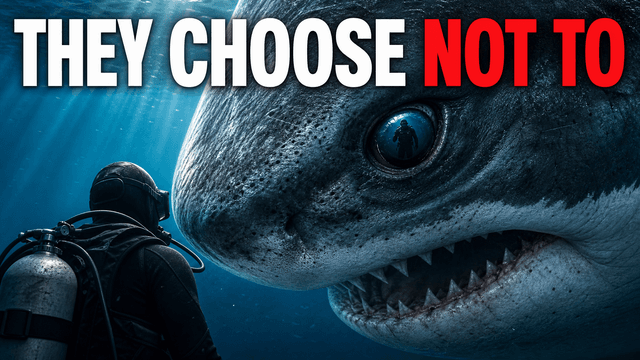
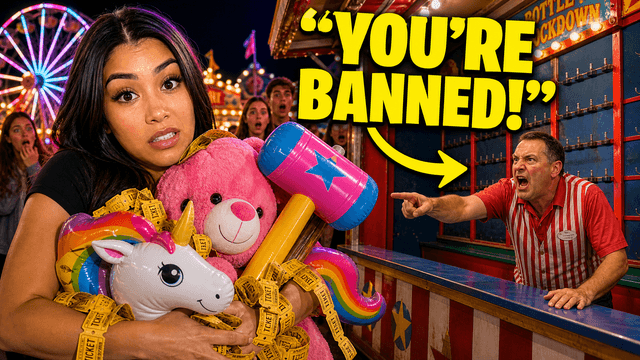
Stop assembling thumbnails. Start generating them.

Canva is a great design tool — and a slow, template-bound way to make YouTube thumbnails. VisualKit generates complete, original 1280×720 options from a description, so the half hour of dragging layers becomes a minute of choosing.

Why creators outgrow Canva for thumbnails

Not because Canva is bad — because thumbnails are a different job than design.

The template sameness problem

Canva's thumbnail templates are used by millions of channels. When your thumbnail shares a layout with thousands of other videos in the same niche, it reads as background noise in the feed — the opposite of what a thumbnail is for.

Assembly time compounds

Pick a template, swap the photo, cut out your face, adjust the text, nudge the layers, export, realize the text is too small, repeat. 30–60 minutes per thumbnail is normal in Canva — every single upload.

It edits pixels, not ideas

Canva executes the design you already have in your head. If the concept is weak, no amount of dragging layers fixes it. A generator proposes concepts you didn't think of — usually the bigger CTR lever.

Canva vs. VisualKit for thumbnails

CanvaVisualKit
How a thumbnail gets madeYou assemble it: template, photos, cutouts, text layersYou describe it: AI generates complete 1280×720 options
Time per thumbnailTypically 30–60 minutes of manual editingAbout a minute per generation, edits by prompt
OriginalityTemplates shared with millions of usersGenerated per video — no shared layouts
Niche awarenessGeneric templates, you supply the niche knowledgeStyles tuned to 22+ YouTube niches
Recreate a style you admireManual rebuild, layer by layerRemix mode: upload the reference, keep your face and brand
PriceFree tier; Canva Pro around $15/monthFree generations on signup; plans from $20/month
Beyond thumbnailsExcellent — docs, decks, posts, print, everythingFocused on creator visuals: thumbnails first

The last row matters: keep Canva for everything that isn't a thumbnail. This is a workflow swap for one job, not a platform war.

Choose your plan

Simple Pricing

Join 25,000+ creators making thumbnails that get clicks.

Starter

$20/mo

For creators posting 1–4 videos a month.

Includes:

  • Up to 40 thumbnails / month
  • Templates from top creators in your niche
Most Popular

Pro

$40/mo

For creators posting weekly and ready to grow.

Everything in Starter, plus:

  • Up to 100 thumbnails / month
  • Never miss a publish day

Ultra

🚀
$80/mo

For high-volume creators publishing multiple times a week.

Everything in Starter, plus:

  • Up to 250 thumbnails / month
  • Lowest cost per thumbnail for daily publishing

All plans include thumbnails, social content, app icons & logo creation.

Secure payment via LemonSqueezy. VAT calculated at checkout.

Canva FAQ

Canva alternative questions

VisualKit, if the problem is thumbnails specifically. Canva is a general design tool where you assemble thumbnails manually from templates; VisualKit is an AI generator that produces complete 1280x720 thumbnail options from a one-line description, tuned to your niche, in about a minute. For docs, decks, and social posts, Canva remains excellent — the switch is for the thumbnail workflow.
Because the templates are shared. Millions of channels pull from the same template library, so feeds fill up with structurally identical thumbnails. Viewers' eyes learn to skip the pattern. Generated thumbnails don't inherit a shared layout, which is most of the fix.
It's a different kind of easy. Canva is easy like a good editor — but you still make every design decision and place every element. VisualKit is easy like a good designer — you describe the video, pick from generated options, and adjust anything with a prompt like 'make the text bigger' or 'swap the background.' No layers, no cutouts.
Plenty of creators do exactly that: VisualKit generates the thumbnail, and Canva remains the tool for banners, posts, and everything else. Some also export a VisualKit thumbnail and do final touches in Canva. There's no lock-in either way — you get standard 1280x720 image files.
Canva has added general AI image features, but they generate stock-style imagery to place inside your design — you still assemble the thumbnail. A thumbnail-specific generator produces the whole packaging (composition, face treatment, text placement) as one piece, designed for how thumbnails compete at feed size.

From an hour of assembling to a minute of choosing

Describe the video, compare generated options, publish the strongest. Keep Canva for everything that isn’t a thumbnail.