Prompt to thumbnail
Say what happens in it
The win, the fail, the update, or the map. You get a few to pick from.
Make thumbnails for GTA Online, GTA RP, FiveM, heists, cars, and live streams. Show VisualKit a thumbnail you like. Compare a few options and edit your pick.
One subject. One idea. Sized 16:9 and ready to upload.
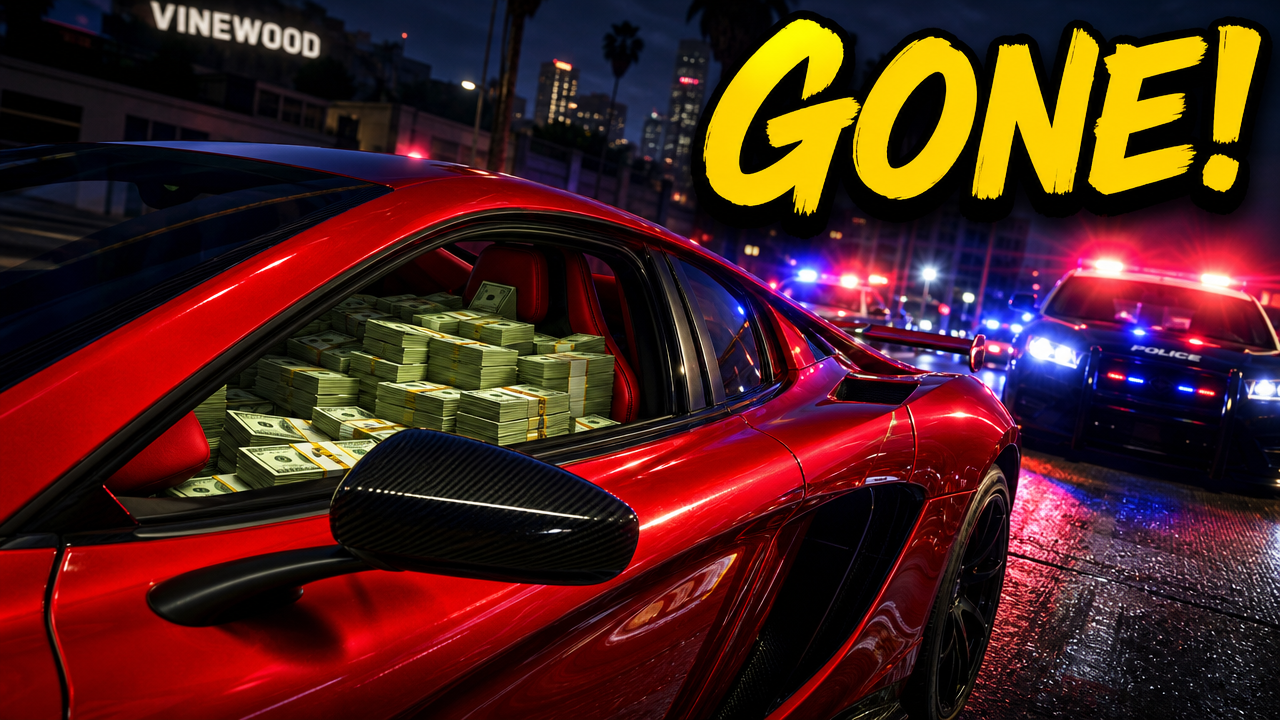
For a stronger first frame, use YouTube thumbnail maker to make a few ways to show the win, fail, or update.
Say what happens in your GTA 5 video and pick the one you like.
The win, the fail, the update, or the map. You get a few to pick from.
Every thumbnail gets a score out of 100. One click fixes the weak part.
Your thumbnail

Checking click potential…
After one fix
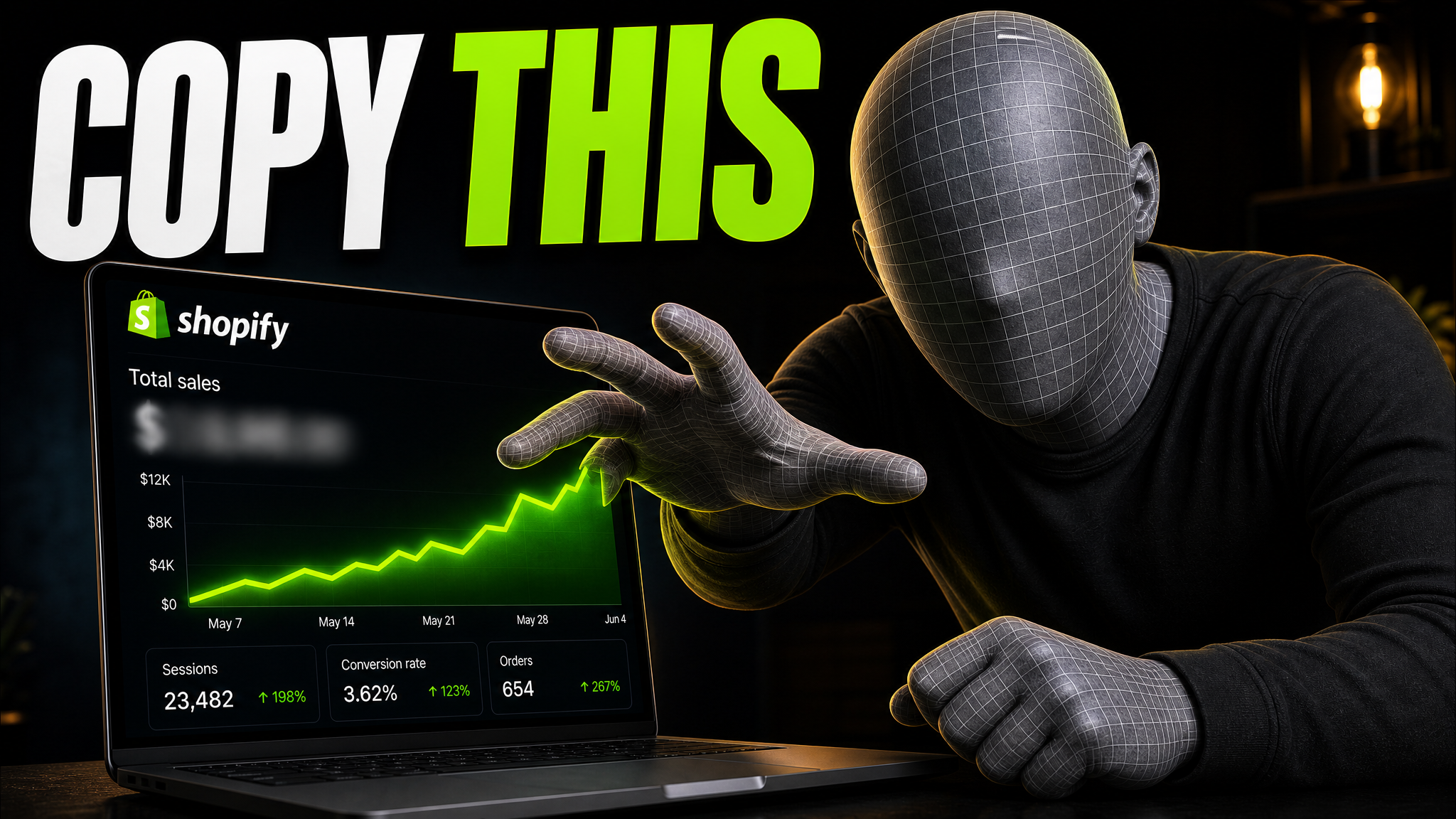
Your idea, with a sharper edge.
A better starting point for your next upload.
Ask for a bigger face or shorter text. The rest stays the same.
The edit, simplified


Your prompt
Make it about Shopify instead...
One instruction. A more deliberate thumbnail.
Download it and upload it with your video.
Add your video idea, compare a few thumbnails, and edit your favorite.
If the thumbnail looks confusing, they click another video.
Each round of feedback can cost another day.
Other AI tools leave the same fake look. VisualKit is built to avoid it.
Short walkthroughs from our channel on making thumbnails people click.
Getting AI thumbnails past the fake look.
Create thumbnails for GTA Online, GTA RP, FiveM, gameplay, heists, cars, challenges, mods, and live streams.
Lead with the money, heist, business, rare car, or progression result so the payoff is easy to understand on a phone.
Build around a character, conflict, vehicle, or location so the GTA RP or FiveM story is easy to understand.
Focus on one chase, mission, heist, challenge, stunt, or mod with clear stakes and strong contrast.
Create GTA Online thumbnails for heists, money methods, businesses, cars, missions, updates, challenges, grinding, and gameplay videos.
Make GTA RP and FiveM thumbnails for character stories, police chases, gangs, businesses, relationships, server events, and roleplay videos.
Make thumbnails for GTA 5 gameplay, missions, heists, police chases, challenges, mods, races, stunts, rare cars, and progression.
More thumbnail tools
Create, review, test, and compare your thumbnail before you publish.
More game thumbnails
Pick a game to see examples and common video types.
Choose a monthly credit allowance for your publishing schedule.
For creators posting consistently every month.
Includes:
For creators publishing several times a week.
Everything in Starter, plus:
For high-volume creators and teams.
Everything in Starter, plus:
Describe your video. Add a screenshot if it helps. Compare the thumbnails, edit your pick, and export it.
Yes. Add a gameplay screenshot, character, vehicle, location, or other reference to guide the thumbnail. Only upload images that you have permission to use.
No. Describe the video, compare the thumbnails, ask for changes, and export your pick in VisualKit.
VisualKit exports GTA 5 thumbnails at YouTube’s 1280×720, 16:9 size.