Bring your thumbnail
Upload what you have
Open the editor and add the thumbnail you want to change.
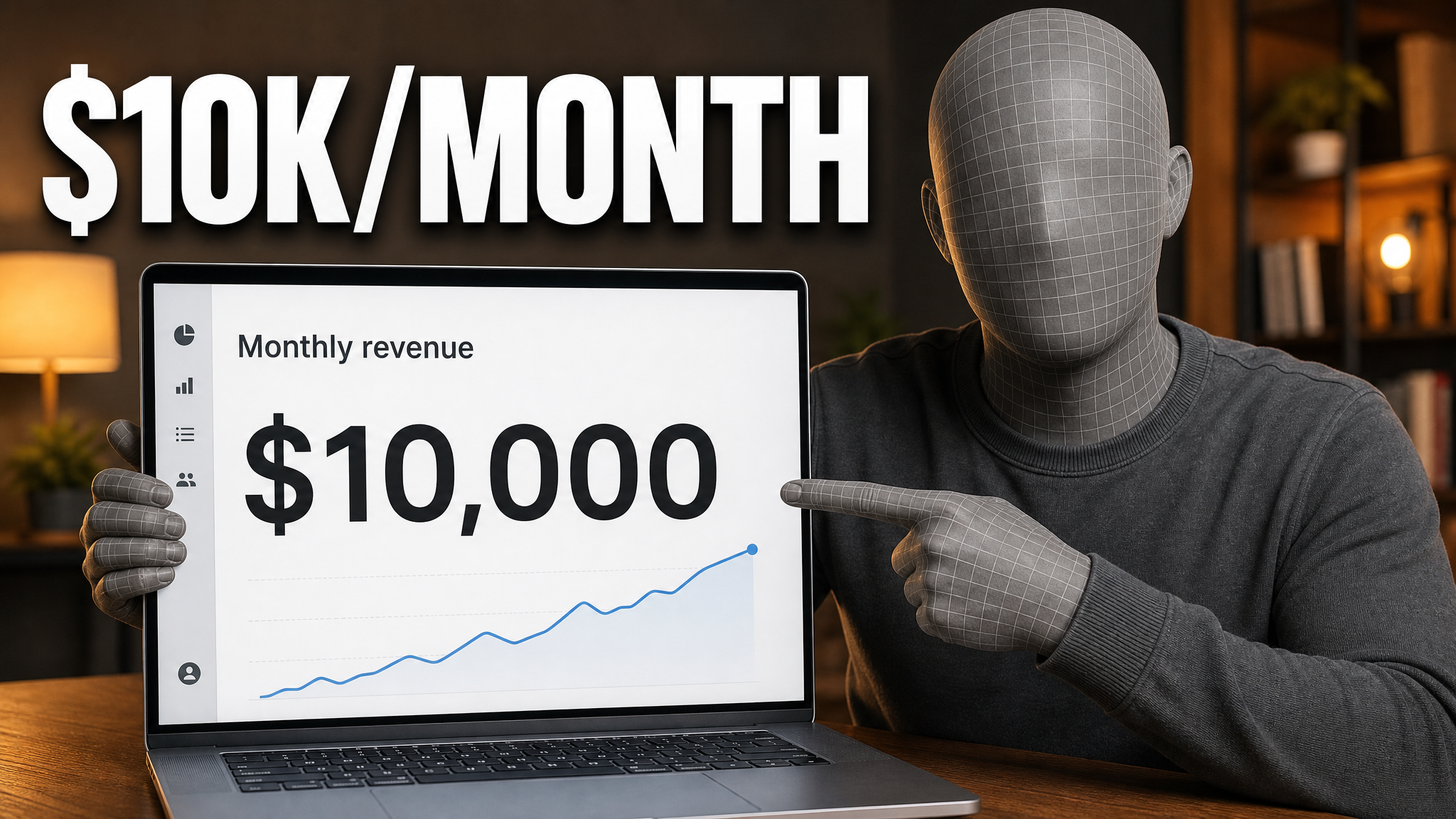
Upload your thumbnail. Say what to change. VisualKit makes a new version. Check that the rest still looks right.
Need a new option to test? Use AI thumbnail maker to make one from the same video idea.
Real thumbnails created with VisualKit.



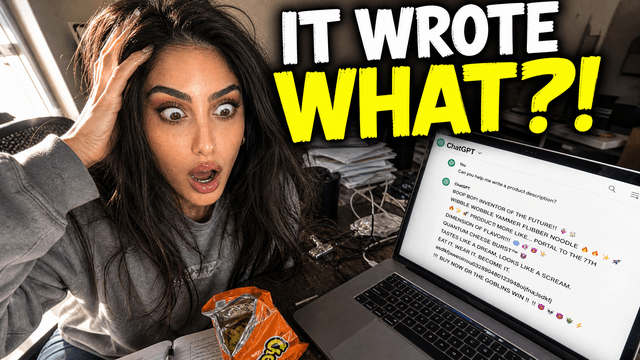

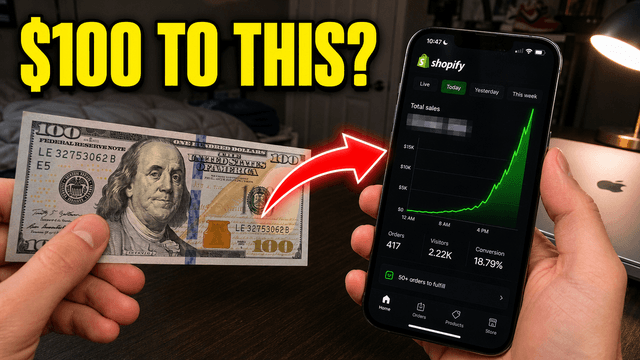





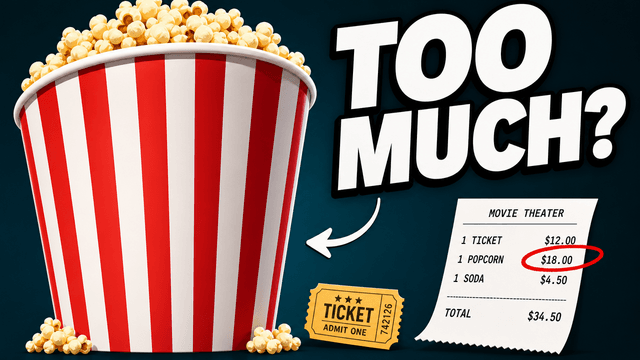
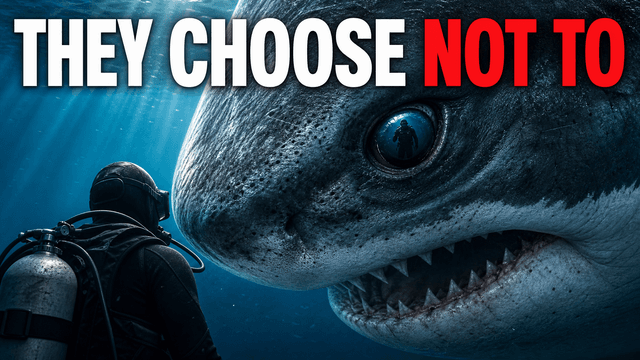
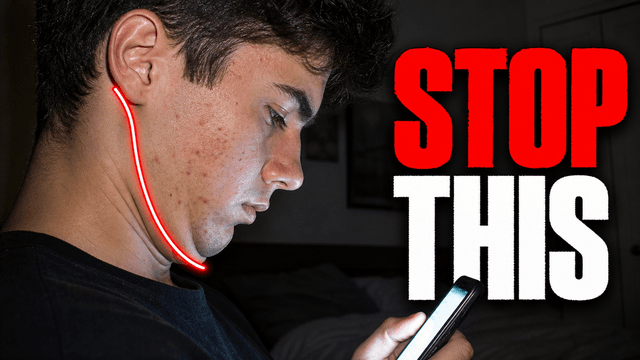

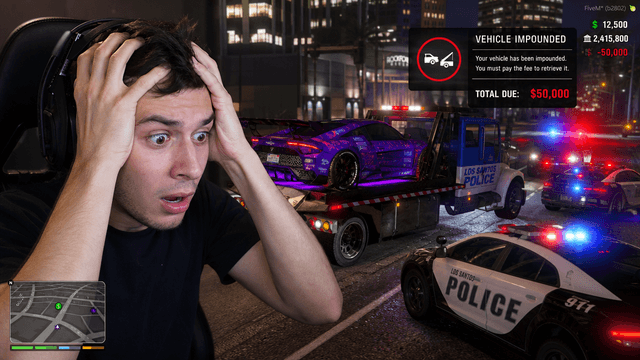
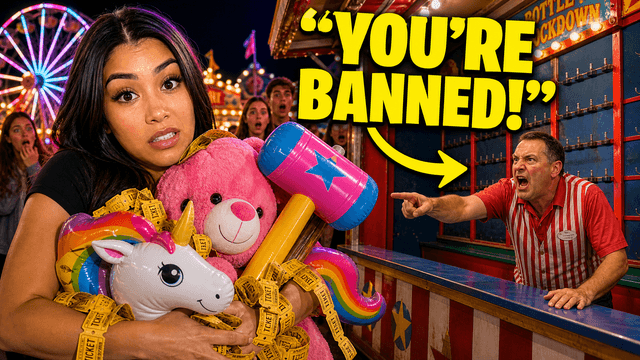


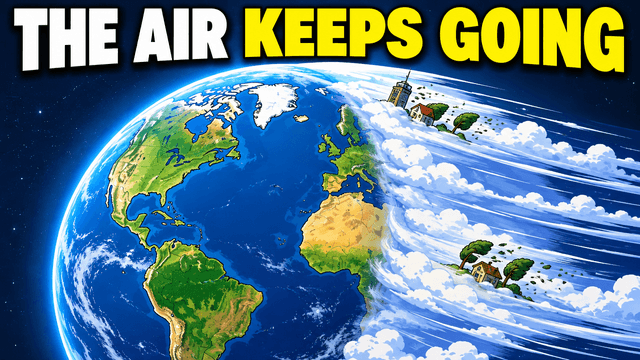
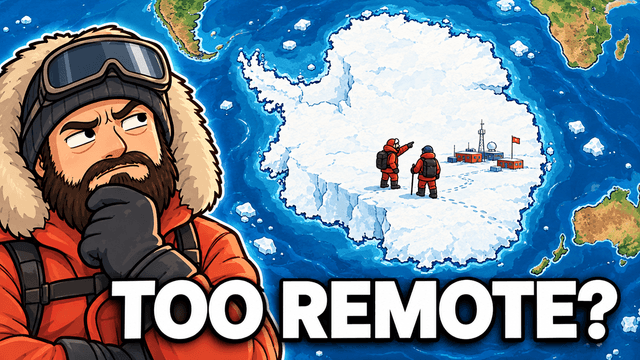
Make the face bigger, replace the text, or clean up the background.
Upload an image, ask for an edit, and compare the result.
Open the editor and add the thumbnail you want to change.
Describe the edit and what to keep. VisualKit generates a new version.
The edit, simplified

Your prompt
Make it about Shopify instead...
One instruction. A more deliberate thumbnail.
Check the change and the parts you wanted to keep. Ask again if needed.
Download the JPG and add it to your YouTube video.
Start with your thumbnail and tell VisualKit what needs work.
Short walkthroughs from our channel on making thumbnails people click.
The whole workflow, start to finish.
Tell VisualKit what to change. Check the result before you upload.
Ask for a closer crop. Check your face against the original.
Give the exact words you want. Check the spelling in the result.
Name the object to remove and where it sits in the image.
Review the thumbnail for problems, then ask for a specific edit.
Thumbnail Ideas by Video Type
See examples and advice for the videos you make.
Choose a monthly credit allowance for your publishing schedule.
For creators posting consistently every month.
Includes:
For creators publishing several times a week.
Everything in Starter, plus:
For high-volume creators and teams.
Everything in Starter, plus:
Open VisualKit, upload your thumbnail, and say what to change. It generates a new version. Compare it with the original, ask for any further edits, and export your pick.
Yes. Describe the change in plain words. VisualKit generates a revised image instead of giving you layers, brushes, or masks. Check the full image because other details can change too.
Yes. Upload the image and give the exact replacement text. For example: “Replace Day 1 with Day 30. Keep the face and background.” Check the spelling and spacing before you export.
VisualKit exports 1280 × 720 JPG files. This is a 16:9 size that works for YouTube video thumbnails.
YouTube currently recommends 3840 × 2160 pixels in 16:9. VisualKit’s 1280 × 720 export is compatible, but below that recommendation. See our YouTube thumbnail size guide for current file limits.
Paid plans start at $20 per month. You can cancel at any time from billing settings.
VisualKit is a YouTube thumbnail editor that makes changes from written requests. Upload a thumbnail and describe the edit. It generates a revised image, so check the whole result before you export.
You do not move layers or paint masks. Tell VisualKit what to change and what to keep. Use Thumbnail Score to check the image and find edits to try.
| Edit | What VisualKit does | You start with | What you ask for | You get |
|---|---|---|---|---|
| Change the text | Rewrites text in the image | A thumbnail with text | Replace “Day 1” with “Day 30” | A new version with the requested words |
| Resize your face | Makes your face larger in the frame | A thumbnail with your face | Make my face bigger. Keep the text. | A closer view of your face |
| Swap the background | Replaces the scene behind the subject | Your existing thumbnail | Change the background to a stadium | The subject in a new scene |
| Remove an object | Removes an item and fills the space | A thumbnail with an unwanted item | Remove the chair behind me | A new version without the chair |
Change the text
Rewrites text in the image
A thumbnail with textA new version with the requested words
What you ask for: Replace “Day 1” with “Day 30”
Resize your face
Makes your face larger in the frame
A thumbnail with your faceA closer view of your face
What you ask for: Make my face bigger. Keep the text.
Swap the background
Replaces the scene behind the subject
Your existing thumbnailThe subject in a new scene
What you ask for: Change the background to a stadium
Remove an object
Removes an item and fills the space
A thumbnail with an unwanted itemA new version without the chair
What you ask for: Remove the chair behind me
Free thumbnail guide
Start with a frame or photo, make one subject easy to see, then check the image at phone size. These steps work in any image editor.
Write one short promise, result, or question the thumbnail can show. Let the title add detail instead of copying every word.
Use a frame, face, object, or place that matters to the video. Pick an image with enough space around the subject to crop.
Put the face, game character, or product where it reads first. Use one main subject so the small preview is easy to scan.
Remove details that compete with the subject. Add contrast or a simple color block behind anything hard to see.
Use a few short words if they explain the hook. Choose a bold font and strong contrast, and avoid repeating the full title.
Shrink the image to phone size. If the subject or words are hard to read, make them bigger or remove extra detail.
Save a 1280×720 16:9 image. Keep mobile uploads under 2 MB, and confirm the format and limit in YouTube Studio.
YouTube thumbnail examples
The best layout depends on what your viewers came to watch.

Why it works: A familiar game character and a short challenge make the video idea clear in one look.

Why it works: One exercise pose fills the frame, while the bold red background keeps the workout easy to spot.
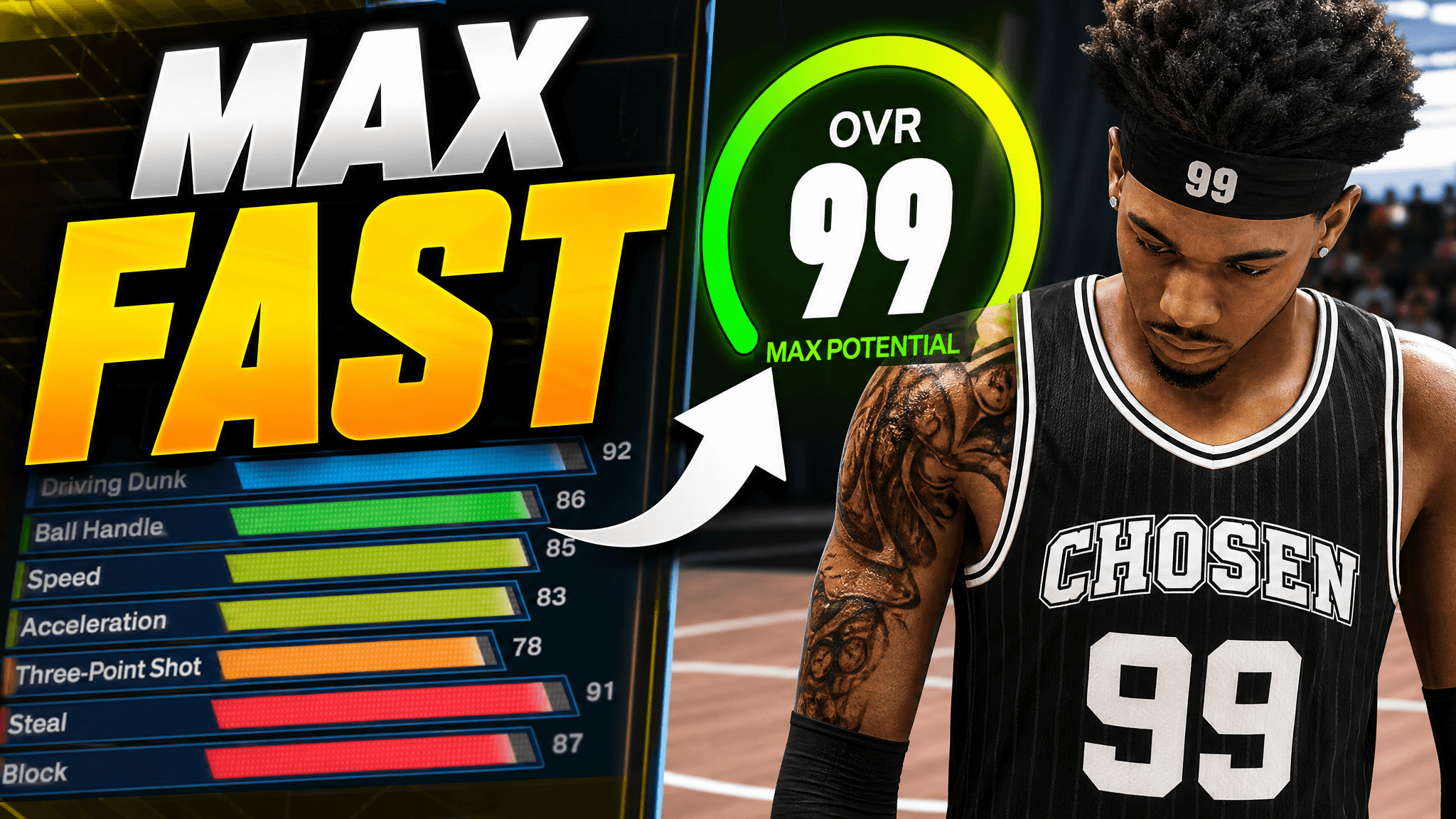
Why it works: The player owns one side, and the large rating tells viewers what the build guide covers.

Why it works: A close guest shot gives the episode a face; the number makes the interview hook specific.
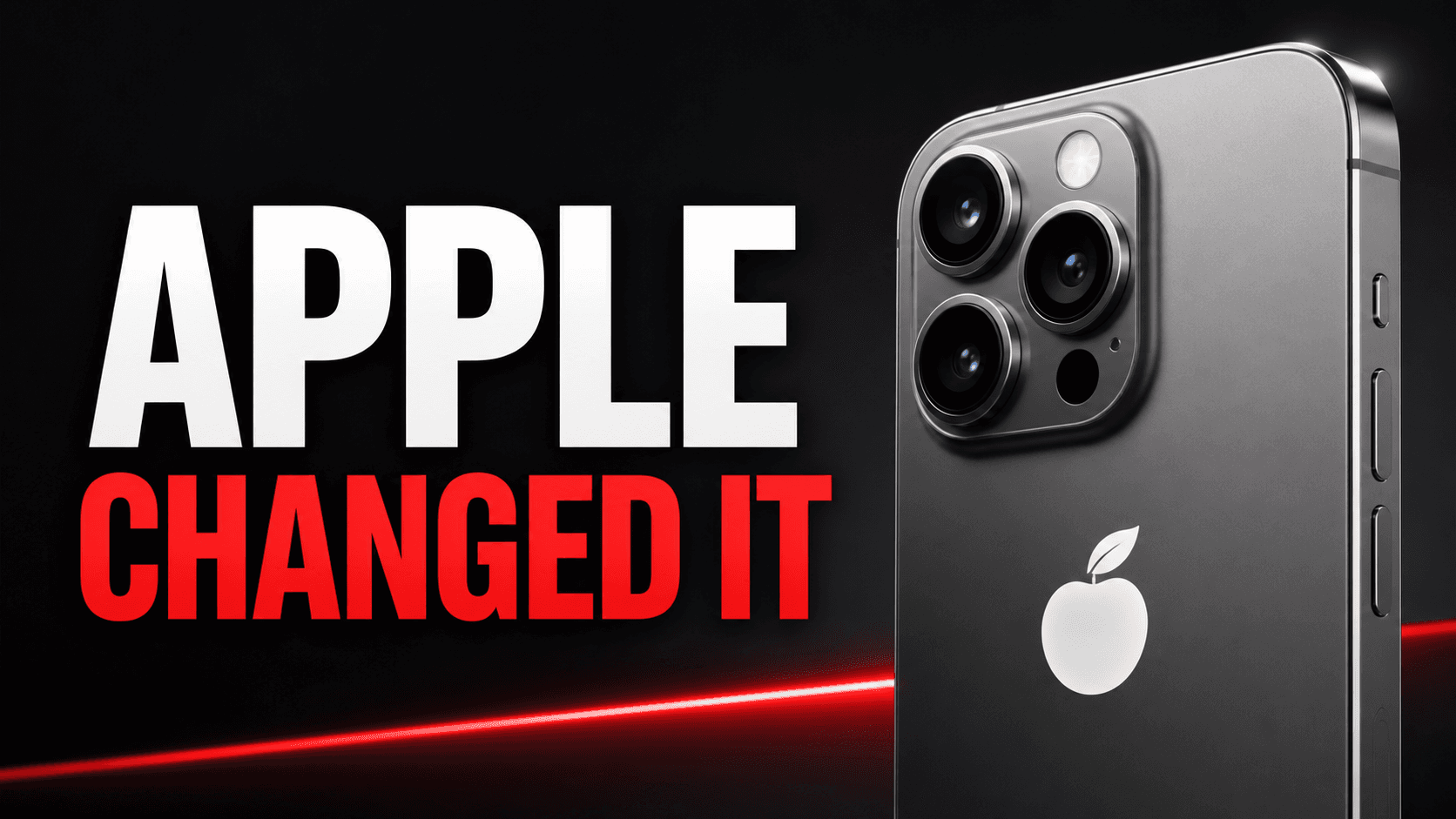
Why it works: The phone is large and the headline names the change, so viewers can place the story fast.

Why it works: One dollar figure and a falling chart show the stakes without a busy market screenshot.
Before you export
1280 × 720 is a common 16:9 export. YouTube’s current help recommends 3840 × 2160 for standard video thumbnails and allows up to 50 MB on desktop; the 2 MB limit applies to mobile uploads. Check YouTube’s latest thumbnail rules.