Prompt to thumbnail
Read the traffic source
CTR can vary across browse, search, and suggested views. Compare videos with a similar source mix.
Review the title, traffic source, and viewer response. Use VisualKit to make and revise thumbnail options. No thumbnail can guarantee a higher CTR.
When you have the idea, use AI thumbnail generator to make a few options and pick the one that reads on a phone.
Use context to decide whether the title, thumbnail, or video needs attention.
CTR can vary across browse, search, and suggested views. Compare videos with a similar source mix.
Let them tell one story. Use the thumbnail to add a face, result, or detail the title does not show.
Your thumbnail
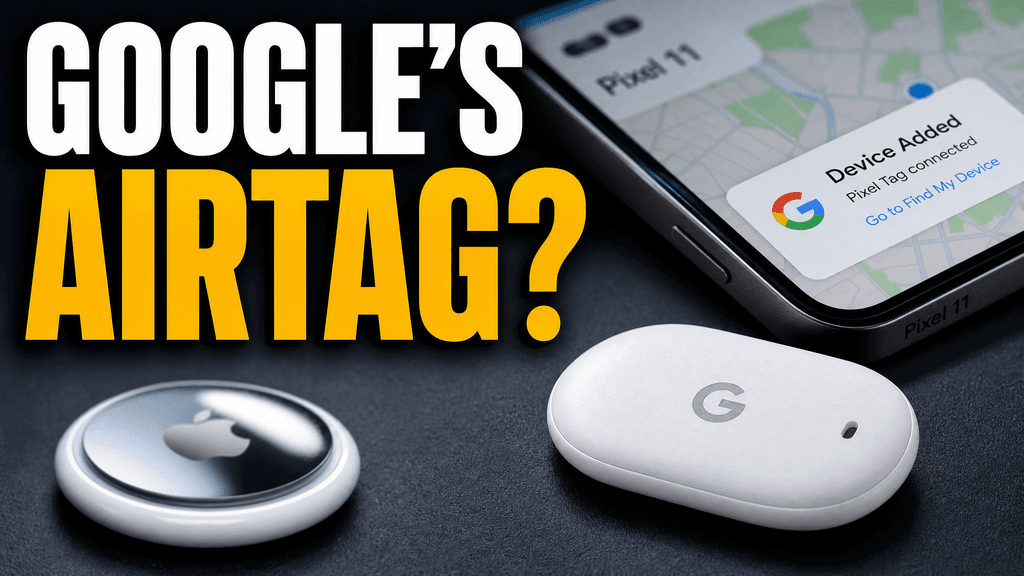
Checking click potential…
After one fix
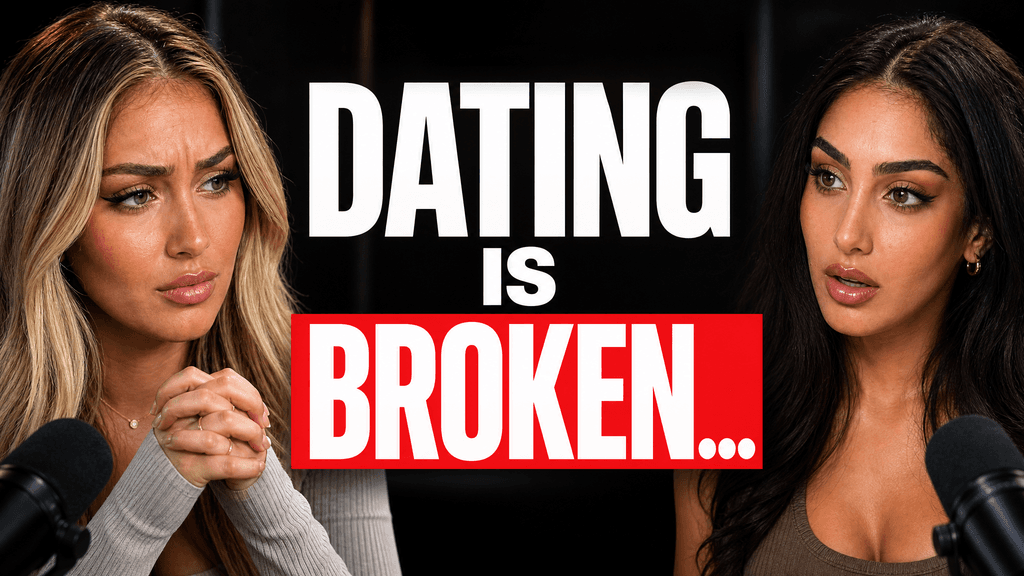
Your idea, with a sharper edge.
A better starting point for your next upload.
Change the subject, text, crop, or background. Check the result on a phone before you publish.
The edit, simplified


Your prompt
Make the person bigger and remove the extra text
One instruction. A more deliberate thumbnail.
Download your thumbnail and add it to your YouTube video.
Make the subject and video idea easy to read. Then check the thumbnail beside its title.

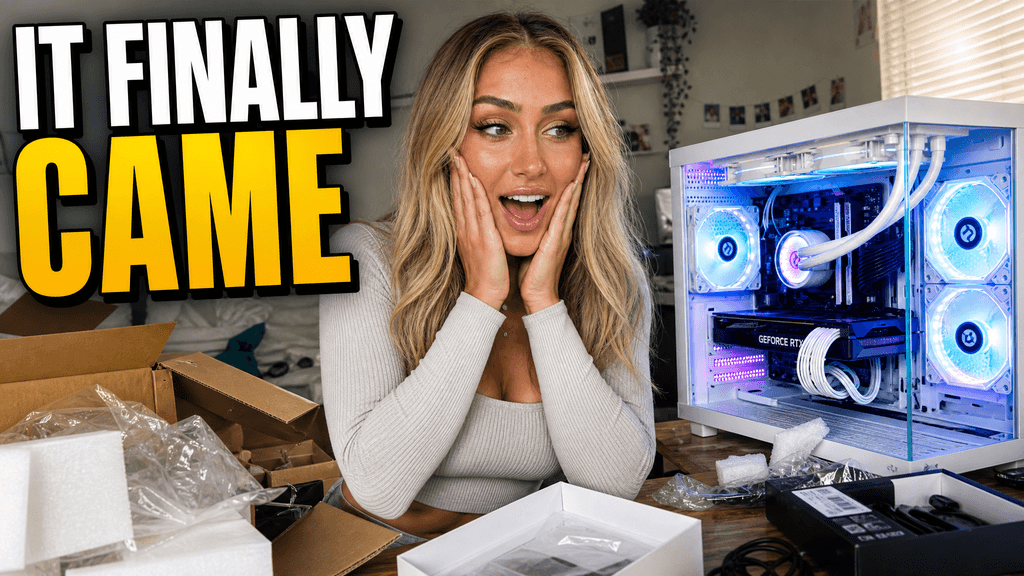
Your thumbnail gets one chance to earn the click before the video starts.
If the thumbnail looks confusing, they click another video.
Each round of feedback can cost another day.
Other AI tools leave the same fake look. VisualKit is built to avoid it.
Real thumbnails created with VisualKit.


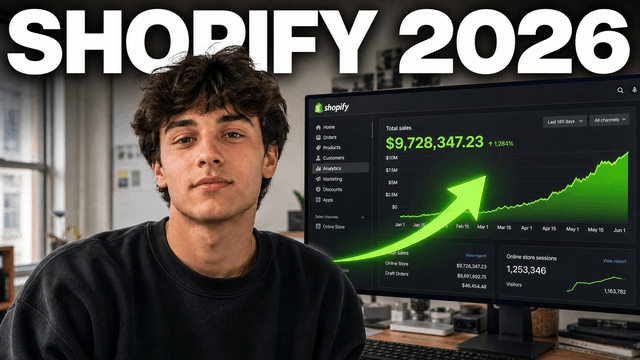






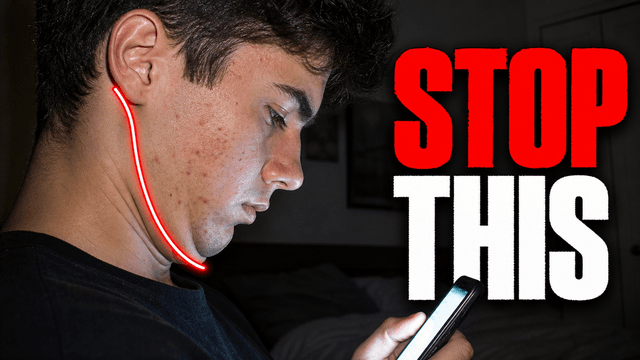

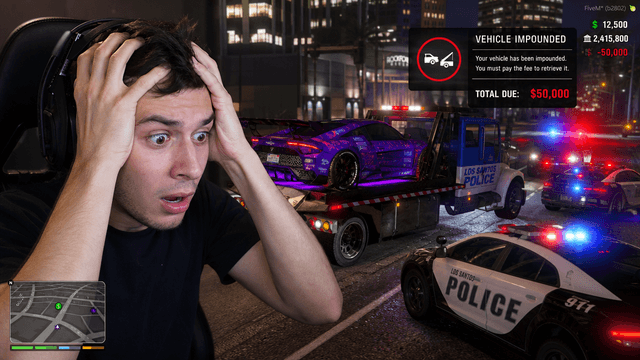
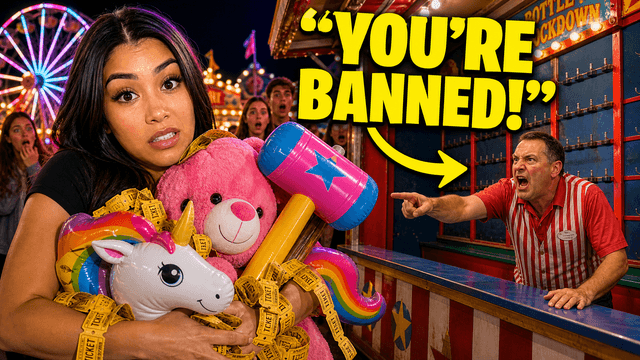
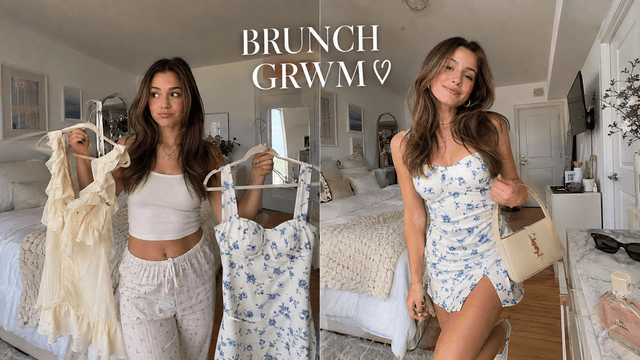



Short walkthroughs from our channel on making thumbnails people click.
Getting AI thumbnails past the fake look.
A thumbnail can influence a click, but so can the title, audience, and topic. For your next YouTube video, compare thumbnail options with an AI thumbnail maker.
Browse, search, and suggested viewers may respond in different ways. Compare videos with a similar source mix.
If CTR looks normal but viewers leave early, review the opening and the promise. A new thumbnail cannot fix a mismatch inside the video.
Let the title carry the promise. Use the thumbnail to show the person, proof, or emotion behind it.
Shrink the image. Make sure the subject and any short text still read in a busy feed.
Ask whether the thumbnail poses a question, tension, or stake. Vary the layout while keeping the channel's style recognizable.
Try genuinely different concepts and keep each promise accurate. YouTube's Test & Compare uses watch-time share, not raw clicks alone.
More YouTube thumbnail tools
Explore thumbnail options, review your channel, and learn how CTR changes by context.
Choose a monthly credit allowance for your publishing schedule.
For creators posting consistently every month.
Includes:
For creators publishing several times a week.
Everything in Starter, plus:
For high-volume creators and teams.
Everything in Starter, plus:
A thumbnail can affect whether someone clicks, but no image guarantees a higher CTR. Read impressions, traffic source, and viewer response together.
Check the traffic source, title, audience, and what viewers do after the click. Then decide if the image is the part that needs work.
They should work as one message, not repeat the same words. Let the image add a face, result, or piece of proof.
Use five words or fewer when text is needed. Make it tall and clear at phone size, and let the image carry the emotion or proof the title does not show.
No. VisualKit helps you make and edit thumbnail options. Your CTR depends on the video, audience, topic, and where YouTube shows it.
VisualKit helps you make and revise thumbnail options when the image needs work. CTR is a diagnostic number: read it with traffic source, audience, topic, and what viewers do after the click.
Check the context first. Then pair the title and thumbnail, review the image on a phone, and test a genuinely different candidate when the video has enough impressions.
| Task | What VisualKit Does | You Start With | You Can Change | Result |
|---|---|---|---|---|
| Diagnose CTR | Helps you make thumbnail options after you review the data | Traffic source, audience, impressions, and watch behavior | The subject, text, crop, and background | A focused change instead of a blind swap |
| Pair the title and image | Lets the image add proof, emotion, or a person to the title | The video's real promise | The hook, subject, text, and crop | One message with less repetition |
| Check feed readability | Makes it easier to review a thumbnail at a small size | A phone-size preview | Scale, contrast, focal point, and short text | A frame people can understand quickly |
| Test a real alternative | Makes distinct options for a YouTube thumbnail test | Two or three honest concepts | The reason to watch, not only the color | A useful comparison in YouTube Studio |
Diagnose CTR
Helps you make thumbnail options after you review the data
Traffic source, audience, impressions, and watch behaviorA focused change instead of a blind swap
You Can Change: The subject, text, crop, and background
Pair the title and image
Lets the image add proof, emotion, or a person to the title
The video's real promiseOne message with less repetition
You Can Change: The hook, subject, text, and crop
Check feed readability
Makes it easier to review a thumbnail at a small size
A phone-size previewA frame people can understand quickly
You Can Change: Scale, contrast, focal point, and short text
Test a real alternative
Makes distinct options for a YouTube thumbnail test
Two or three honest conceptsA useful comparison in YouTube Studio
You Can Change: The reason to watch, not only the color