Prompt to thumbnail
Start with the client brief
Add the video idea and approved images. Make the first options as soon as the brief is ready.
Save a Style for each client channel and reuse it for every video. Make the first pass in-house and handle revisions in one place.
When you have the idea, use AI thumbnail generator to make a few options and pick the one that reads on a phone.
Start with the client brief, choose its saved Style, then make edits from feedback.
Add the video idea and approved images. Make the first options as soon as the brief is ready.
Select the Style saved for that channel. Reuse its look on the next video while other clients keep their own.
Your thumbnail

Checking click potential…
After one fix
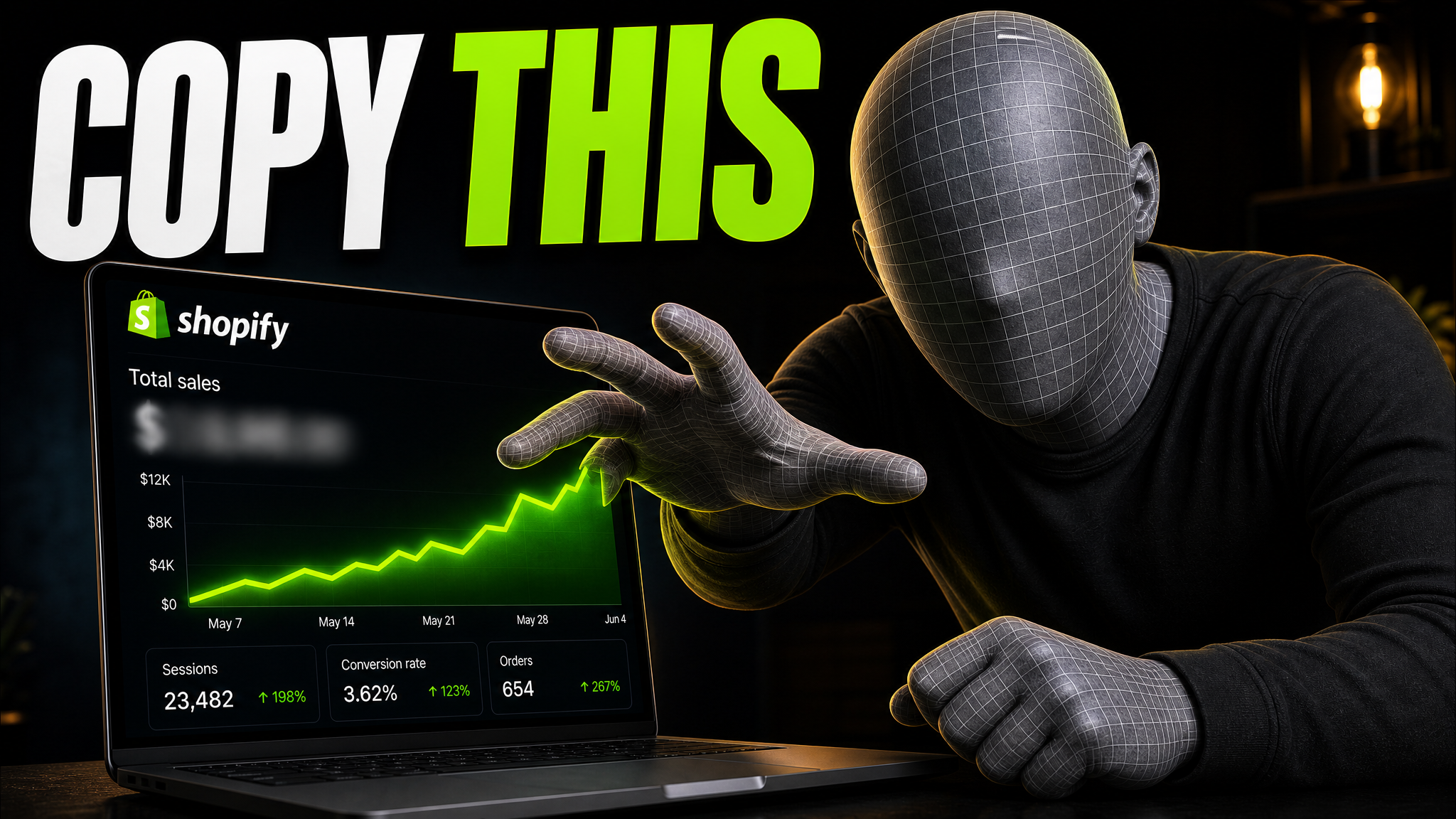
Your idea, with a sharper edge.
A better starting point for your next upload.
Ask for a new crop, larger product, or shorter text in VisualKit. Keep the edit with the thumbnail, not another email thread.
The edit, simplified


Your prompt
Make the product bigger and remove the small text
One instruction. A more deliberate thumbnail.
Download your thumbnail and add it to your YouTube video.
News, product, travel, and creator channels each bring a different brief.

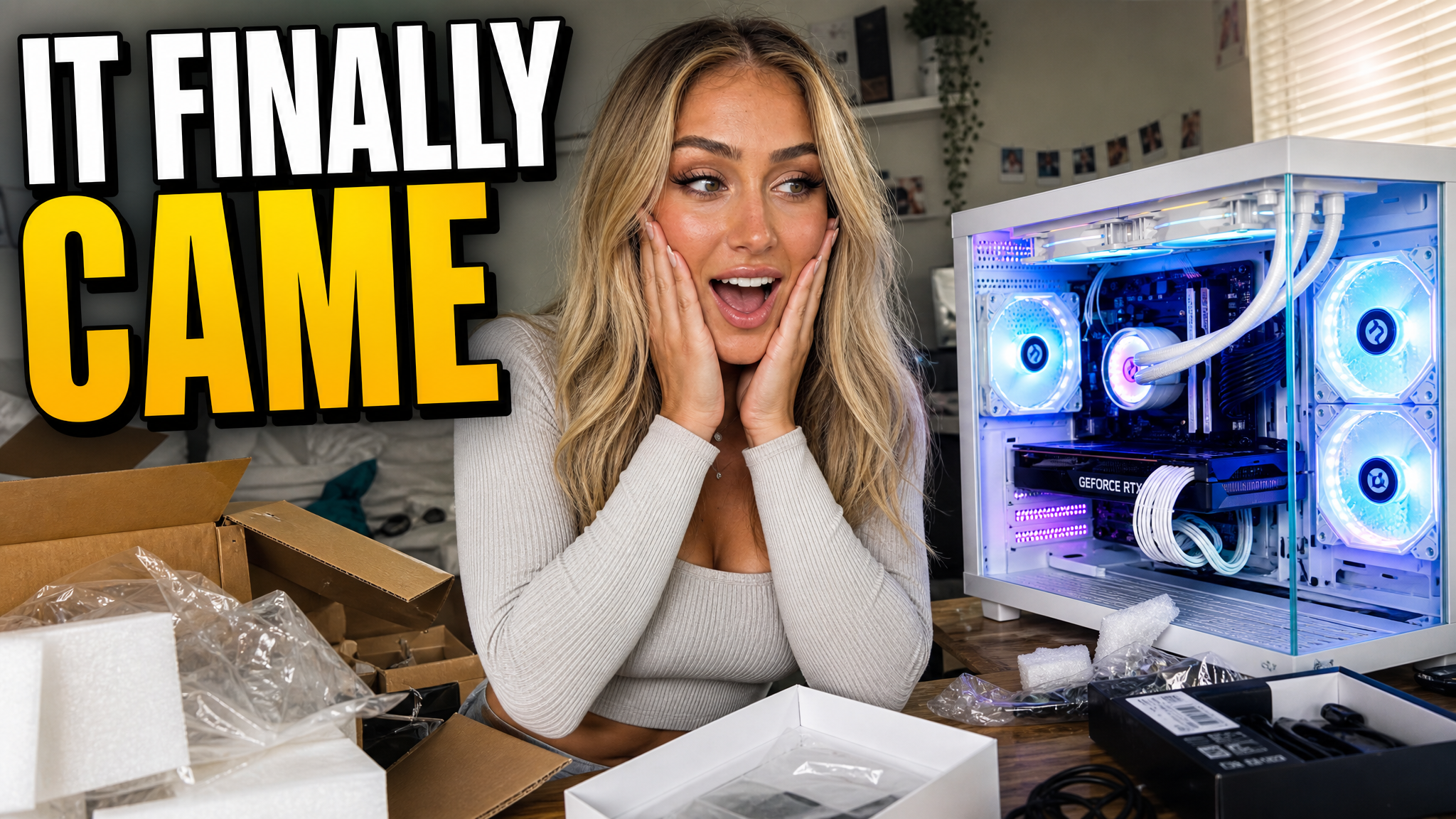
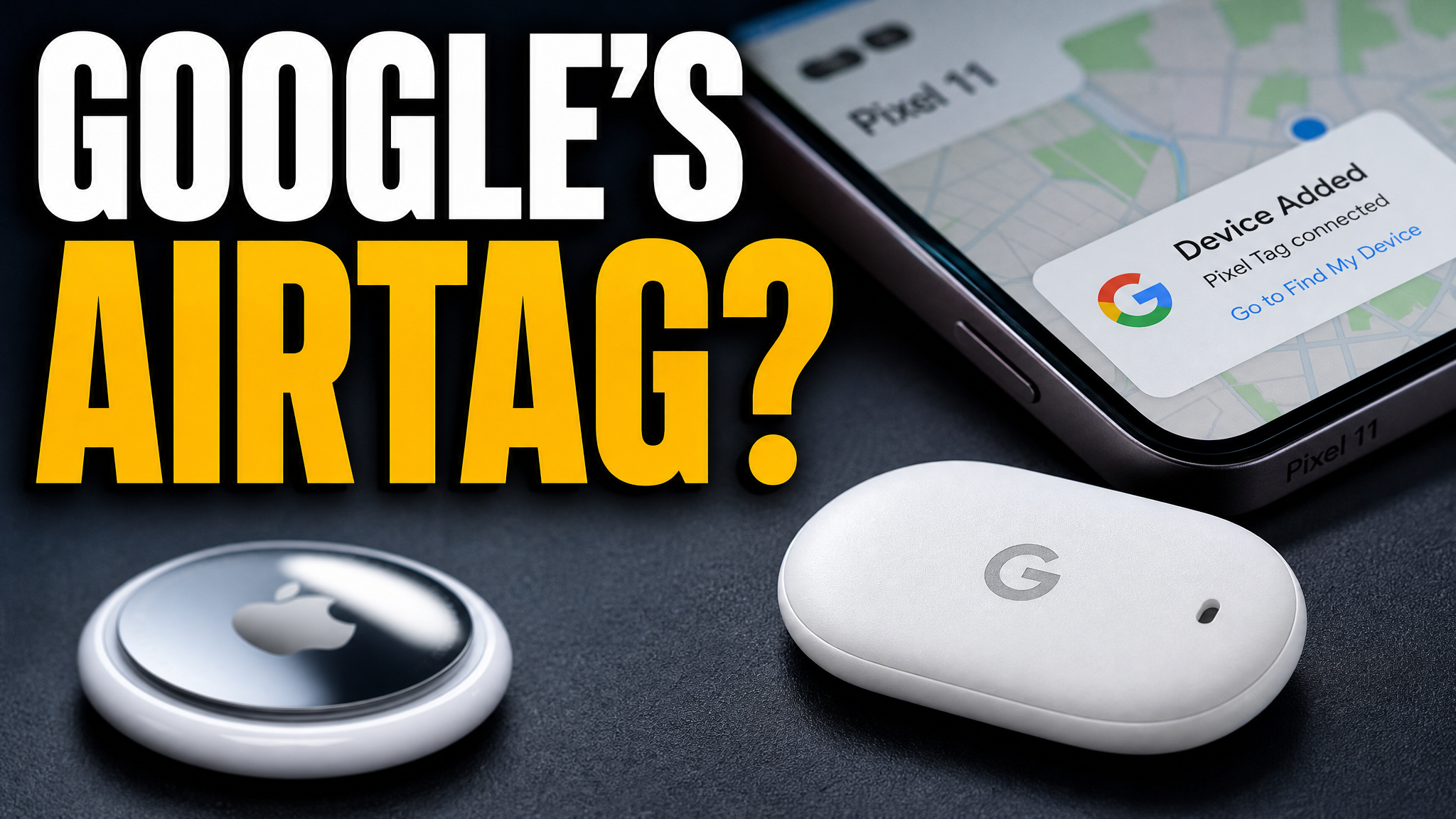
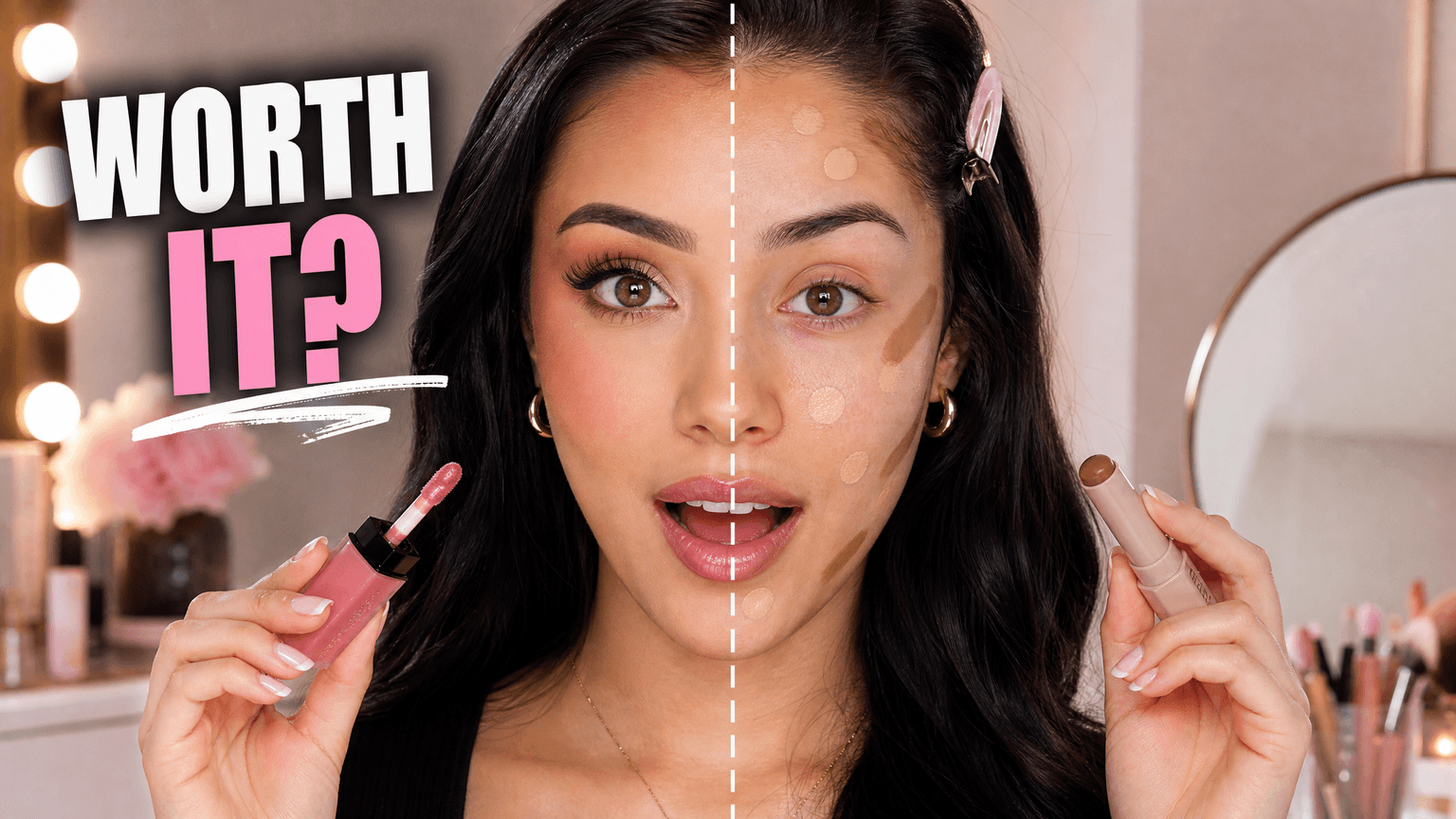
Use each channel's saved Style, make a first pass in-house, and apply client feedback in VisualKit.
Reuse it on new videos, so one client's look stays separate from the next.
Turn each note into a direct edit in VisualKit. Review the new version there.
Make several ideas from the brief, then pick one to revise or send to a designer for custom work.
Start with the video idea and its saved Style. Make the next change in the same place.
Real thumbnails created with VisualKit.


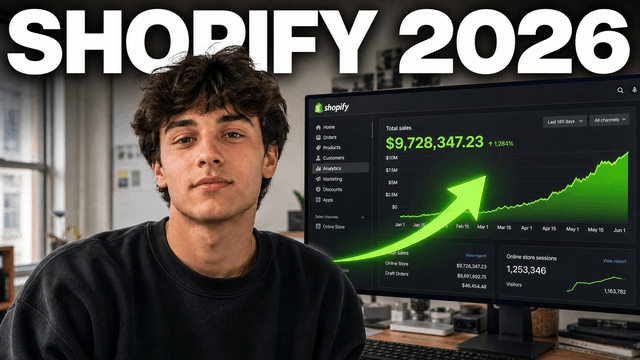
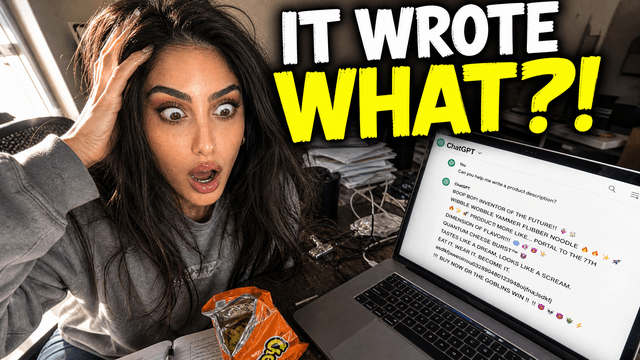
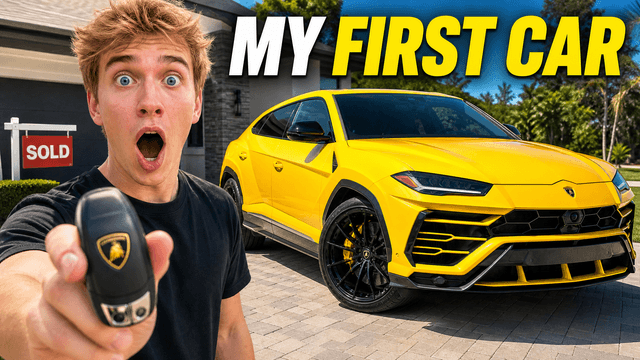
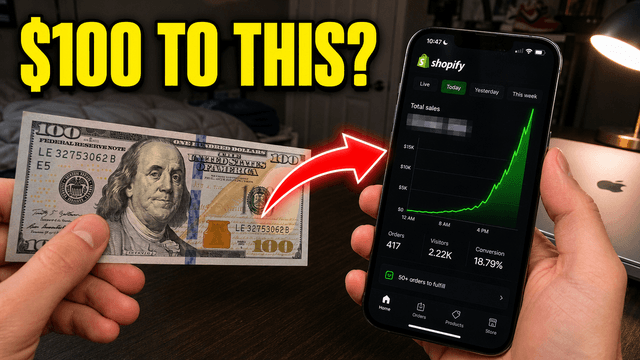
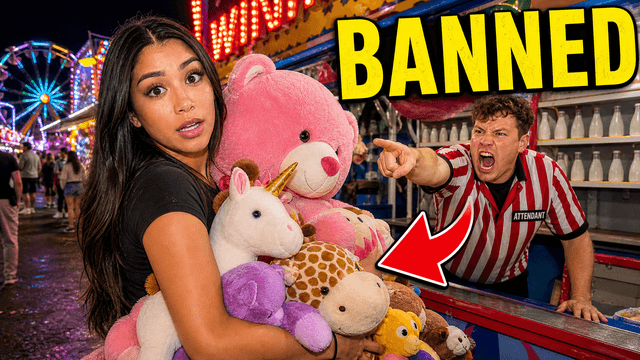





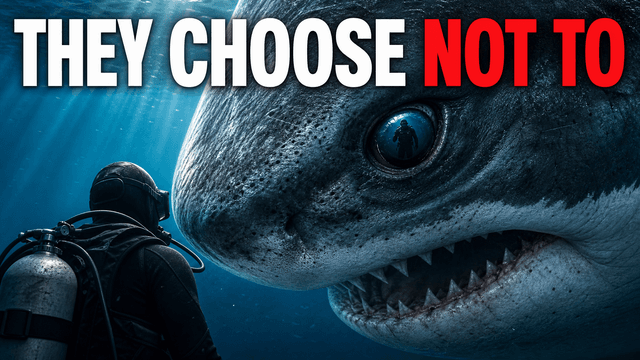
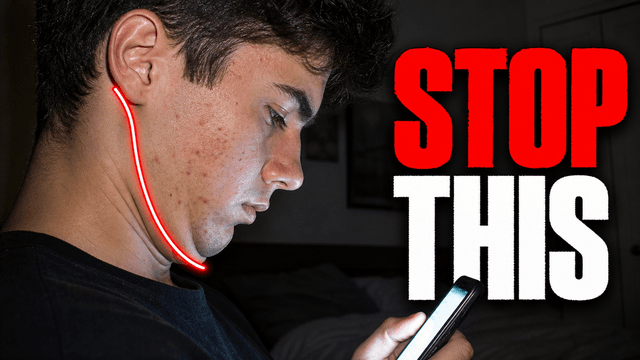


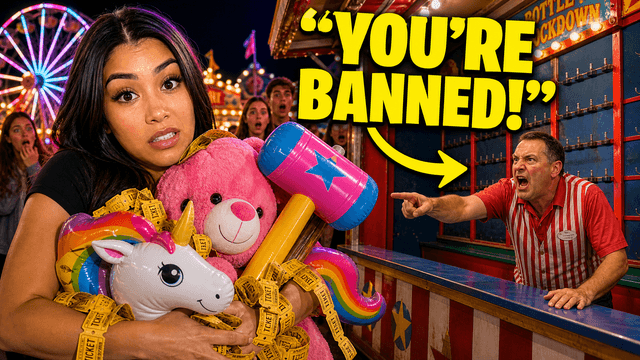



Short walkthroughs from our channel on making thumbnails people click.
Getting AI thumbnails past the fake look.
Keep each channel's Style separate, start the first pass in-house, and apply feedback in VisualKit. For your next client brief, compare thumbnail options with an AI thumbnail maker.
Keep each client's approved look separate. Select that Style when you make the next video thumbnail.
Reuse the same Style for that client's uploads, even when the topic, product, or title changes.
Make the first pass as soon as the brief is ready. Keep designers for work that needs custom artwork.
Ultra costs $80 a month and includes 4,000 credits. At 10 credits per standard image, that's up to 400 outputs—about $0.20 each if all credits go to generation. Edits use credits too. Freelance rates can be $25–$150 per thumbnail.
Channel examples
Browse news, podcasts, products, and travel thumbnails before you make a new Style.
Match monthly credits to your client workload. Standard generation uses 10 credits per image; edits also use credits.
For a smaller monthly client workload.
Includes:
For regular thumbnails across several client channels.
Everything in Starter, plus:
For high-volume work across many client channels.
Everything in Starter, plus:
Yes. Save a separate Style for each client channel, then choose that Style when you make a thumbnail for its next video.
Reuse that client's saved Style for each new video. The topic can change while the channel keeps its approved look.
Start the first pass as soon as the brief is ready instead of waiting for a designer's next opening. Your team still reviews the options; use a designer when a project needs custom artwork.
Yes. Add the client's note as an edit request in VisualKit, then review the new version in the same place. You do not need to relay every small change through another email thread.
VisualKit is a YouTube thumbnail maker for agencies managing several client channels. Save a Style for each channel, create options from new briefs, and make edits from client notes in one place.
Standard generation uses 10 credits per image, and edits use credits too. Compare your plan allowance with the number of videos and revision rounds you expect each month.
| Task | What VisualKit Does | You Start With | You Can Change | Result |
|---|---|---|---|---|
| Start a client brief | Makes several thumbnail options from the video idea | The title, topic, and approved images | Subject, text, crop, background, and look | Options to review with the client |
| Use client images | Builds the thumbnail around images you upload | A product, creator photo, or screenshot | Crop, placement, background, and text | A thumbnail using the client's assets |
| Reuse a saved Style | Uses the Style saved for that client channel | The channel's approved Style | The new video's subject, text, and crop | A new thumbnail in a familiar look |
| Apply client feedback | Makes an edit from a plain-language request | A note like 'make the product bigger' | Text, subject, background, objects, and crop | An updated version to review |
Start a client brief
Makes several thumbnail options from the video idea
The title, topic, and approved imagesOptions to review with the client
You Can Change: Subject, text, crop, background, and look
Use client images
Builds the thumbnail around images you upload
A product, creator photo, or screenshotA thumbnail using the client's assets
You Can Change: Crop, placement, background, and text
Reuse a saved Style
Uses the Style saved for that client channel
The channel's approved StyleA new thumbnail in a familiar look
You Can Change: The new video's subject, text, and crop
Apply client feedback
Makes an edit from a plain-language request
A note like 'make the product bigger'An updated version to review
You Can Change: Text, subject, background, objects, and crop