Prompt to thumbnail
Start with your video
Describe the hook and what viewers should notice. Get several thumbnail ideas for one upload.
Make distinct options before you run a test. VisualKit makes the thumbnails; YouTube Studio runs the test.
When you have the idea, use AI thumbnail maker to make a few options and pick the one that reads on a phone.
Use VisualKit to make candidates. Use YouTube Studio to run Test & Compare and read the result.
Describe the hook and what viewers should notice. Get several thumbnail ideas for one upload.
Try a face-led reaction, a product close-up, or a clear result. Small color changes may say the same thing.
Your thumbnail
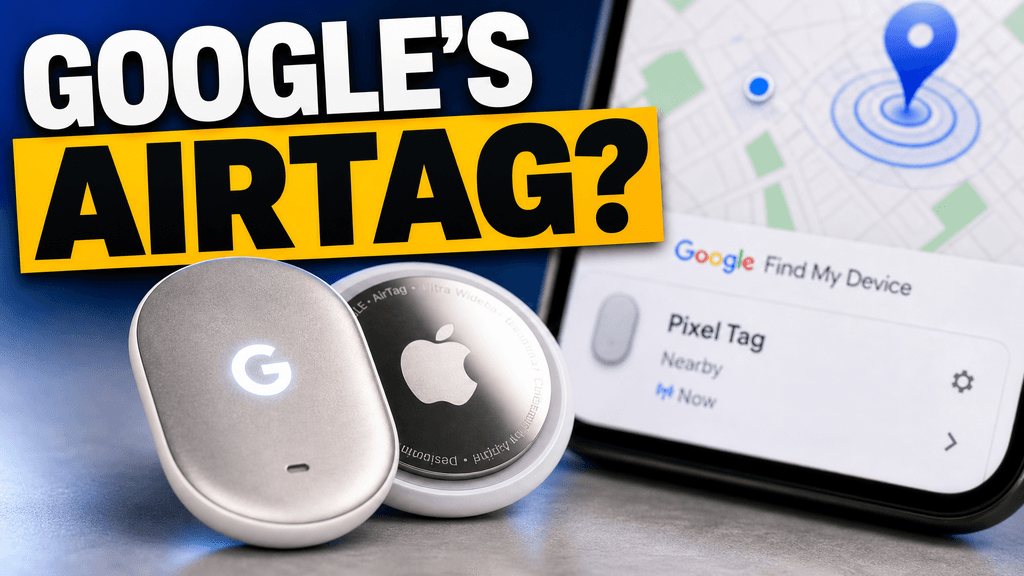
Checking click potential…
After one fix
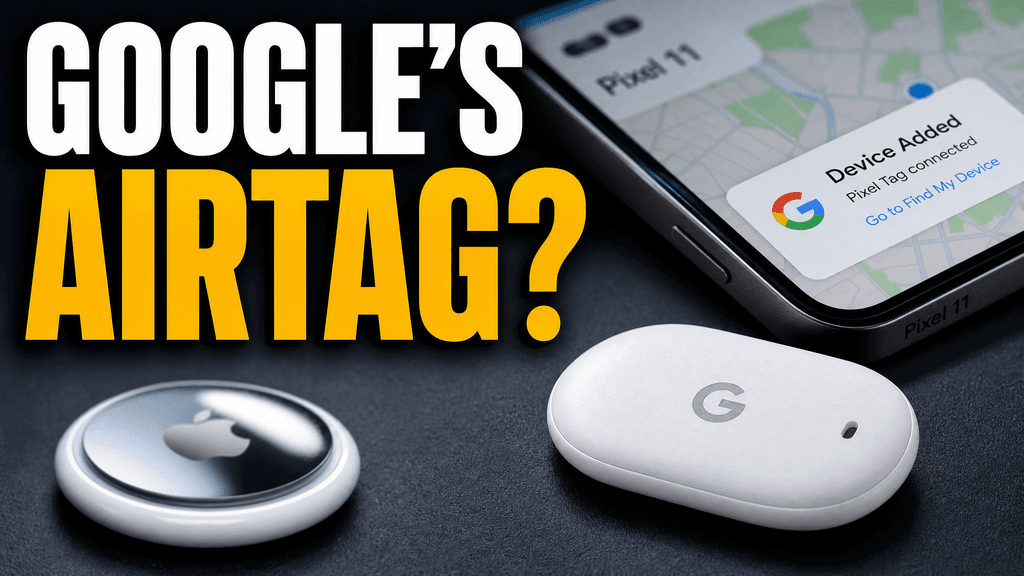
Your idea, with a sharper edge.
A better starting point for your next upload.
Keep every image true to the video. Then run the test and review the result in YouTube Studio.
The edit, simplified


Your prompt
Show a different idea with a close-up of the product
One instruction. A more deliberate thumbnail.
Download your thumbnail and add it to your YouTube video.
Give each candidate a different hook. Changing only the color may leave you with several versions of the same idea.
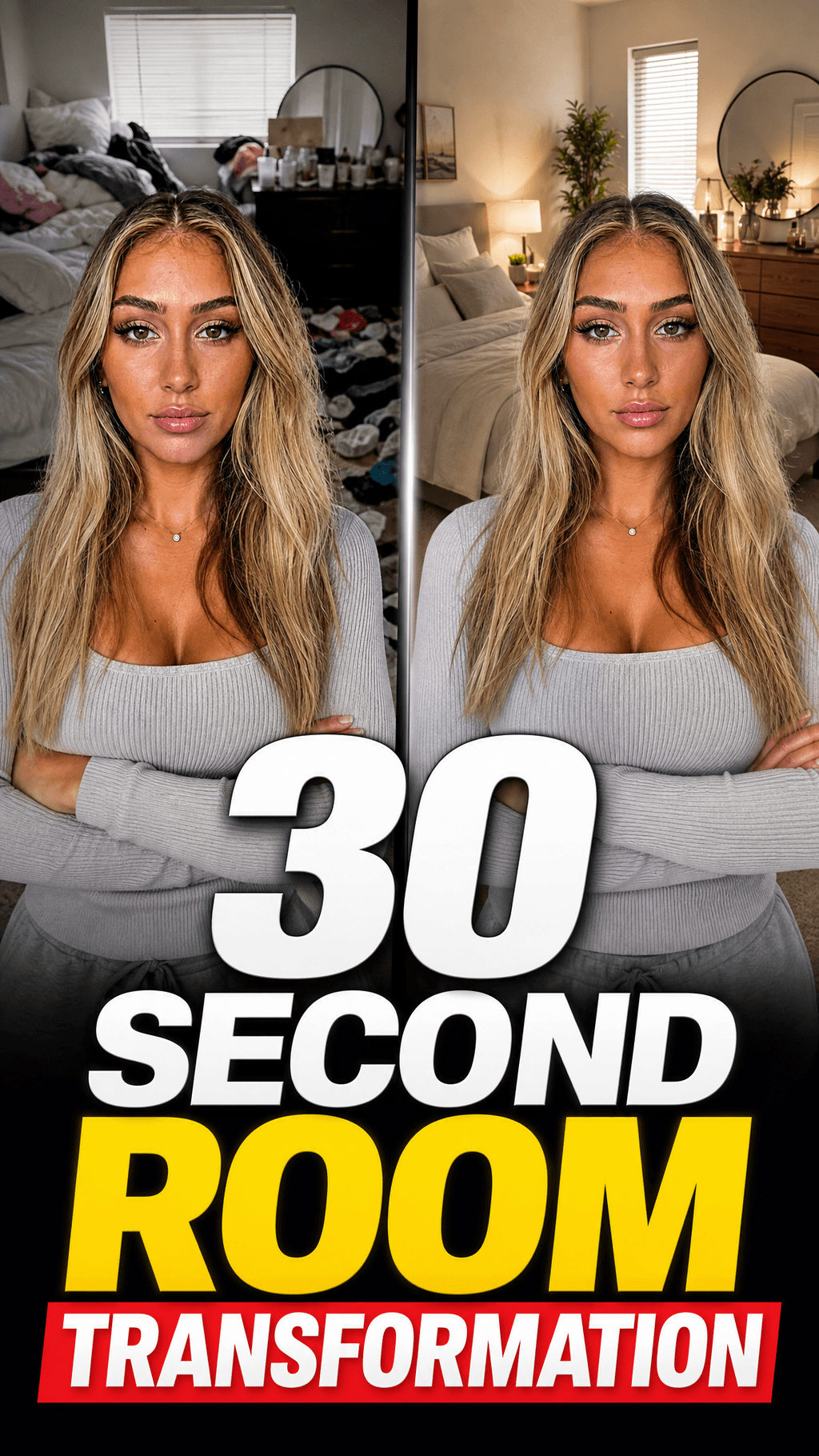
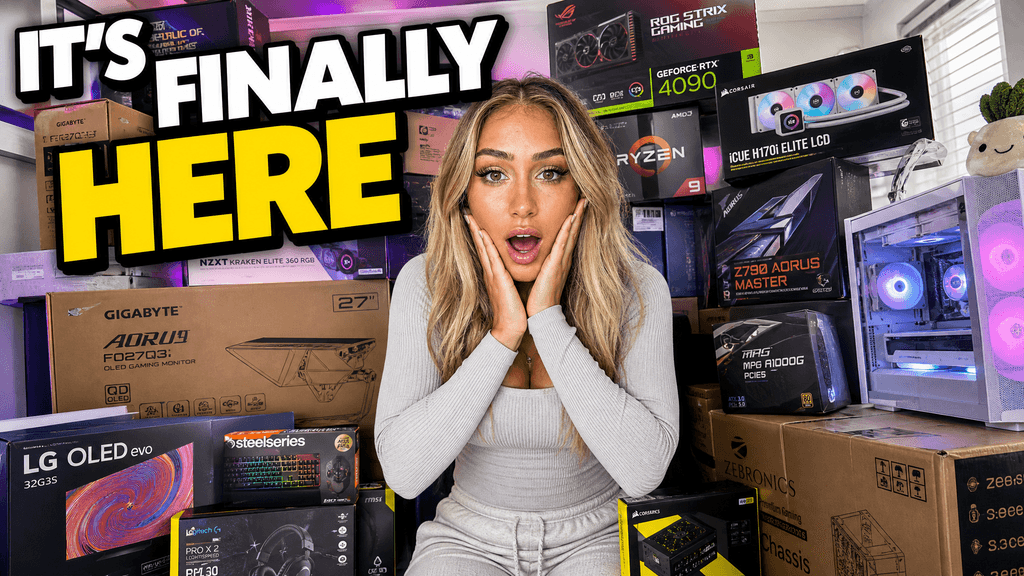
Your thumbnail gets one chance to earn the click before the video starts.
If the thumbnail looks confusing, they click another video.
Each round of feedback can cost another day.
Other AI tools leave the same fake look. VisualKit is built to avoid it.
Real thumbnails created with VisualKit.
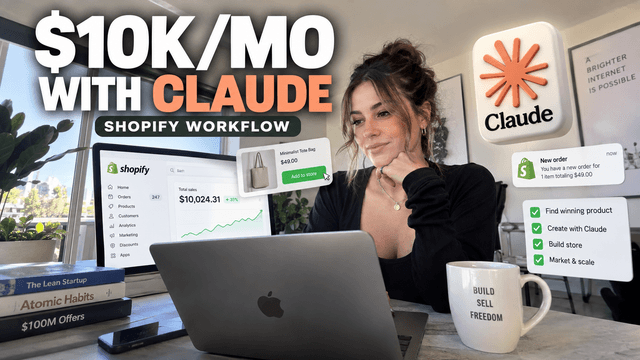

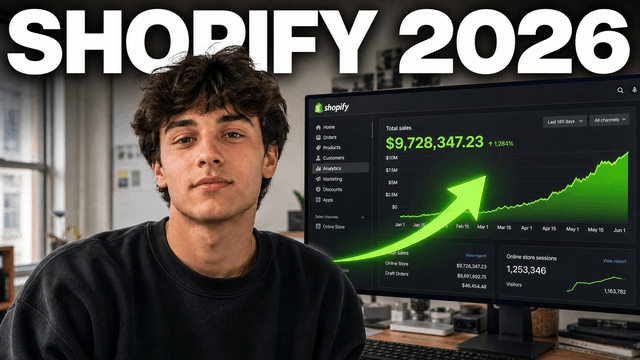
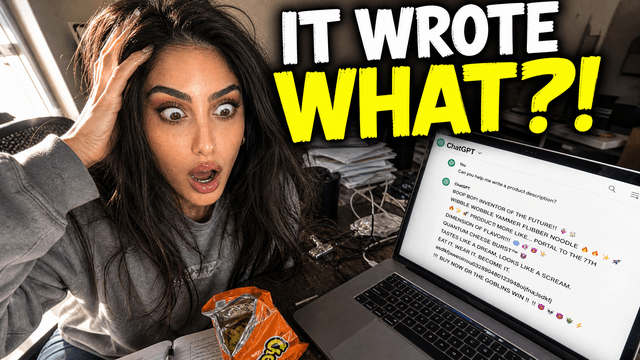
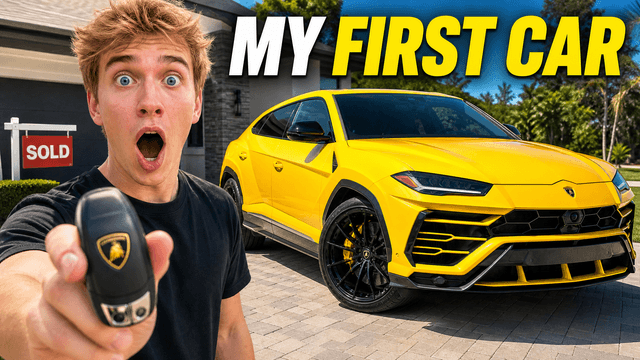
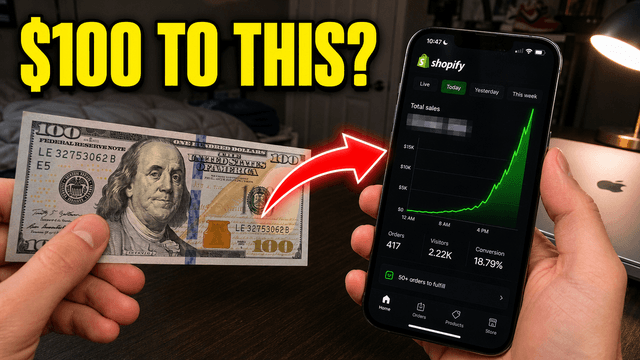
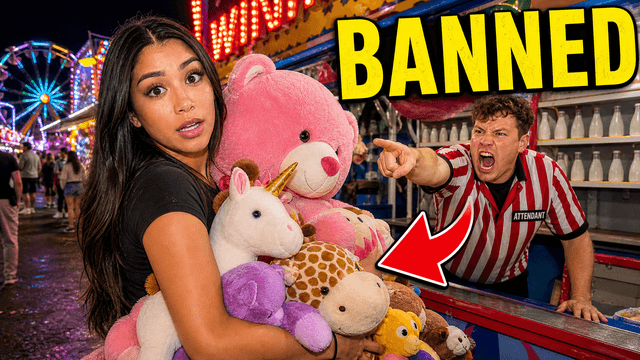

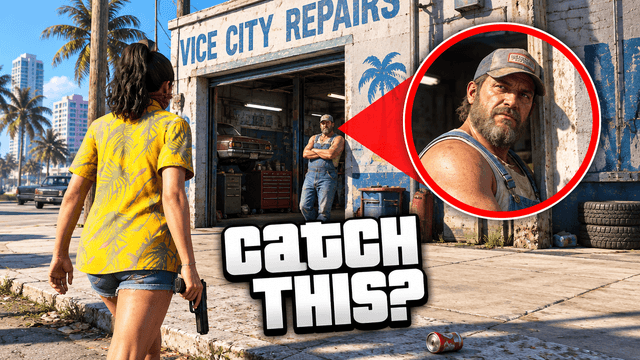


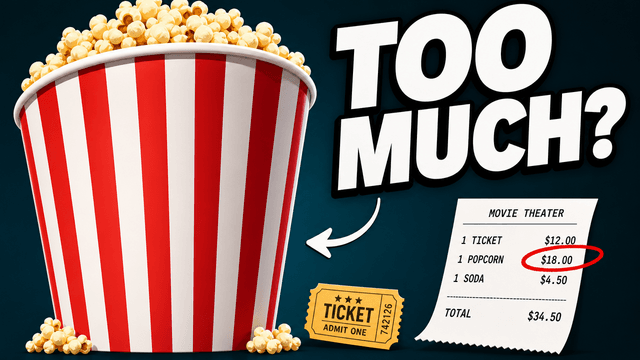
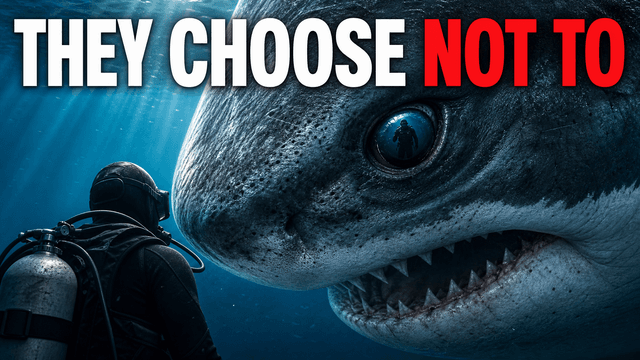
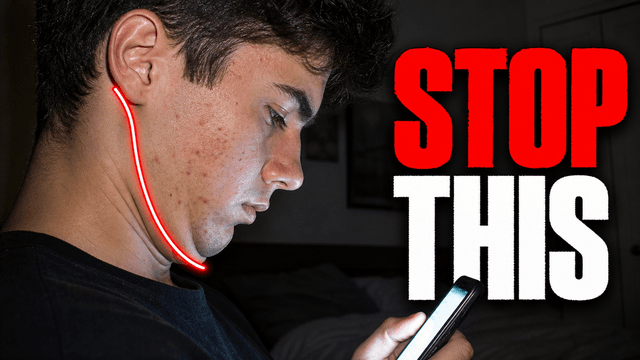
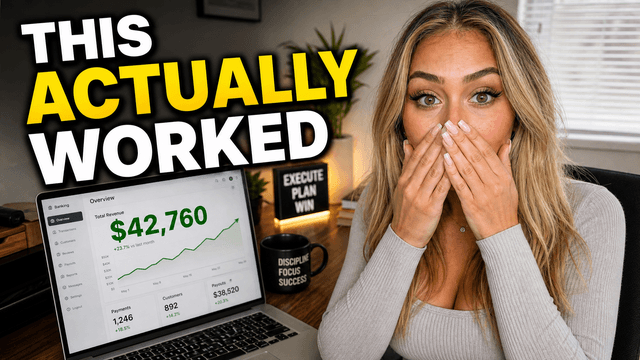
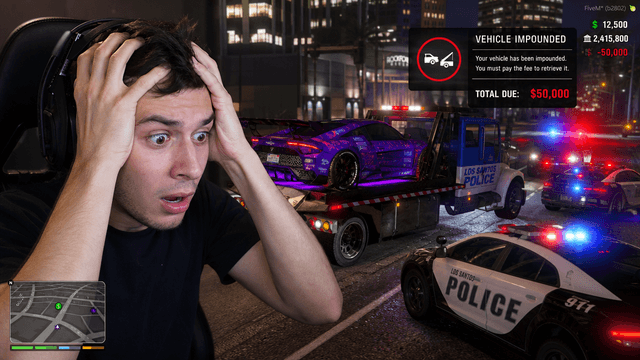
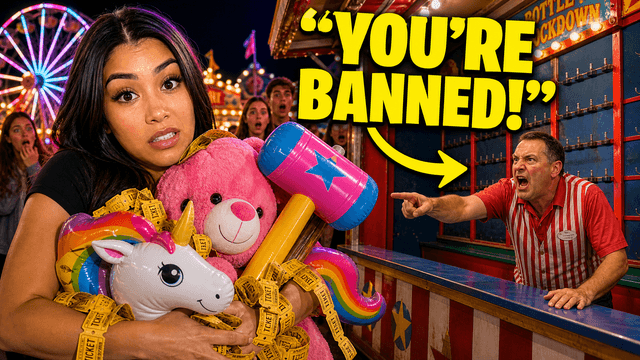
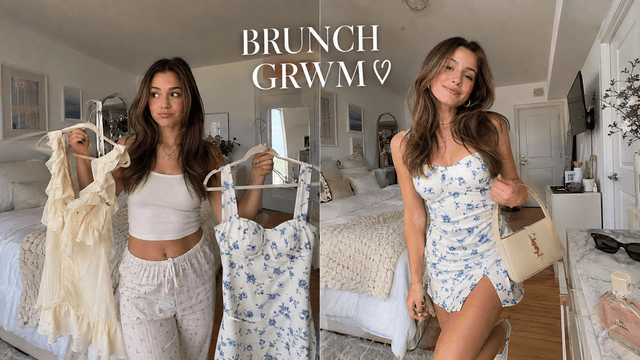



Short walkthroughs from our channel on making thumbnails people click.
Getting AI thumbnails past the fake look.
VisualKit helps with the thumbnail options. YouTube Studio handles the test and its result. For your next A/B test, compare thumbnail options with an AI thumbnail maker.
Compare a reaction, a product close-up, or a visible result. Each option should give viewers a different reason to watch.
Add two or three candidates with meaningful differences. A face-led reaction, product close-up, and visible result teach you more than three color grades.
Review the title and thumbnail together, then keep other changes out of the test so the comparison stays useful.
A stronger hook still needs to match the video. Check names, numbers, and claims before you publish.
YouTube says a result can take a few days or up to two weeks. Early leaders can change as more impressions arrive.
VisualKit makes and edits thumbnails. YouTube runs Test & Compare and reports watch-time share, not raw clicks alone.
If YouTube finds similar performance, choose the option that best fits the video and try more distinct concepts next time.
Make and review thumbnails
Make the options, check them at feed size, and read the result in YouTube Studio.
Choose a monthly credit allowance for your publishing schedule.
For creators posting consistently every month.
Includes:
For creators publishing several times a week.
Everything in Starter, plus:
For high-volume creators and teams.
Everything in Starter, plus:
No. VisualKit helps you make and edit thumbnail options. Run Test & Compare in YouTube Studio and read its result there.
Try different hooks or subjects, such as a face-led reaction and a product close-up. Changing only the background color may leave the ideas too similar.
Test & Compare compares thumbnail options. Keep the title steady while you test so you can read the result more clearly.
Eligible channels can open an eligible long-form video in YouTube Studio on desktop, choose Test & Compare in the thumbnail section, and add up to three candidates. Shorts are not included.
YouTube says a result can take a few days or up to two weeks. Leave the test running if you want its result instead of choosing from an early trend.
Choose the option that best fits the video and your channel. For the next test, try ideas with more meaningful differences.
VisualKit helps you make and revise thumbnail candidates. You run Test & Compare in YouTube Studio, where YouTube evaluates the options by watch-time share rather than clicks alone.
Make two or three genuinely different 16:9 options. Keep the title steady, run the test in YouTube Studio, and let the result collect enough data before you choose.
| Task | What VisualKit Does | You Start With | You Can Change | Result |
|---|---|---|---|---|
| Make candidates | Creates several thumbnail ideas from one video brief | The video topic, hook, and supporting images | The subject, crop, text, color, and background | Two or three options to compare |
| Compare real concepts | Helps you make options with different hooks | A reaction, product close-up, result, or other idea | The main subject and the reason to watch | A test that compares meaningful differences |
| Run the test | Prepares images for your YouTube Studio test | Upload-ready 16:9 candidates | The candidates before you publish | YouTube handles impression splitting |
| Read the result | Keeps the decision separate from the image-making step | YouTube's watch-time share result | The next concept you test | A choice based on the test and video context |
Make candidates
Creates several thumbnail ideas from one video brief
The video topic, hook, and supporting imagesTwo or three options to compare
You Can Change: The subject, crop, text, color, and background
Compare real concepts
Helps you make options with different hooks
A reaction, product close-up, result, or other ideaA test that compares meaningful differences
You Can Change: The main subject and the reason to watch
Run the test
Prepares images for your YouTube Studio test
Upload-ready 16:9 candidatesYouTube handles impression splitting
You Can Change: The candidates before you publish
Read the result
Keeps the decision separate from the image-making step
YouTube's watch-time share resultA choice based on the test and video context
You Can Change: The next concept you test