Prompt to thumbnail
Say what the moment is
The subject, the action, or the result people notice first. You get a few to pick from.
Keep the subject big, the frame simple, and the text short. Use it to plan the frame viewers should recognize. YouTube can present Shorts differently across surfaces, so check the selected frame in the YouTube app before you publish.
When you have the idea, use AI thumbnail maker to make a few options and pick the one that reads on a phone.
Tell VisualKit about the moment and pick the one you like.
The subject, the action, or the result people notice first. You get a few to pick from.
Every thumbnail gets a score out of 100. One click fixes the weak part.
Your thumbnail
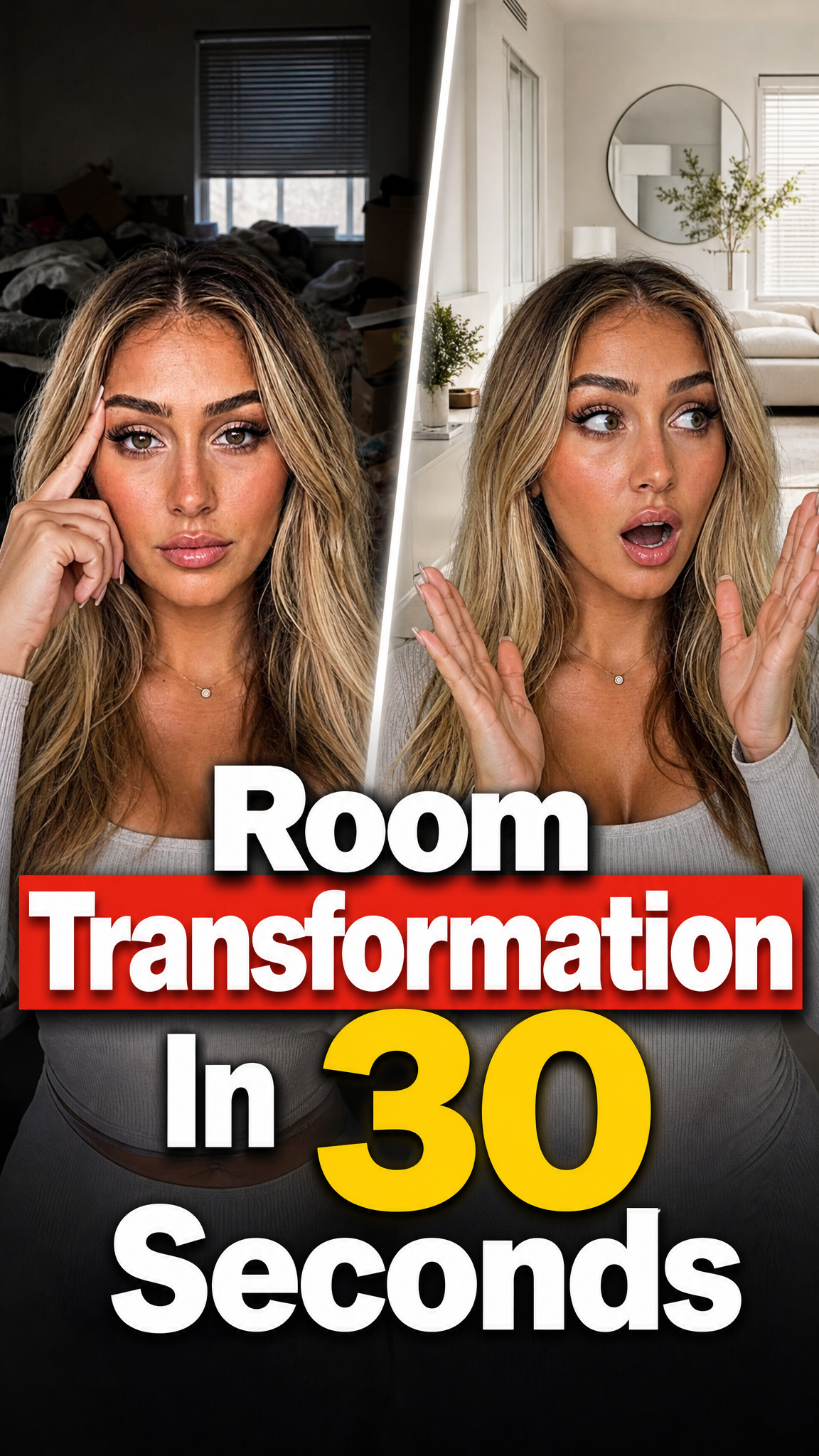
Checking click potential…
After one fix
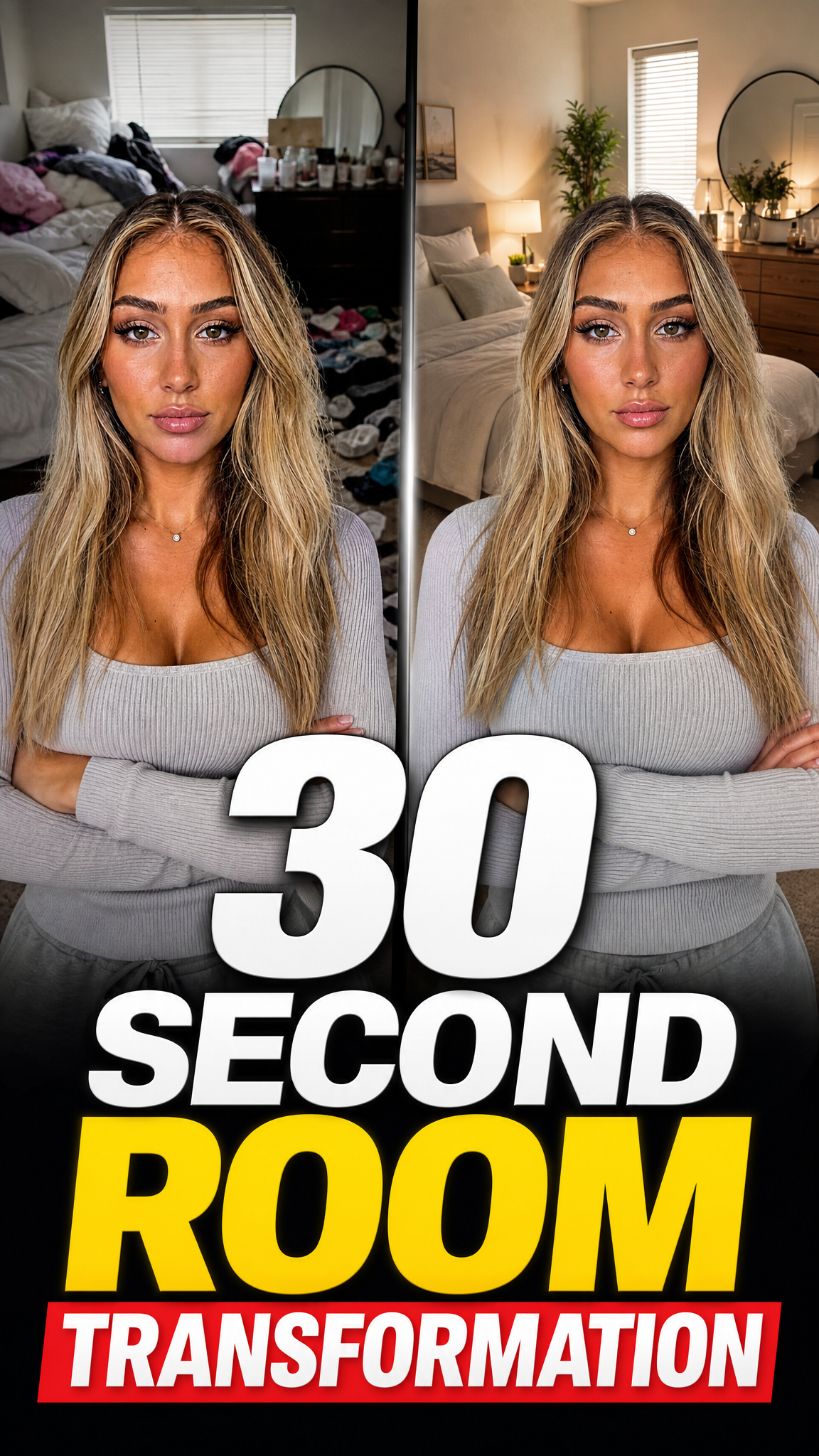
Your idea, with a sharper edge.
A better starting point for your next upload.
Ask for a bigger subject or less text. Then check it on your phone.
The edit, simplified
Your prompt
make the subject larger and remove the extra text
One instruction. A more deliberate thumbnail.
Download your thumbnail and add it to your YouTube video.
Pick the example closest to your Short. Replace the subject, hook, and colors, then check it on a phone.
Your thumbnail gets one chance to earn the click before the video starts.
If the thumbnail looks confusing, they click another video.
Each round of feedback can cost another day.
Other AI tools leave the same fake look. VisualKit is built to avoid it.
Real thumbnails created with VisualKit.
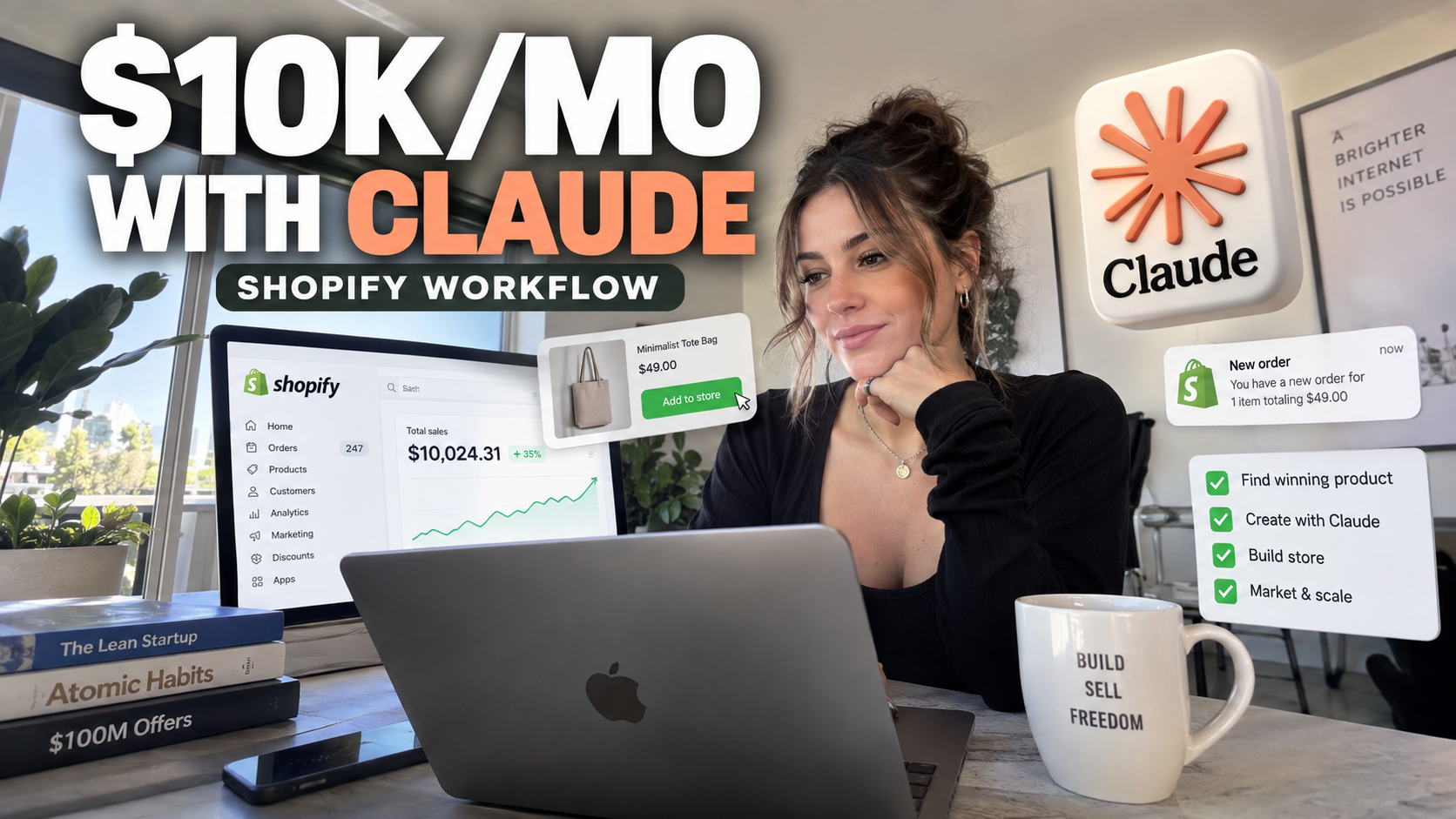
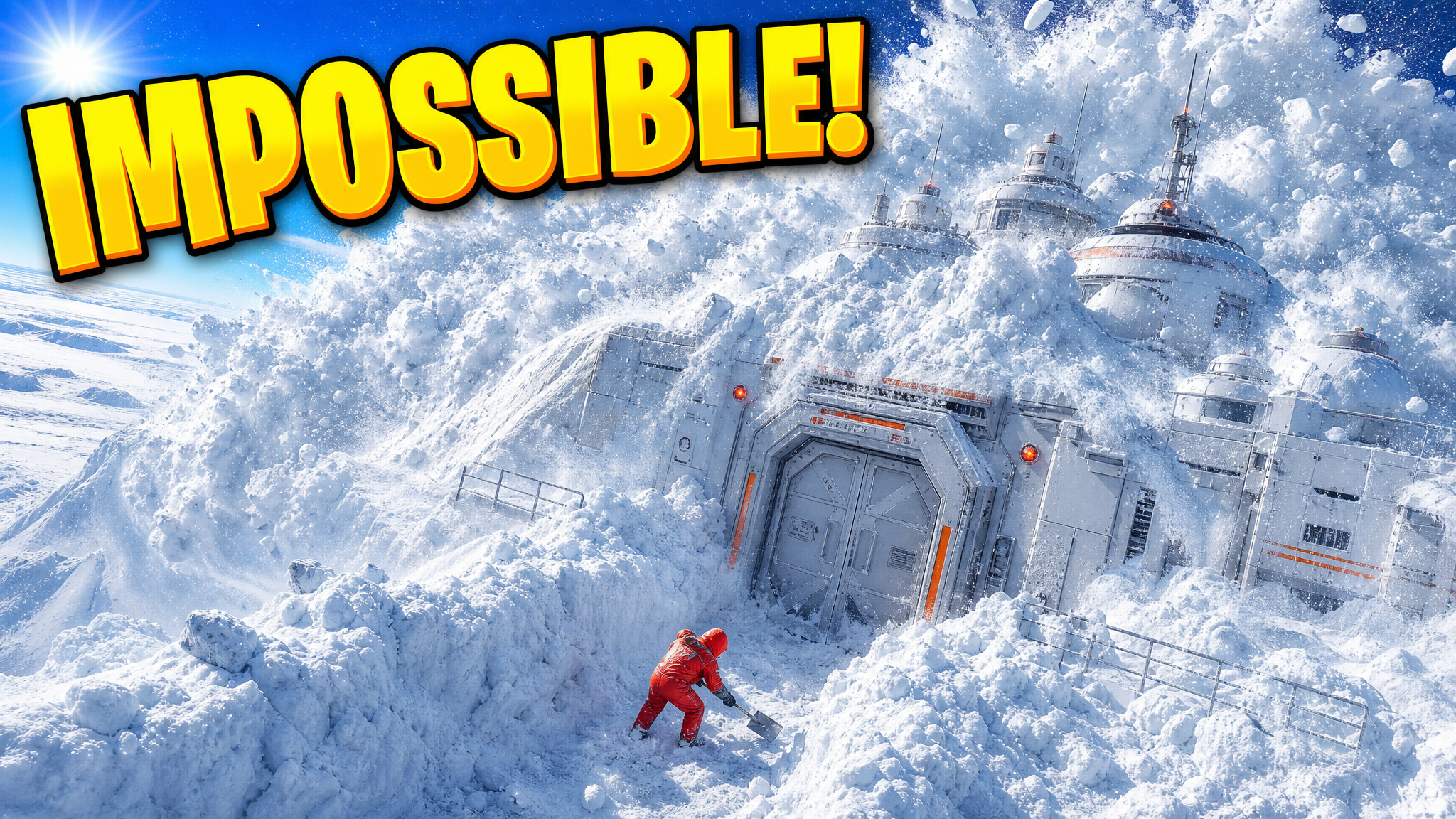
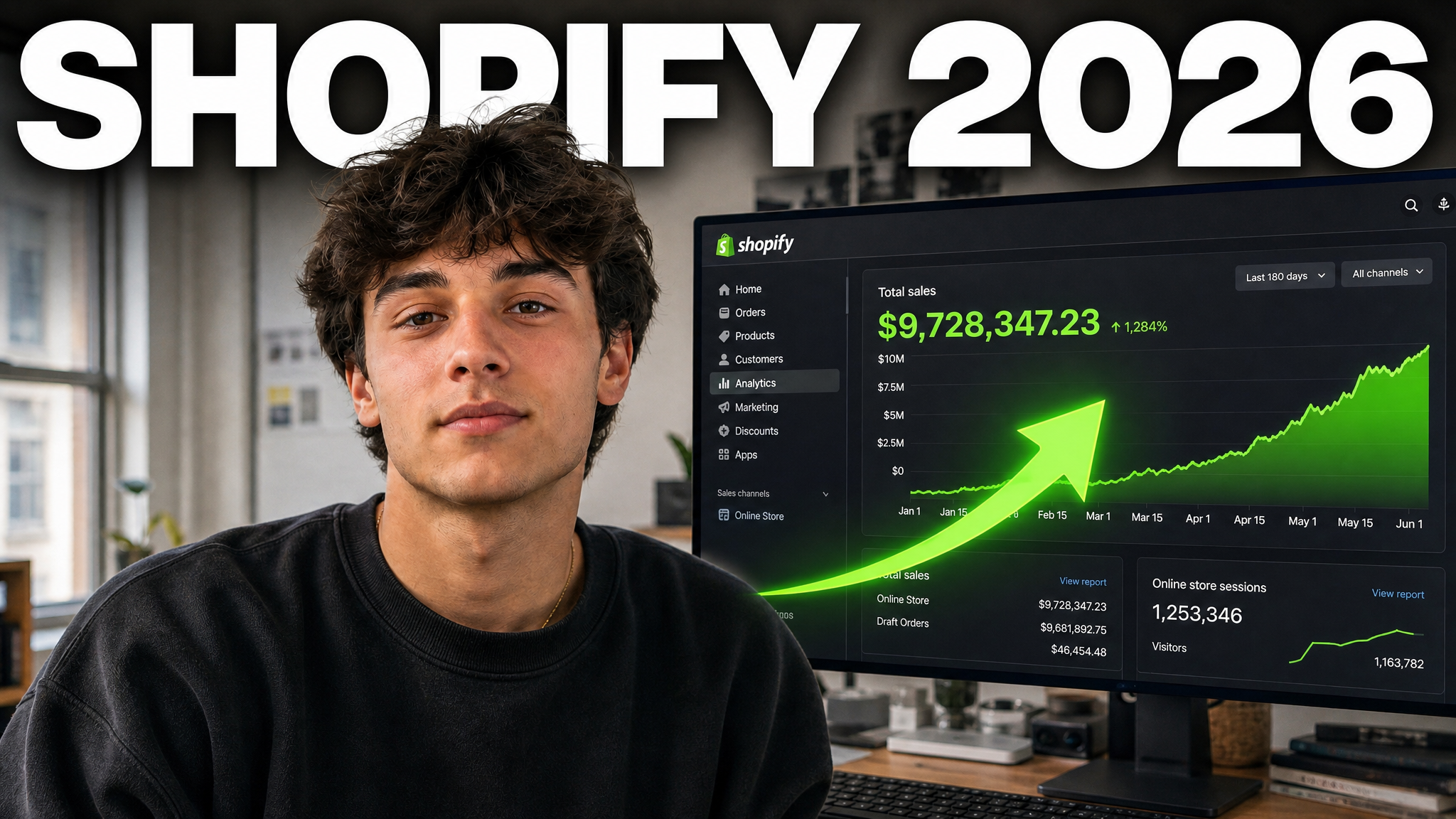
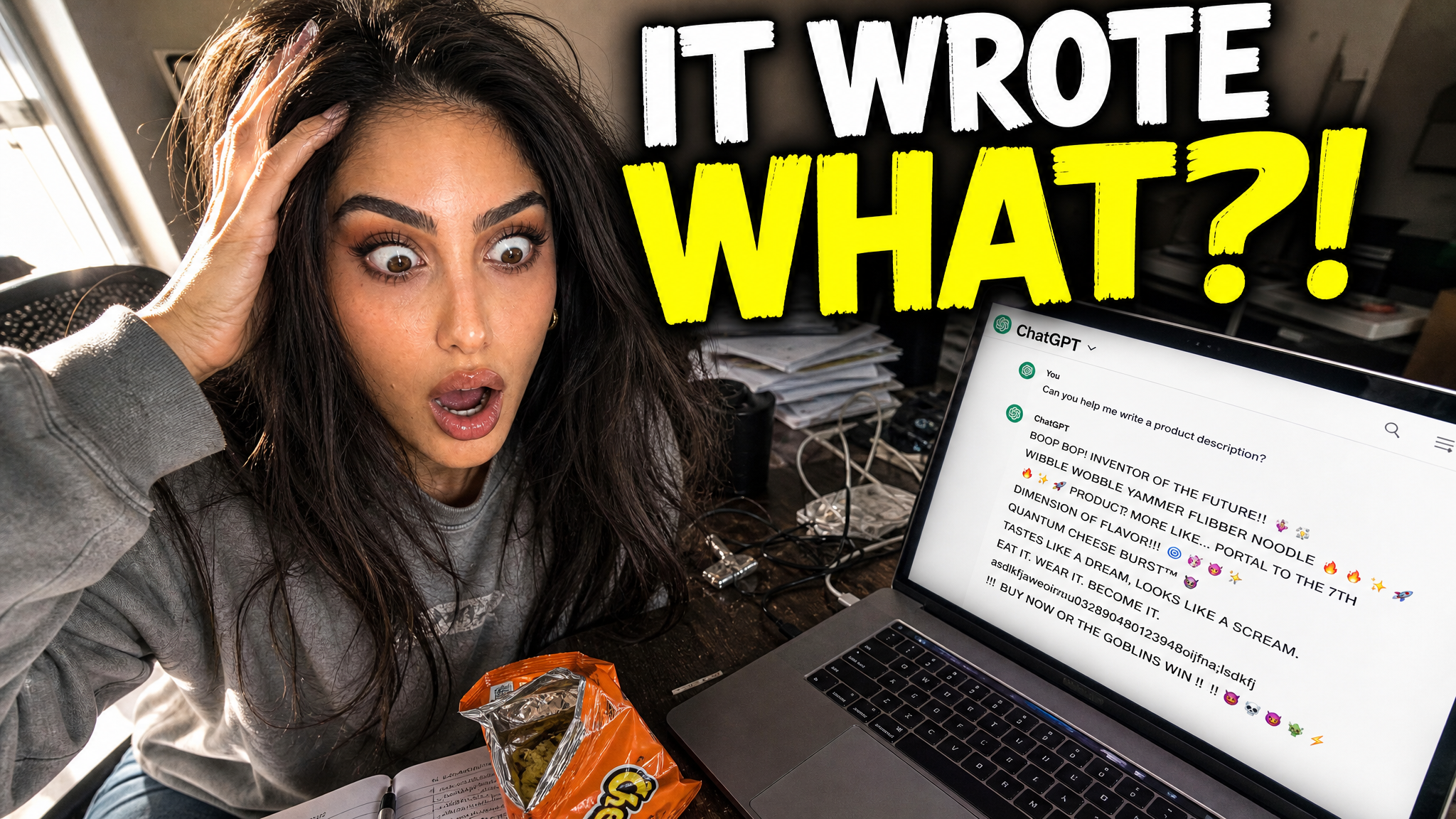
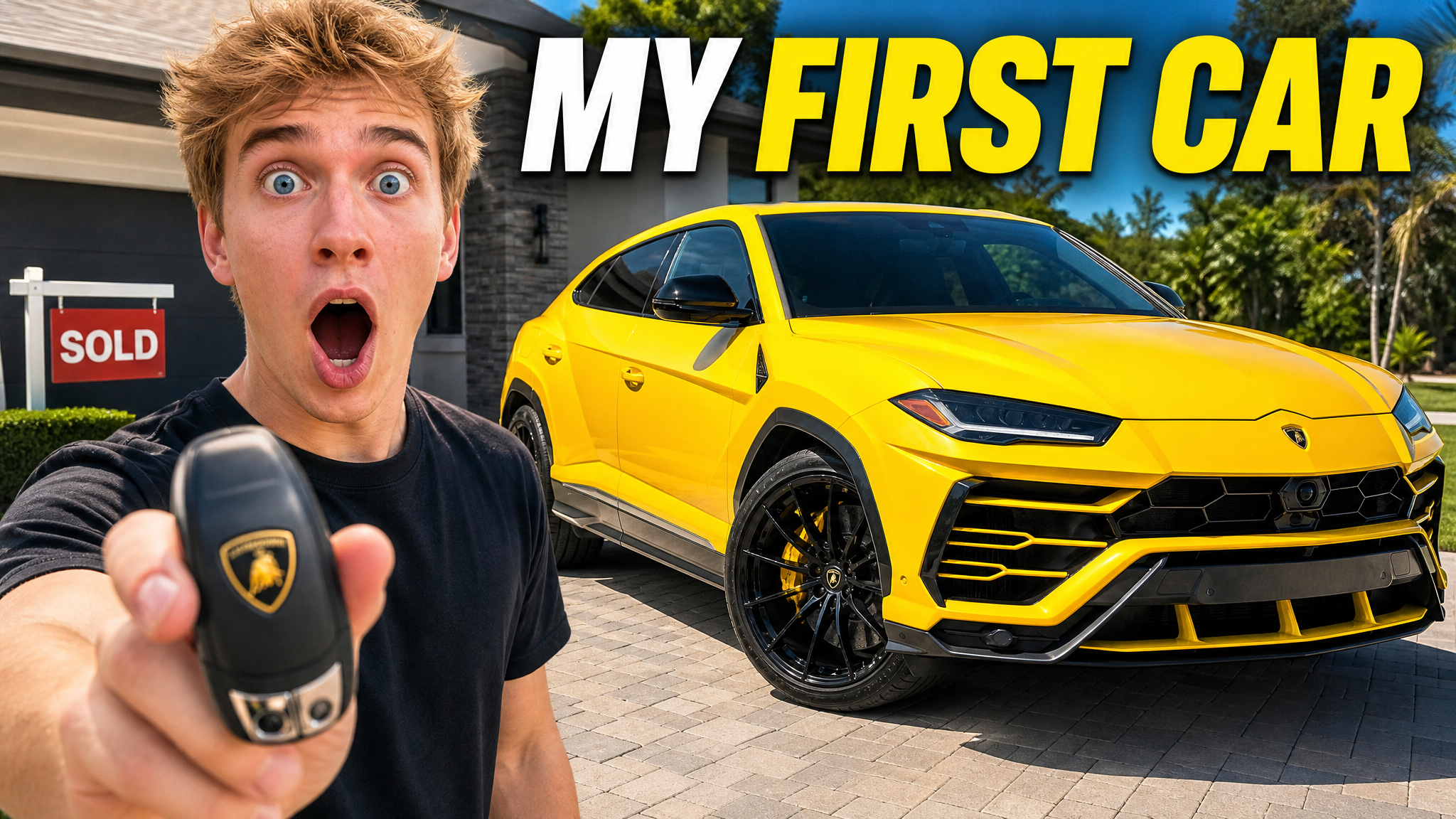
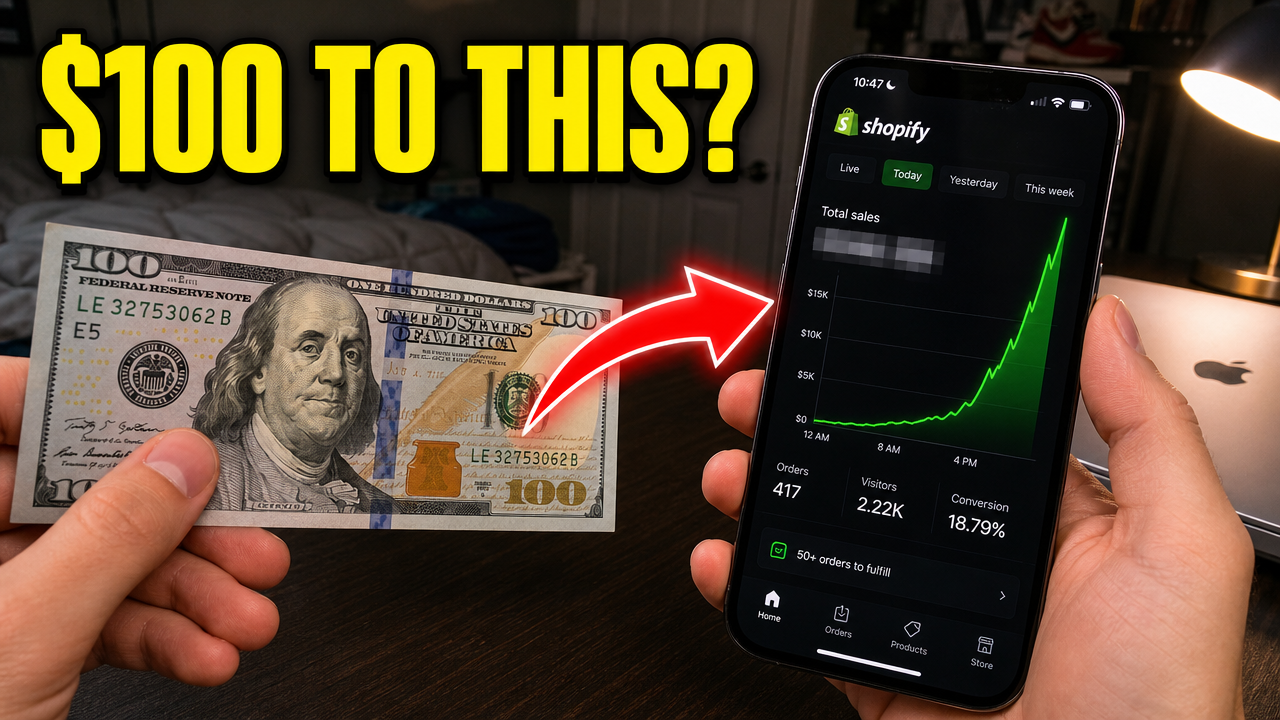
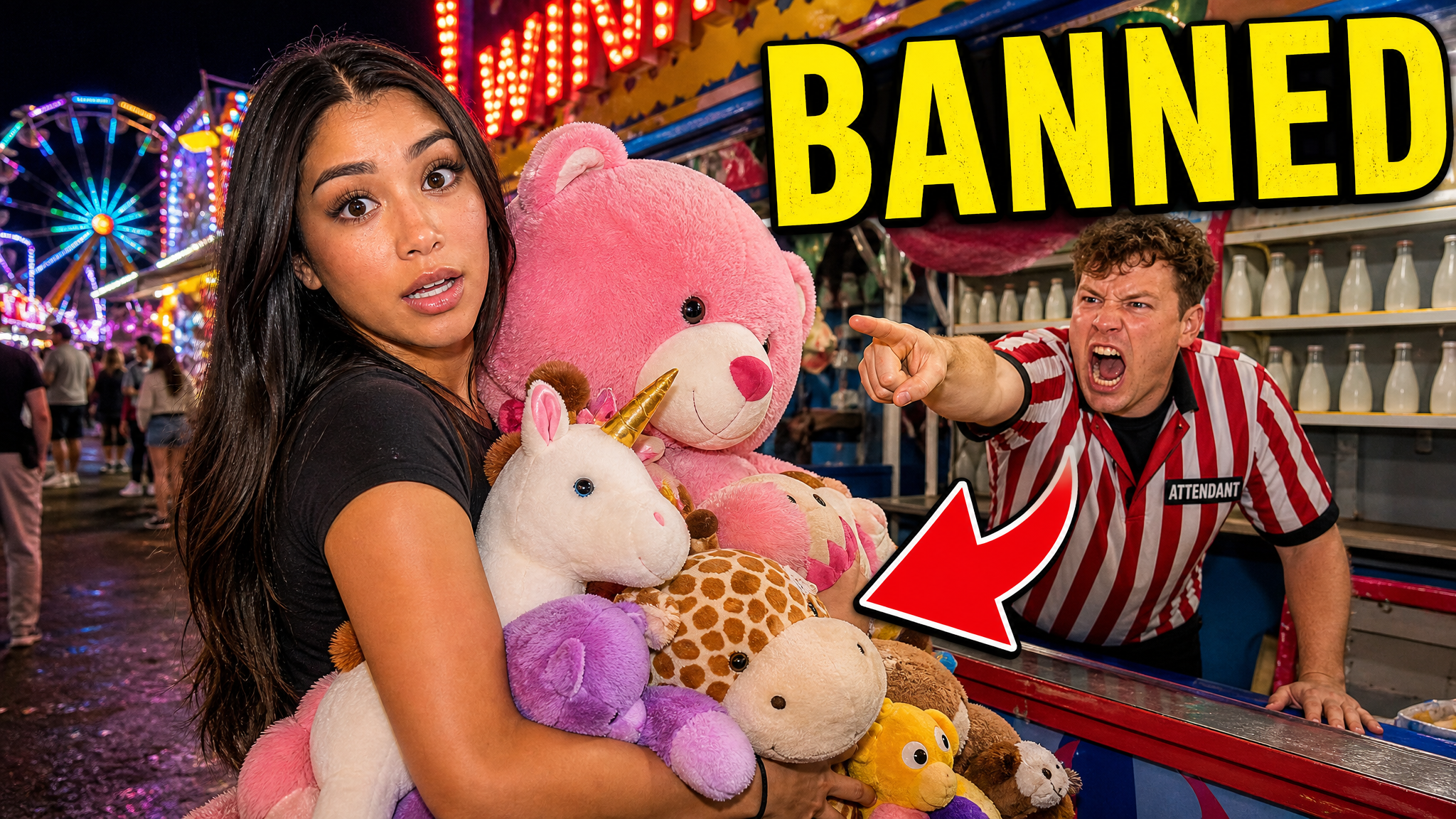

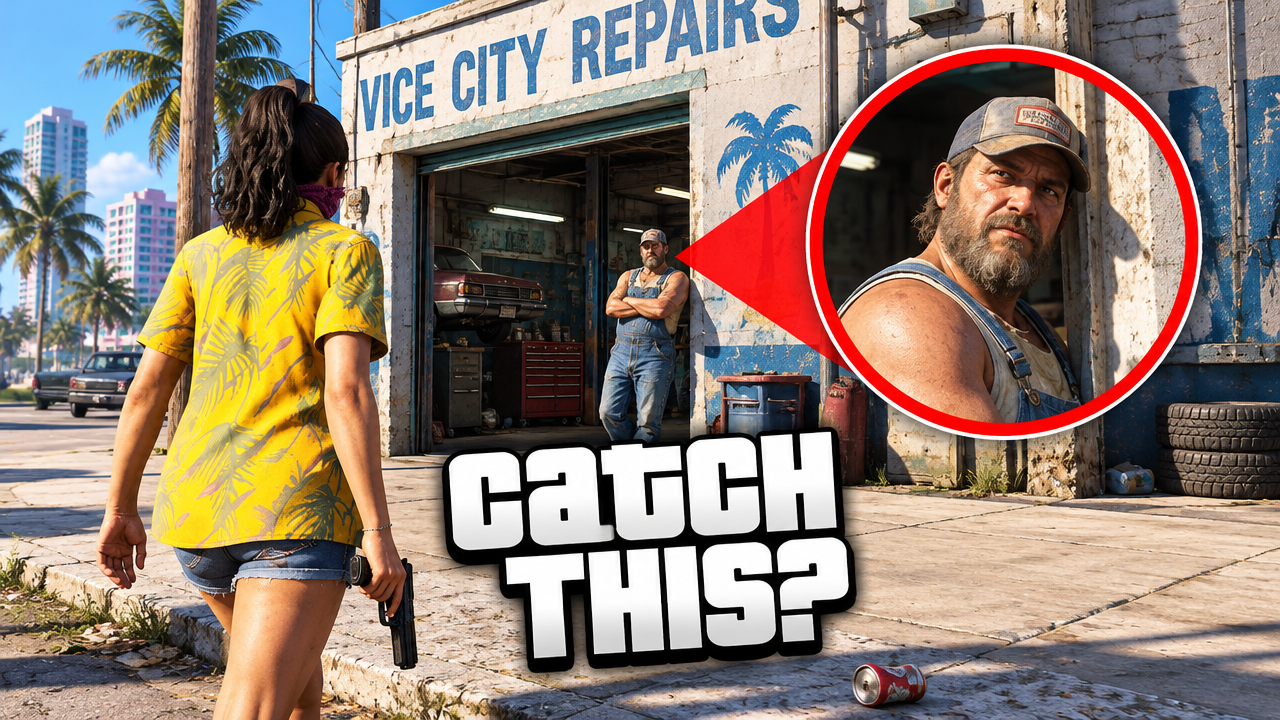
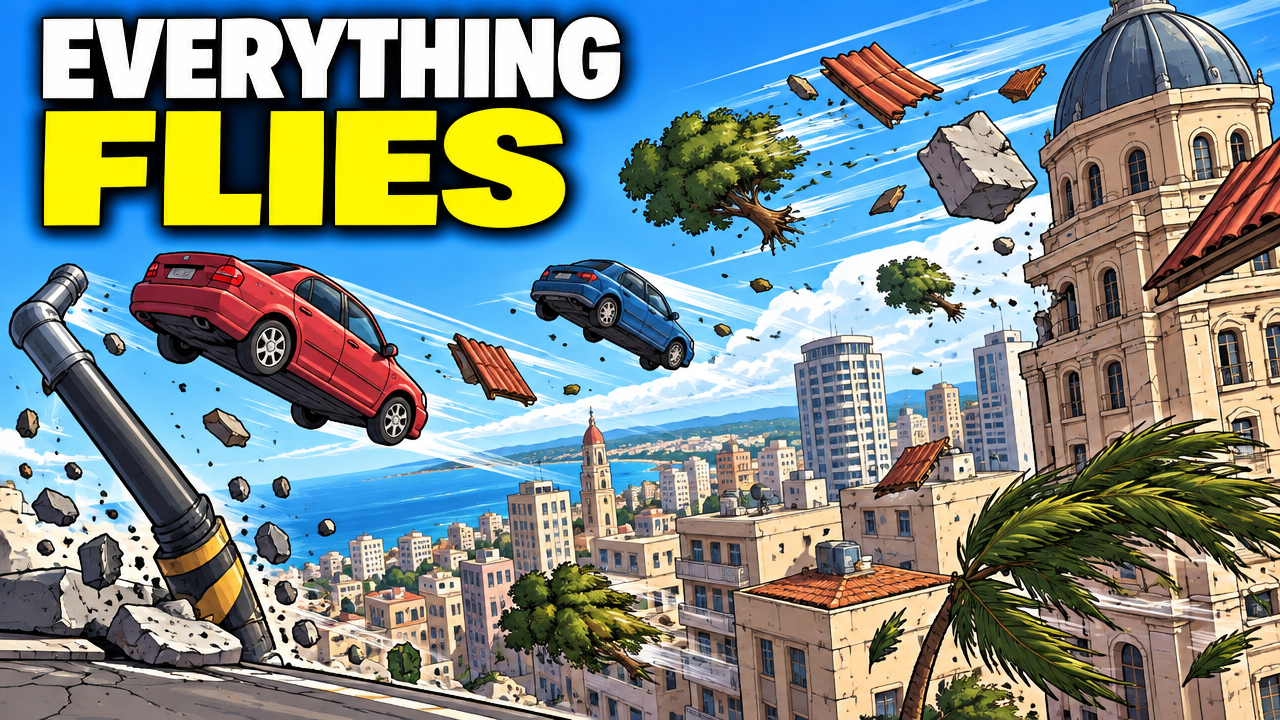
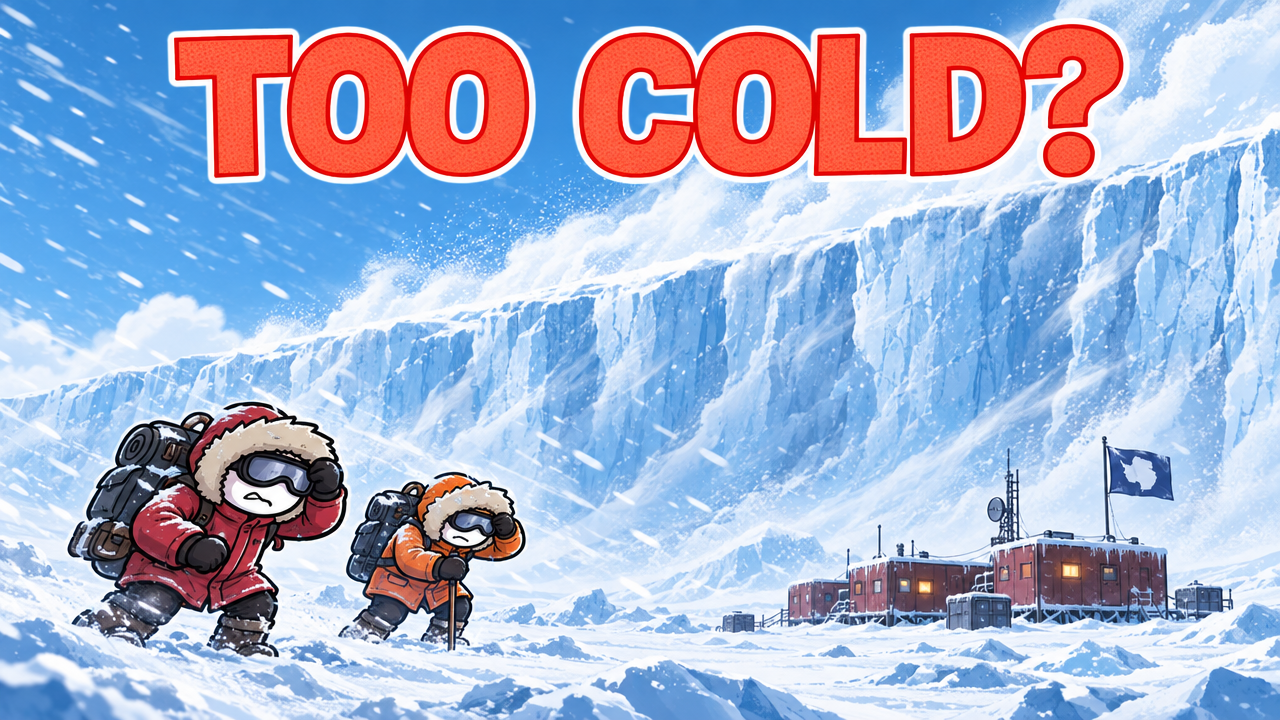
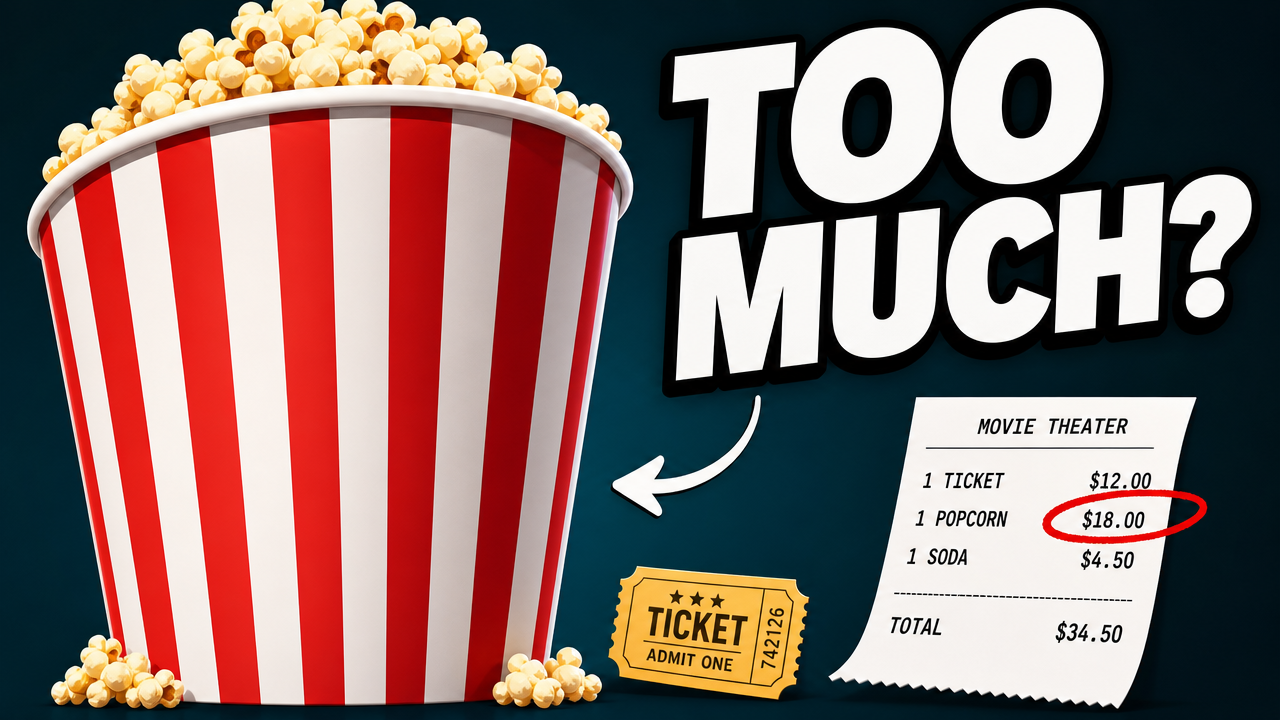
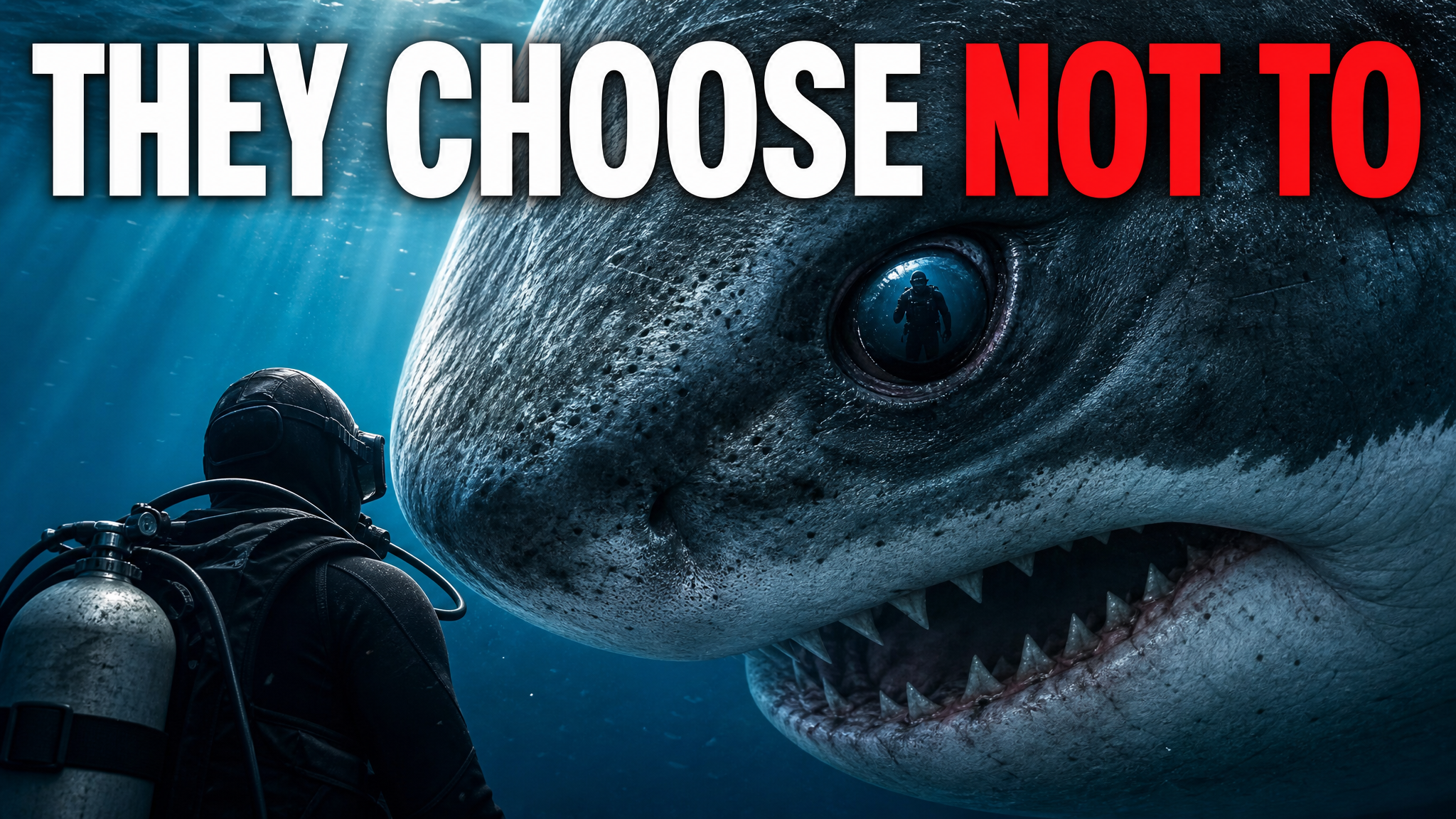
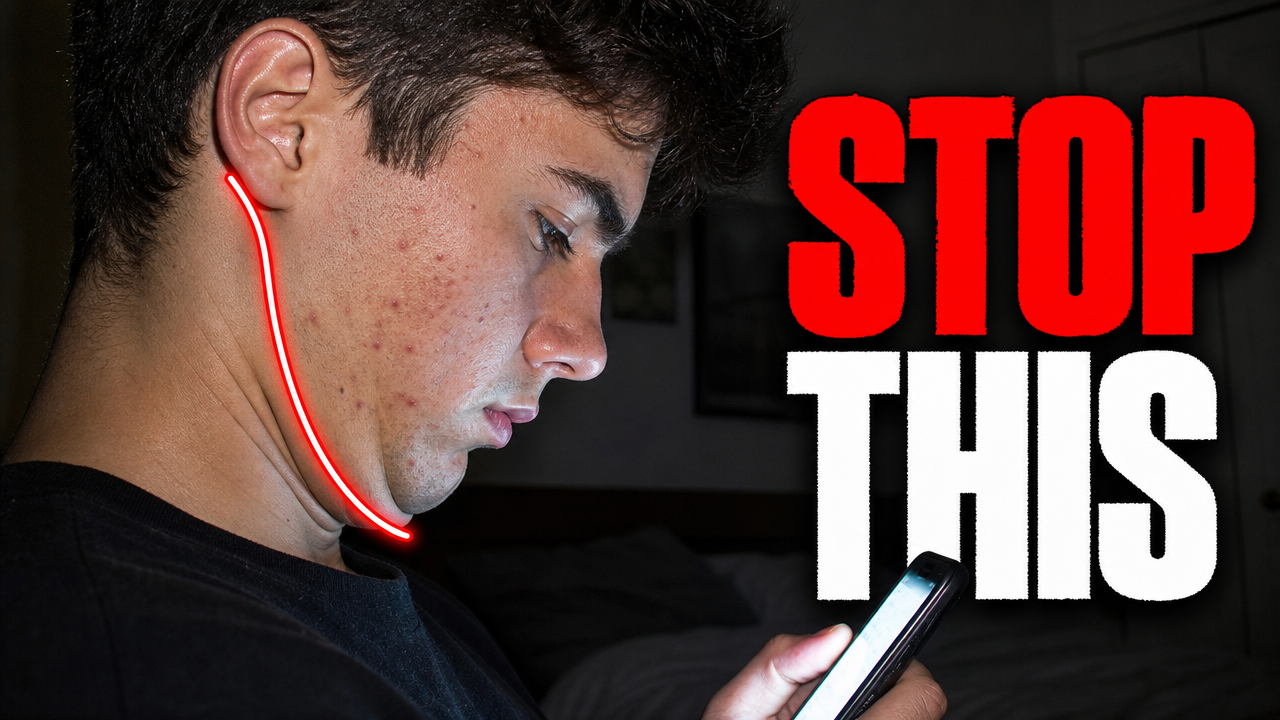
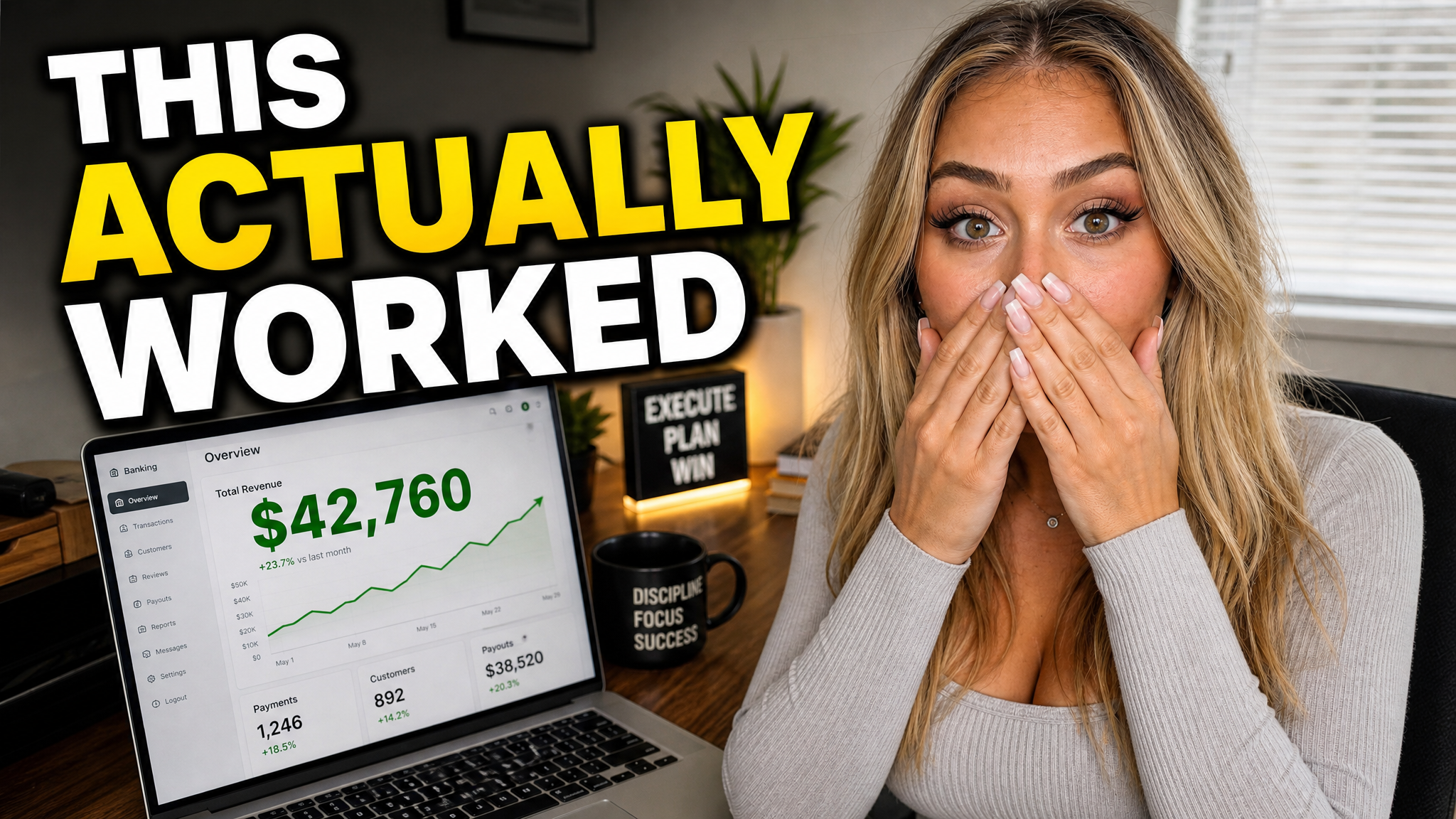
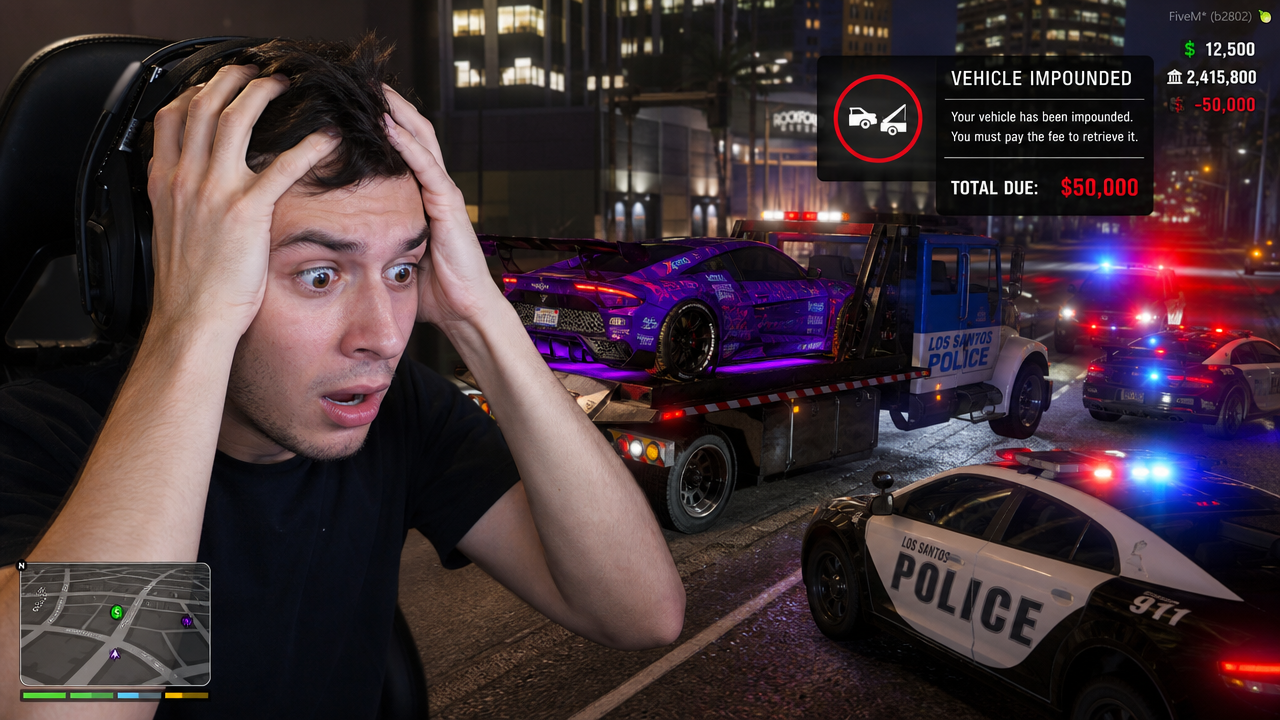
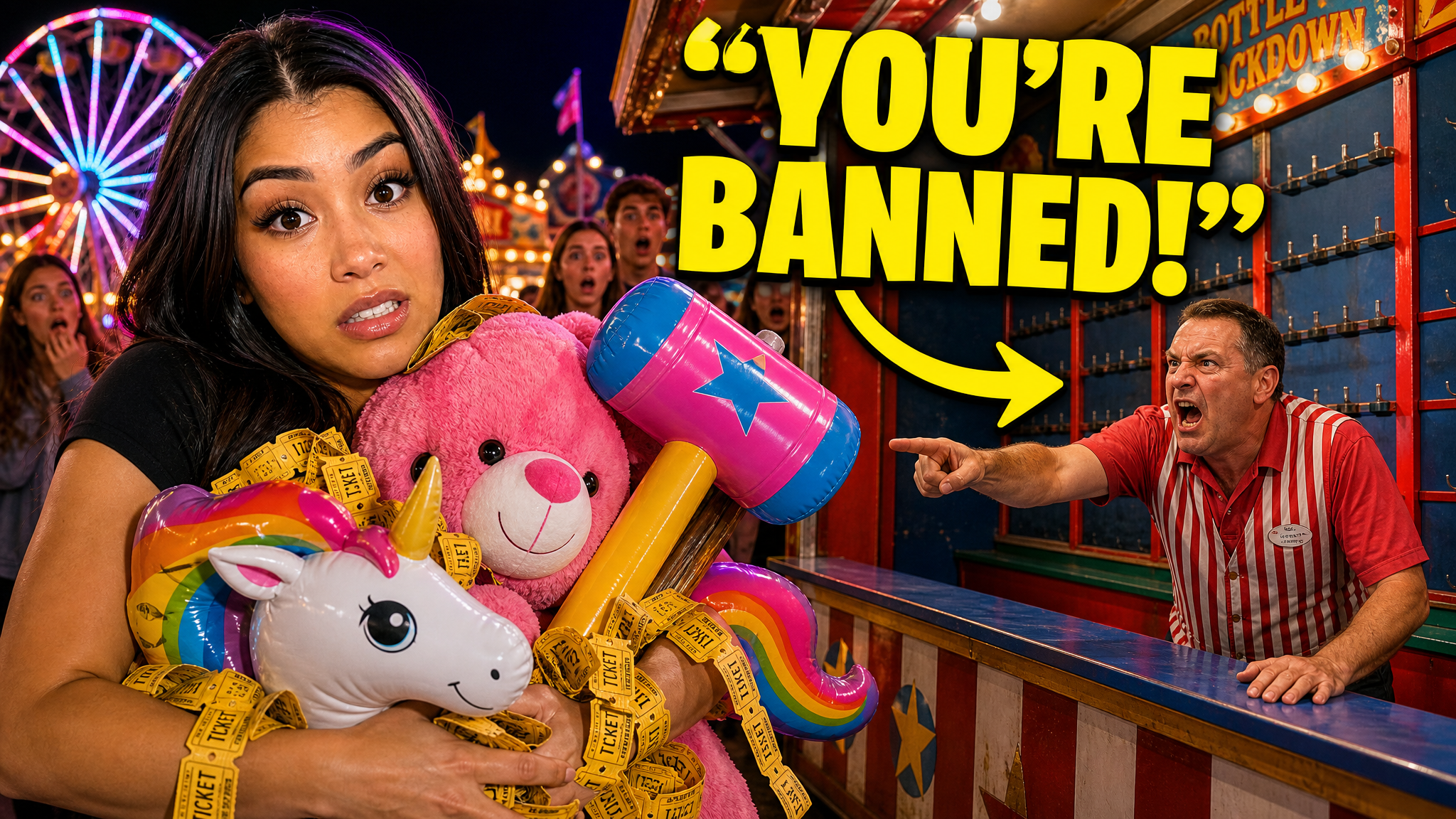
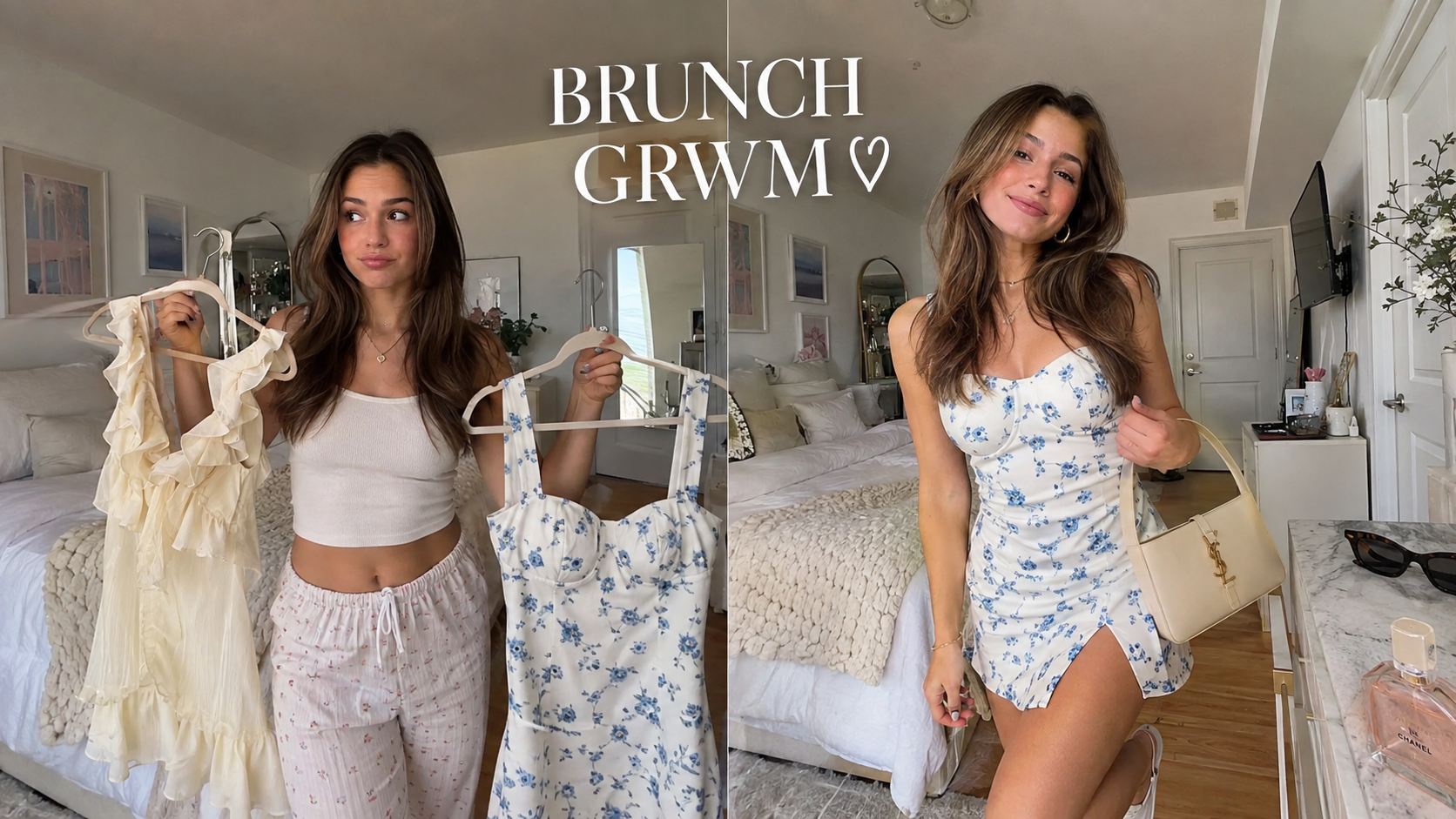

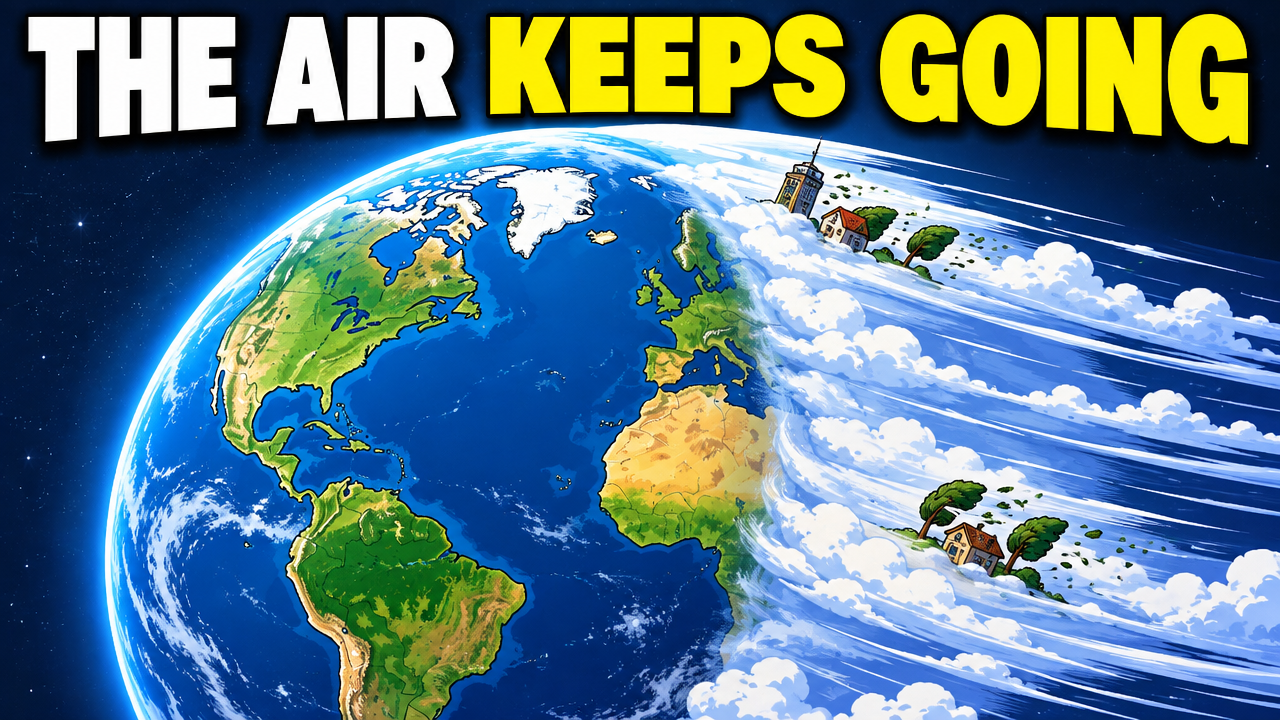
Short walkthroughs from our channel on making thumbnails people click.
Getting AI thumbnails past the fake look.
A Shorts frame should show one moment without tiny details. YouTube can crop it in different places, so keep the main subject near the center. For your next Short, compare thumbnail options with an AI thumbnail maker.
Make the person, object, dish, screen, or result large enough to understand without zooming in.
Use one main subject and one supporting detail. Remove props and labels that compete with the idea.
Use a few large words only when they add meaning. Do not repeat the title or explain the whole Short.
Use size, contrast, or framing to show where to look first. Do not depend on tiny arrows or icons.
Plan a 9:16 moment with the key subject away from crowded interface areas, then check it in the current YouTube app flow.
Reuse your colors, type, or crop so Shorts and long videos look like they came from the same channel.
More thumbnail ideas
See ideas for Shorts, podcasts, vlogs, and standard YouTube thumbnails.
Choose a monthly credit allowance for your publishing schedule.
For creators posting consistently every month.
Includes:
For creators publishing several times a week.
Everything in Starter, plus:
For high-volume creators and teams.
Everything in Starter, plus:
Shorts do not use the same thumbnail upload as long videos. Where available, choose a frame in the YouTube app and check it before you post.
Use one large subject, a simple background, and very little text. The selected frame should still explain the main idea when it appears small on a phone.
Plan the moment in 9:16. YouTube can crop the frame in different places, so keep the subject near the center and check the preview.
Keep text to a few large words, or use no text when the image explains the idea by itself. Small labels and long sentences are hard to read on mobile.
VisualKit makes 9:16 artwork for YouTube Shorts. Use it to plan your chosen frame, promote the Short, or make a social post. Check the frame in the YouTube app before you publish.
Start with one Short idea. Compare two versions, then change the subject, text, color, or background for a phone screen.
| Task | What VisualKit Does | You Start With | You Can Change | Result |
|---|---|---|---|---|
| Artwork Format | Makes several YouTube thumbnail options from your video idea | A title, topic, or short description | The subject, text, background, and look | A 1280×720 YouTube thumbnail |
| Use your own photos | Builds the thumbnail around photos or images you upload | Your face, product, screenshot, or other image | Crop, placement, background, expression, and text | A thumbnail using your images |
| Use a reference | Uses another thumbnail to guide the look | A YouTube URL or reference image | Layout, light, color, contrast, and text | A new thumbnail for your video |
| Edit a thumbnail | Changes your chosen thumbnail from a plain-language request | A request like "make my face bigger" or "remove the text" | Text, face size, background, objects, colors, and crop | An updated version |
Artwork Format
Makes several YouTube thumbnail options from your video idea
A title, topic, or short descriptionA 1280×720 YouTube thumbnail
You Can Change: The subject, text, background, and look
Use your own photos
Builds the thumbnail around photos or images you upload
Your face, product, screenshot, or other imageA thumbnail using your images
You Can Change: Crop, placement, background, expression, and text
Use a reference
Uses another thumbnail to guide the look
A YouTube URL or reference imageA new thumbnail for your video
You Can Change: Layout, light, color, contrast, and text
Edit a thumbnail
Changes your chosen thumbnail from a plain-language request
A request like "make my face bigger" or "remove the text"An updated version
You Can Change: Text, face size, background, objects, colors, and crop