Prompt to thumbnail
Name the product
Say if it is a first look, a reveal, or a comparison. You get a few to pick from.
Create thumbnails for tech unboxings, first impressions, product reveals, comparisons, launches, and collectibles. Make the product the biggest thing in the frame. Then show the reaction, reveal, or question that shapes the video.
When you have the idea, use AI thumbnail maker to make a few options and pick the one that reads on a phone.
Tell VisualKit about the product and pick the one you like.
Say if it is a first look, a reveal, or a comparison. You get a few to pick from.
Every thumbnail gets a score out of 100. One click fixes the weak part.
Your thumbnail
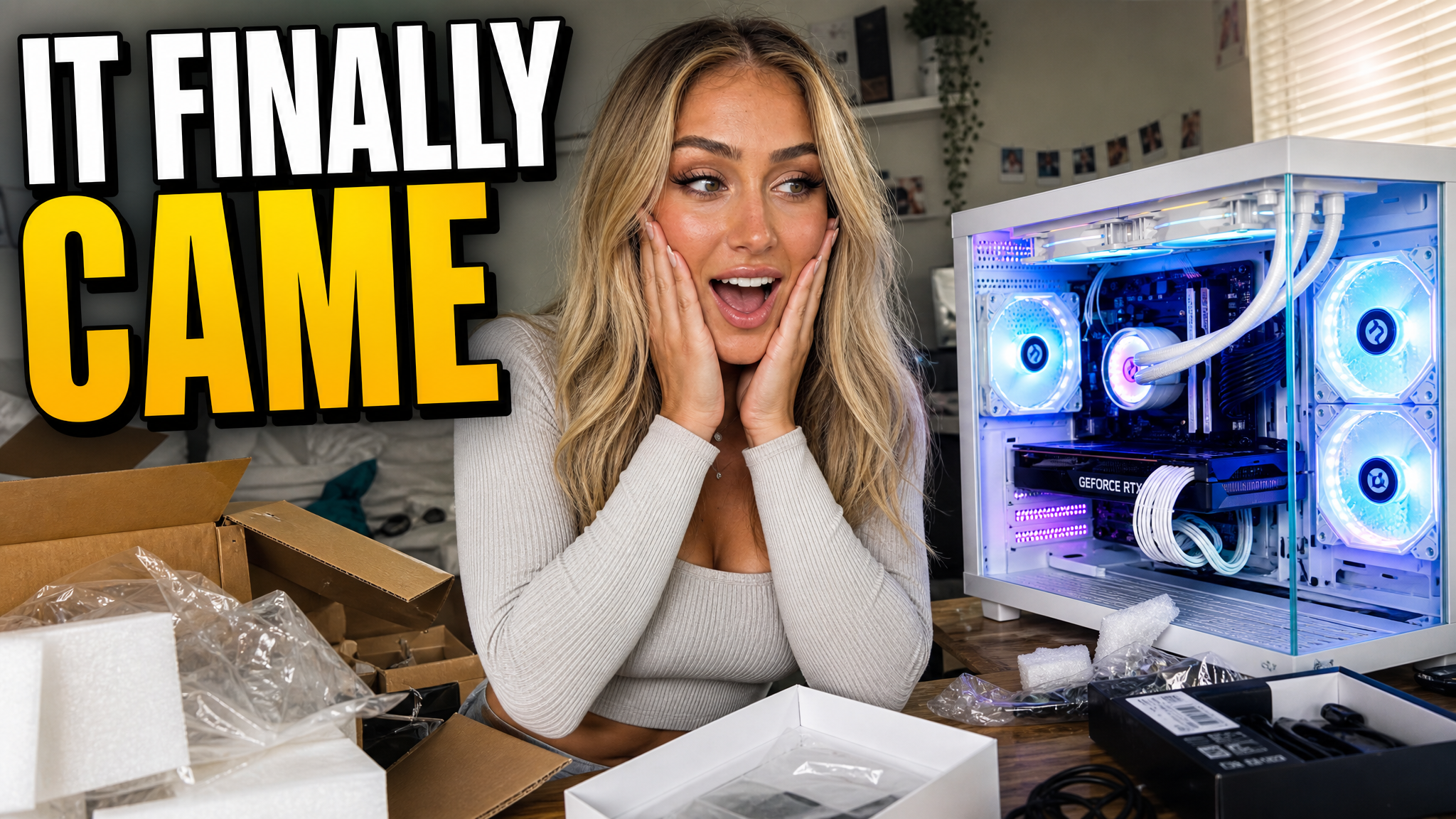
Checking click potential…
After one fix
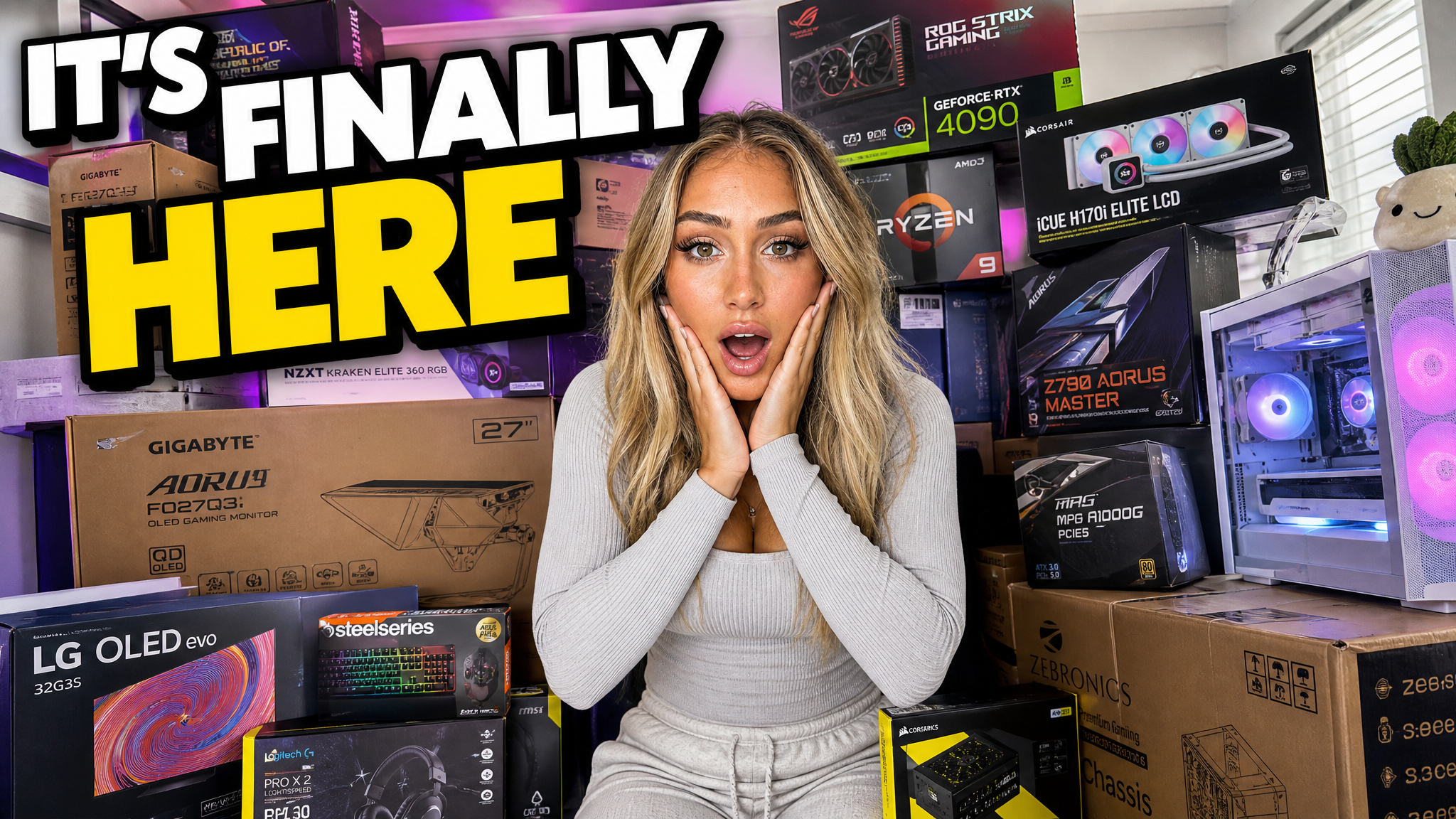
Your idea, with a sharper edge.
A better starting point for your next upload.
Ask for fewer objects or shorter text. Check that the packaging matches.
The edit, simplified
Your prompt
Make the product larger and remove extra objects
One instruction. A more deliberate thumbnail.
Download your thumbnail and add it to your YouTube video.
Browse unboxing thumbnail ideas built around the product, creator reaction, packaging, reveal, comparison, or first impression.
Your thumbnail gets one chance to earn the click before the video starts.
If the thumbnail looks confusing, they click another video.
Each round of feedback can cost another day.
Other AI tools leave the same fake look. VisualKit is built to avoid it.
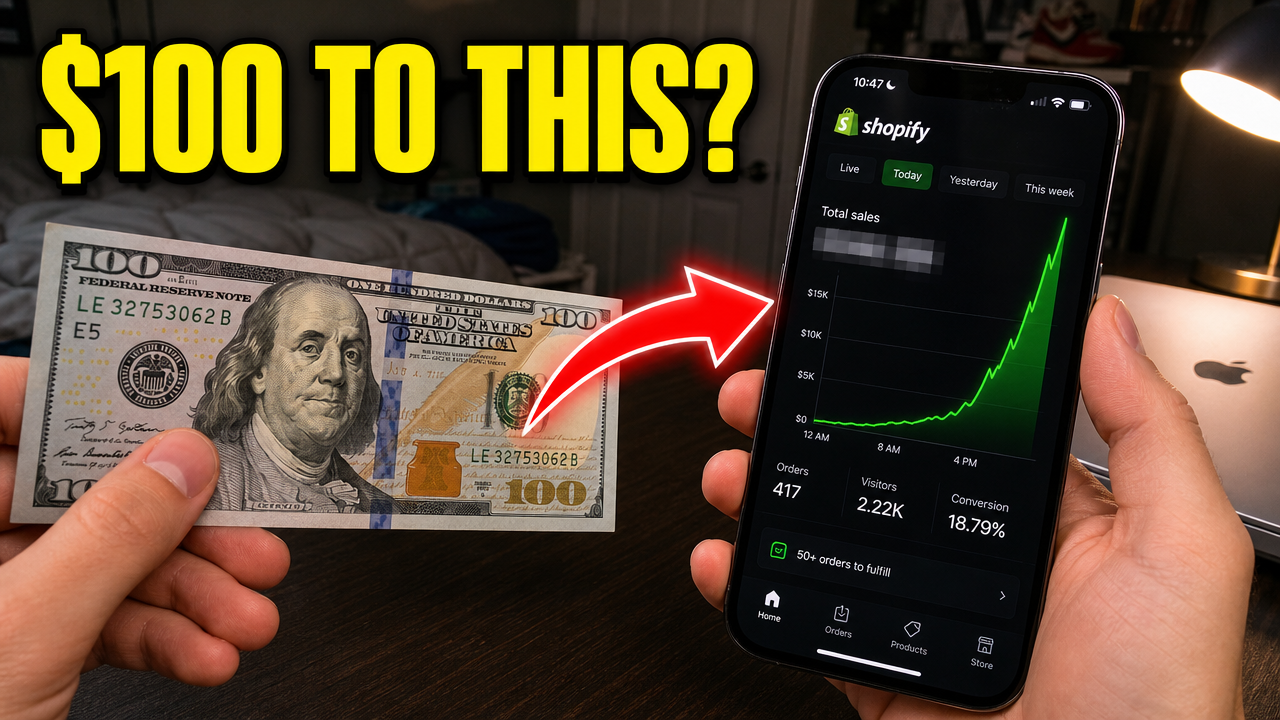
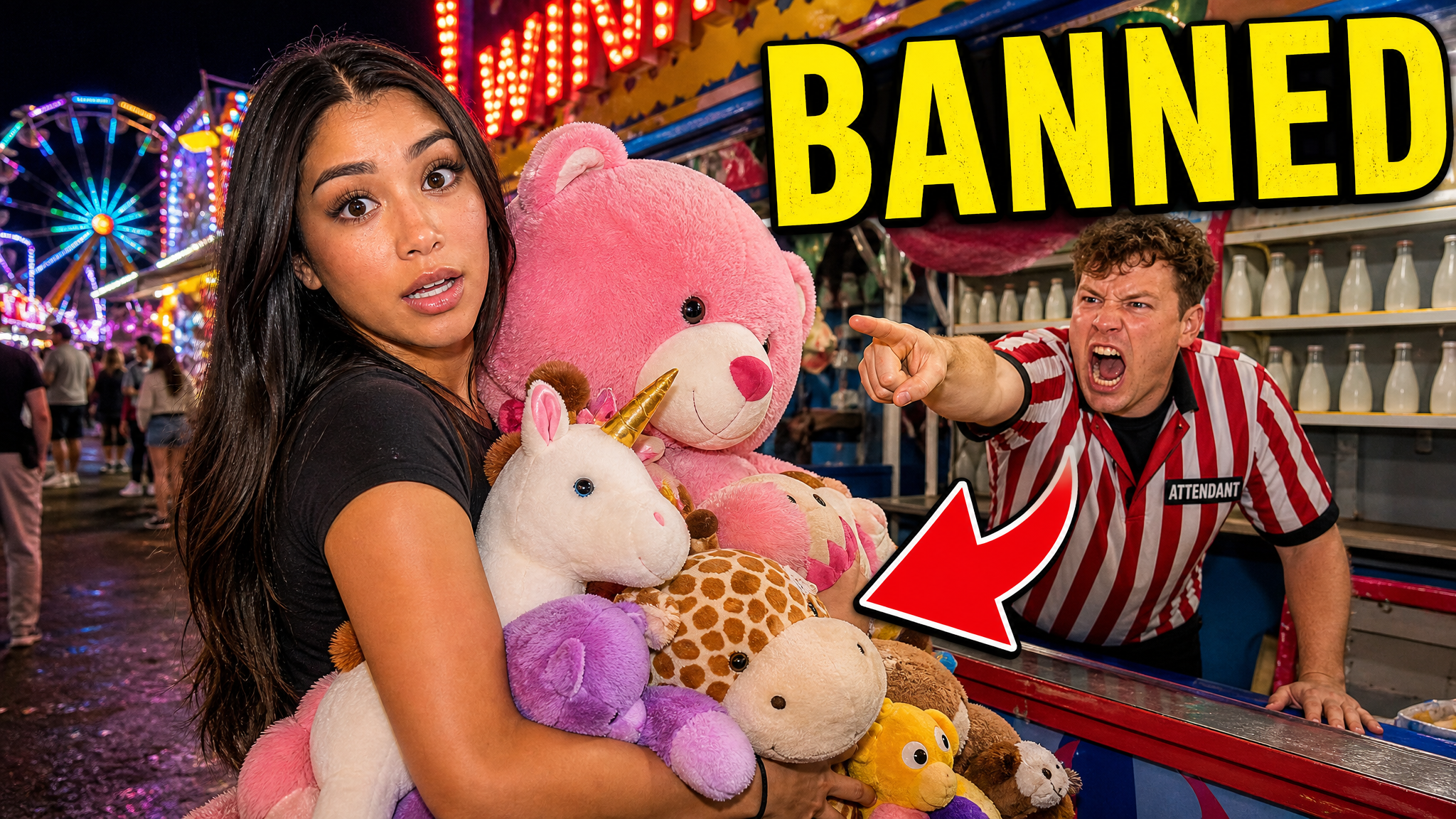
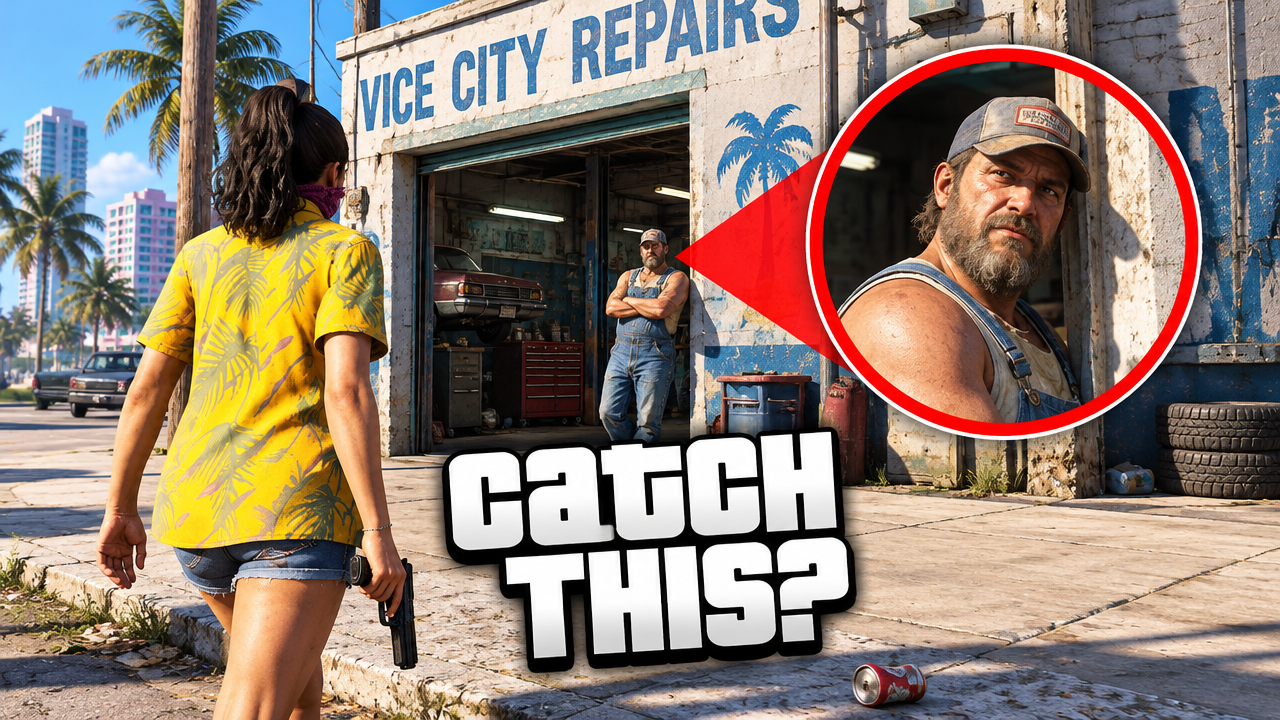
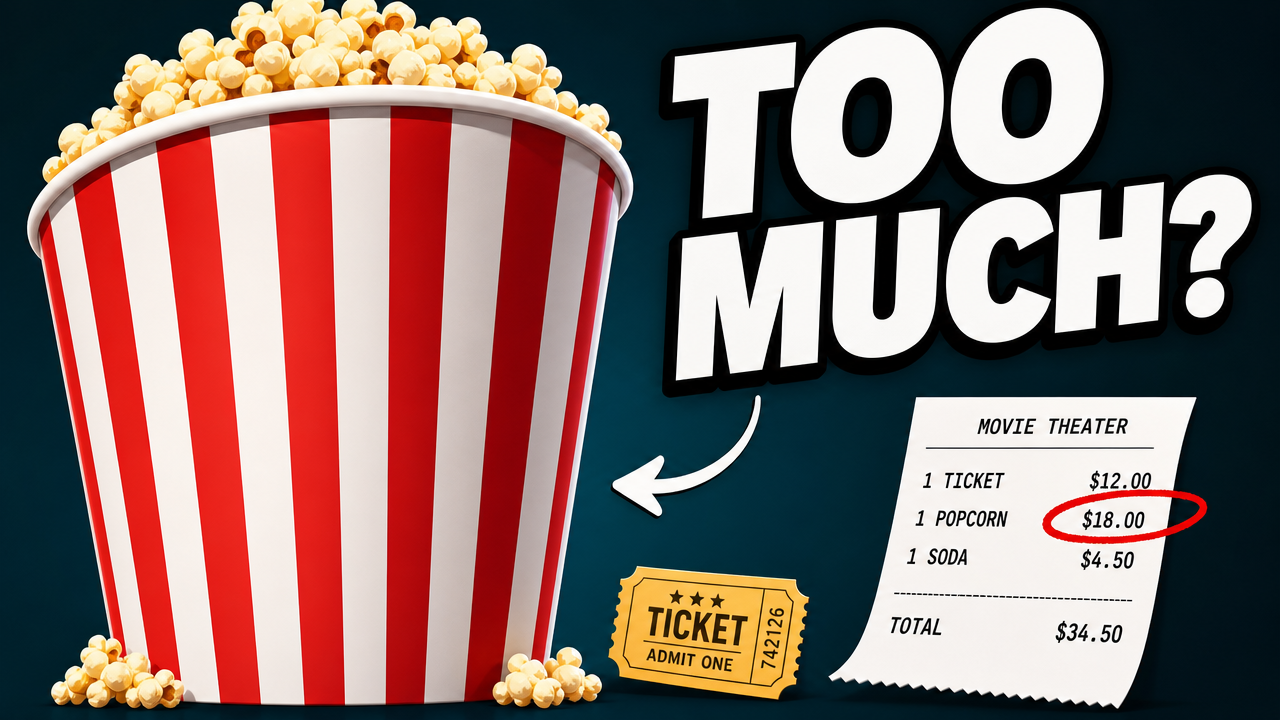
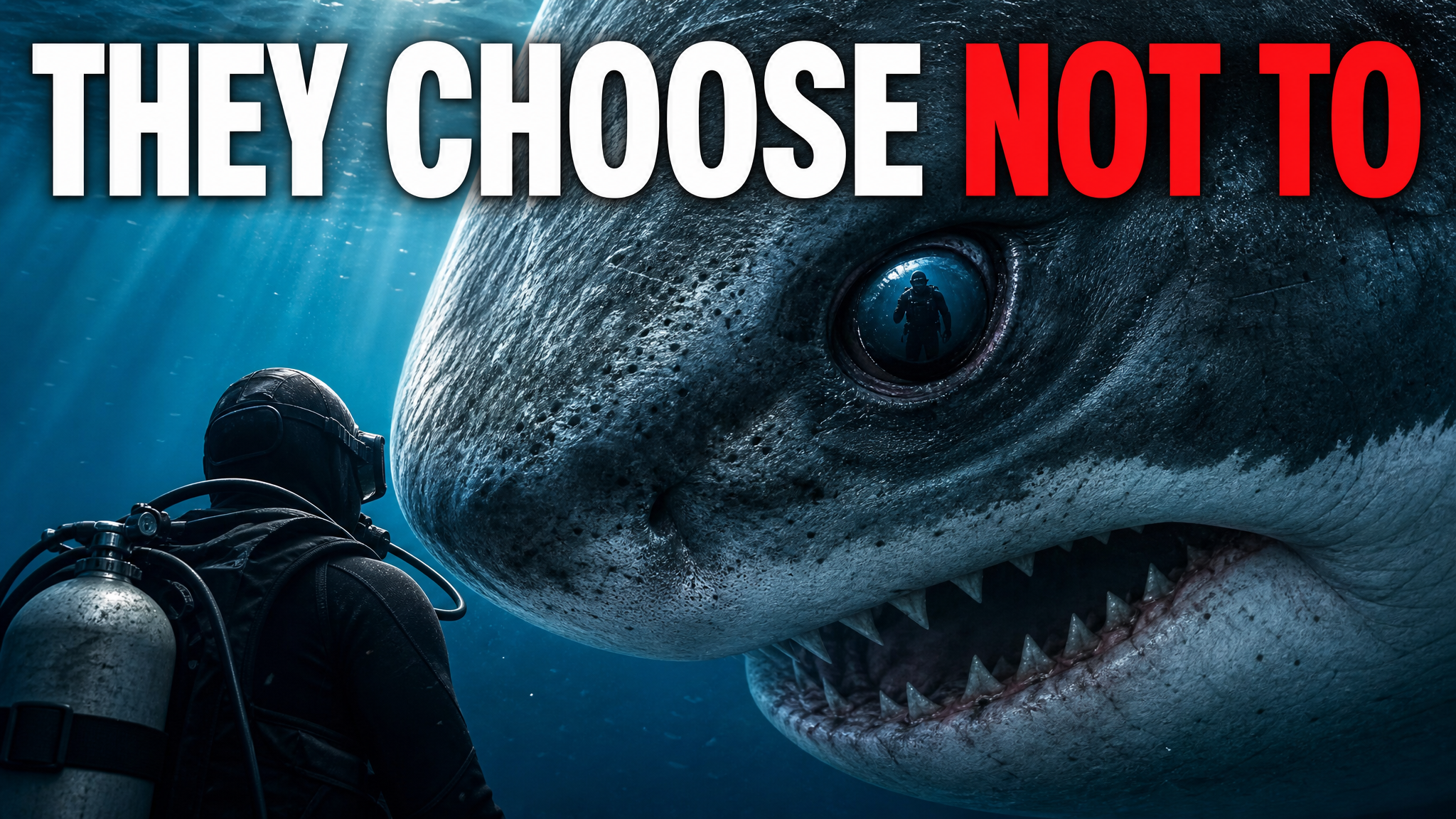
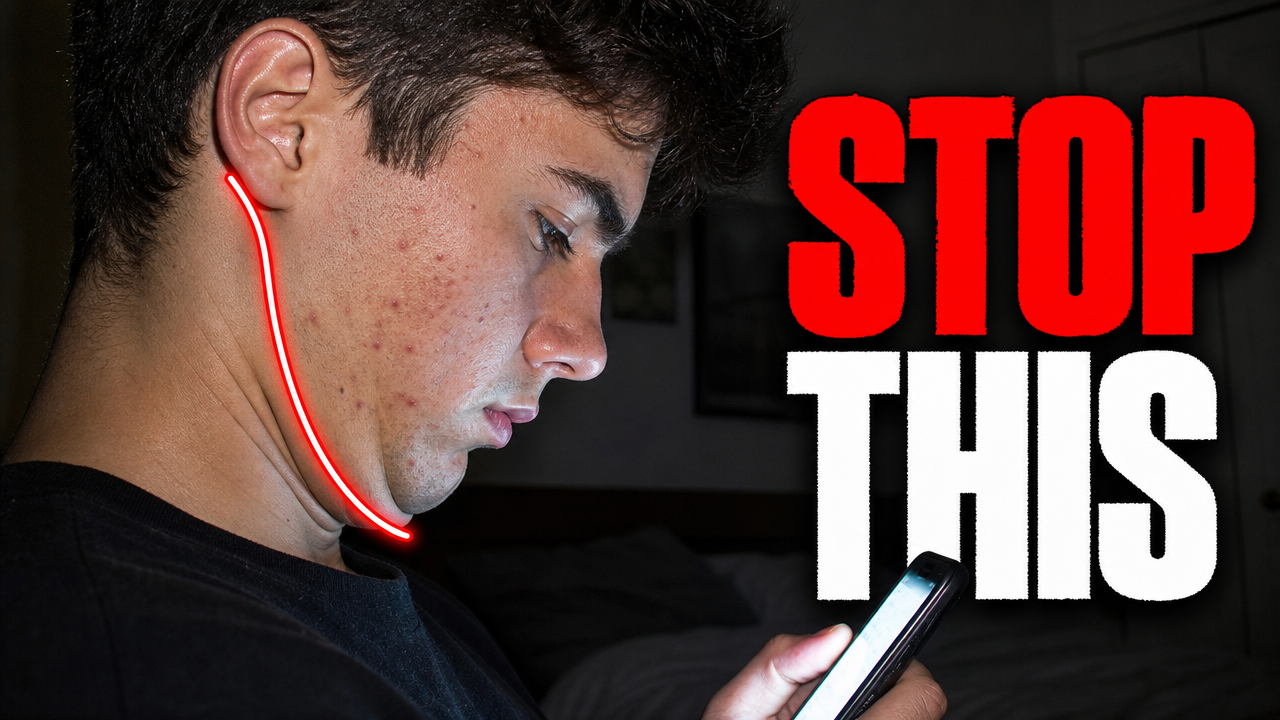
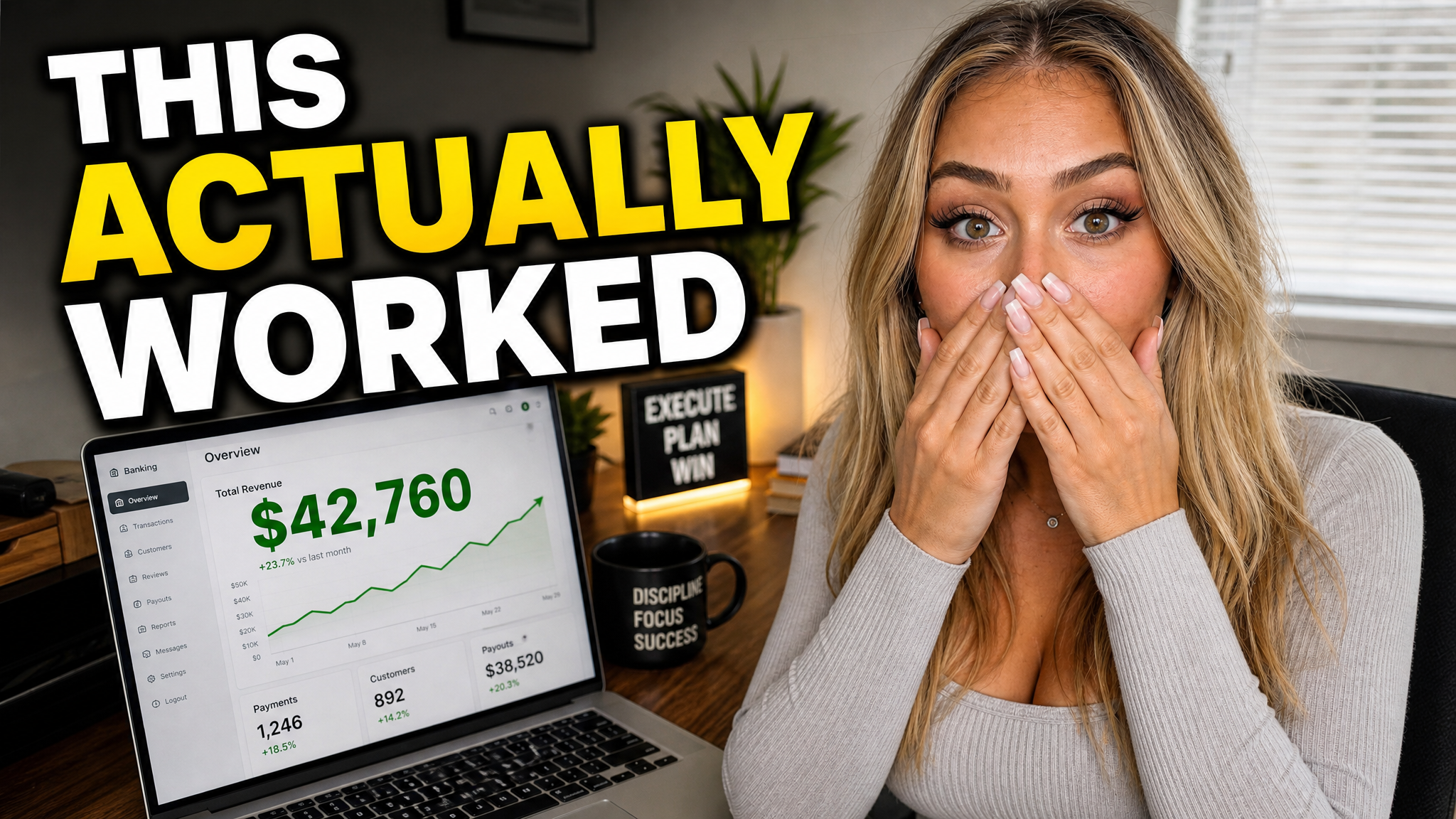
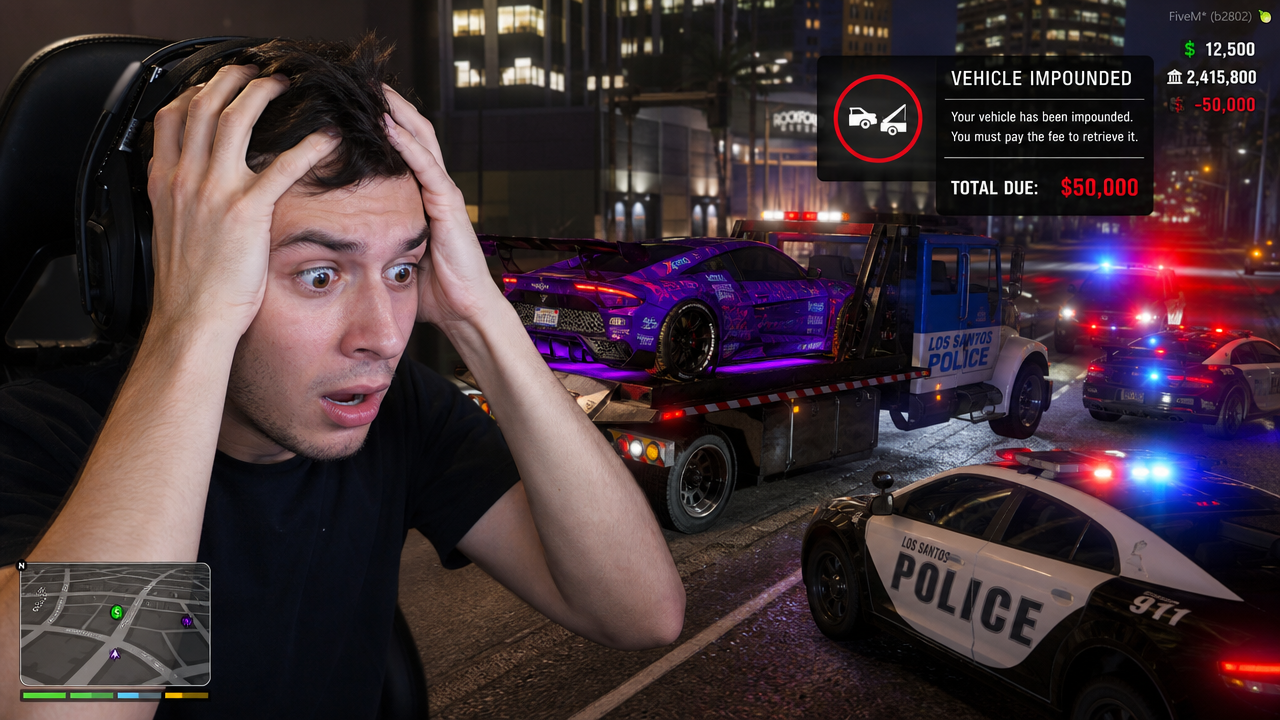
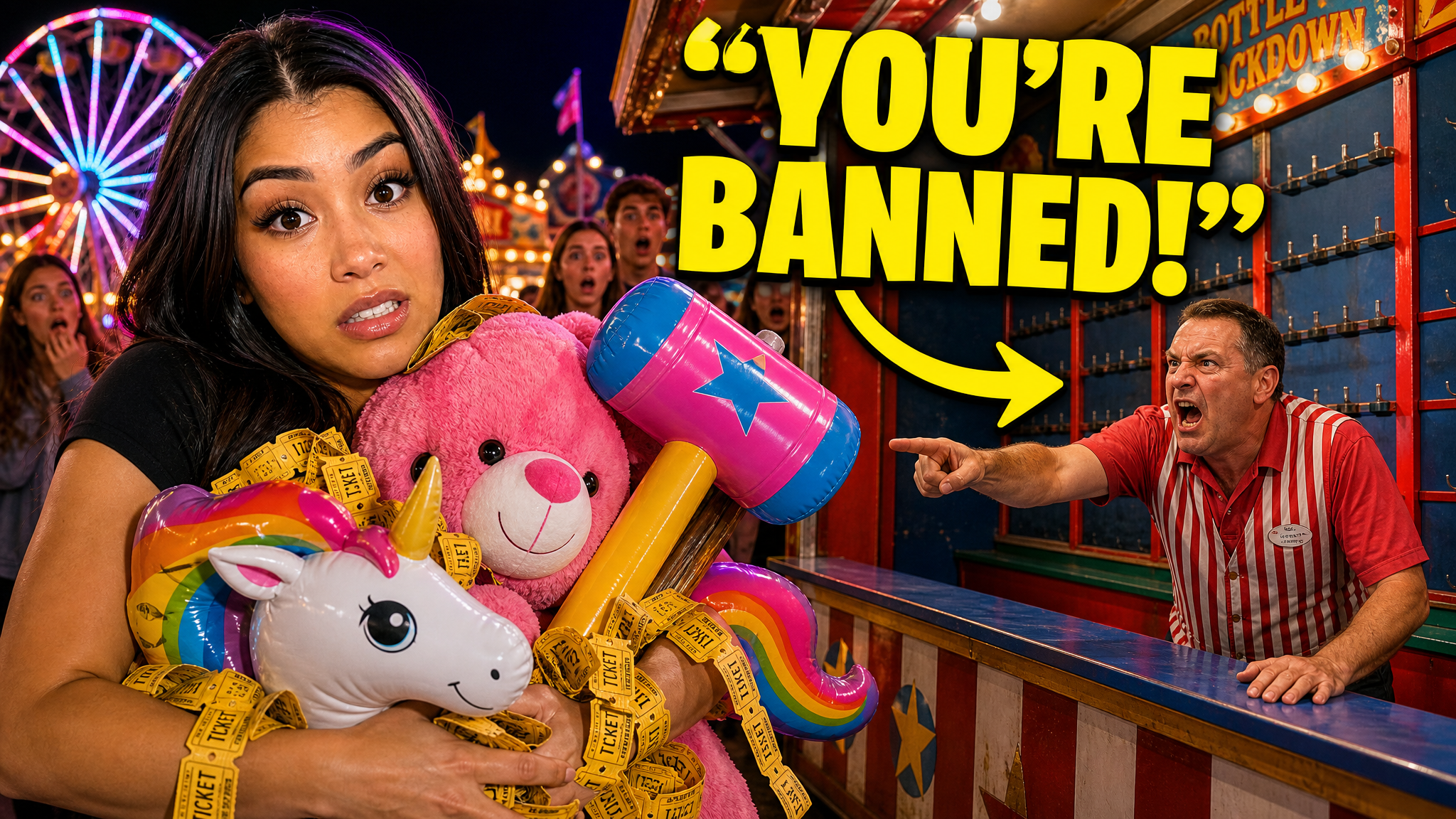
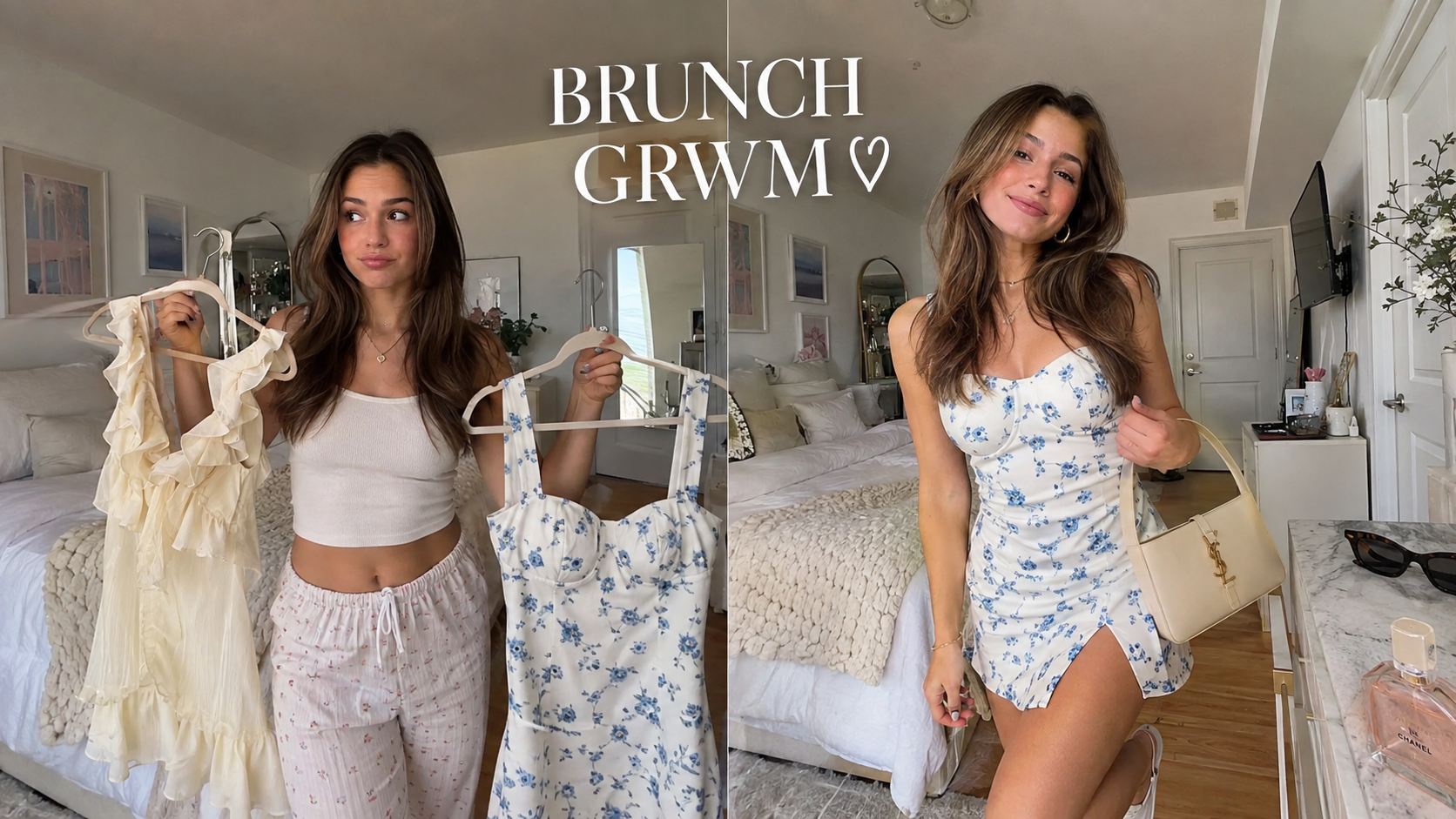
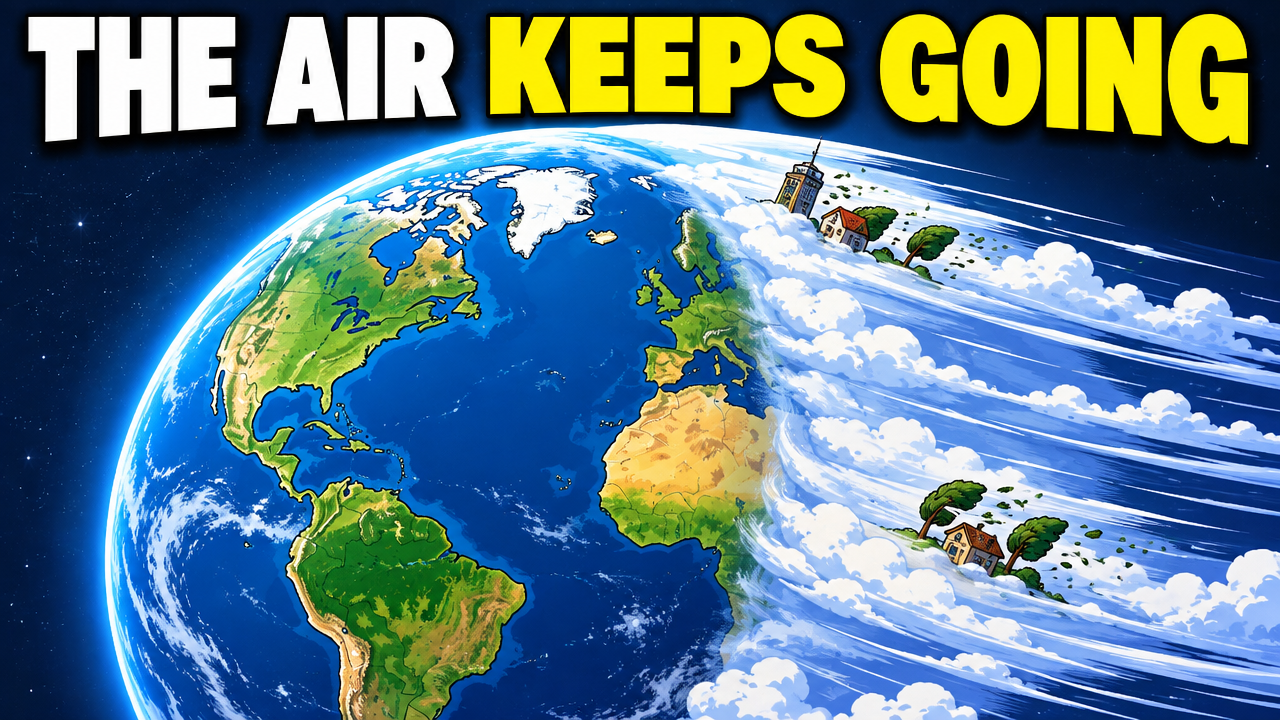
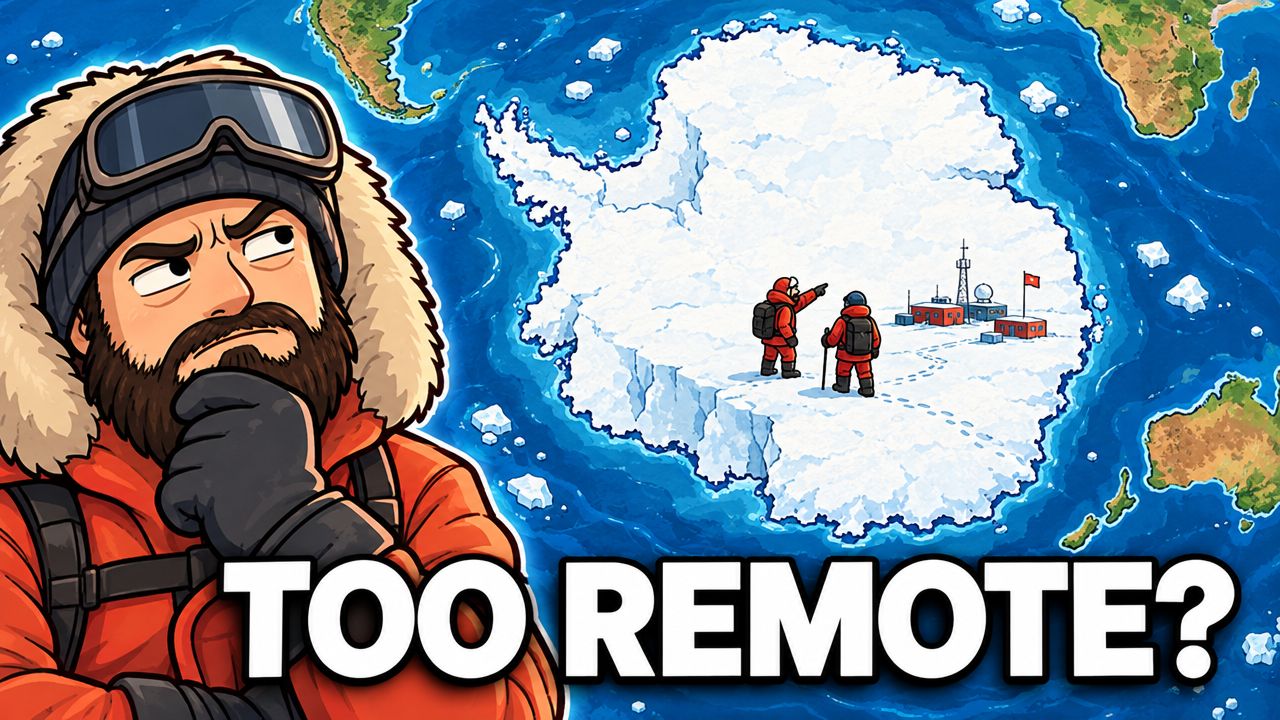
Real thumbnails created with VisualKit.
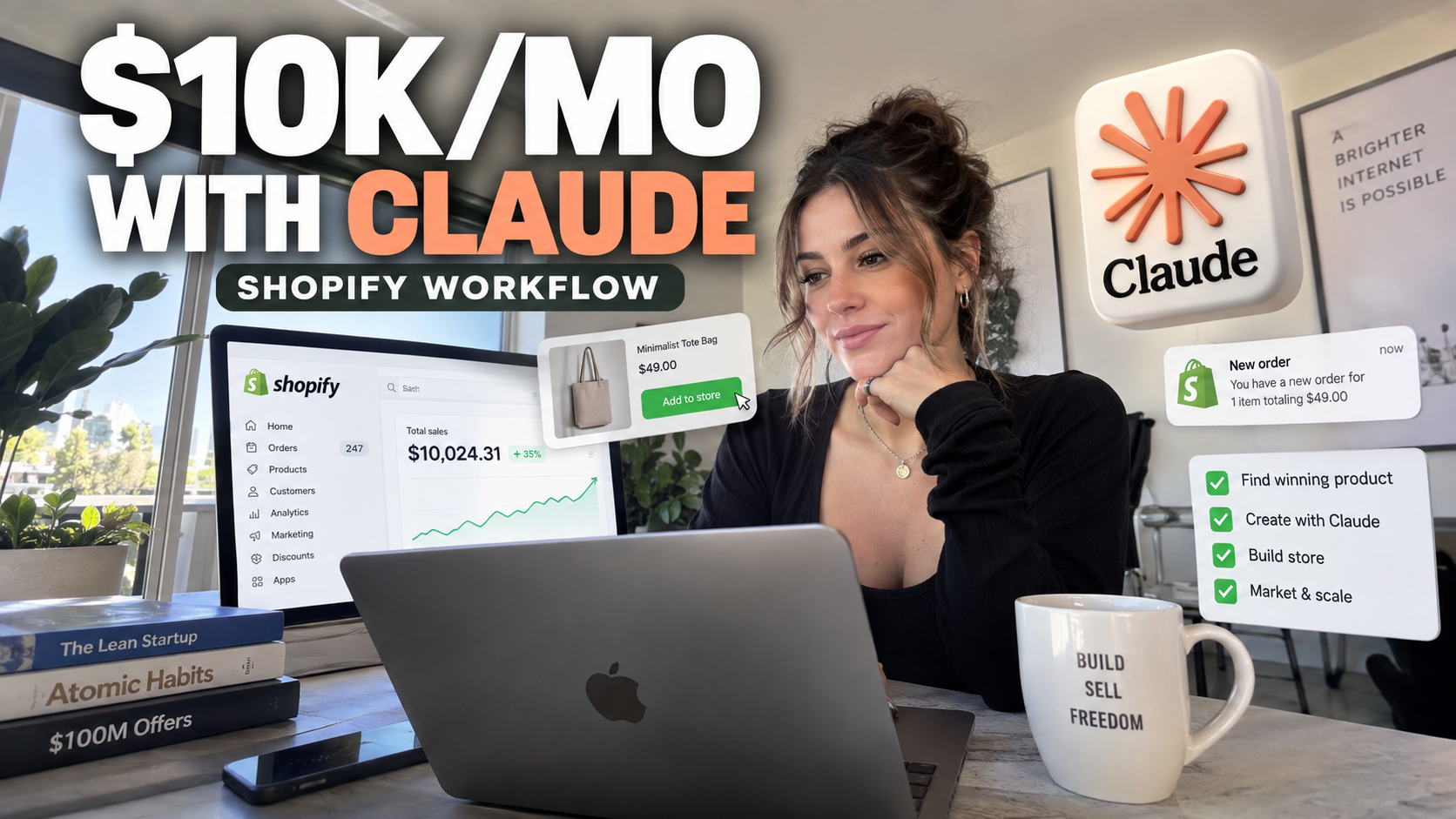
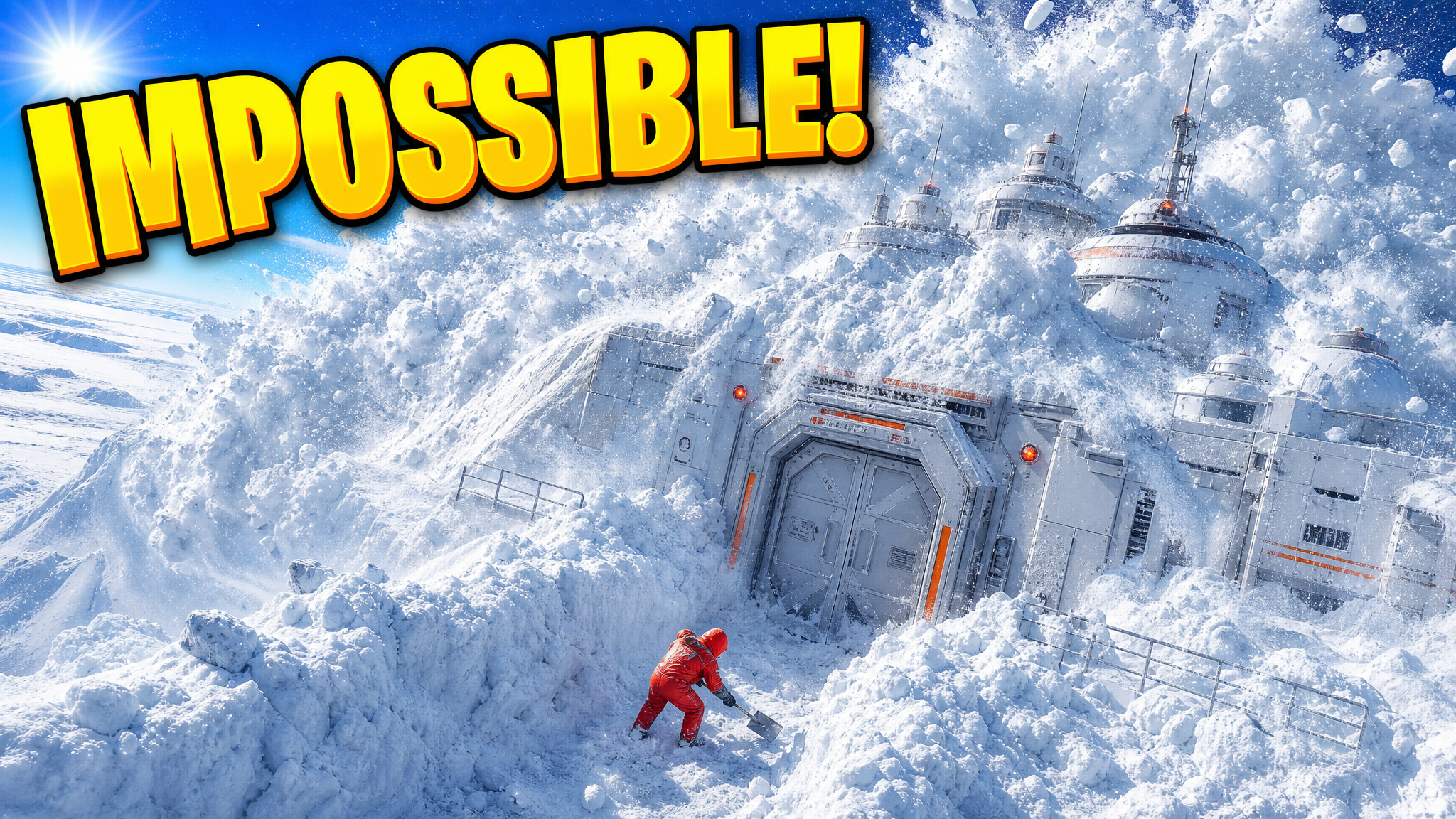
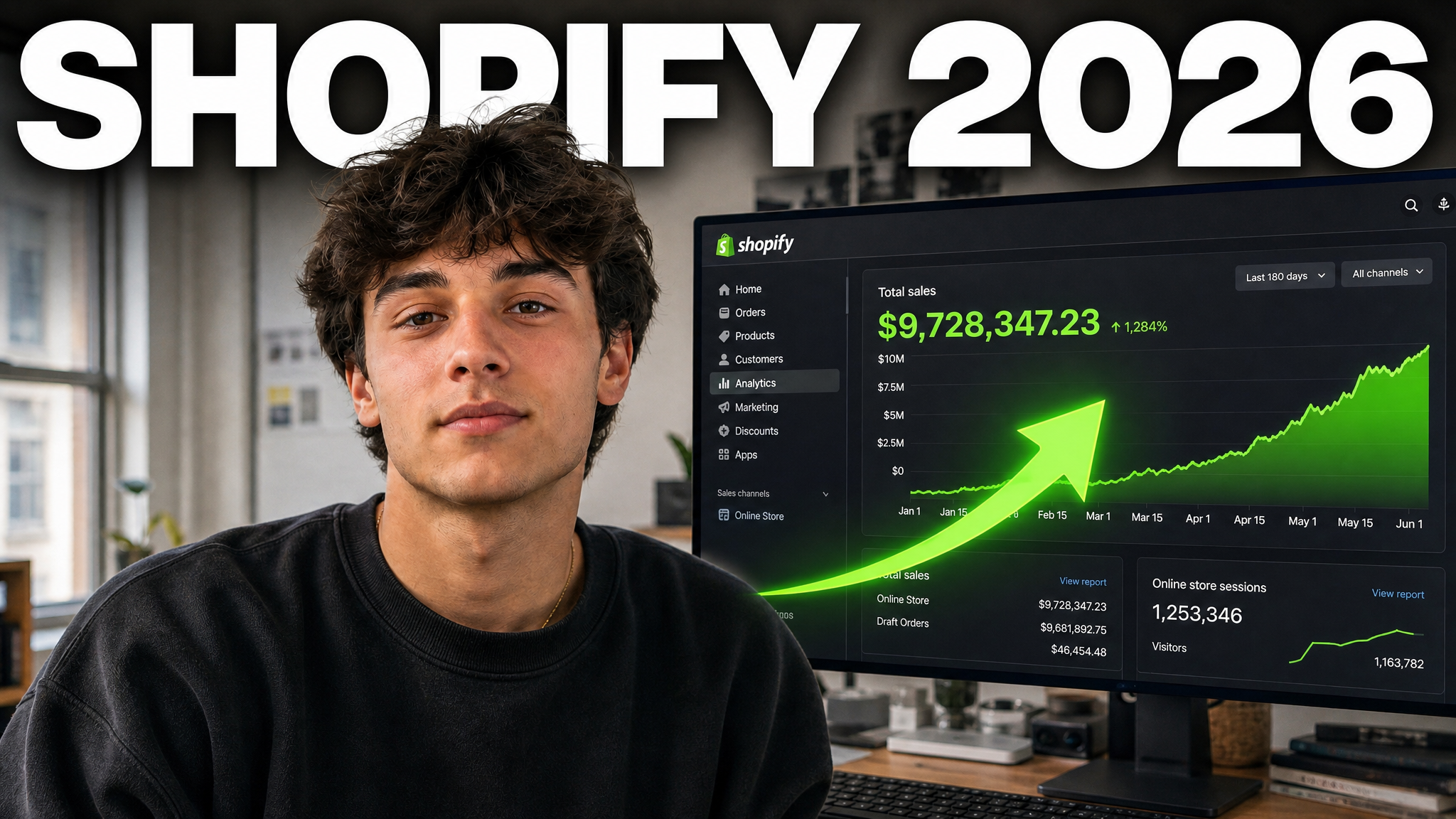
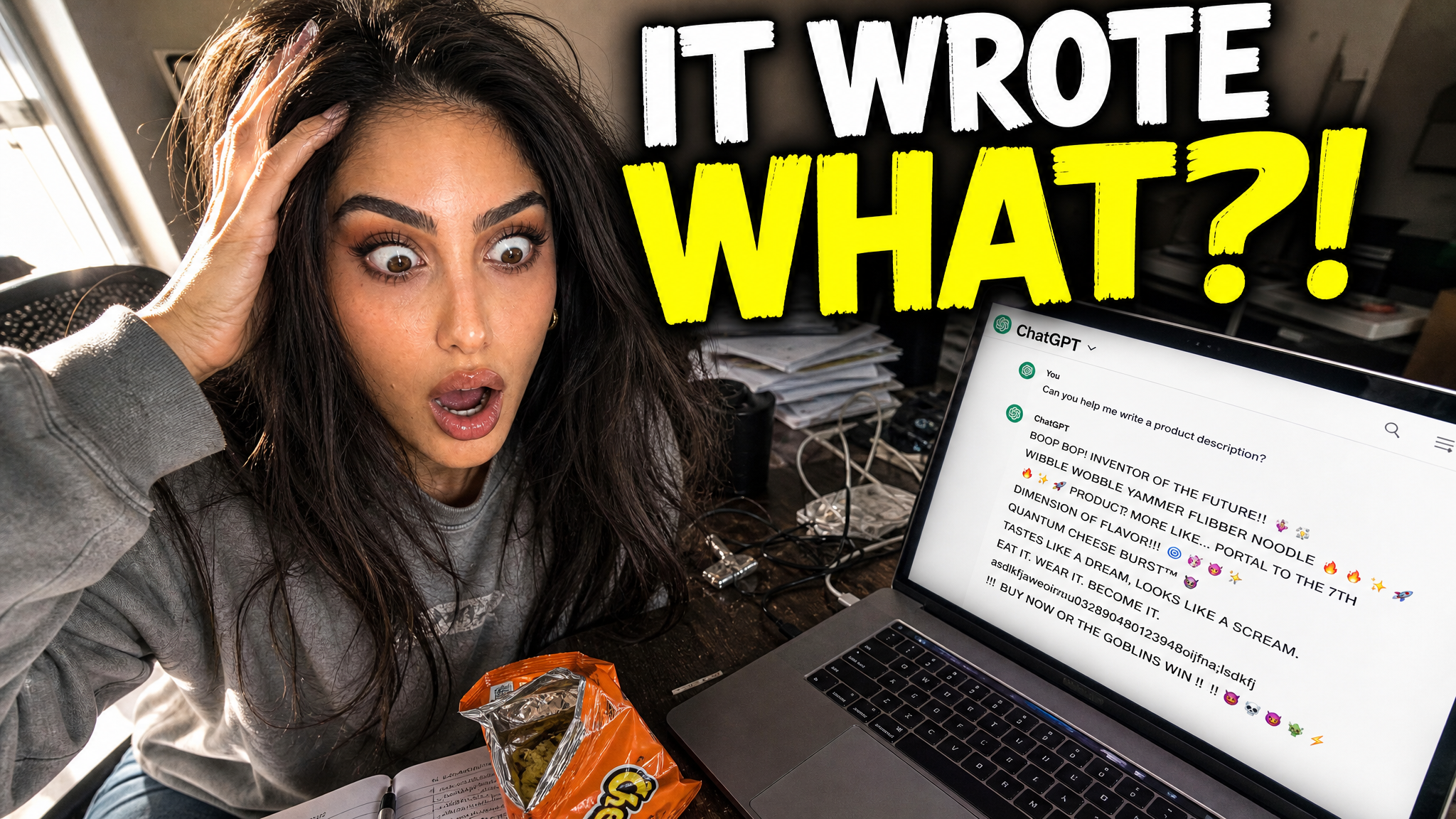
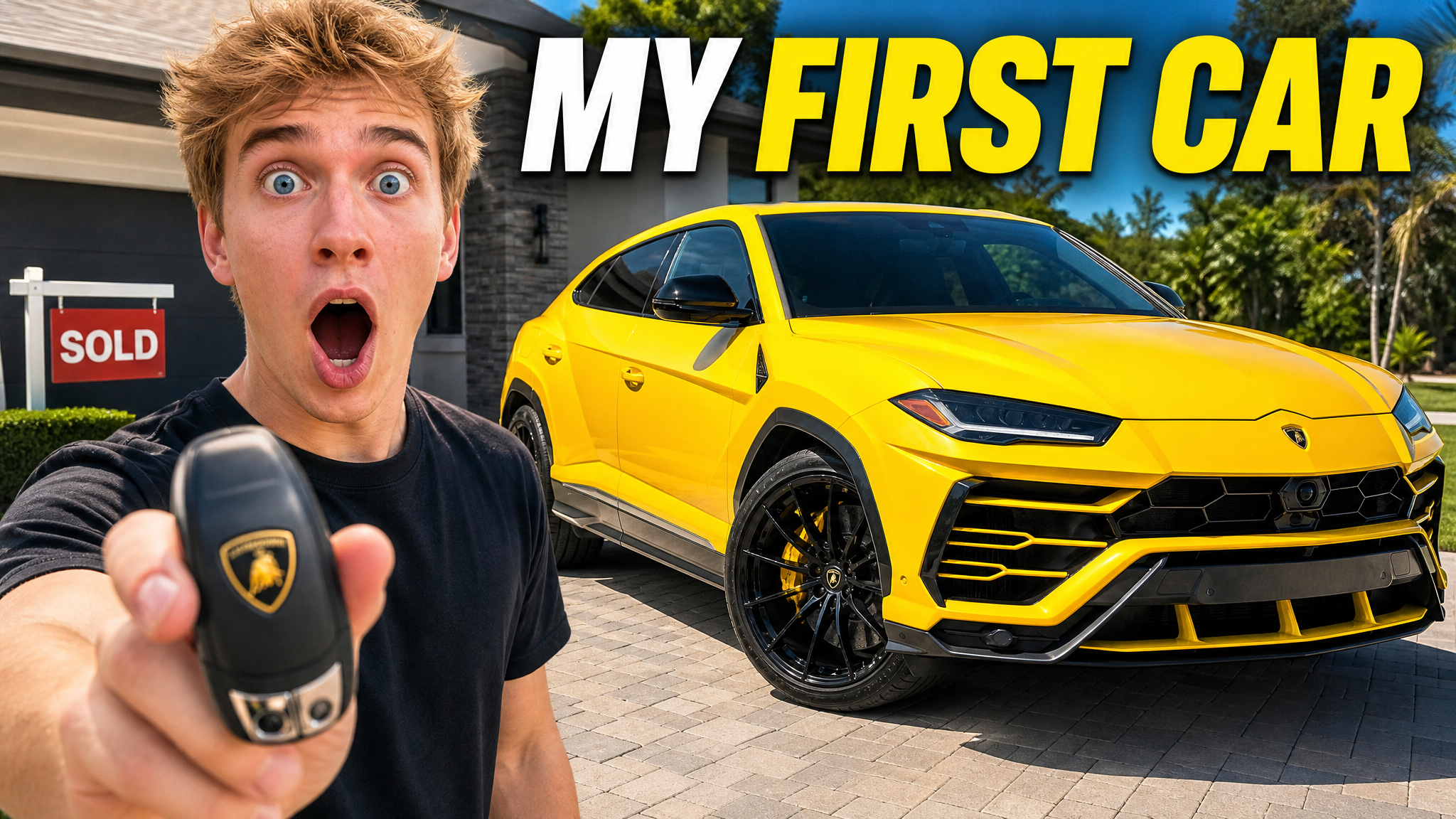




Short walkthroughs from our channel on making thumbnails people click.
Getting AI thumbnails past the fake look.
The product should lead the thumbnail. Use the reaction, box, accessories, or comparison only when they explain what makes this unboxing different. For your next unboxing video, compare thumbnail options with an AI thumbnail maker.
Keep the product and creator large. Use one clear expression that matches the real first impression instead of staged shock.
Use open space, strong contrast, and little or no text when the product design is the main reason to watch.
Show enough of the box or silhouette to explain the category. Do not hide the product so completely that the video topic becomes unclear.
Use controlled light, clean surfaces, and accurate materials. Do not invent luxury branding, pricing, or product claims.
Show the device shape, screen, or key design detail. Remove cables and accessories that crowd the frame.
Use a balanced side-by-side layout when the video compares two products. Keep scale and labels clear, and do not invent specifications.
More thumbnail ideas
See ideas for beauty, aesthetic, vlog, and standard YouTube videos.
Choose a monthly credit allowance for your publishing schedule.
For creators posting consistently every month.
Includes:
For creators publishing several times a week.
Everything in Starter, plus:
For high-volume creators and teams.
Everything in Starter, plus:
Describe the product and angle. Add your own photo when details matter, compare a few options, and edit the best one.
Make the product big. Use the creator reaction, packaging, or reveal as support, and remove small accessories that crowd the frame.
Show the product when its design is the main hook. Show the box when the packaging, mystery, or limited edition is part of the story. You can show both if each remains clear.
Yes. For tech, lead with the device and its most visible design feature. For a comparison, use a balanced side-by-side frame and verify all names and details.
VisualKit is an AI YouTube thumbnail maker for creators who want to generate a new design, remix a reference, analyze an existing thumbnail, or revise an image with plain-language instructions. It produces upload-ready 1280×720 thumbnails in the browser, without requiring Photoshop.
Start with a video title or idea, compare generated options, then refine text, composition, color, or imagery. For practical guidance, read our thumbnail design guide or check the recommended YouTube thumbnail size.
| Task | What VisualKit Does | You Start With | You Can Change | Result |
|---|---|---|---|---|
| Create a thumbnail | Makes several YouTube thumbnail options from your video idea | A title, topic, or short description | The subject, text, background, and look | A 1280×720 YouTube thumbnail |
| Use your own photos | Builds the thumbnail around photos or images you upload | Your face, product, screenshot, or other image | Crop, placement, background, expression, and text | A thumbnail using your images |
| Use a reference | Uses another thumbnail to guide the look | A YouTube URL or reference image | Layout, light, color, contrast, and text | A new thumbnail for your video |
| Edit a thumbnail | Changes your chosen thumbnail from a plain-language request | A request like "make my face bigger" or "remove the text" | Text, face size, background, objects, colors, and crop | An updated version |
Create a thumbnail
Makes several YouTube thumbnail options from your video idea
A title, topic, or short descriptionA 1280×720 YouTube thumbnail
You Can Change: The subject, text, background, and look
Use your own photos
Builds the thumbnail around photos or images you upload
Your face, product, screenshot, or other imageA thumbnail using your images
You Can Change: Crop, placement, background, expression, and text
Use a reference
Uses another thumbnail to guide the look
A YouTube URL or reference imageA new thumbnail for your video
You Can Change: Layout, light, color, contrast, and text
Edit a thumbnail
Changes your chosen thumbnail from a plain-language request
A request like "make my face bigger" or "remove the text"An updated version
You Can Change: Text, face size, background, objects, colors, and crop