Creator Program:Earn $3 per subscriber you refer.Fast payouts, instant approval.
← All niches

Vlog YouTube Thumbnails: Examples, Ideas & What Actually Works

Vlog thumbnails work best when they feel real but look premium. VisualKit creates aesthetic vlog thumbnails for lifestyle, travel, daily vlogs, family content, and storytelling channels — without the messy mobile-app look. Made for AI vlog thumbnail maker, vlog thumbnails for YouTube, lifestyle thumbnail maker, aesthetic YouTube thumbnail generator, and creators making daily vlogs, travel vlogs, lifestyle channels.

Vlog thumbnail examples

Generated with VisualKit's vlog styles — the same ones you get in the maker.
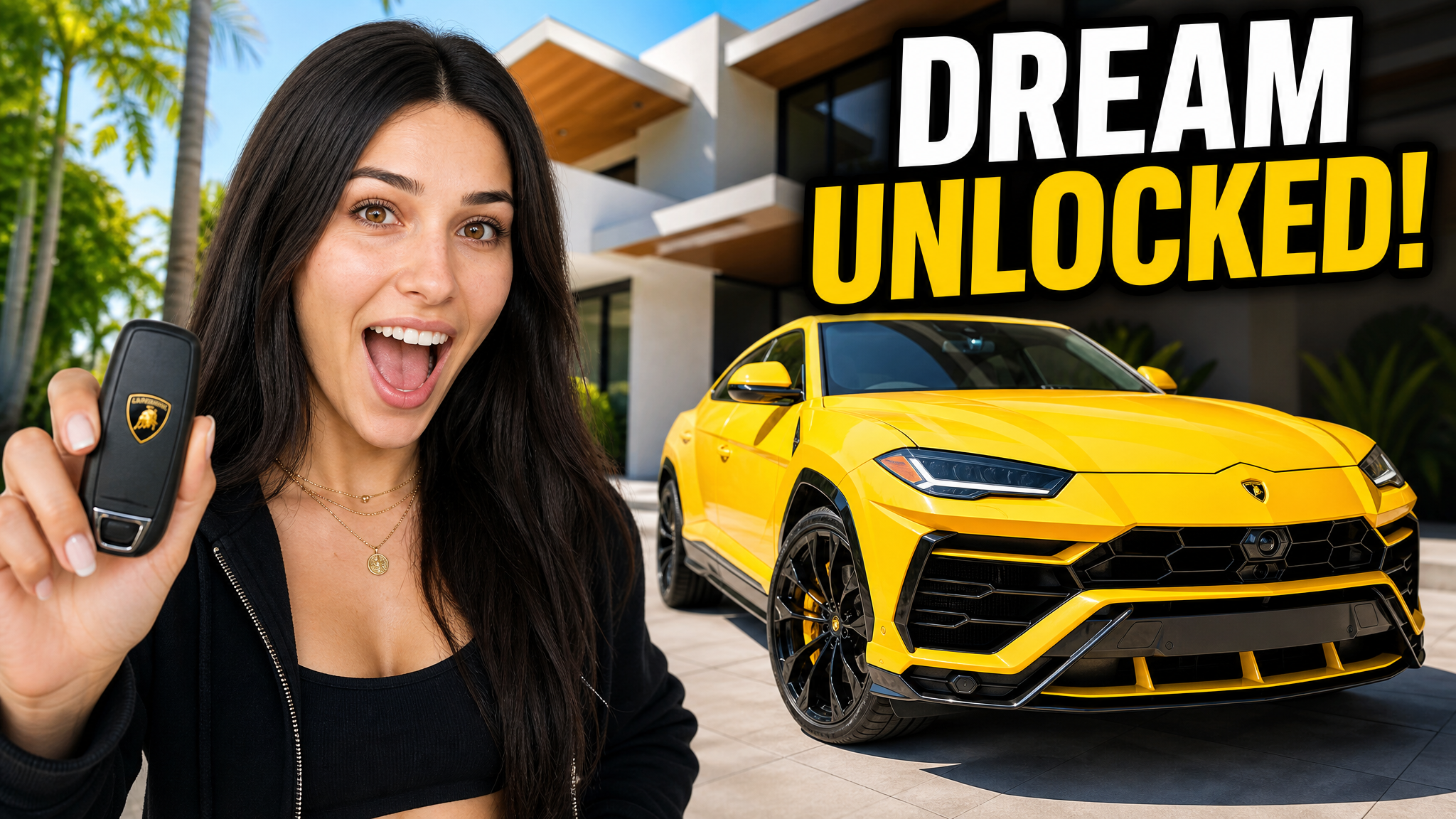
Vlog YouTube thumbnail example 1, 1280x720
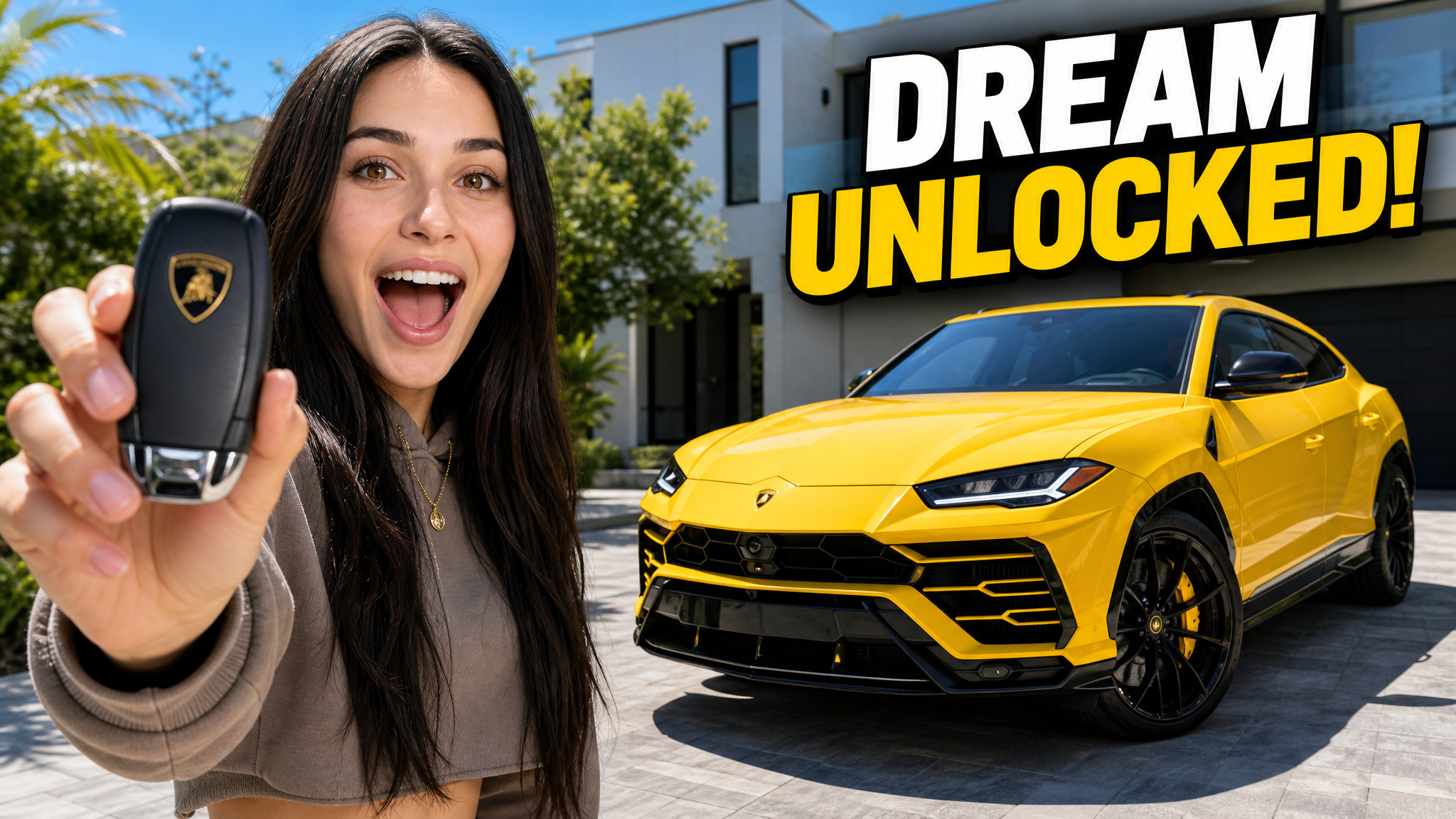
Vlog YouTube thumbnail example 2, 1280x720

What works in vlog thumbnails

Patterns that repeat across top-performing vlog channels — the observations our niche research is built on.

1

Natural Subject Focus

The AI keeps you in focus and gently blurs the background — so your face and emotion stay front and center.

2

Cinematic Color Grading

Travel, café, and home scenes get cinematic color treatment that makes everyday life look high-end.

3

Editorial Composition

Subjects are placed using rule-of-thirds and editorial framing — the same techniques used by top lifestyle channels.

4

Sharp on Mobile

Strong contrast and clean text keep your vlog thumbnail clear in the YouTube mobile feed.

5

Built for "AI vlog thumbnail maker" searches

VisualKit is designed to show up for "AI vlog thumbnail maker" and "vlog thumbnails for YouTube" — so the right viewers find your videos in YouTube and Google search.

6

Made for Vlogs & Lifestyle creators

Built around real daily vlogs and travel vlogs channels, with layouts that match what your audience actually clicks on.

7

Solves vlogs & lifestyle thumbnail problems

The thumbnail maker handles the parts most creators get wrong — clean backgrounds, mobile readability, and high-contrast text — automatically.

How do your thumbnails compare?

Paste your channel URL and audit your last 10 thumbnails against these patterns — feed-size readability, contrast, and title truncation. Free, no signup.

Audit your channel free

Make vlog thumbnails with AI

VisualKit's vlog styles apply these patterns for you: describe the video, get 1280×720 options in about a minute, and edit anything with a prompt.

"I just bought my dream car!"
Vlog FAQ

Vlog thumbnail questions

Upload a vlog photo or describe your day, and VisualKit generates an aesthetic, editorial-style vlog thumbnail in under a minute — with clean composition, cinematic color, and readable text.
Usually background clutter. When the background competes with your face, mobile viewers scroll past. VisualKit fixes this with subject focus, depth blur, and high-contrast layouts.
Yes. VisualKit includes minimalist styles that skip the loud clickbait look — perfect for travel, café, slow living, and aesthetic vlog channels.
Yes. VisualKit creates travel vlog thumbnails with bright colors, landscape framing, and clean text overlays for destinations, city guides, and trip stories.
2–3 words is the sweet spot. Use a location, number, or curiosity hook so the thumbnail stays clean and readable on phones.
Yes. You can make vlog YouTube thumbnails for free with VisualKit, with paid plans for daily and weekly creators.
VisualKit is built specifically for vlogs & lifestyle creators — not a generic image editor. It generates finished, on-trend thumbnails in under a minute, with the styles that actually work for daily vlogs videos.
Yes. VisualKit handles "lifestyle thumbnail maker" along with related formats — keeping your brand style consistent across every video.
Focus on one clear subject (like your daily vlogs), keep text under 3 bold words, and let VisualKit handle contrast and composition. Strong thumbnails are the #1 reason channels grow.

Make vlog thumbnails that get clicked

Describe your video and get niche-correct 1280×720 options in about a minute — these patterns, applied for you.