Creator Program:Earn $3 per subscriber you refer.Fast payouts, instant approval.
Faceless channels compete with a handicap: the single strongest click signal on YouTube — a human face — is off the table. The channels that win anyway don't fake their way around it with stock photos; they replace the face's job (instant emotion, instant recognition) with objects that imply stories, scenes that feel like something is about to happen, and typography strong enough to be the visual. Here's what that looks like in practice.
Generated with VisualKit's faceless styles — the same ones you get in the maker.
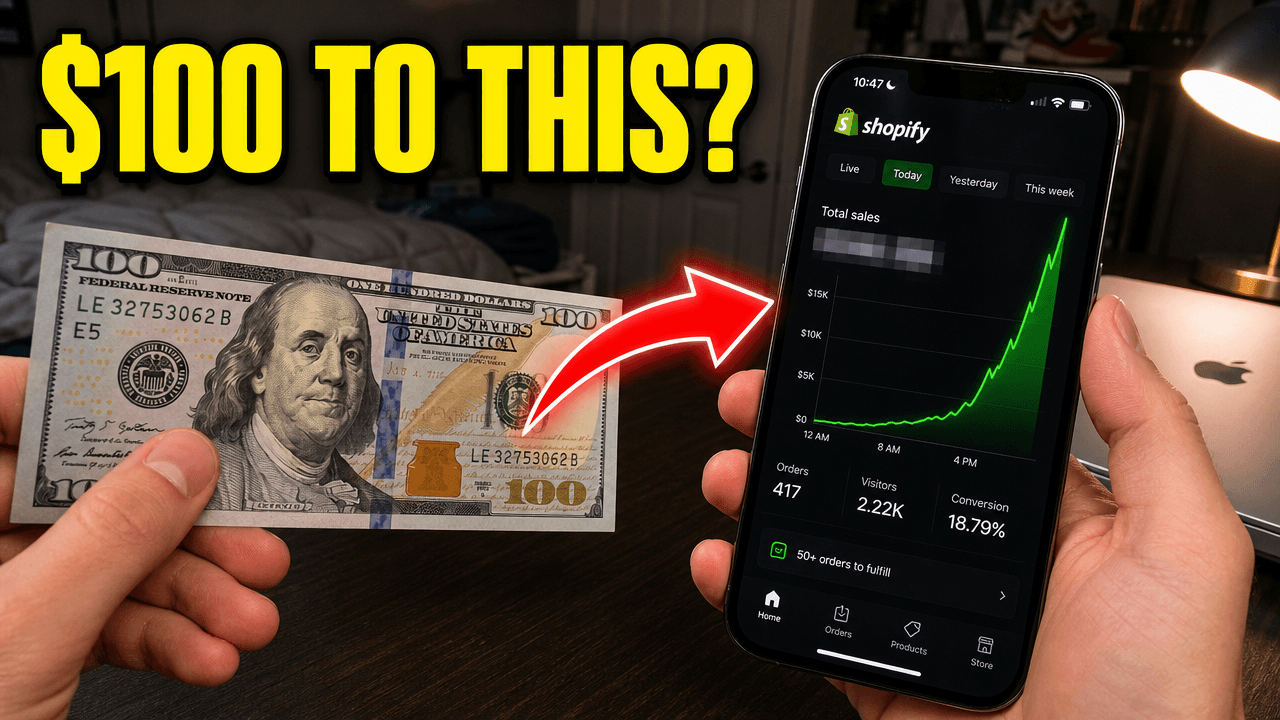
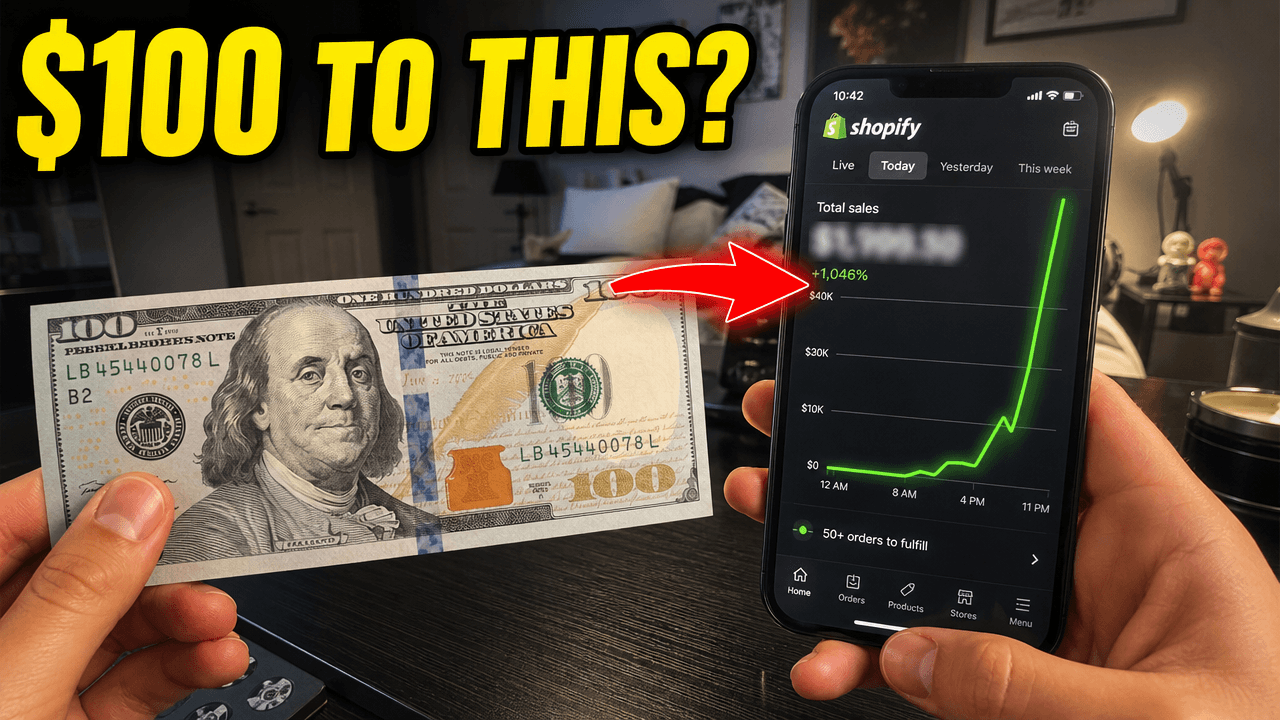
Patterns that repeat across top-performing faceless channels — the observations our niche research is built on.
Across top faceless channels, the highest-performing thumbnails give one object the treatment a face would get: centered or rule-of-thirds placement, dramatic lighting, and an implied story. A rusted padlock on a gate outperforms a generic 'mystery' graphic because it poses a question — what's behind it? The object isn't illustrating the topic; it's starring in it.
Documentary and history channels lean on environments as protagonists: an empty mall at noon, a cargo ship dwarfed by a wave, a suburban street with one house blacked out. The pattern is normalcy plus one anomaly — the viewer's eye finds the wrong thing and the click closes the loop.
Essay and explainer channels increasingly run text-led thumbnails: three to five huge words, one accent color, and a deliberate layout decision like a broken word or a redacted bar. This only works when the type IS the design — text pasted over a busy background reads as a caption and dies at feed size.
Partial human presence — hands mid-action, a silhouette in a doorway — retains the attention pull of a person without an identity. Tutorial-style faceless channels use hands constantly because they signal competence and action at a glance.
What faces actually provide returning viewers is recognition. Successful faceless channels rebuild it with a consistent element: a mascot, an art style, a signature color frame, or a fixed typography system. Subscribers learn to spot the channel in a feed within a few uploads — which is the face's job, done by design instead.
Want the long version? Read the full faceless thumbnail guide.
Concept starters for your next upload — each one works as a one-line prompt.
Paste your channel URL and audit your last 10 thumbnails against these patterns — feed-size readability, contrast, and title truncation. Free, no signup.
VisualKit's faceless styles apply these patterns for you: describe the video, get 1280×720 options in about a minute, and edit anything with a prompt.
Free generations on signup · plans from $40/month
Describe your video and get niche-correct 1280×720 options in about a minute — these patterns, applied for you.
