Prompt to thumbnail
Describe your Reel
Name the subject and the result. Choose 9:16 in the create settings for a vertical cover.
Use VisualKit to make Reels covers from your video idea and photos. Pick one, then ask for changes. Choose 9:16 in the create settings and check the crop in Instagram.
When you have the idea, use YouTube thumbnail maker to make a few options and pick the one that reads on a phone.
Describe the Reel, choose a cover, and ask for edits.
Name the subject and the result. Choose 9:16 in the create settings for a vertical cover.
Pick the cover that shows the idea with one look. Check the face and words on a phone.
Your thumbnail
Checking click potential…
After one fix
Your idea, with a sharper edge.
A better starting point for your next upload.
Make the face bigger, shorten the text, or remove a distracting object.
The edit, simplified


Your prompt
Make the finished room bigger and shorten the text
One instruction. A more deliberate thumbnail.
Download your cover, add it to your Reel, and check the preview before you post.
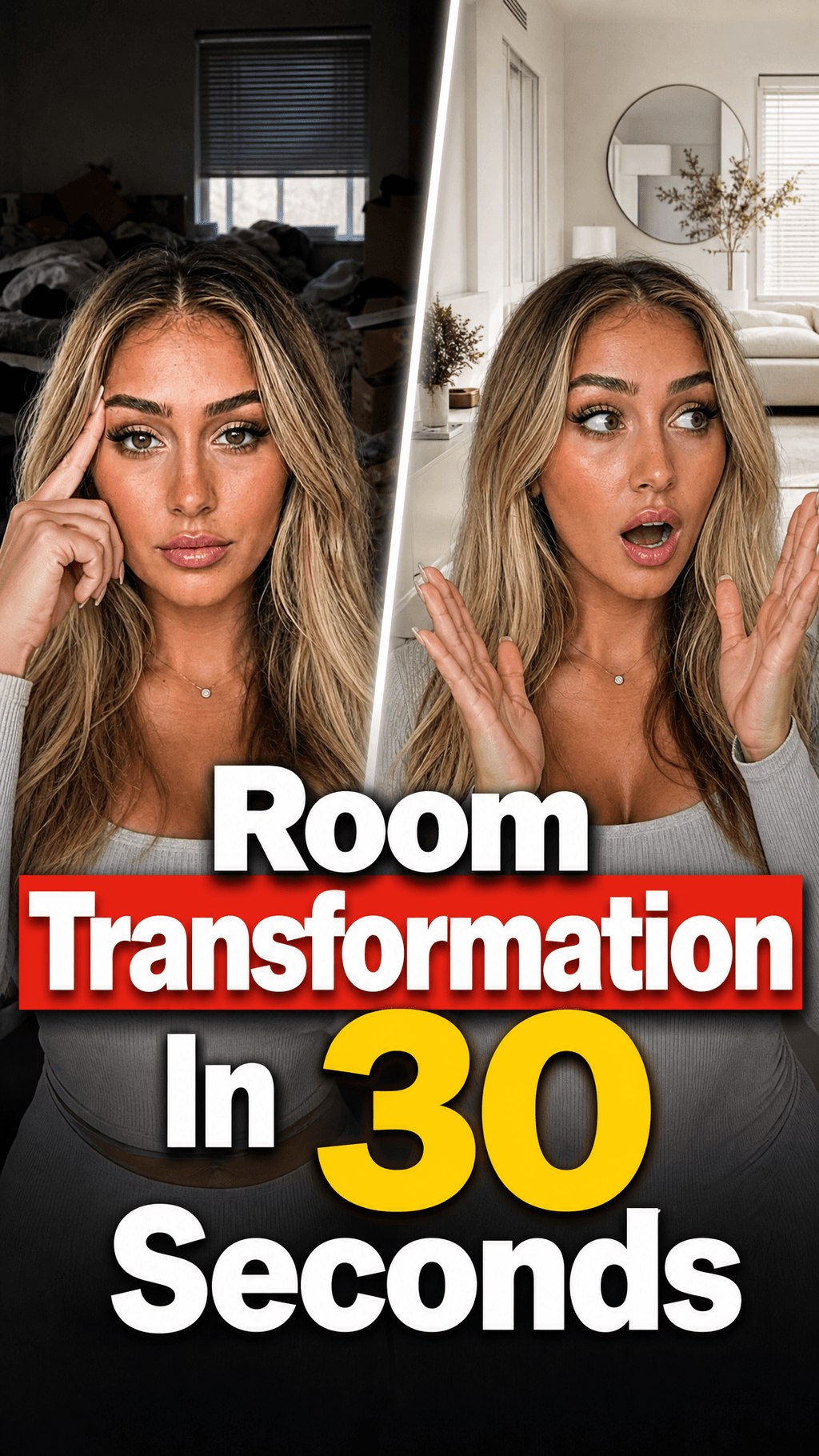
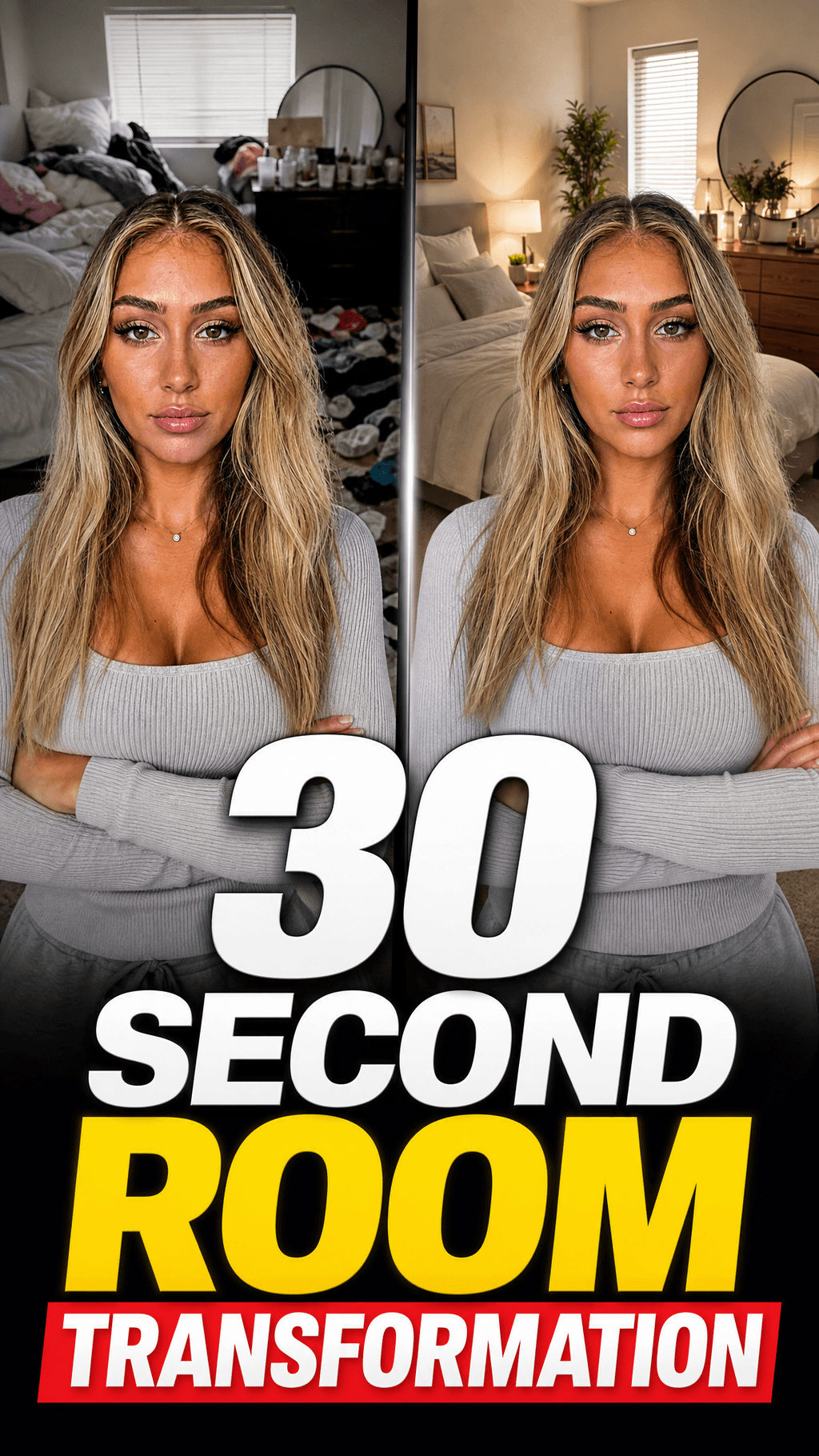
Use these vertical thumbnail examples for your next Reel. Swap in your room, face, or finished result.
Use your photos and video idea to make a few options. Pick one and ask for changes.
Use the room, dish, face, or product that viewers will see in the Reel.
Use a few words that add meaning. Check them on a phone.
Check how Instagram crops the image. Move faces and text if needed.
Start with your video idea and photos.
Real thumbnails created with VisualKit.
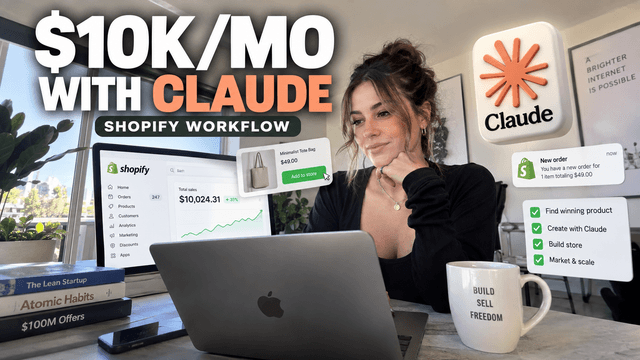
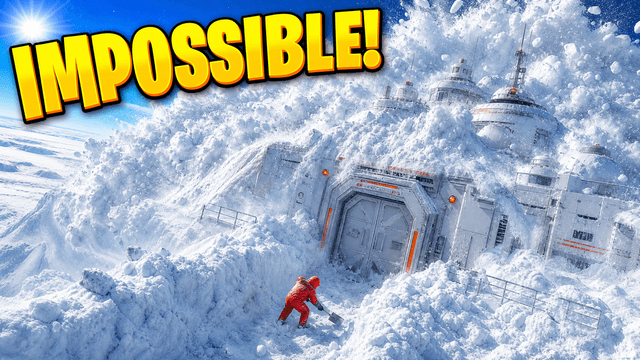
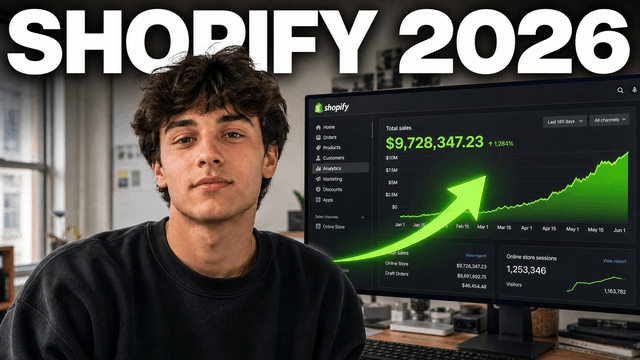
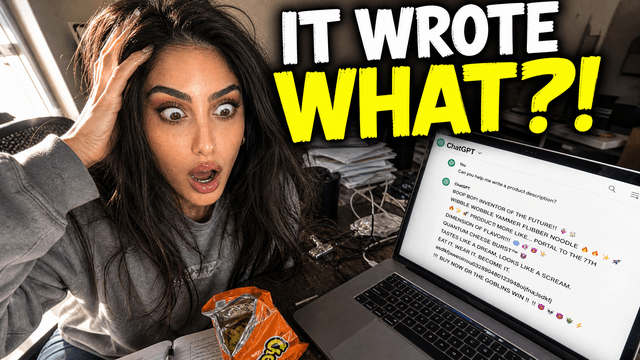
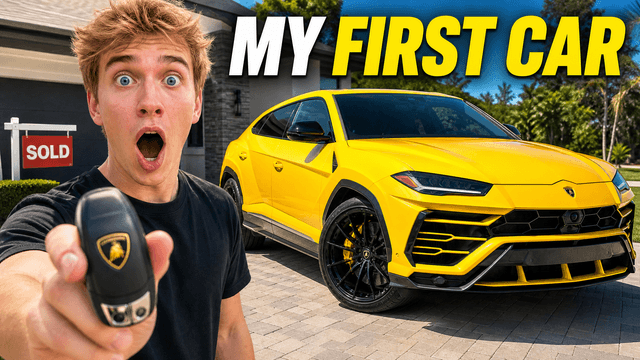
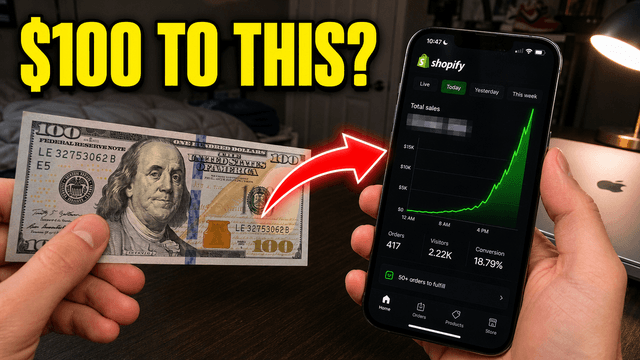
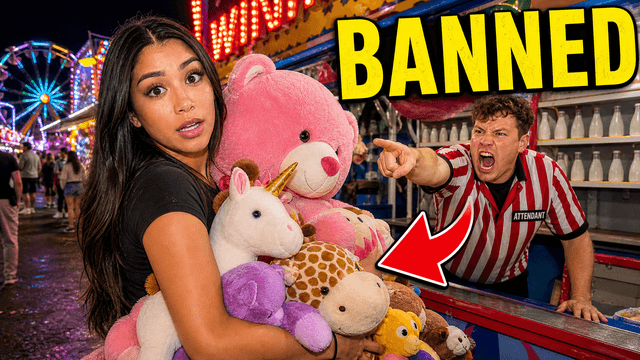

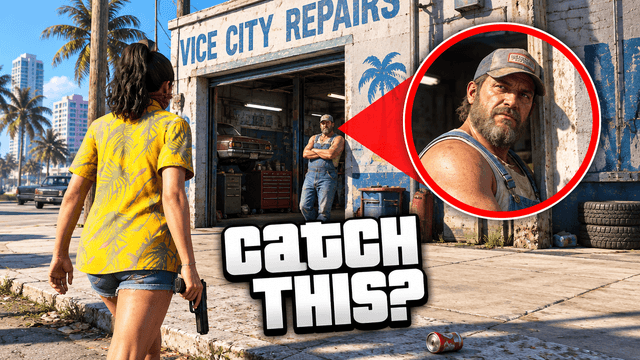
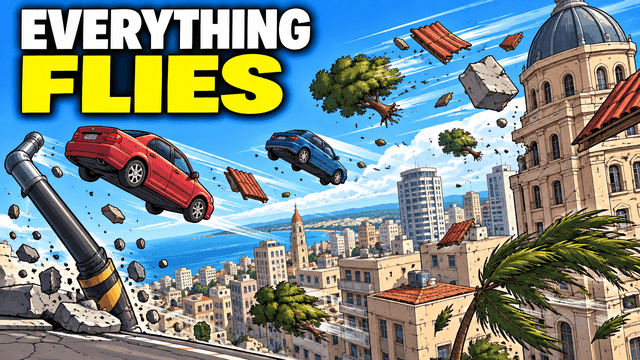

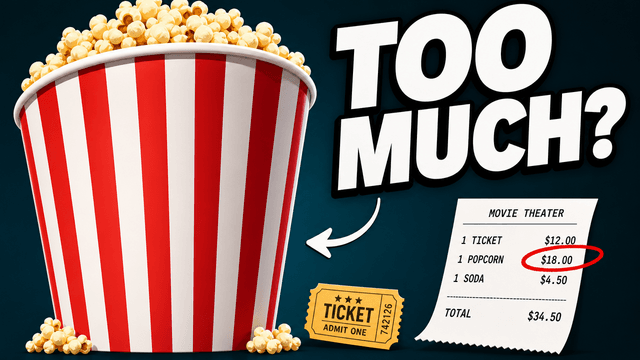
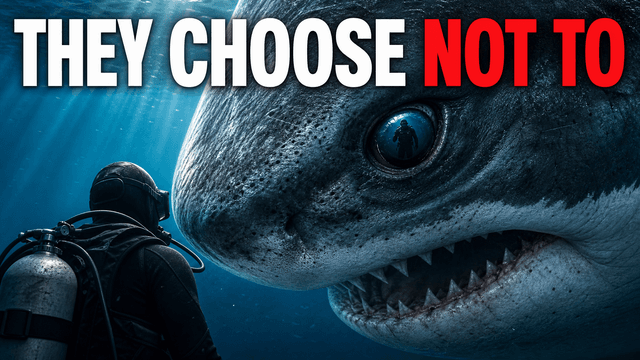
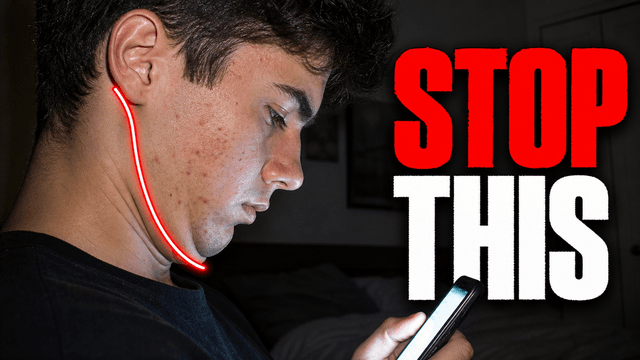
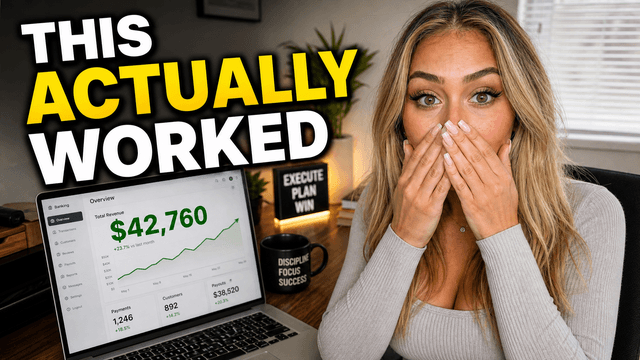
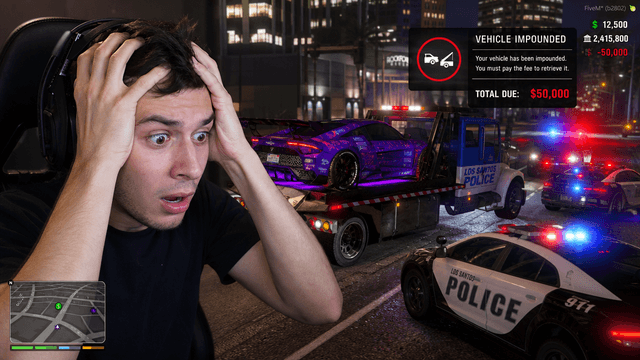
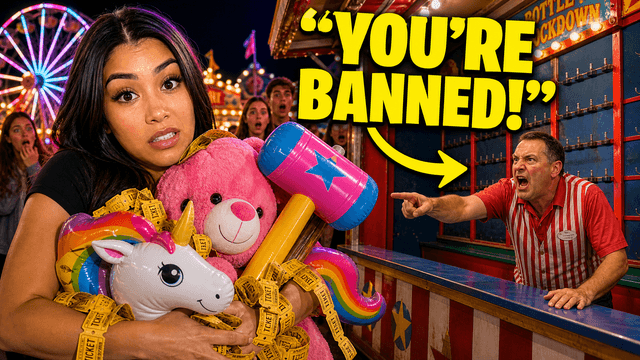
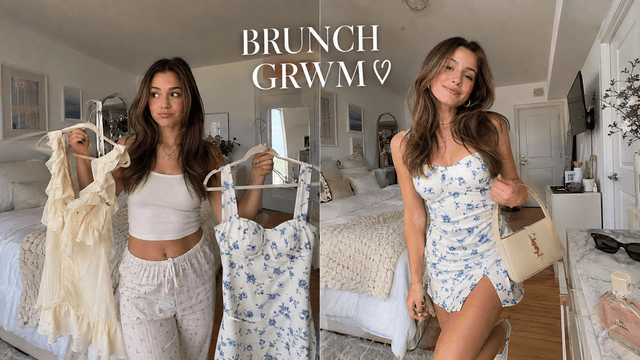

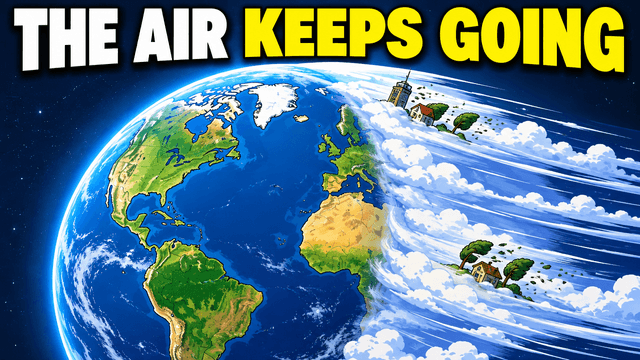
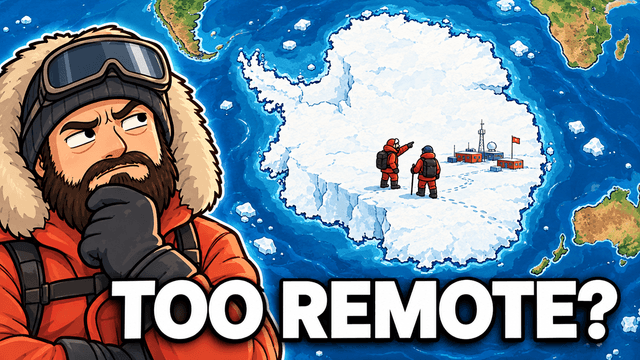
Short walkthroughs from our channel on making thumbnails people click.
Getting AI thumbnails past the fake look.
Your cover should show the same subject or result as the Reel. Keep it simple enough to read in a small preview. For your next Instagram Reel, compare thumbnail options with an AI thumbnail maker.
For recipes, makeovers, and tutorials, show what viewers will make or learn. Keep the result big.
Use a few words that name the topic. Skip the text when the photo already explains it.
Keep faces and words away from the edges. Check the cover preview and how it looks on your profile.
Reuse the same font and colors for recipe steps, gym tips, or weekly updates. Change the subject each time.
More cover ideas
Find cover ideas for Reels, longer videos, and other channels.
Choose a monthly credit allowance for your publishing schedule.
For creators posting consistently every month.
Includes:
For creators publishing several times a week.
Everything in Starter, plus:
For high-volume creators and teams.
Everything in Starter, plus:
Describe your Reel in VisualKit and add any photos you want to use. Choose 9:16 in the create settings, compare covers, and ask for changes. Download your pick and check it in Instagram.
Start with a vertical 9:16 image for a Reel. Instagram may crop the cover in other views, so keep key text and faces near the middle. Check the current preview before you post.
Yes. Add a photo of yourself, a product, a dish, or a frame from your video. Tell VisualKit what to keep and what to change, then check the result before you post.
No. Download the cover from VisualKit, then add it in Instagram using the cover options available for your Reel. Check the crop before you publish.
VisualKit is an AI Instagram thumbnail maker. Describe your Reel, add your own photos, and compare cover ideas. Choose 9:16 in the create settings for a vertical cover, then check its crop in Instagram.
Use one big subject and a few short words. Keep the face and text away from the edges so you have room to adjust the preview.
| Task | What VisualKit Does | You Start With | You Can Change | Result |
|---|---|---|---|---|
| Create a cover | Makes cover options for your Reel | A video idea and the shape you need | The subject, text, background, and colors | An Instagram cover to check before posting |
| Add your photos | Uses the people, places, or products you upload | A photo of you, your product, or the result | Photo size, crop, placement, and background | A cover made around your images |
| Use a reference | Uses a cover you like to guide the look | A reference image | Colors, lighting, text, and layout | A new cover for your video |
| Ask for edits | Changes the cover you pick from a written request | A request like "make the face bigger" | Text, faces, objects, colors, and background | An updated cover to review |
Create a cover
Makes cover options for your Reel
A video idea and the shape you needAn Instagram cover to check before posting
You Can Change: The subject, text, background, and colors
Add your photos
Uses the people, places, or products you upload
A photo of you, your product, or the resultA cover made around your images
You Can Change: Photo size, crop, placement, and background
Use a reference
Uses a cover you like to guide the look
A reference imageA new cover for your video
You Can Change: Colors, lighting, text, and layout
Ask for edits
Changes the cover you pick from a written request
A request like "make the face bigger"An updated cover to review
You Can Change: Text, faces, objects, colors, and background