Prompt to thumbnail
Describe the full episode
Name the guest, topic, and reason to watch. Add photos you want to use.
Use VisualKit to make cover ideas for full episodes, interviews, and longer stories. Show why the full video is worth watching. Features is in early testing. Check the cover options on your Instagram account.
When you have the idea, use AI thumbnail maker to make a few options and pick the one that reads on a phone.
Start with the full episode, then pick the image that fits it.
Name the guest, topic, and reason to watch. Add photos you want to use.
Pick the cover that shows what the episode is about, even at a small size.
Your thumbnail
Checking click potential…
After one fix
Your idea, with a sharper edge.
A better starting point for your next upload.
Make the face bigger, shorten the text, or remove a distracting object.
The edit, simplified

Your prompt
Make the guest bigger and keep only I QUIT as text
One instruction. A more deliberate thumbnail.
Download your cover idea. Check the cover controls, file rules, and crop available on your account.
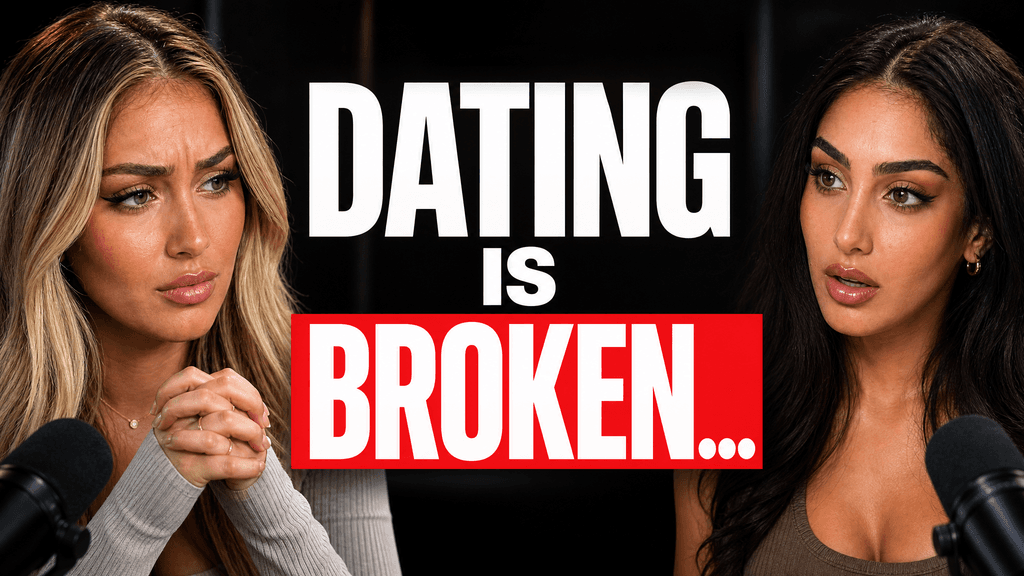
Use these wide thumbnail examples to plan a full episode cover. Try a guest close-up or show where the story takes place.

Use your photos and video idea to make a few options. Pick one and ask for changes.
One guest, question, or moment can explain what the full video offers.
Use a few words that add meaning. Check them on a phone.
Check that faces, names, and short text remain readable in the preview.
Start with your video idea and photos.
Real thumbnails created with VisualKit.
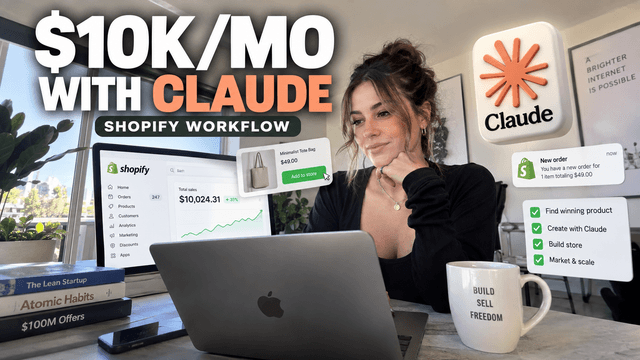
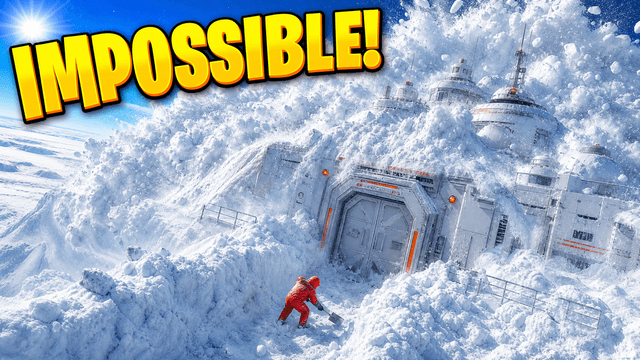
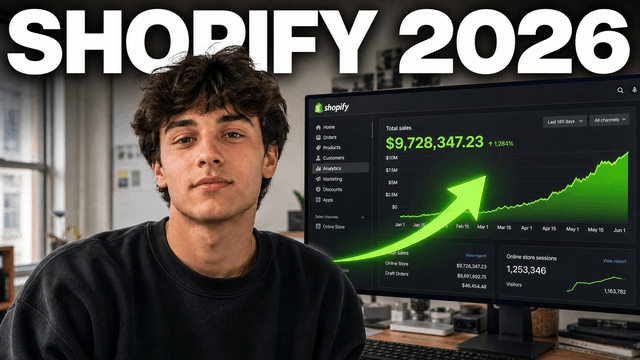
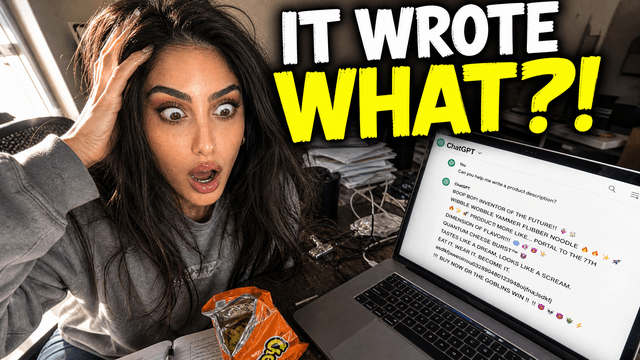
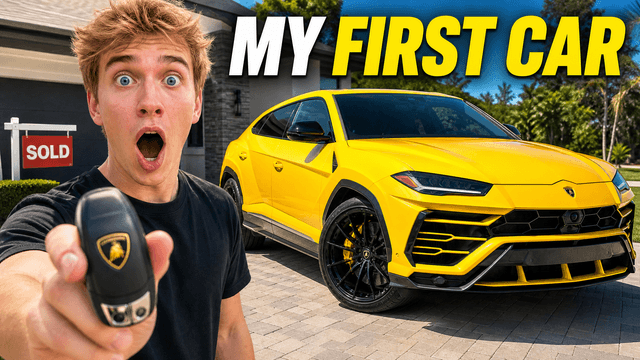
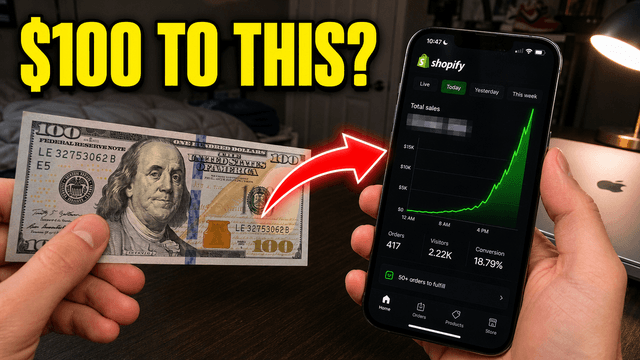
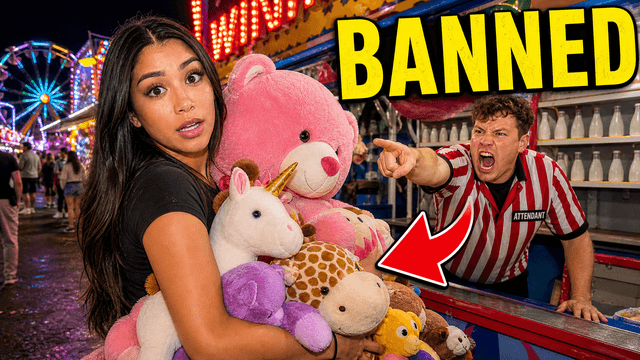

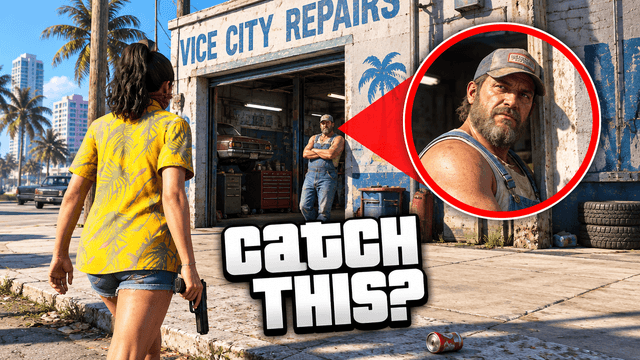
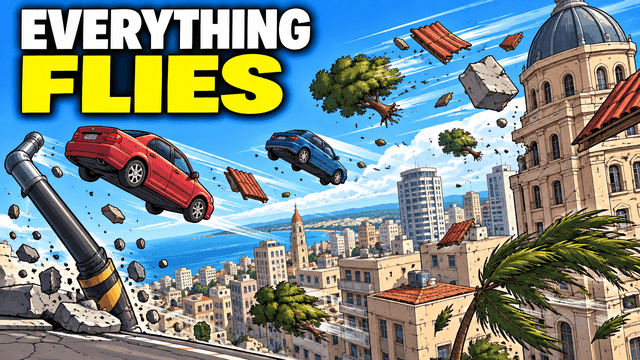
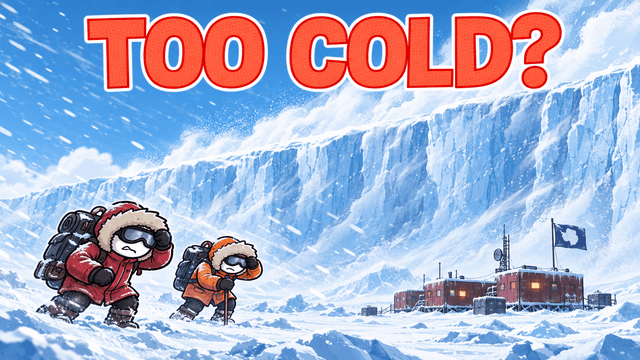
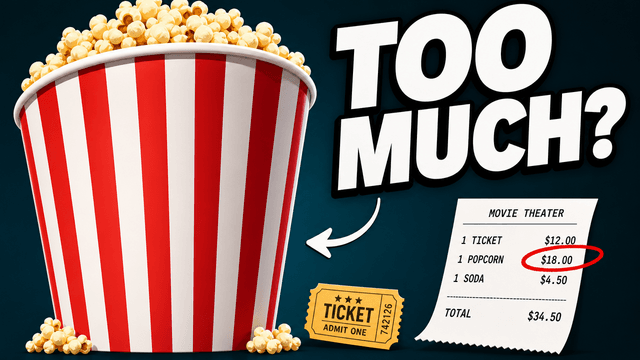
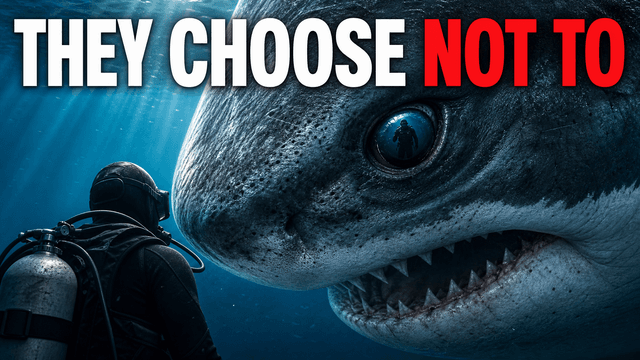
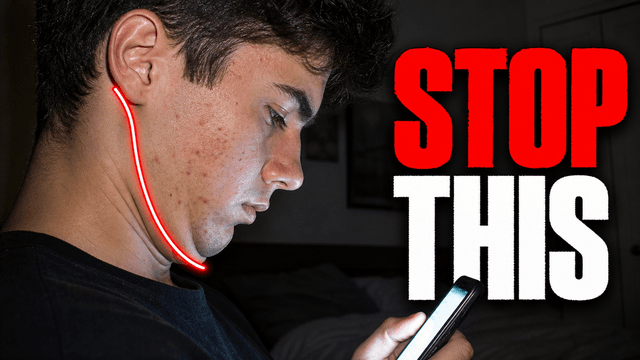

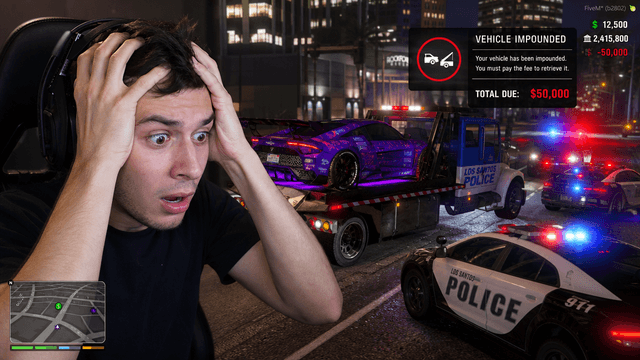
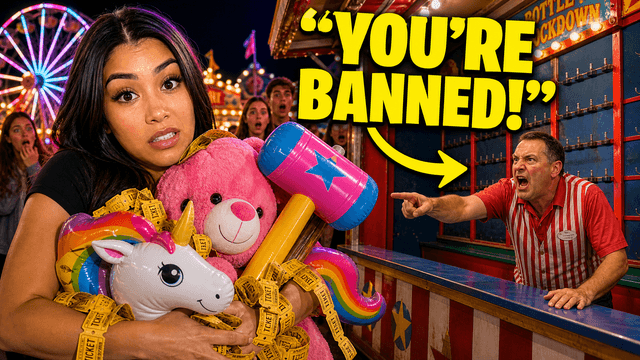
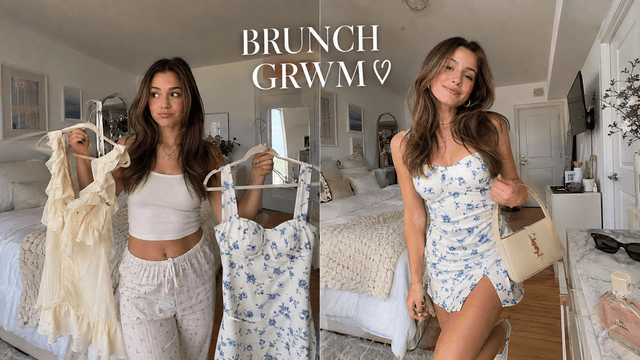

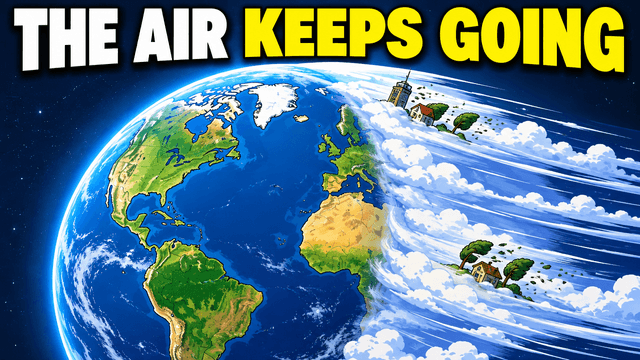
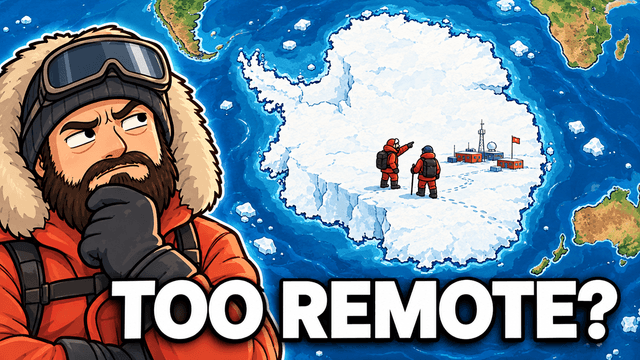
Short walkthroughs from our channel on making thumbnails people click.
Getting AI thumbnails past the fake look.
A clip can sell one moment. The full episode cover should show the guest, story, or topic people will spend time with. For your next Instagram Feature, compare thumbnail options with an AI thumbnail maker.
Choose one question, guest, or result from the full video. Save the side topics for the caption.
Give the guest enough room to be recognized. Keep names short and check the spelling.
Use a place, object, or moment that appears in the video. The cover should set the right expectation.
Features is in early testing. Cover controls and file rules may vary. See Instagram’s Features announcement and check your upload screen.
More cover ideas
Make the long video and its short clips look related.
Choose a monthly credit allowance for your publishing schedule.
For creators posting consistently every month.
Includes:
For creators publishing several times a week.
Everything in Starter, plus:
For high-volume creators and teams.
Everything in Starter, plus:
Features is Instagram’s test of longer, horizontal videos. This page helps you plan cover ideas for full episodes, interviews, and other long videos. Check your account for access and upload options.
Yes. Describe your episode and add guest photos or other images. Compare the cover ideas, pick one, and ask for changes to the text, face size, or background.
Check the file rules and crop in your Instagram upload screen. We have not confirmed a required Features cover size. Use a wide draft to plan the image, then match the settings your account supports.
You can use it as a starting point if it matches the same video. Check the accepted file type, size, and crop in Instagram. Move text or faces if the preview cuts them off.
VisualKit is an Instagram Features thumbnail maker for planning covers for longer videos. Describe an episode, add your photos, and compare cover ideas. Features is in early testing.
Use it for podcast episodes, interviews, travel films, and longer stories. Lead with the guest or main topic, then use a few words to name the question the video answers.
| Task | What VisualKit Does | You Start With | You Can Change | Result |
|---|---|---|---|---|
| Create a cover | Makes cover options for your full episode | A video idea and the shape you need | The subject, text, background, and colors | A cover idea to check in your upload preview |
| Add your photos | Uses the people, places, or products you upload | Guest photos or a frame from the episode | Photo size, crop, placement, and background | A cover made around your images |
| Use a reference | Uses a cover you like to guide the look | A reference image | Colors, lighting, text, and layout | A new cover for your video |
| Ask for edits | Changes the cover you pick from a written request | A request like "make the face bigger" | Text, faces, objects, colors, and background | An updated cover to review |
Create a cover
Makes cover options for your full episode
A video idea and the shape you needA cover idea to check in your upload preview
You Can Change: The subject, text, background, and colors
Add your photos
Uses the people, places, or products you upload
Guest photos or a frame from the episodeA cover made around your images
You Can Change: Photo size, crop, placement, and background
Use a reference
Uses a cover you like to guide the look
A reference imageA new cover for your video
You Can Change: Colors, lighting, text, and layout
Ask for edits
Changes the cover you pick from a written request
A request like "make the face bigger"An updated cover to review
You Can Change: Text, faces, objects, colors, and background